Share-to-Unlock Prize Scam
A fake prize page uses a familiar brand name and promises a gift, but says you must share the page on social media or with several groups or friends before you can continue. The page may then send the people you contact to other unfamiliar domains. This pressure tactic is designed to spread the scam and can lead to requests for personal or payment information.
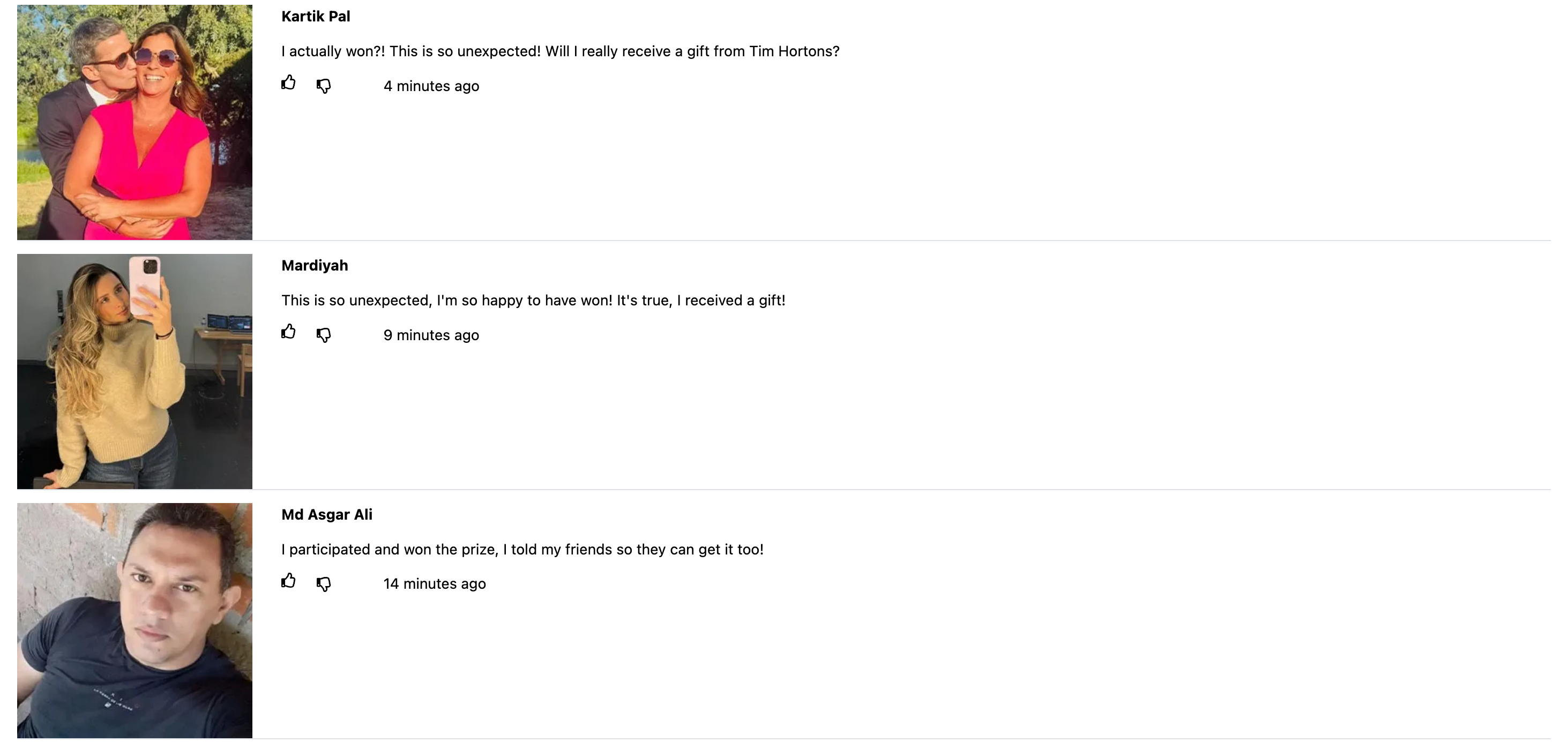
How this scam works
- 1
Step 1: You receive or open a page that uses a well-known brand name and says you have won a prize.
- 2
Step 2: The page asks you to share it on social media or with multiple groups or friends through messaging apps before you can claim the prize.
- 3
Step 3: The shared link may use an unrelated web address and take recipients through another prize or reward page.
- 4
Step 4: The page may later ask for personal details, payment information, or additional actions to release the supposed prize.
✓ Do this
- Close the page and verify promotions through the brand's official website or app, opened independently.
- Warn anyone you may have sent the link to so they do not open it or share it further.
- Report the message or page through the service where you received it, then delete it.
- If you entered information or payment details, contact your bank or card provider and change any reused password through the official service.
✗ Avoid this
- Do not share the page with groups, friends, or family to unlock a prize.
- Do not enter personal, account, or payment information on an unfamiliar prize page.
- Do not trust a brand logo, countdown, comments, or claims that other people already received the reward.
- Do not use links from the page to verify the promotion; find the official brand website yourself.
Different versions of this scam
16 examples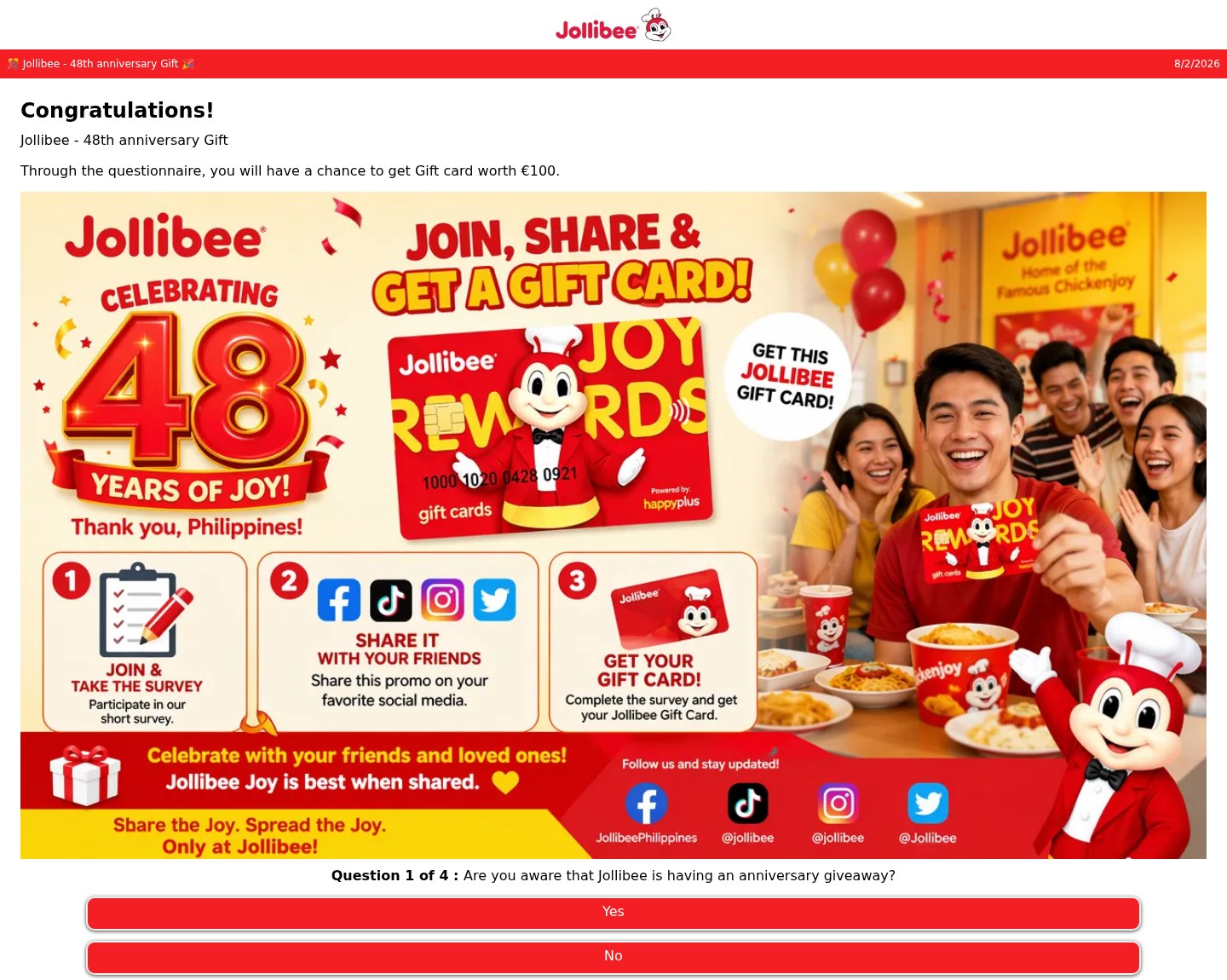
Fake Jollibee 48th anniversary gift card quiz that asks you to share the promo
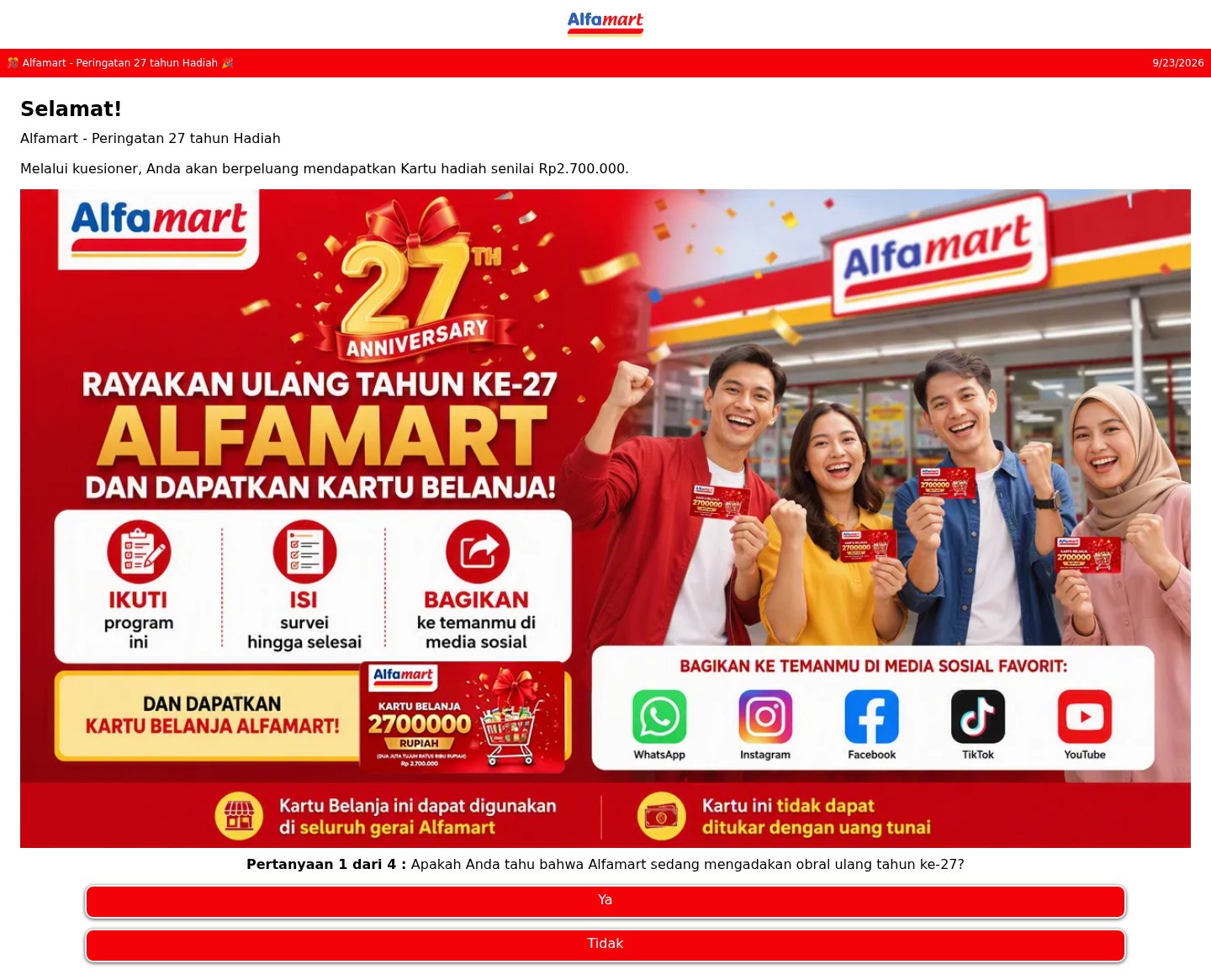
Fake Alfamart shopping card quiz that asks you to share it on social media
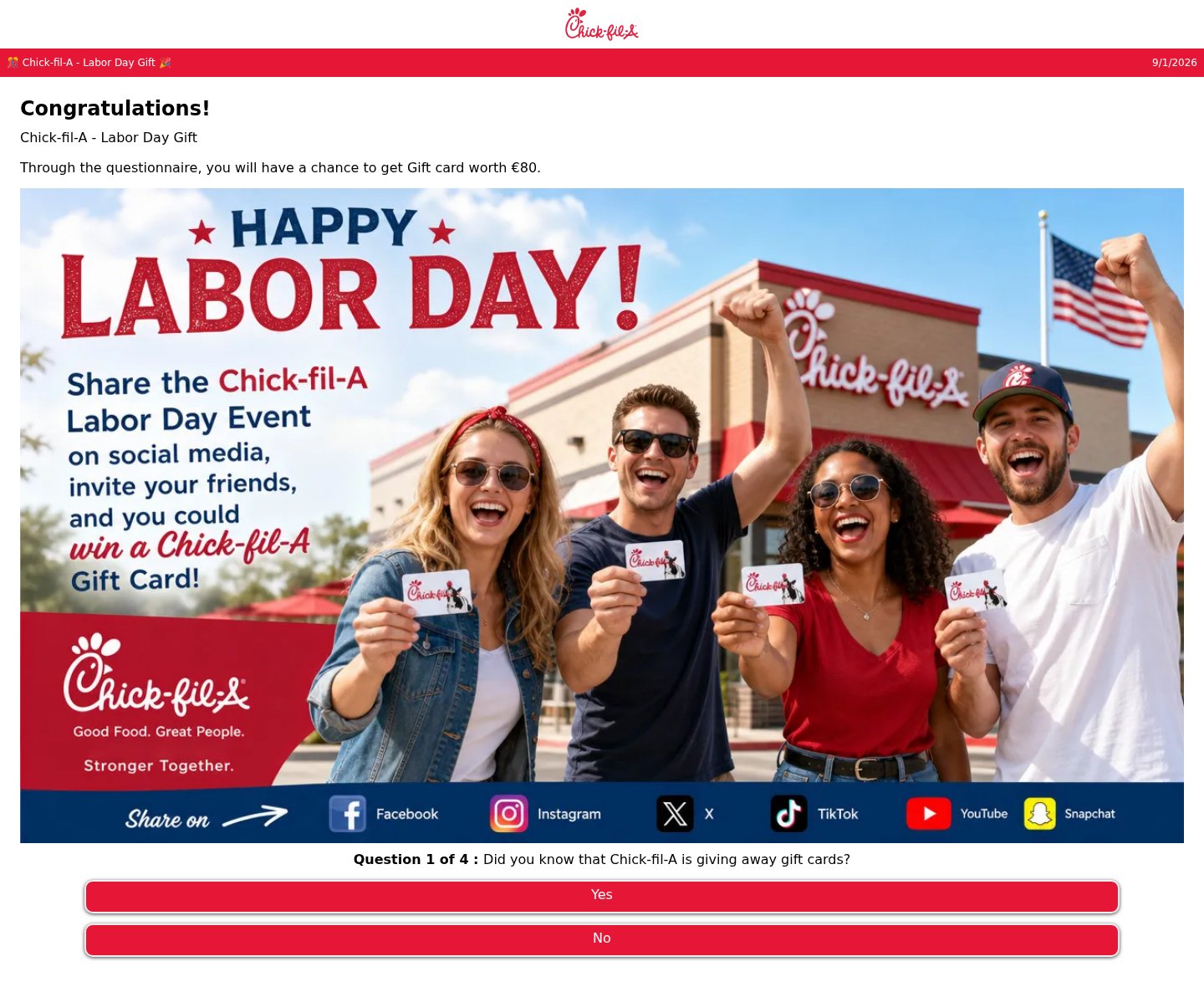
Fake Chick-fil-A Labor Day gift card quiz that asks you to share it on social media
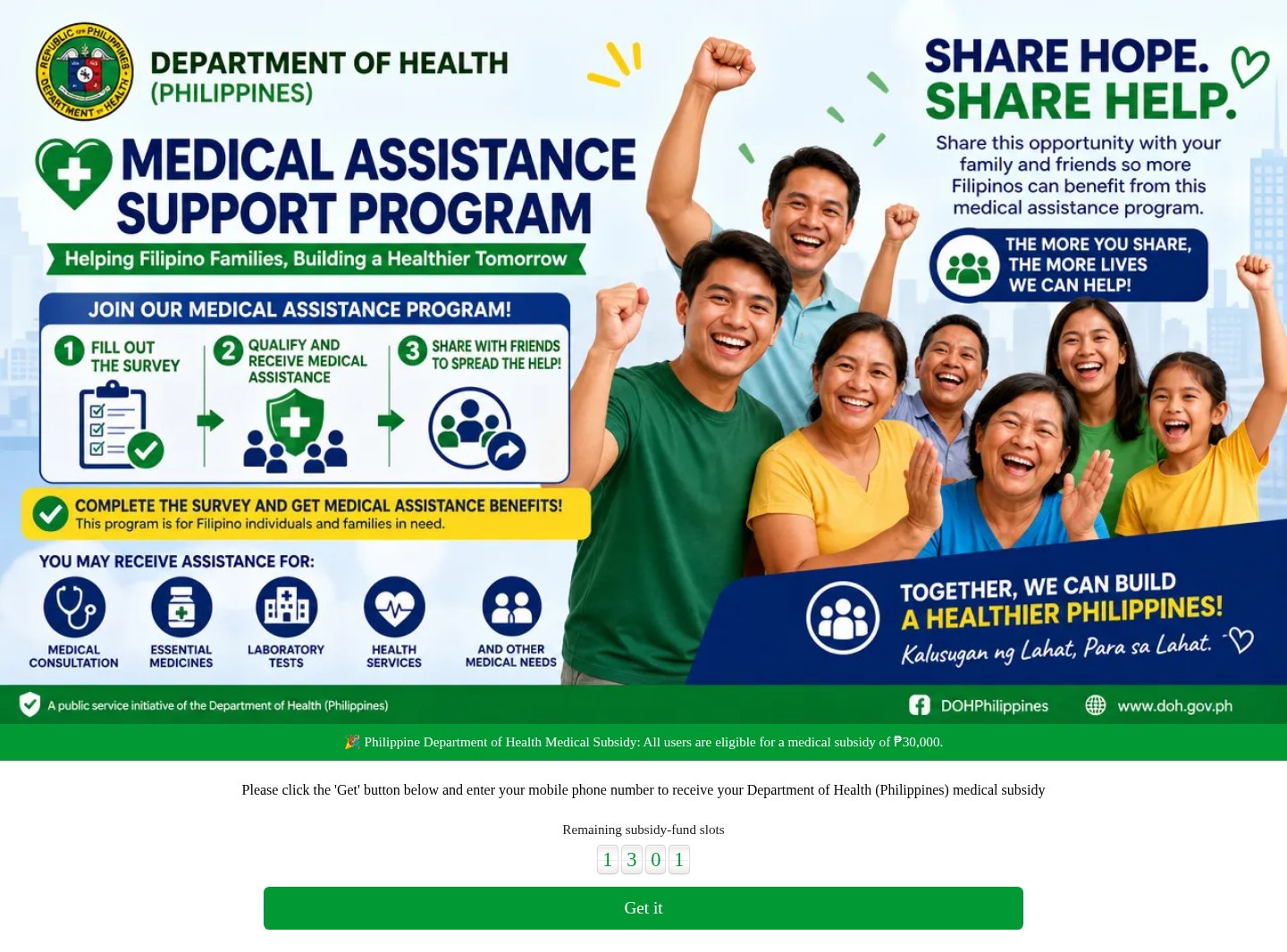
Fake Department of Health medical subsidy page that asks for your phone number
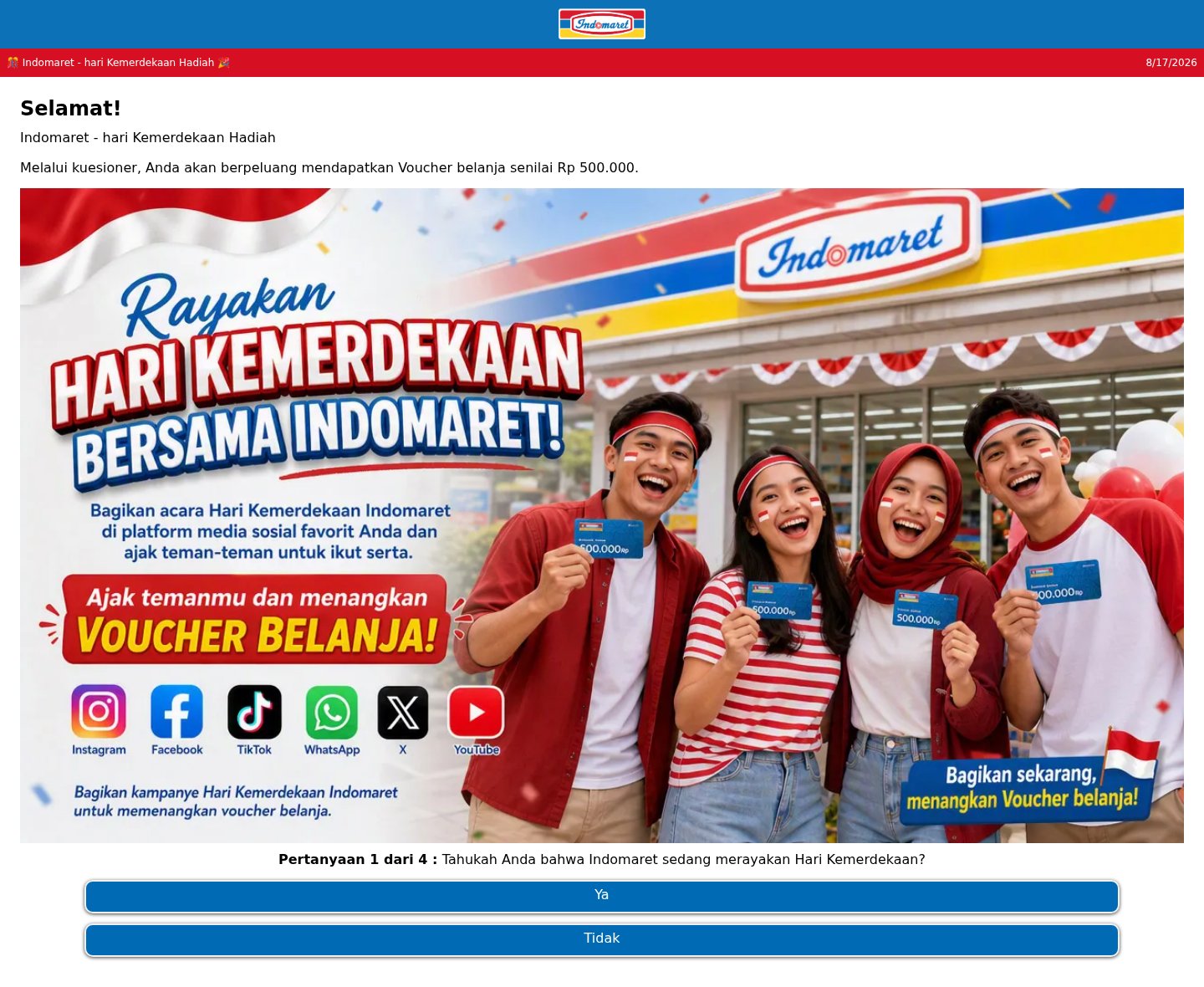
Fake Indomaret shopping voucher quiz that asks you to share it with friends
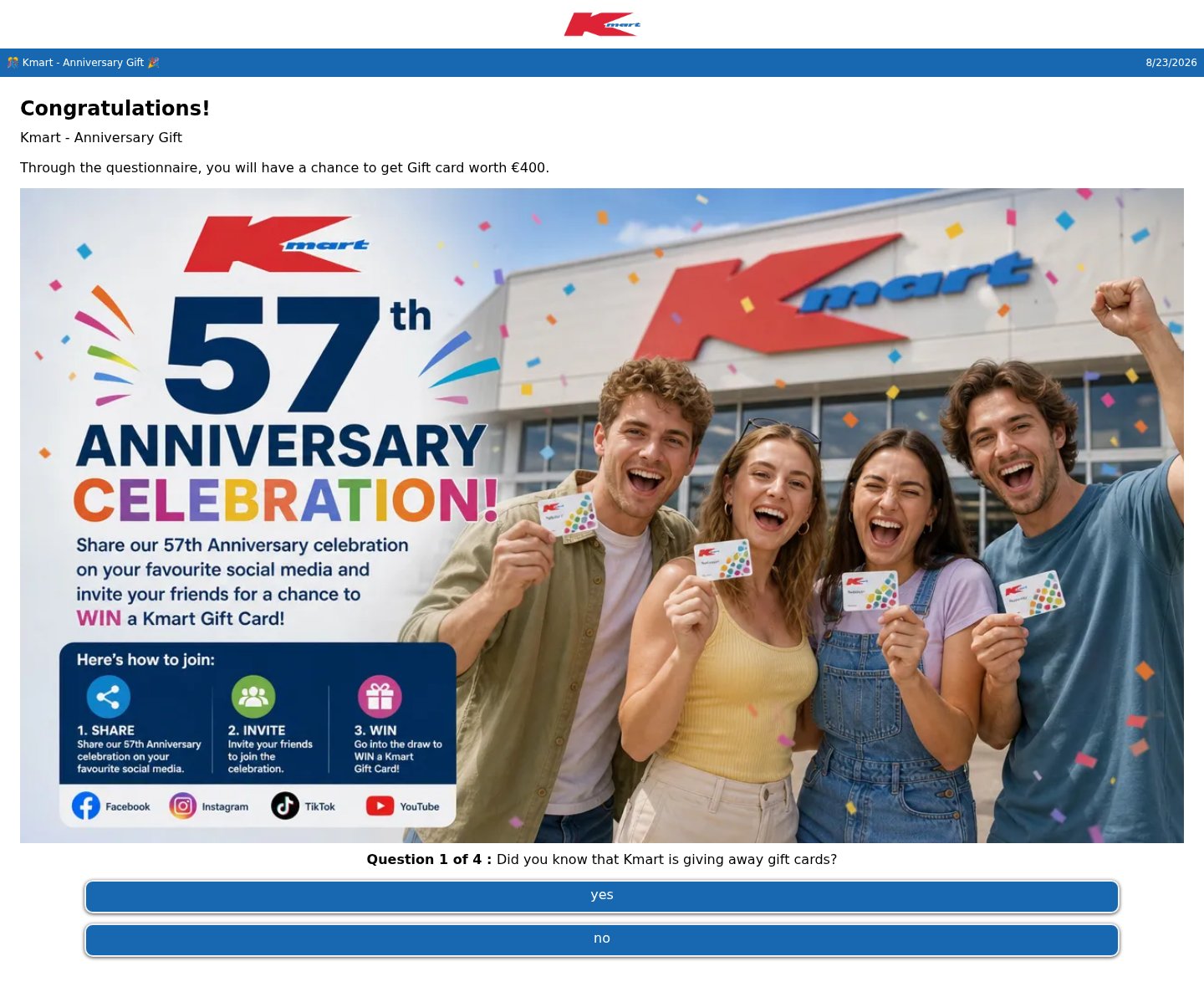
Fake Kmart 57th anniversary gift card quiz that asks you to share and invite friends
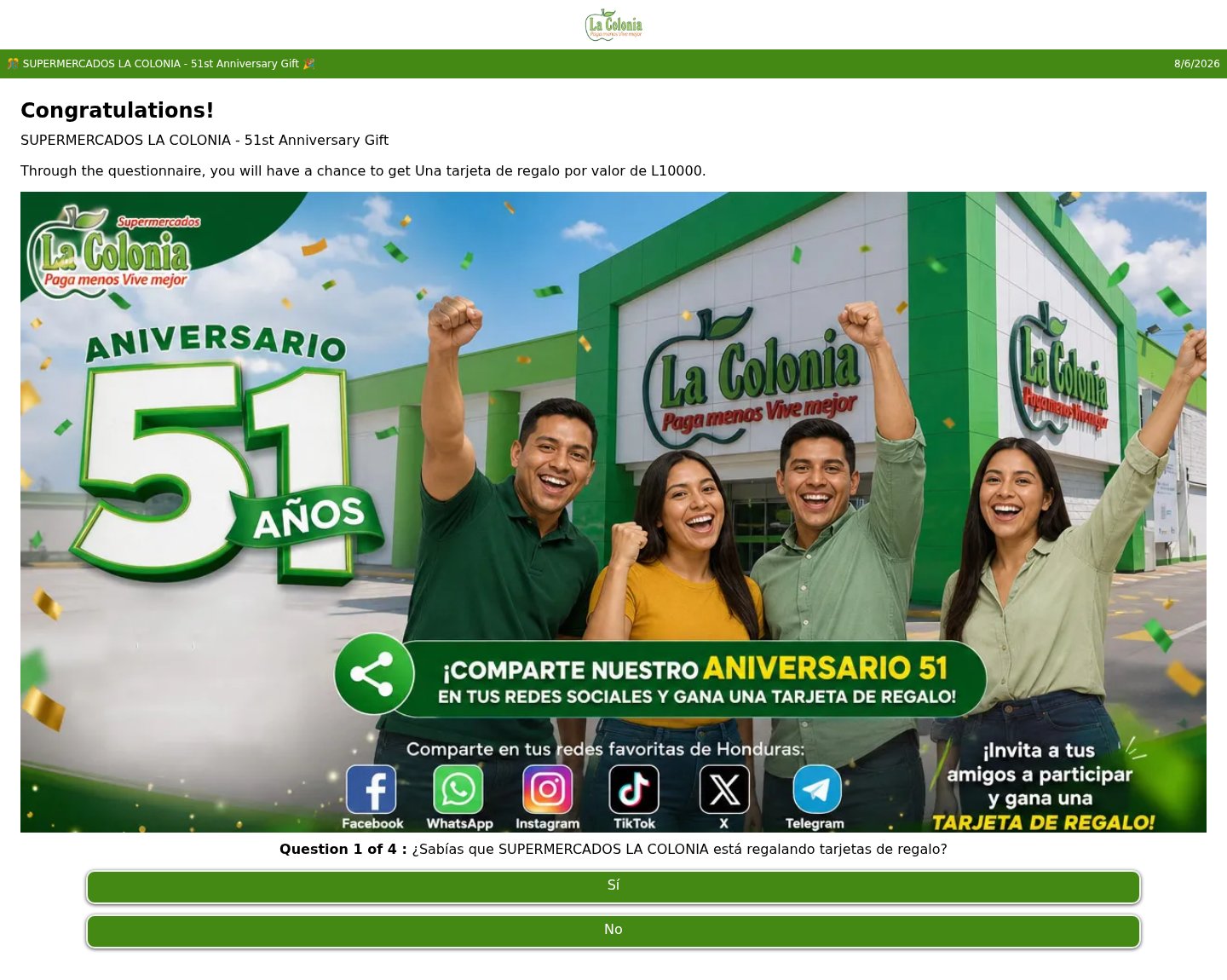
Fake La Colonia 51st anniversary gift card quiz that asks you to share it on social media
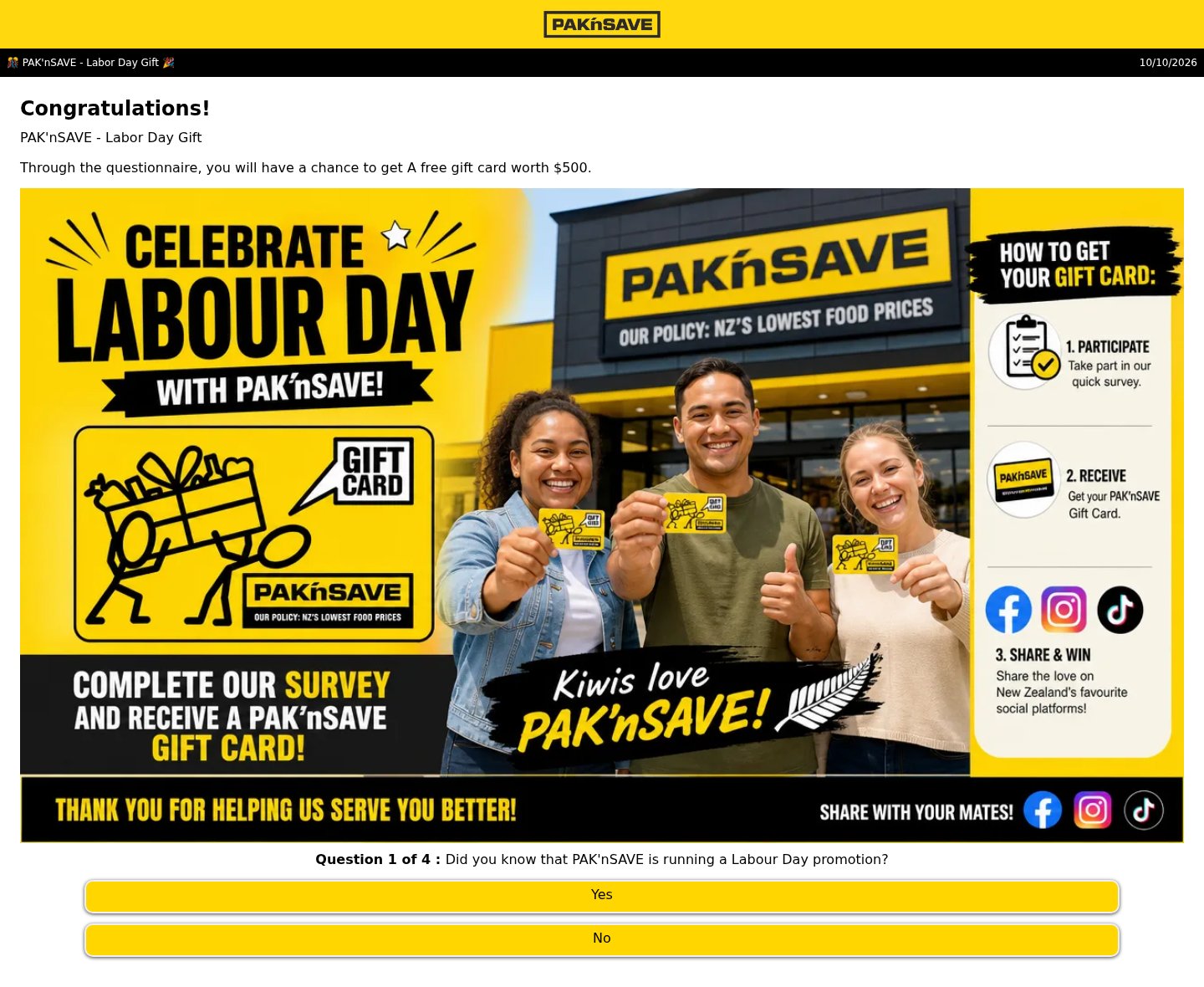
Fake PAK'nSAVE Labour Day gift card quiz that asks you to share it with your mates
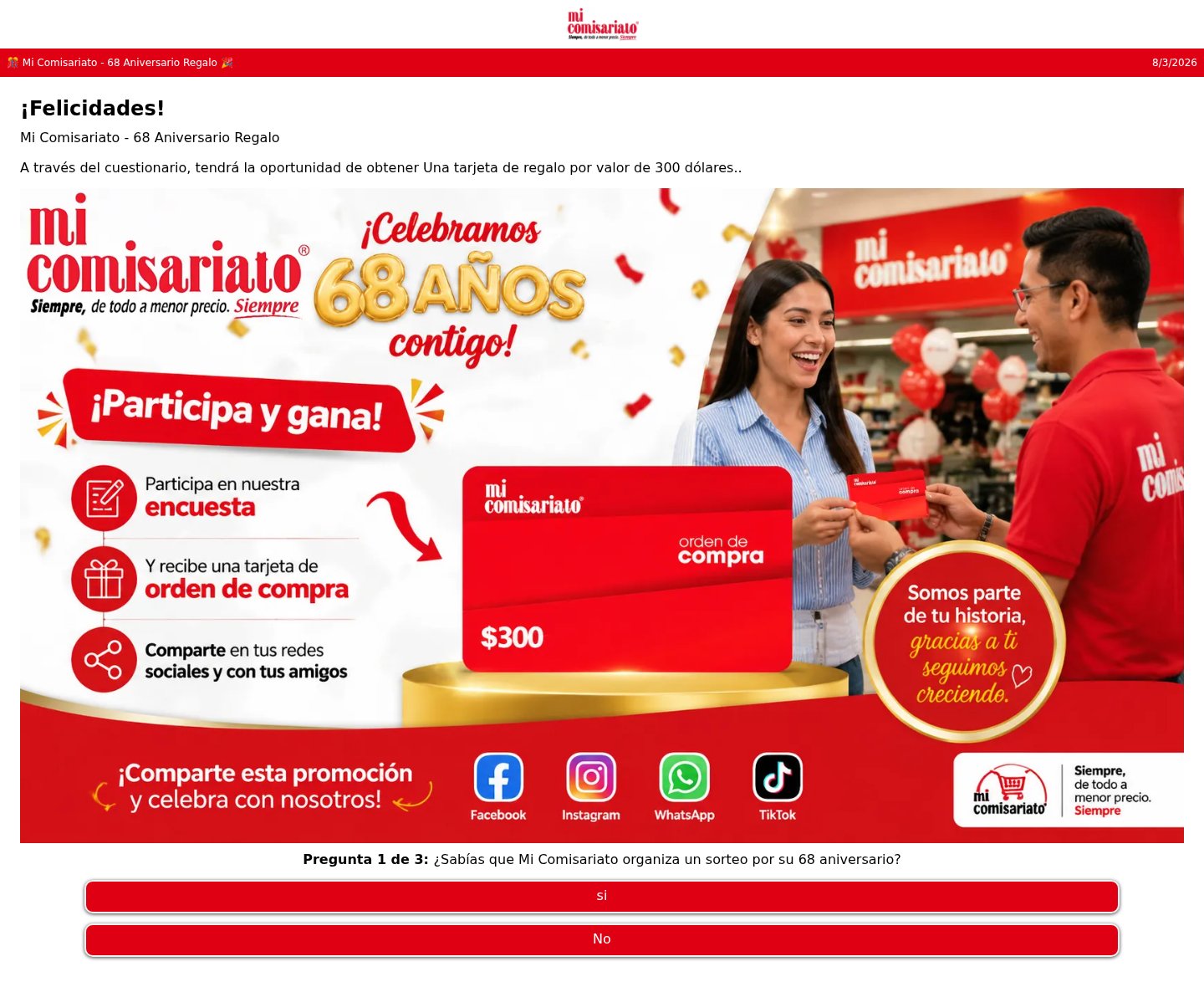
Fake Mi Comisariato 68th anniversary gift card quiz that asks you to share the promotion
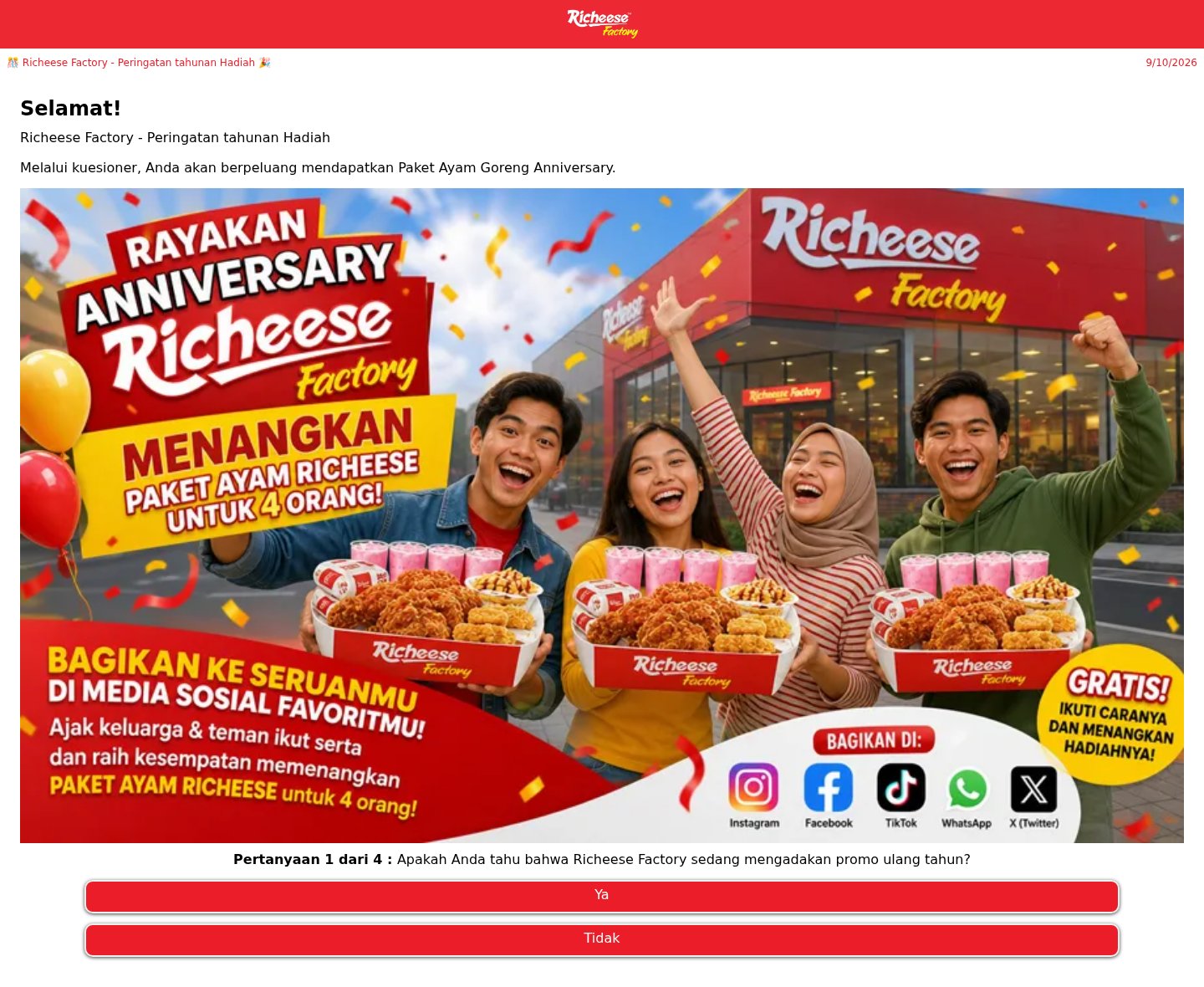
Fake Richeese Factory anniversary chicken meal quiz that asks you to share it on social media
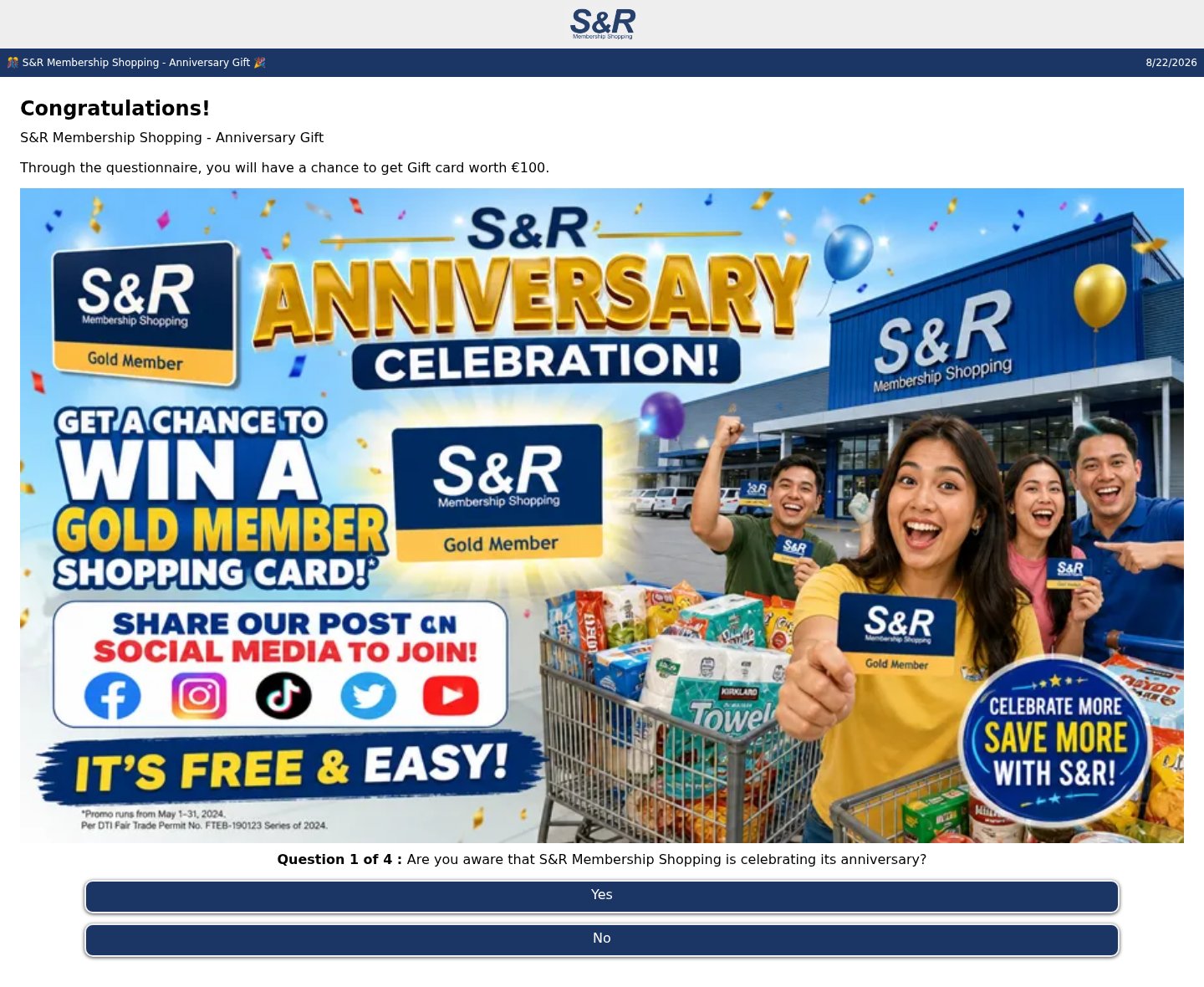
Fake S&R Membership Shopping anniversary gift card quiz that asks you to share the post
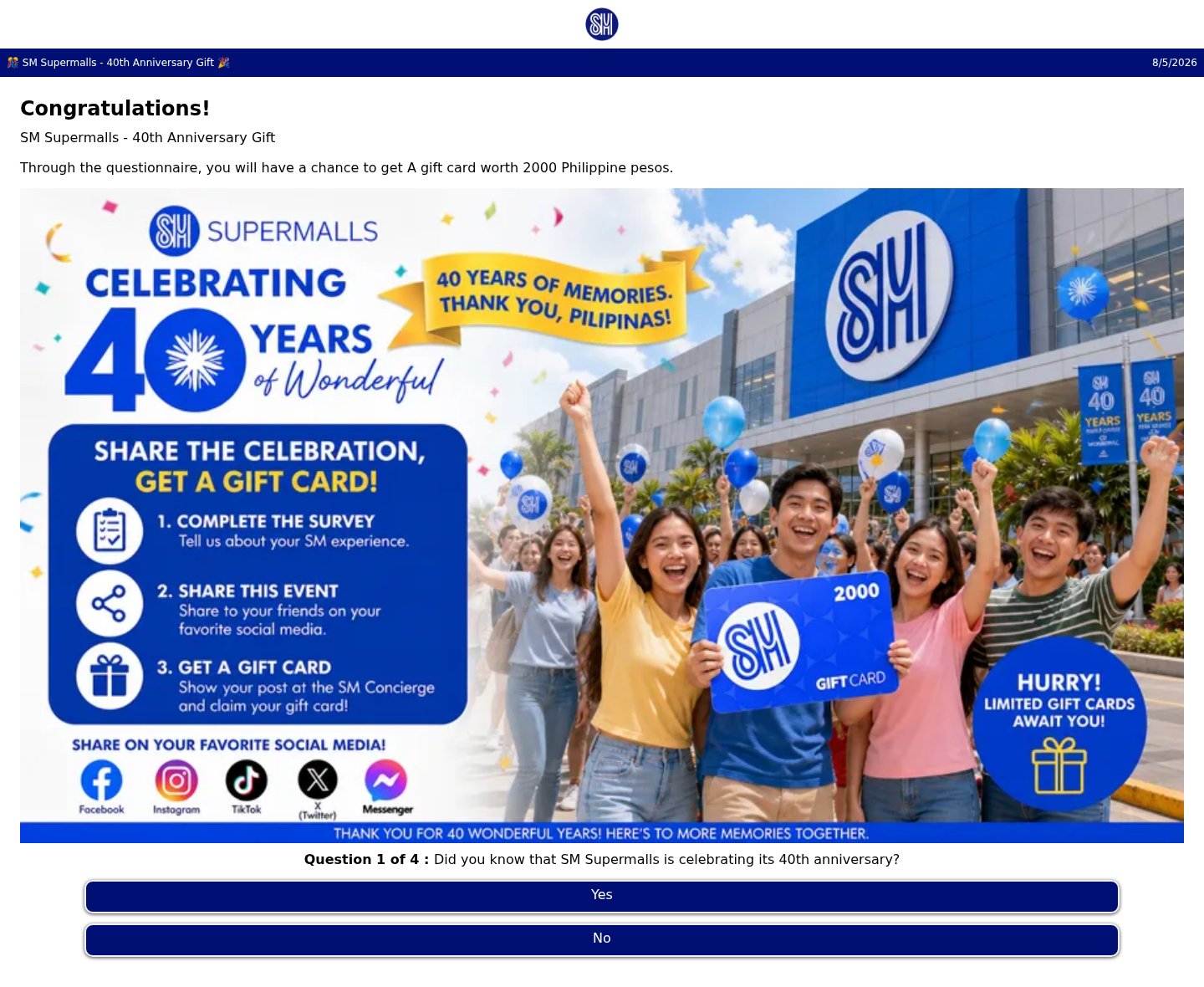
Fake SM Supermalls 40th anniversary gift card quiz that asks you to share the event
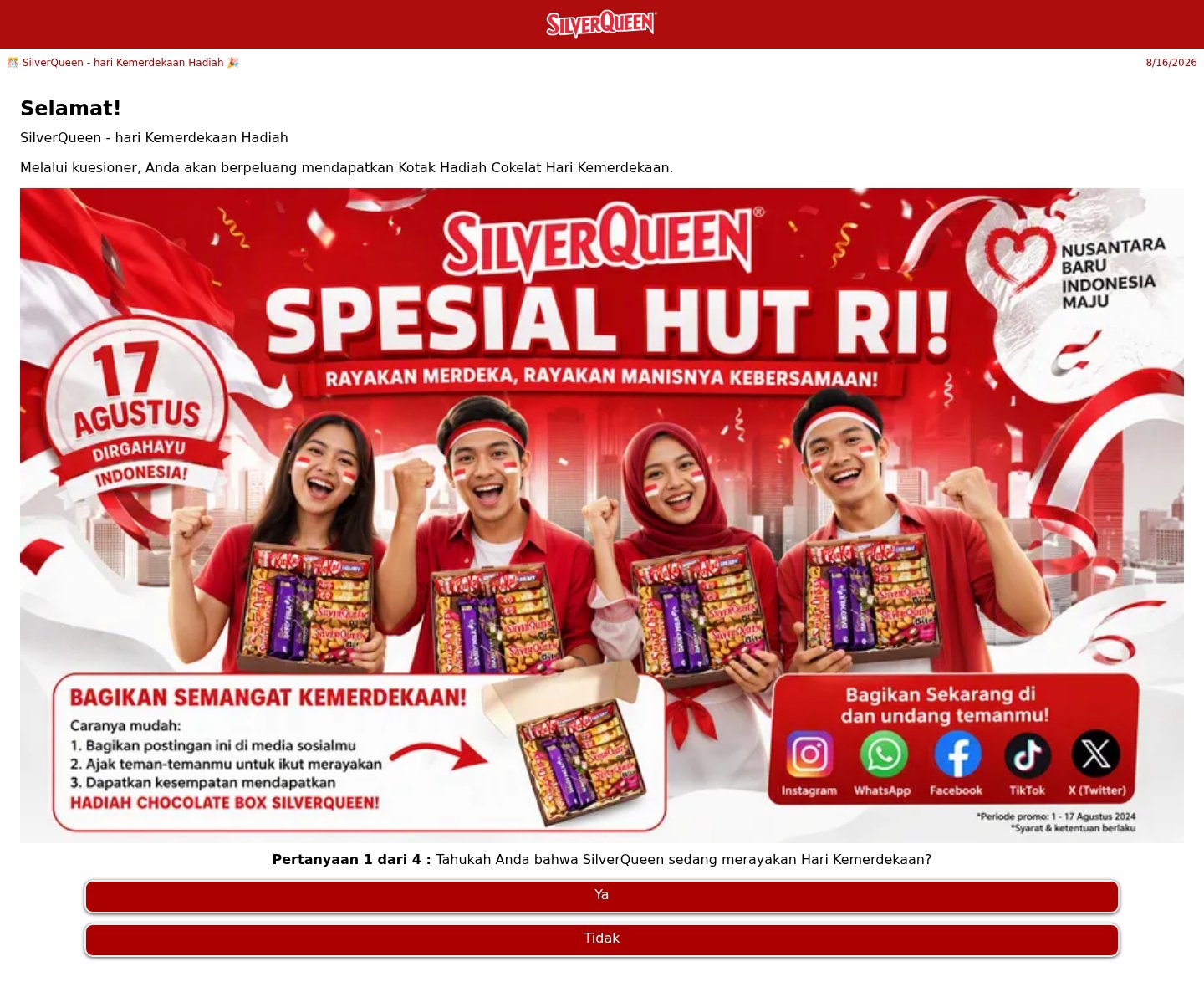
Fake SilverQueen Independence Day chocolate box quiz that asks you to share the post
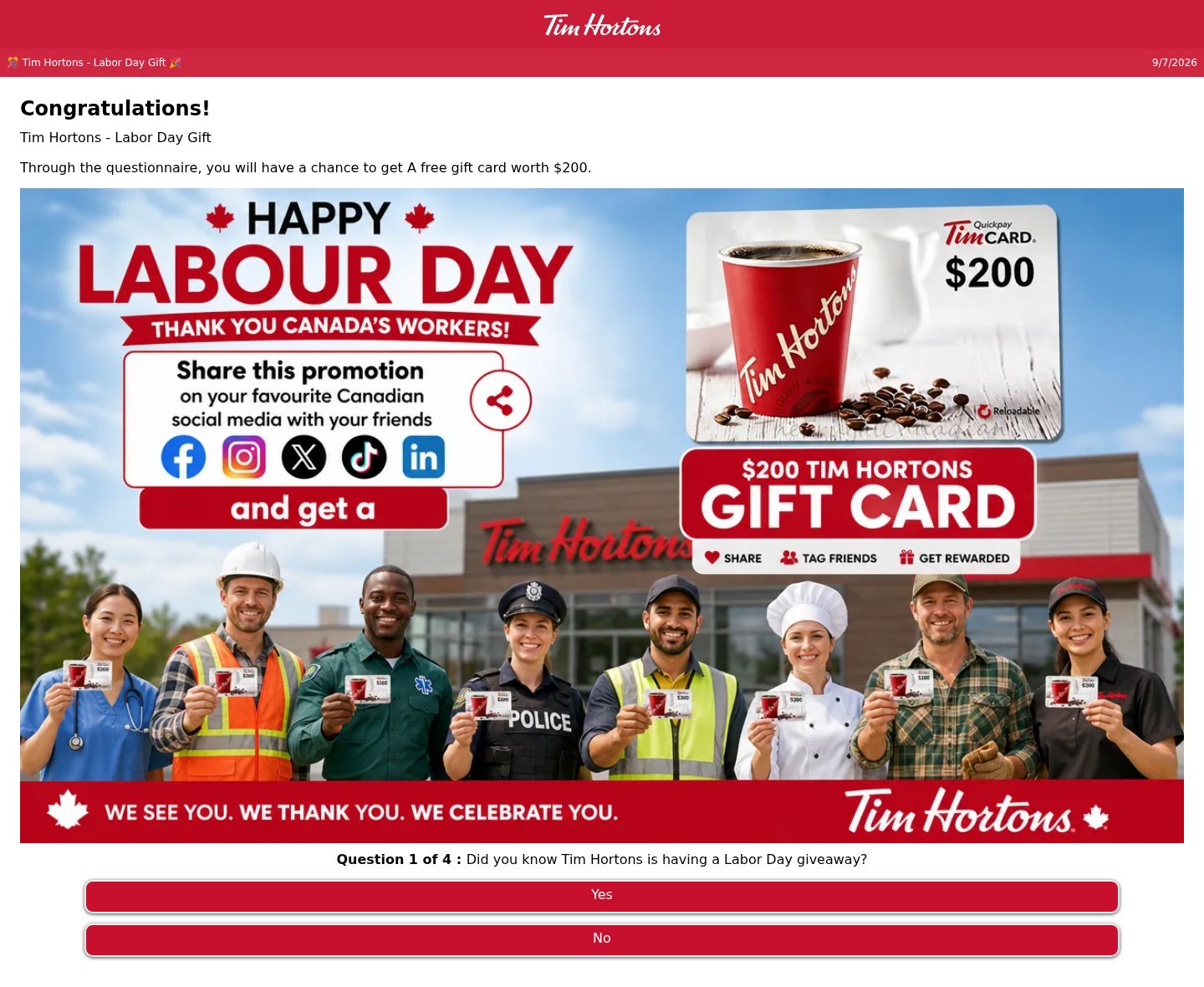
Fake Tim Hortons $200 gift card quiz that asks you to share it on social media
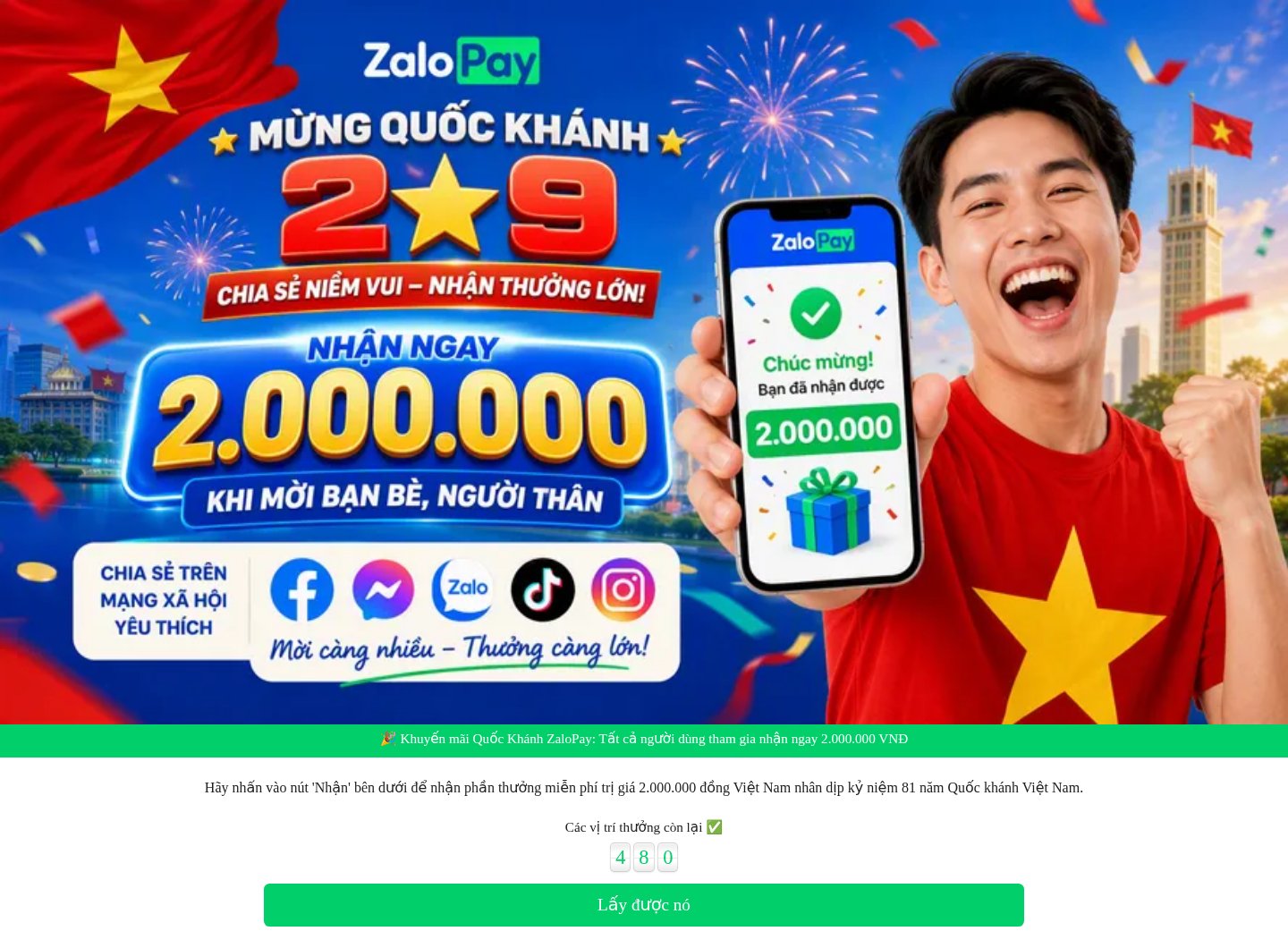
Fake ZaloPay National Day 2 million dong reward that asks you to share it with friends
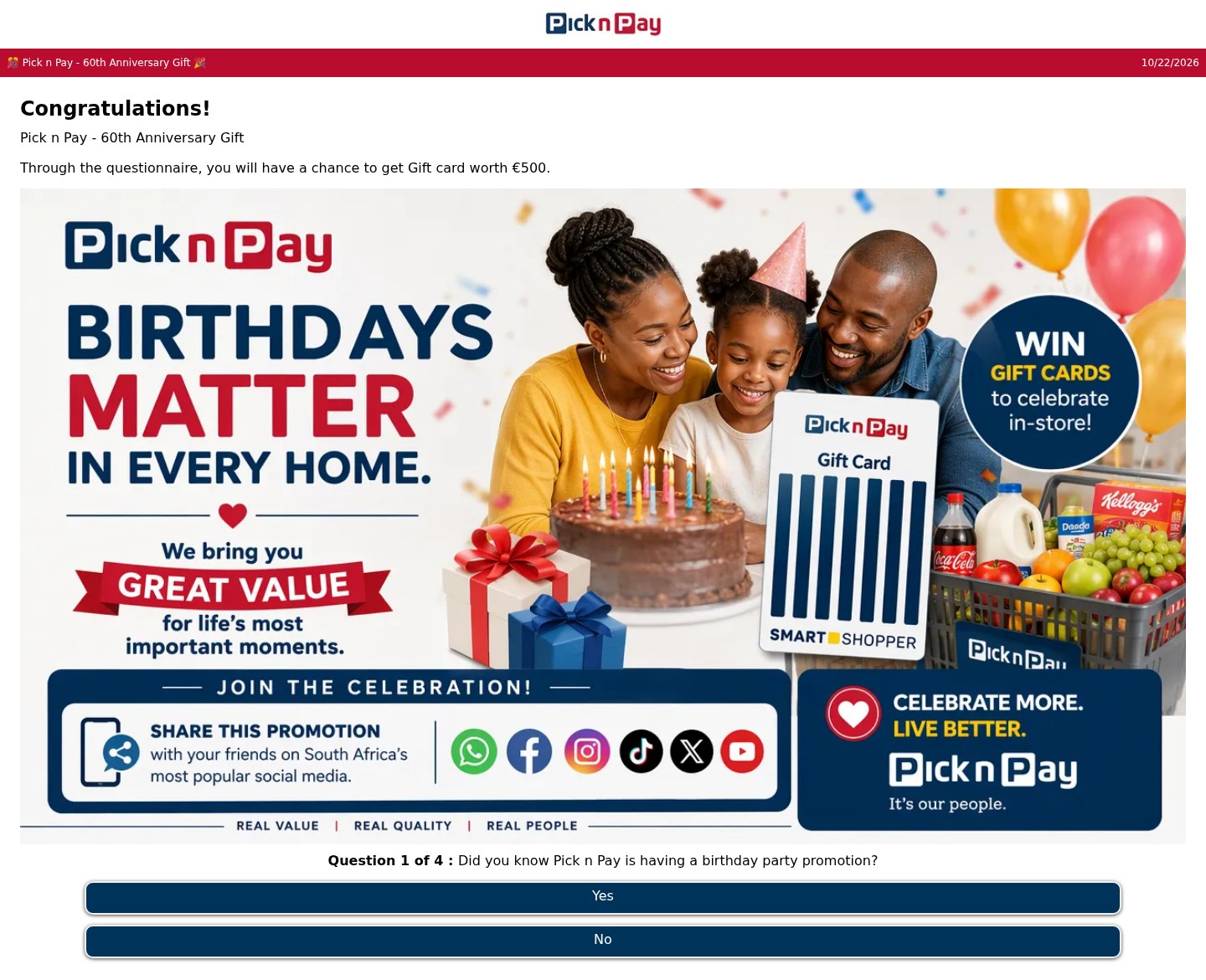
Fake Pick n Pay 60th anniversary gift card quiz that asks you to share it on social media
Need help with a similar message?
Do not reply, pay, or use contact details in an unexpected message. Verify through the official app or website, then report what you saw so the Archive can connect related patterns.
Quick tip: Verify independently
Don’t call numbers or click links in unexpected messages. Go directly to the company’s official site or app and contact support from there.