Fake Document Verification Portal Scam
A web page copies an official service that confirms whether a document, such as an electronic invoice or bill, is genuine. A forged document carries a QR code or link that points to the copy instead of the real service, so anyone who checks it sees a "verified" result. The person harmed is often the one doing the checking, such as a bank, landlord, employer or business paying a supplier.
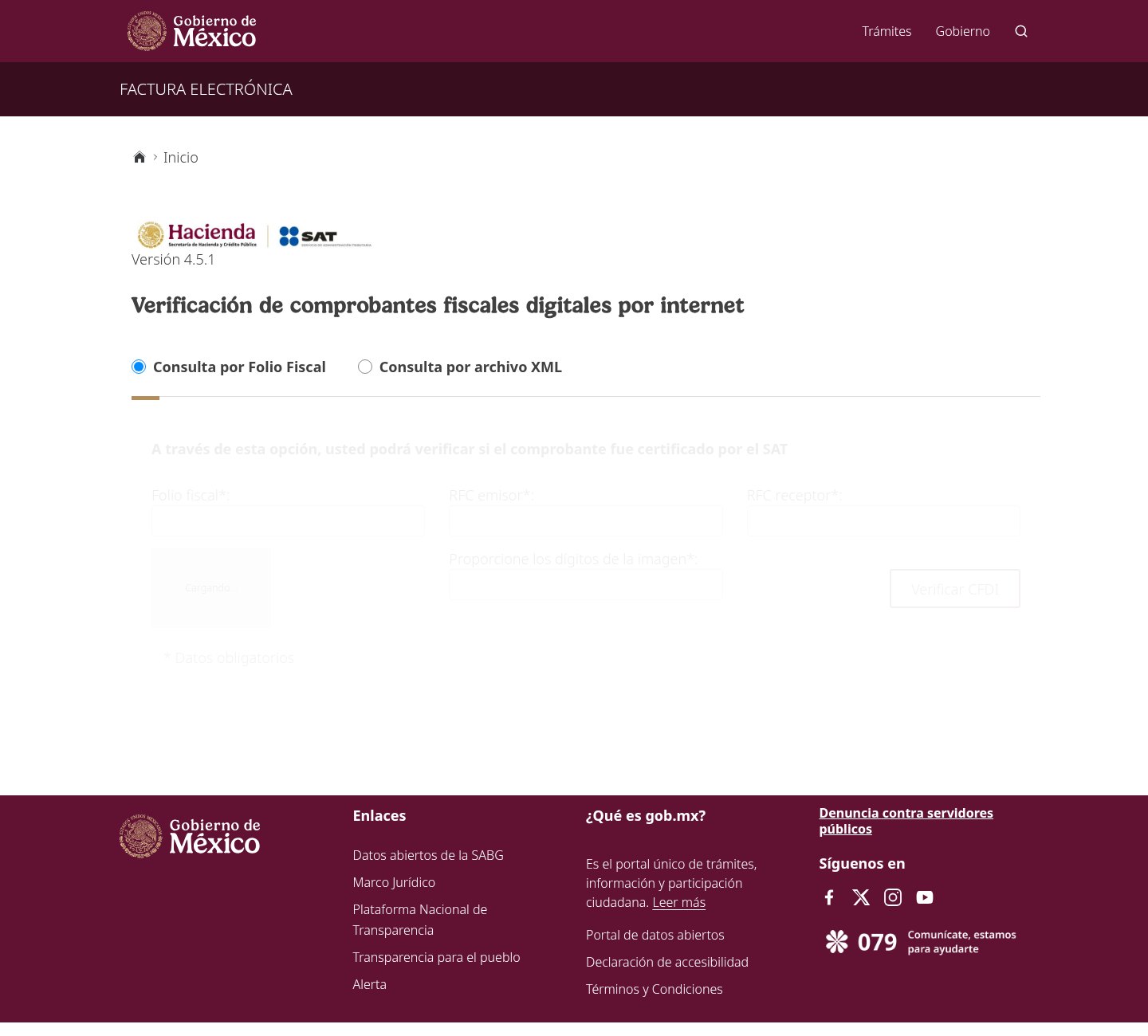
How this scam works
- 1
Step 1: Someone prepares a forged document, such as a utility bill or tax invoice, with a QR code or link for checking it.
- 2
Step 2: The QR code or link opens a look-alike address that copies the official verification page, often with a government header and logos.
- 3
Step 3: The copy shows a result that looks genuine, or lets its operator choose what result to show, without checking anything with the real service.
- 4
Step 4: The person checking the document trusts the result and accepts the document, opens an account, signs a lease or makes a payment. The documented variations do not show a completed case of harm.
✓ Do this
- After scanning a document's QR code, read the full web address before trusting the result.
- Check a document by typing the official verification address yourself and entering its code by hand.
- If a check passes on an unexpected address, treat the document as unverified and ask the issuer directly.
✗ Avoid this
- Do not accept a document because its QR code opens a page with government logos.
- Do not trust a verification page whose address is not exactly the official one, even if only one letter differs.
- Do not pay an invoice or approve an application based only on a verification link supplied with the document.
Different versions of this scam
1 exampleOther scams in Impersonation / Social Media
Other documented patterns in this category.
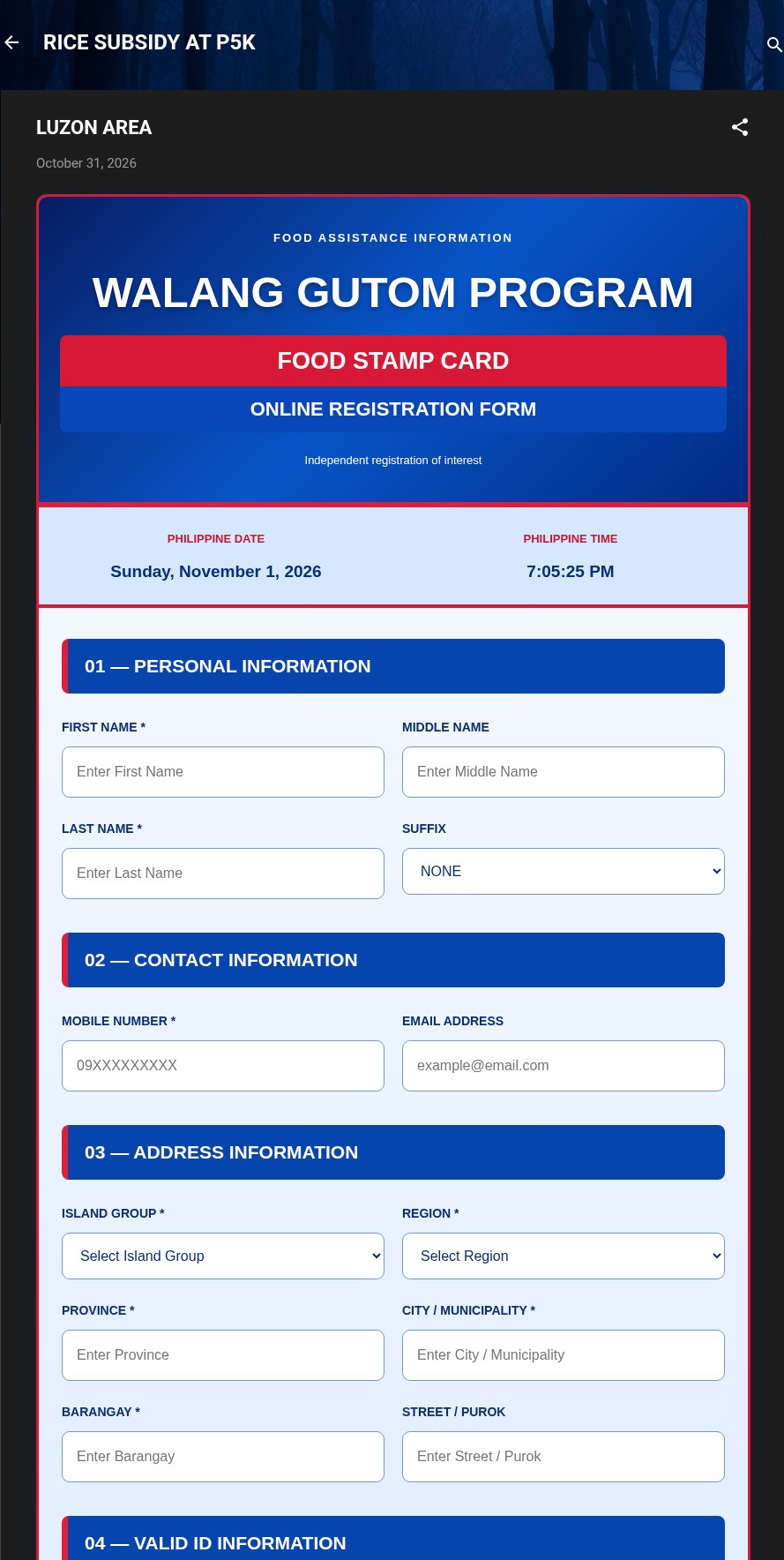 Fake Government Aid Registration Form ScamAdded 2026-11-01A web page or blog post uses the name of a real government aid program and says you can register online for food aid, a subsidy or cash a...
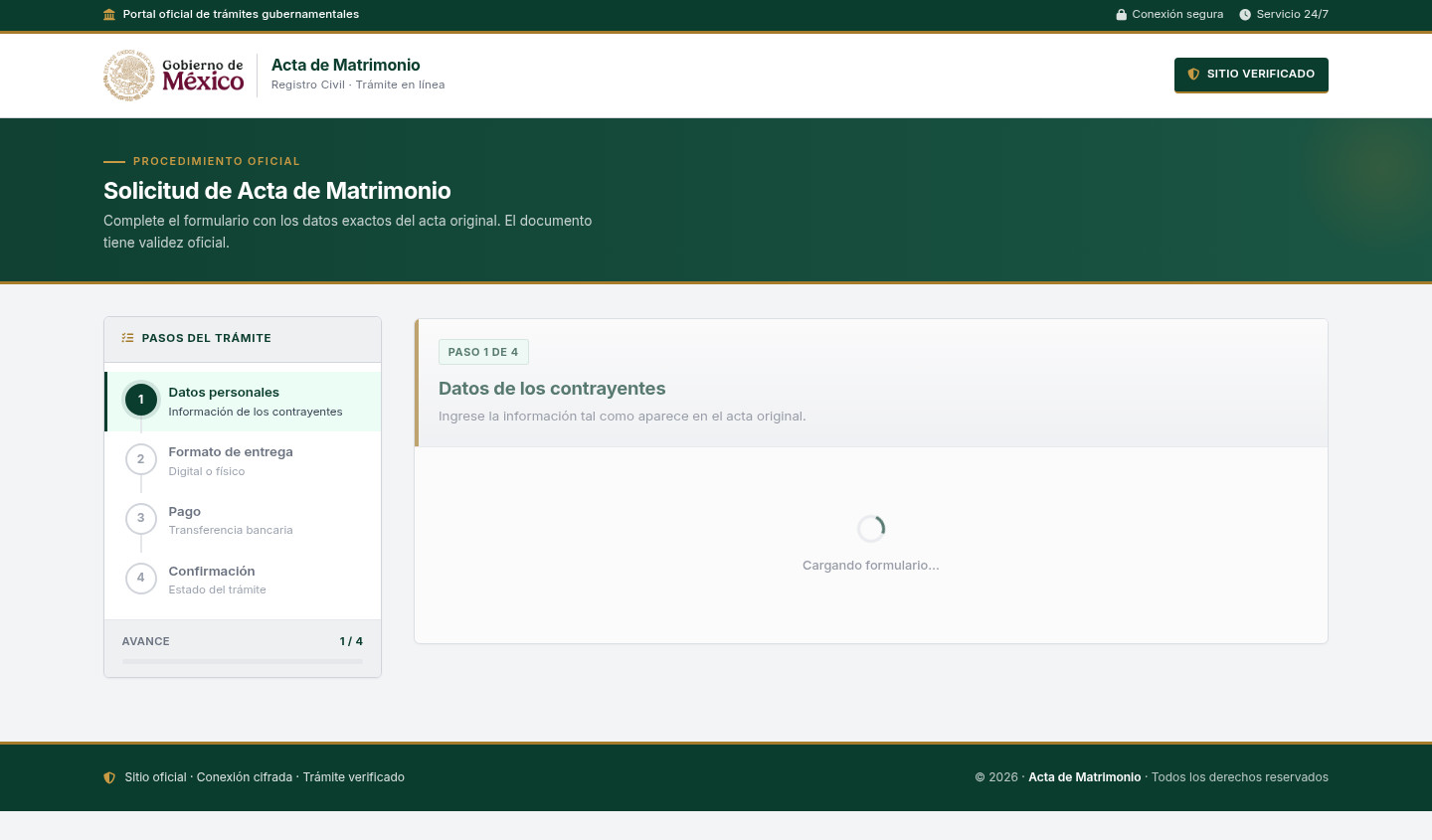 Fake Government Civil Document Application ScamAdded 2026-11-10A web page copies a government civil-registry or official-document service. It asks for personal details about a civil record and directs...
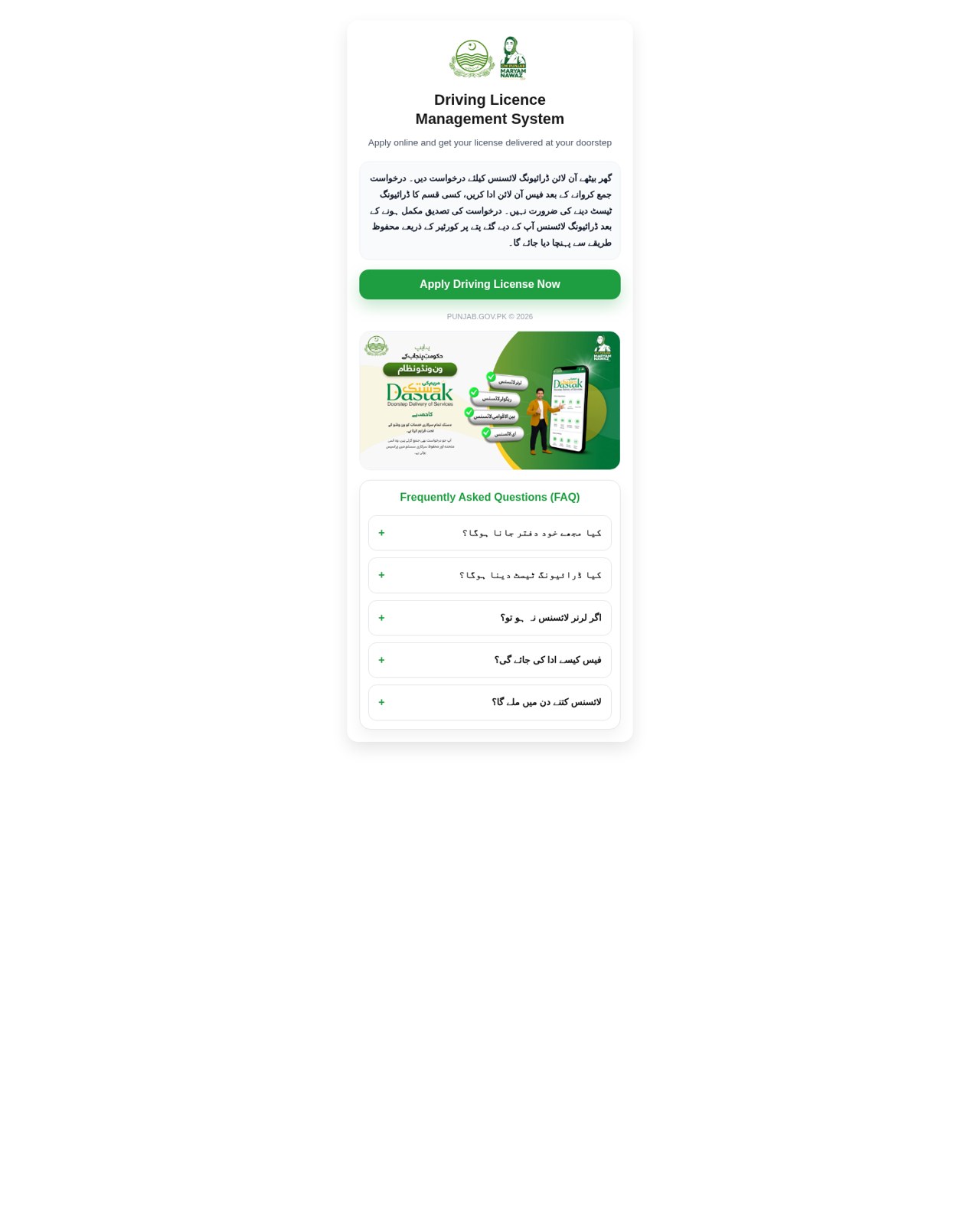 Fake Government Licence Application ScamAdded 2026-11-09A web page copies a government driving-licence or vehicle-licence service. It promises a licence with little or no testing, asks for iden...
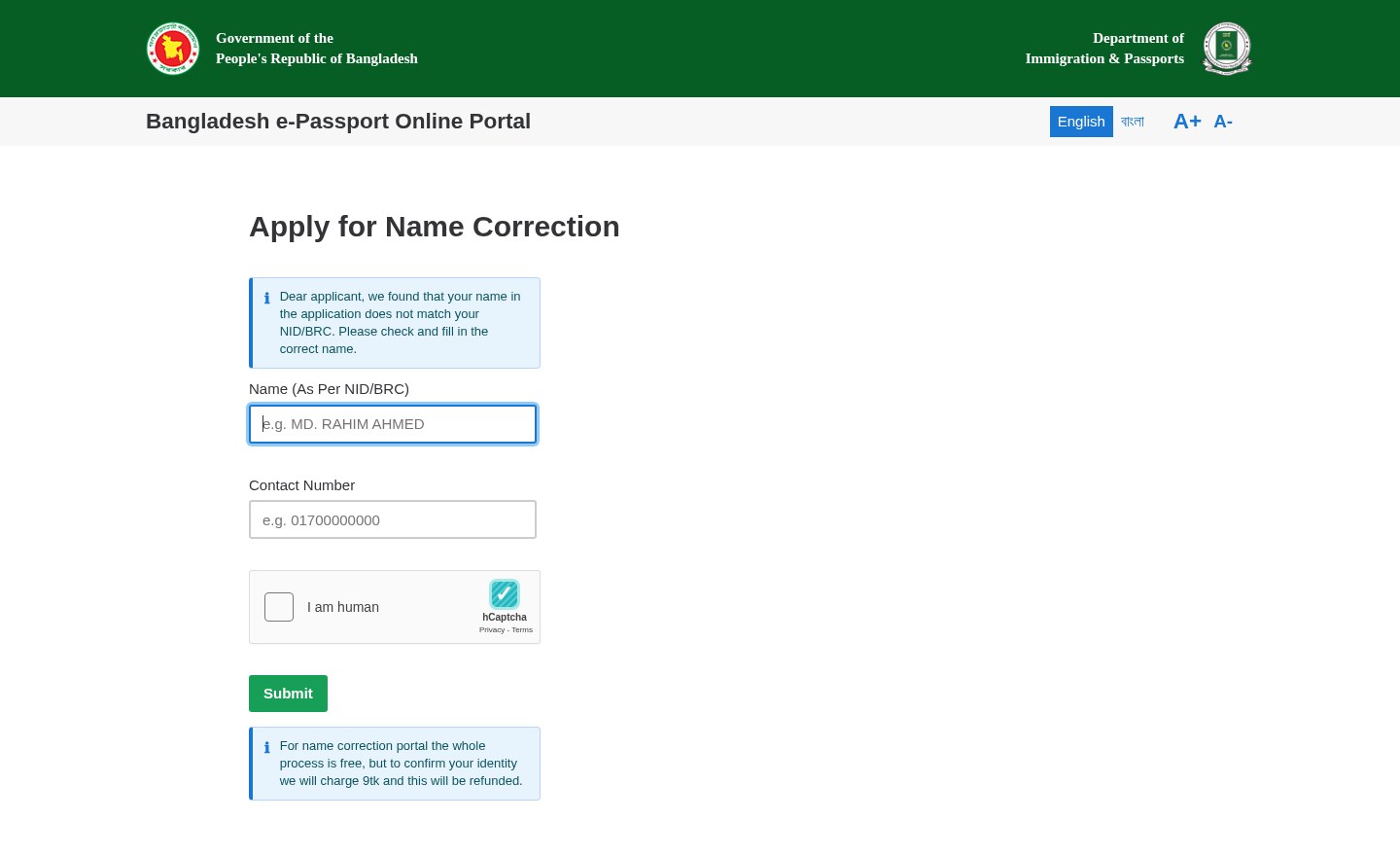 Fake Government Portal Refundable Fee ScamAdded 2026-11-07A web page copies an official government service portal and claims there is a problem with an application or record. It asks for personal...
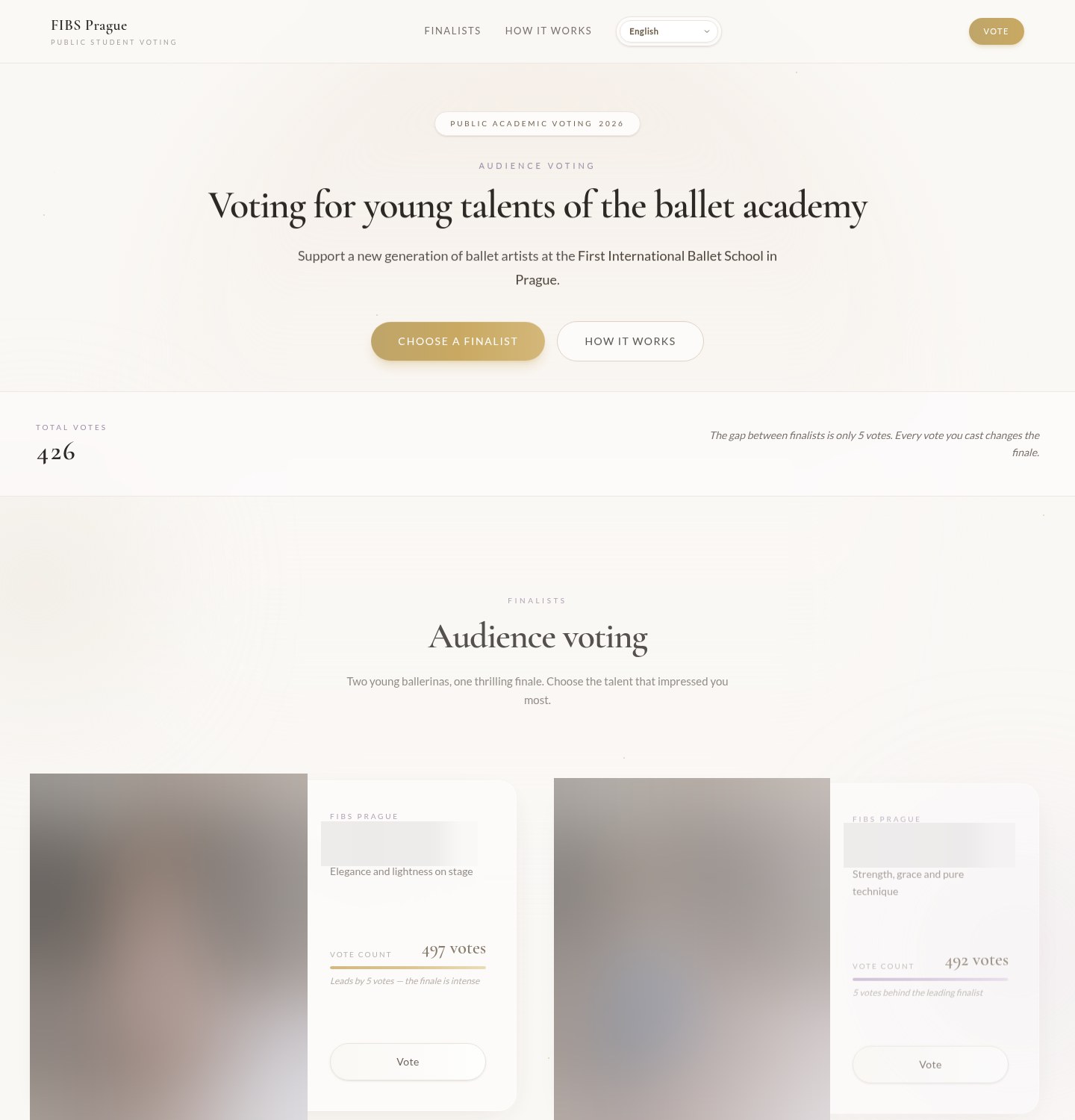 Fake Online Vote Verification ScamAdded 2026-10-19A web page asks you to vote in a public contest, often for a child or young performer at a school, club or competition. It shows the fina...
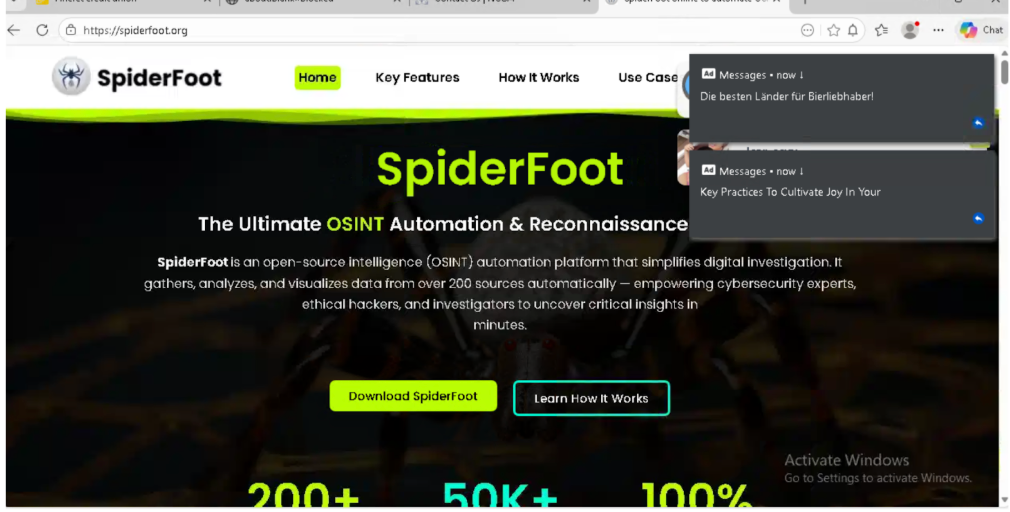 Fake Software Download Site ScamAdded 2026-03-02Many people looking to download free or open-source software can accidentally land on fake websites that look almost like the real thing....
Recently added
Scam patterns added to the archive most recently.
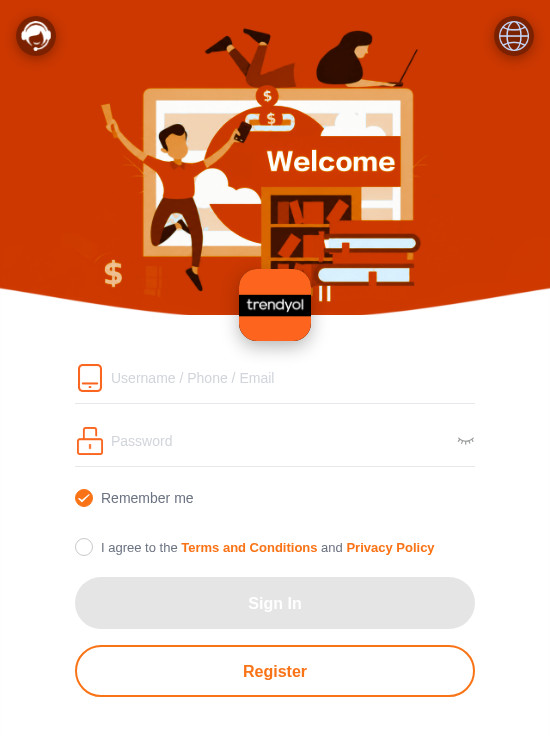 Fake Branded Account Login ScamPhishing · Added 2026-11-10A page uses a well-known company's name and colours and asks you to sign in or register with a username, phone number or email, and a pas...
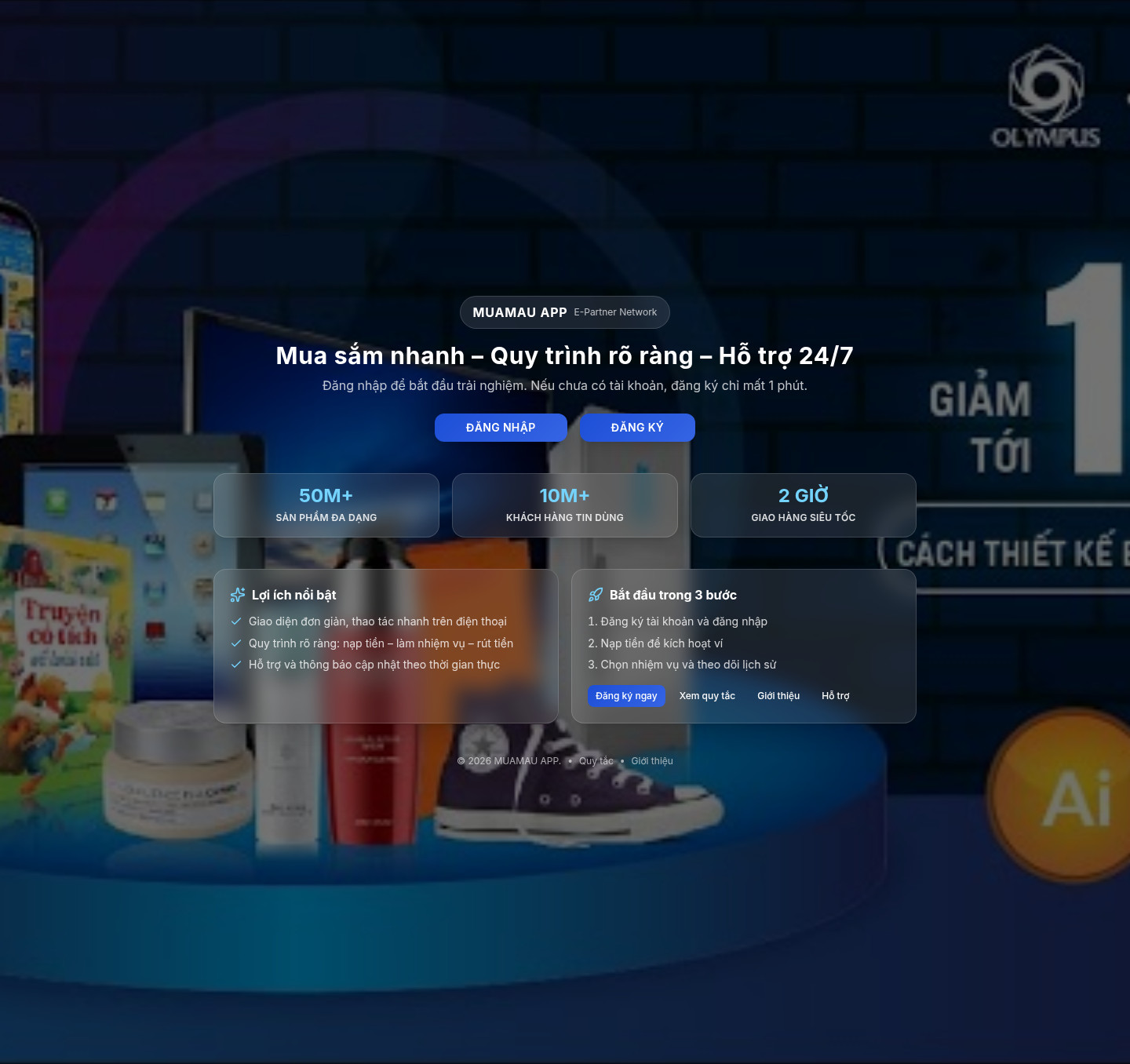 Fake Online Task Job ScamJob / Work-From-Home · Added 2026-11-10A website advertises easy remote task work, home assembly or similar paid jobs, often with daily withdrawals or high daily pay. It may as...
 Fake Game Item Vote Login ScamPhishing · Added 2026-11-02A link takes you to what looks like a page on a gaming platform's community site, usually a fan-made weapon skin or other game item, with...
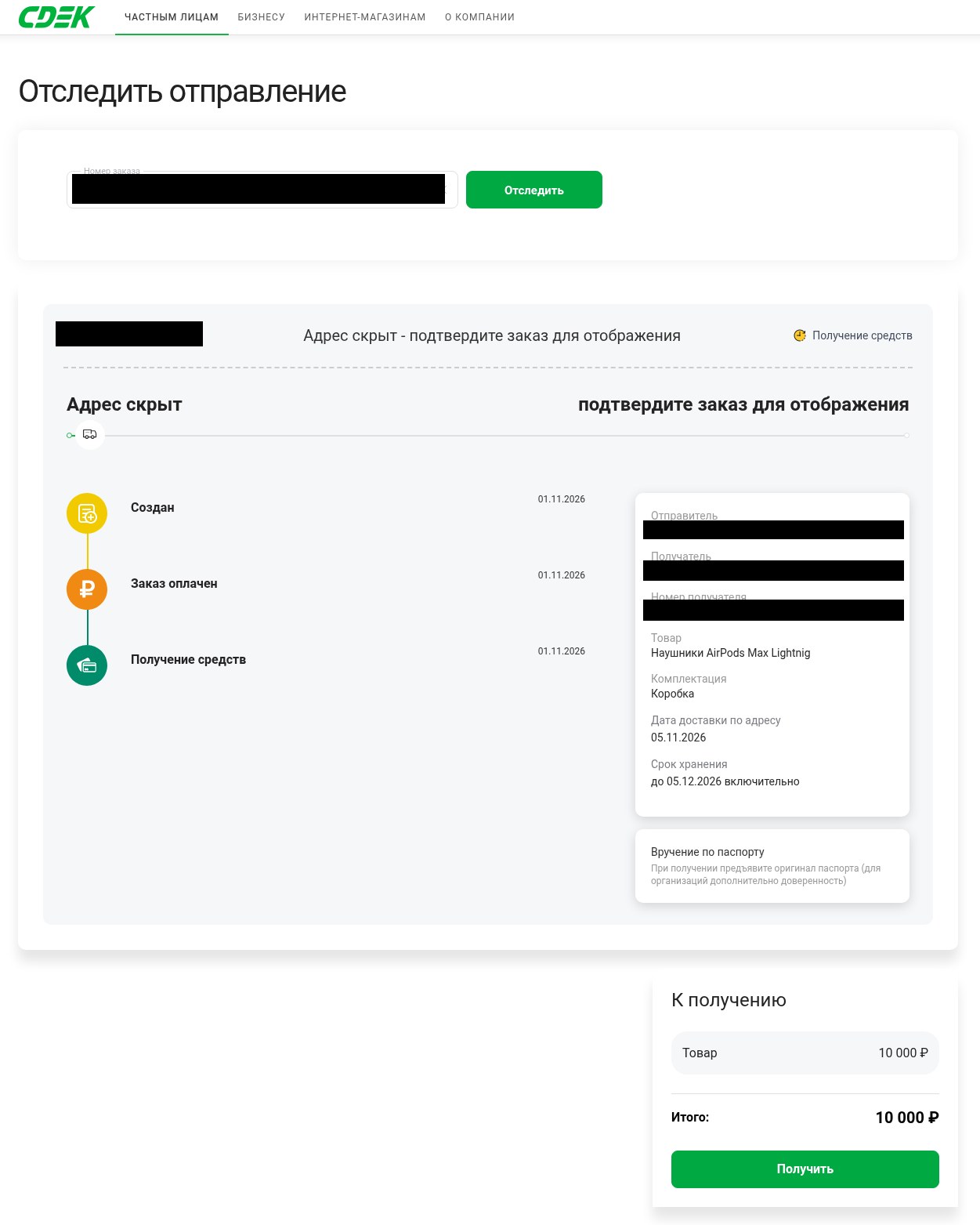 Fake Delivery Service Payout Page ScamMarketplace / Classifieds · Added 2026-11-01You are selling something online and a buyer, or someone posing as one, sends you a link to what looks like a delivery company's tracking...
Need help with a similar message?
Do not reply, pay, or use contact details in an unexpected message. Verify through the official app or website, then report what you saw so the Archive can connect related patterns.
Quick tip: Verify independently
Don’t call numbers or click links in unexpected messages. Go directly to the company’s official site or app and contact support from there.