Fake Government Licence Application Scam
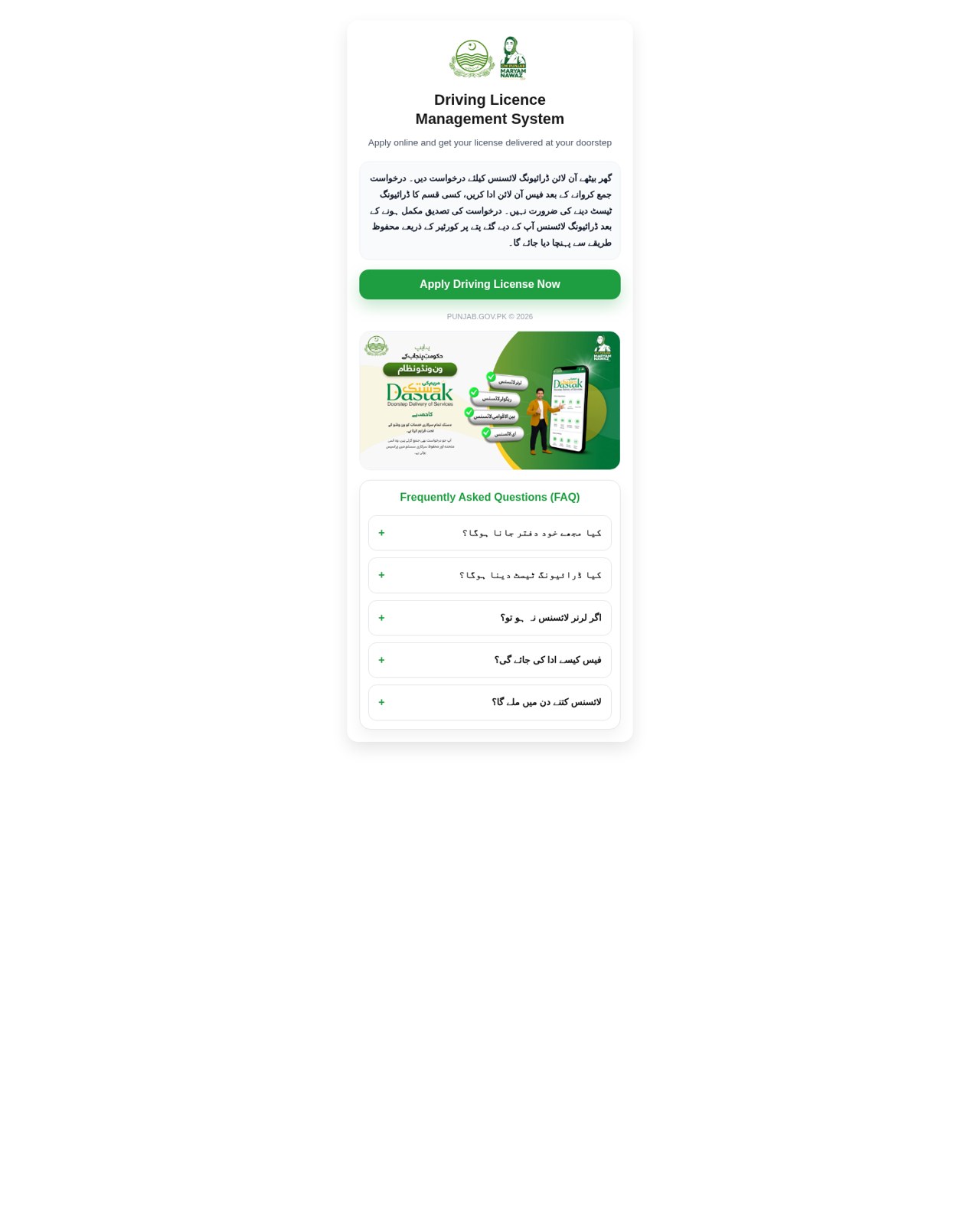
A web page copies a government driving-licence or vehicle-licence service. It promises a licence with little or no testing, asks for identity details and document uploads, and directs payment through a mobile wallet QR code or till number. The page is not run by the government. Submitting details or paying through it does not establish that a licence will be issued.
How this scam works
- 1
Step 1: A link leads to a page that uses a government licensing service's name and logos.
- 2
Step 2: The page promises a convenient online application, often with home delivery and little or no driving test.
- 3
Step 3: It asks for personal details and copies of identity documents, then shows a fee screen with a mobile-wallet QR code or till number.
- 4
Step 4: Paying or uploading documents on that page does not establish that any licence will be issued. The documented variation does not establish a completed payment or delivery.
✓ Do this
- Apply for a licence only through the official government website address typed yourself or through an official office.
- Look at the full web address before entering details or uploading identity documents.
- If you already paid or uploaded documents, contact your bank or mobile wallet provider and report the page to the agency being copied.
✗ Avoid this
- Do not upload your national ID card or licence photo on a page reached from an ad or short link.
- Do not pay a licence fee by scanning a QR code or till number on an unofficial page.
- Do not trust a page because it shows government logos or says "powered by" a government doorstep-delivery programme.
Different versions of this scam
1 exampleOther scams in Impersonation / Social Media
Other documented patterns in this category.
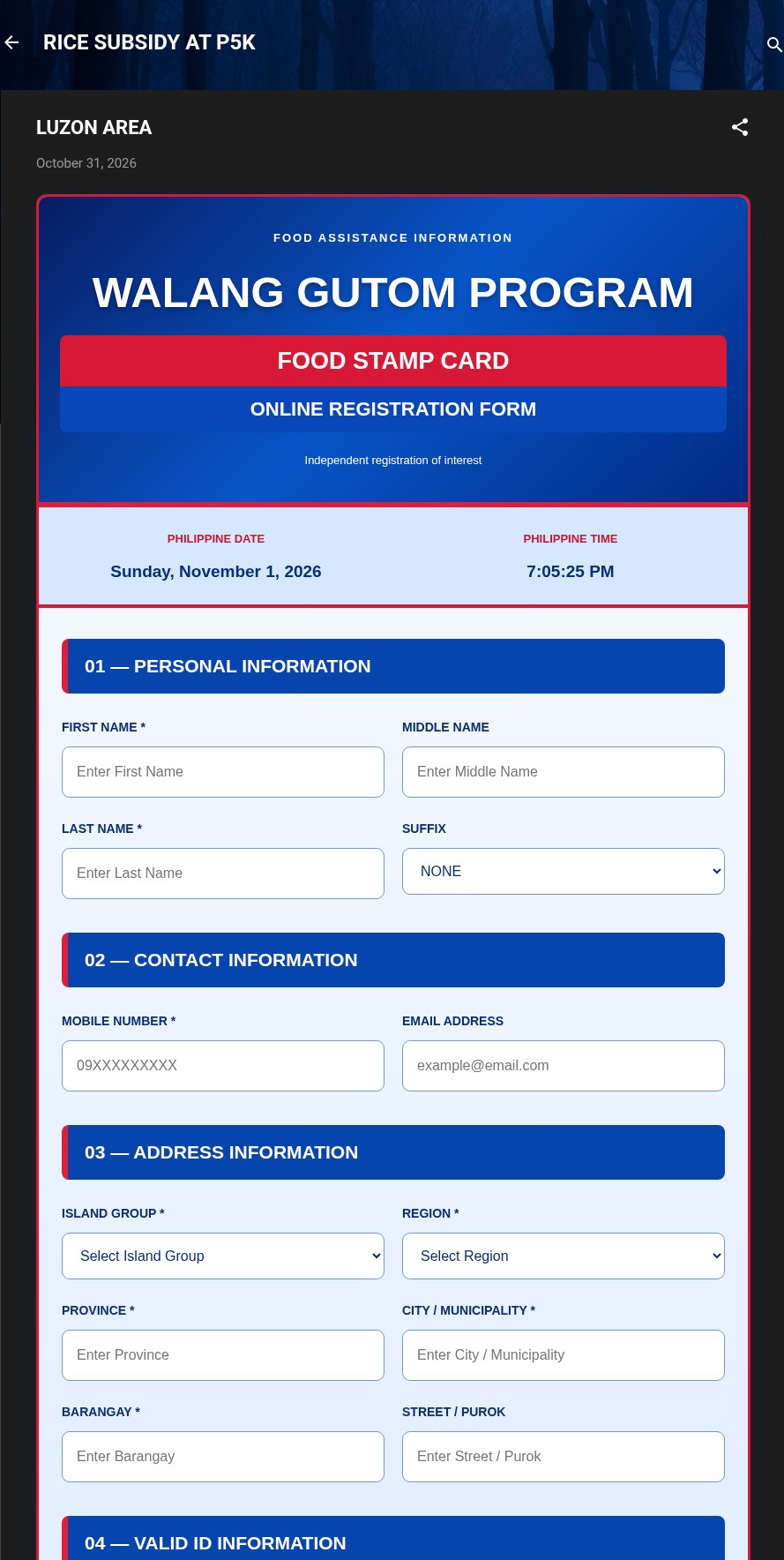 Fake Government Aid Registration Form ScamAdded 2026-11-01A web page or blog post uses the name of a real government aid program and says you can register online for food aid, a subsidy or cash a...
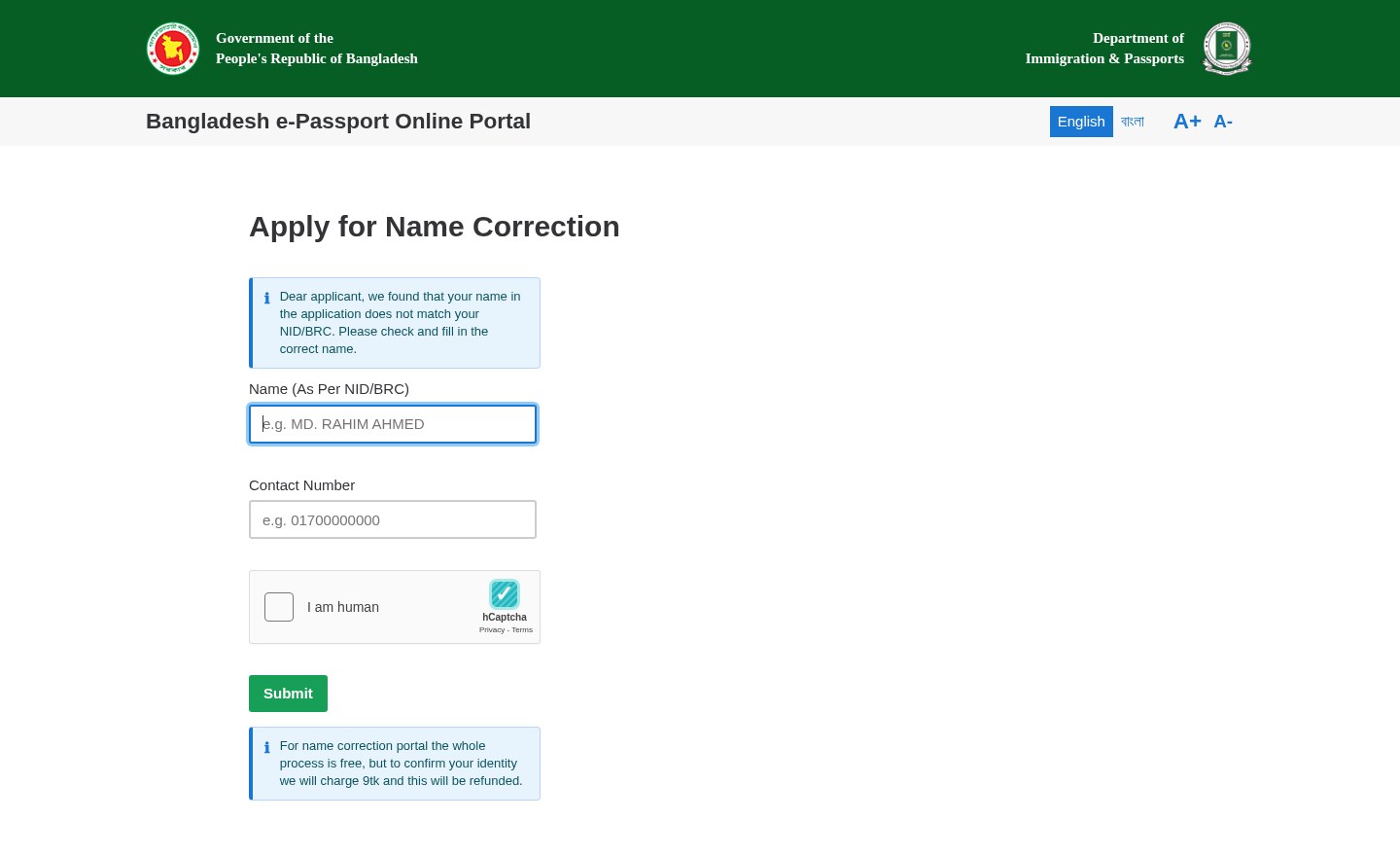 Fake Government Portal Refundable Fee ScamAdded 2026-11-07A web page copies an official government service portal and claims there is a problem with an application or record. It asks for personal...
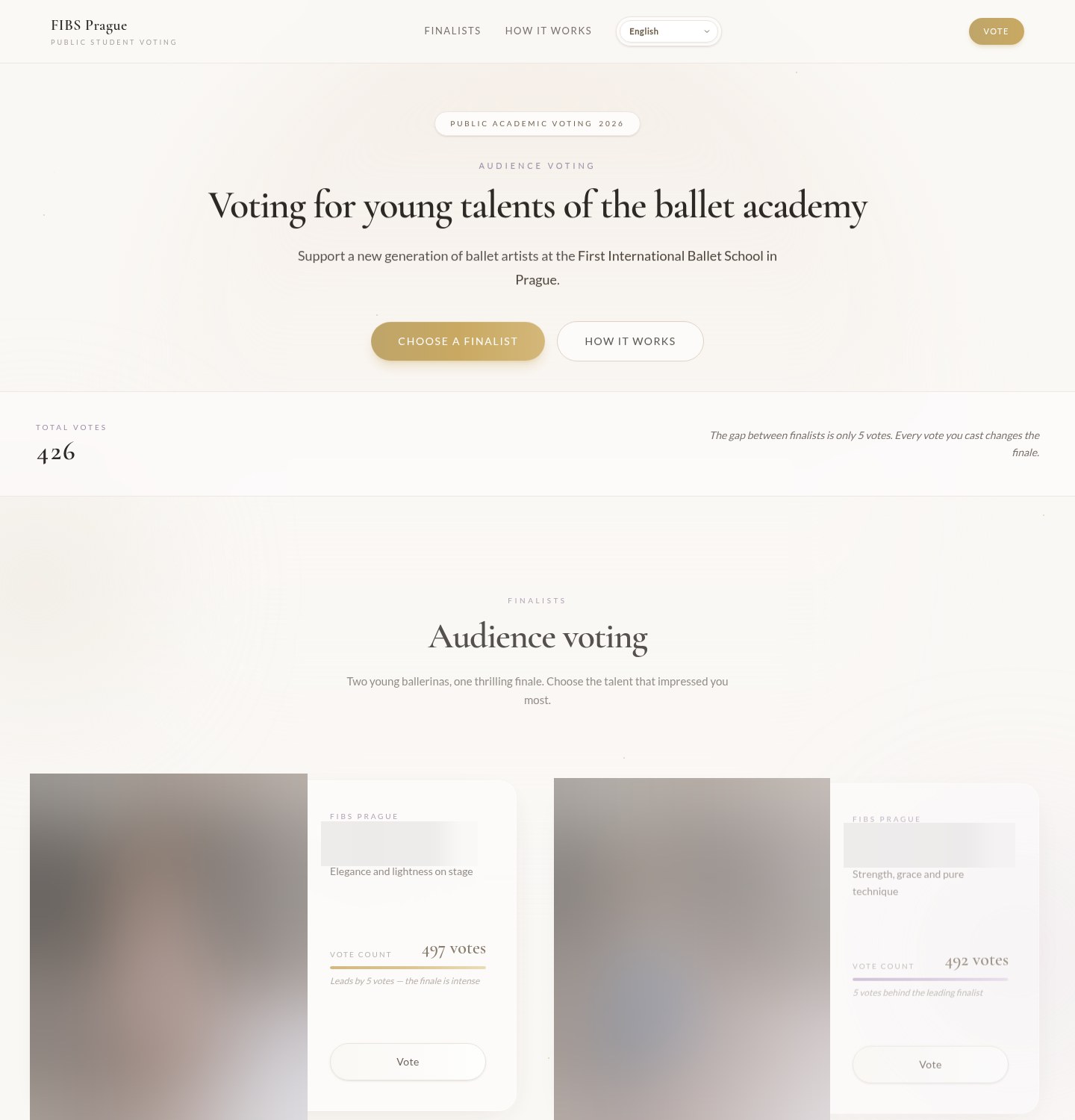 Fake Online Vote Verification ScamAdded 2026-10-19A web page asks you to vote in a public contest, often for a child or young performer at a school, club or competition. It shows the fina...
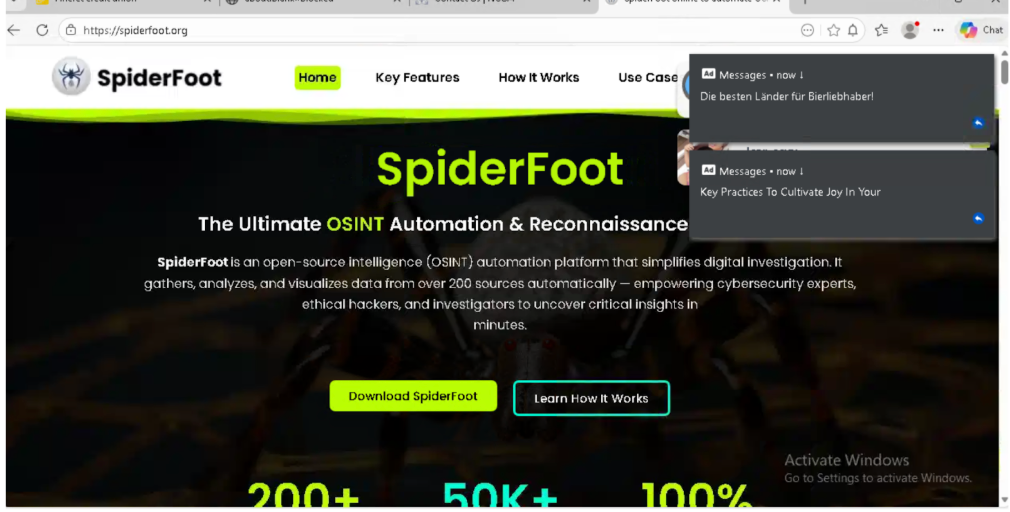 Fake Software Download Site ScamAdded 2026-03-02Many people looking to download free or open-source software can accidentally land on fake websites that look almost like the real thing....
Recently added
Scam patterns added to the archive most recently.
 Fake Game Item Vote Login ScamPhishing · Added 2026-11-02A link takes you to what looks like a page on a gaming platform's community site, usually a fan-made weapon skin or other game item, with...
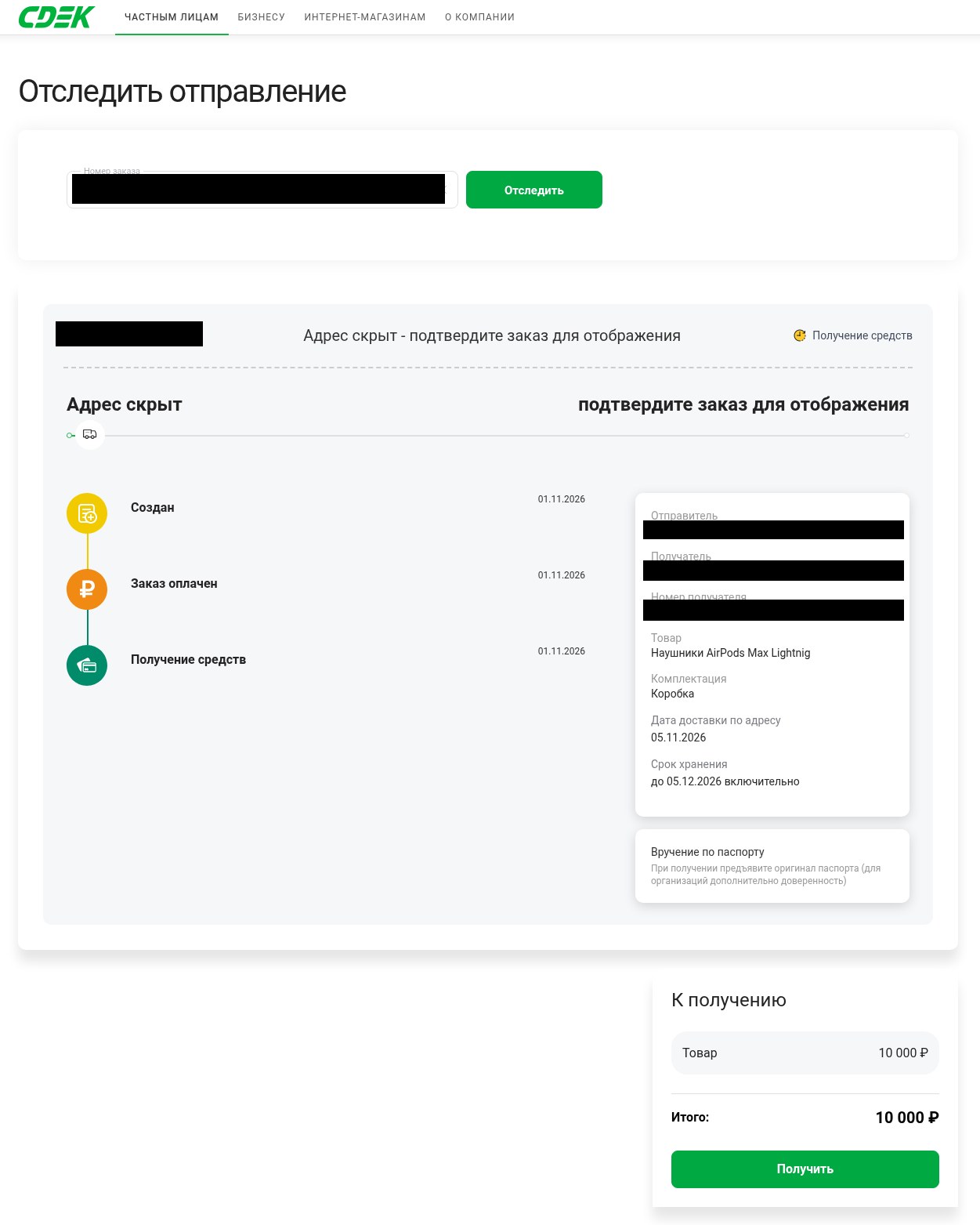 Fake Delivery Service Payout Page ScamMarketplace / Classifieds · Added 2026-11-01You are selling something online and a buyer, or someone posing as one, sends you a link to what looks like a delivery company's tracking...
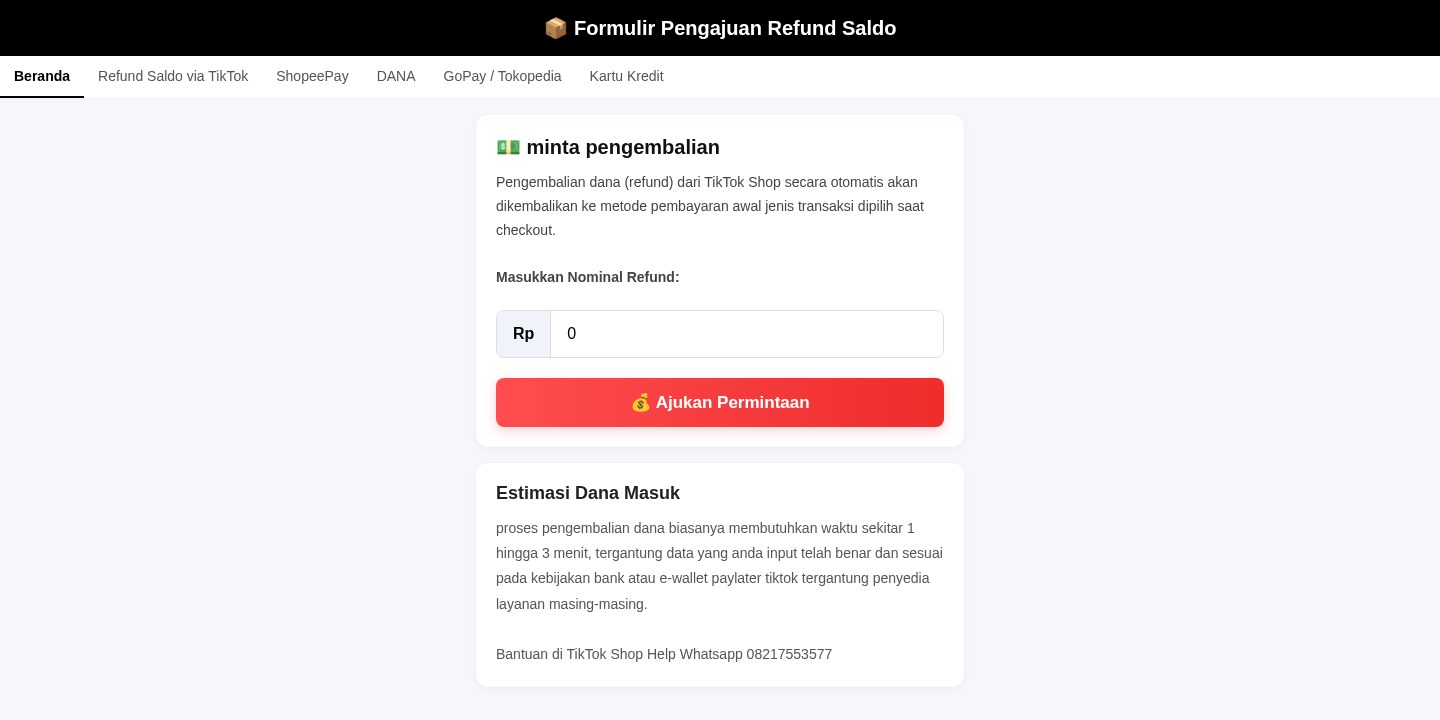 Fake Online Shop Refund Form ScamRefund / Invoice Bait · Added 2026-10-28A web page using the name of an online shop or marketplace says you can request a refund, get your balance back or have an order sent aga...
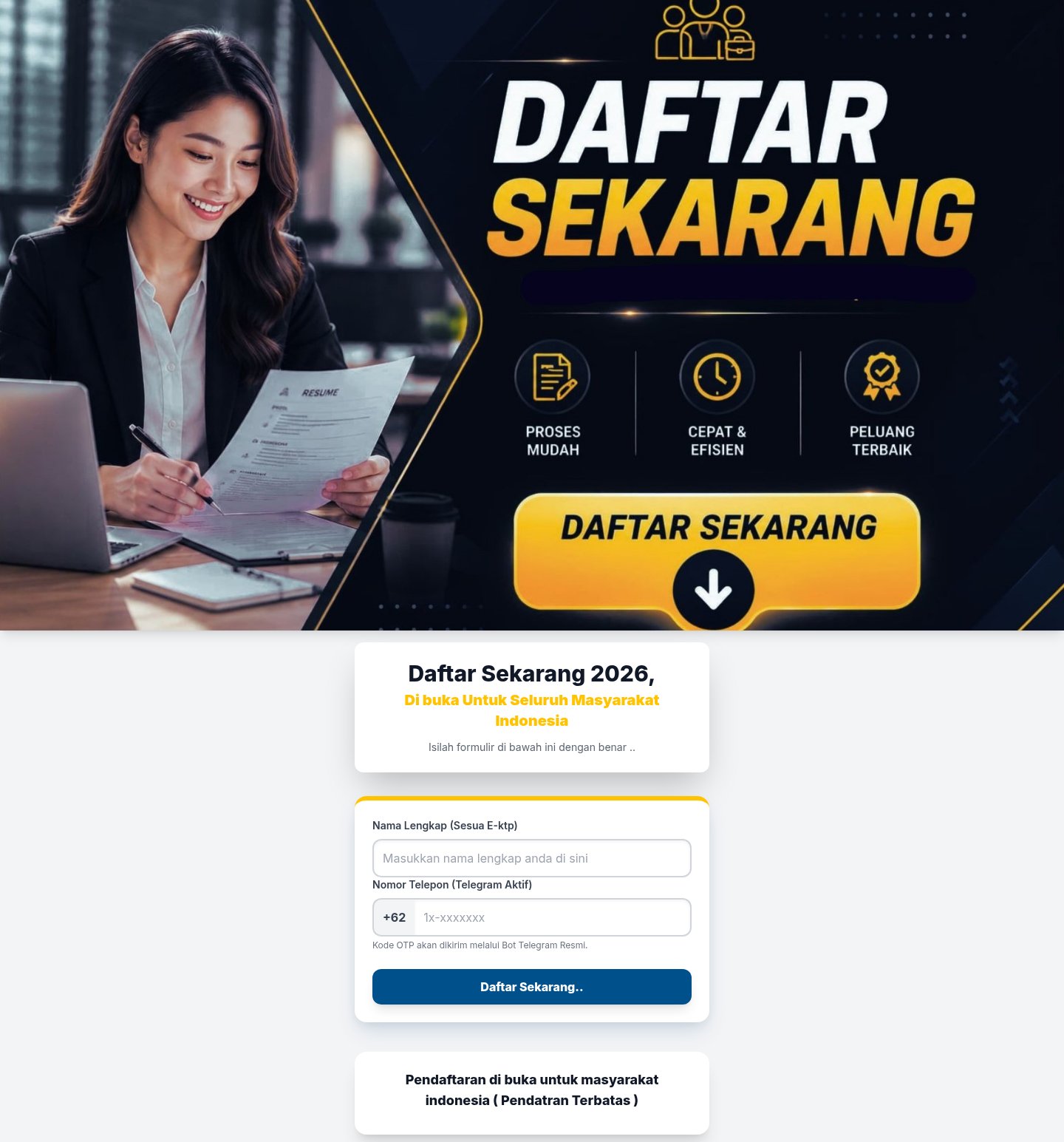 Messaging App Login Code Theft ScamCredential Harvesting · Added 2026-10-28A web page offers something you want, such as a place in a program, a job opportunity or a payout, and says you only need to register. To...
Need help with a similar message?
Do not reply, pay, or use contact details in an unexpected message. Verify through the official app or website, then report what you saw so the Archive can connect related patterns.
Quick tip: Verify independently
Don’t call numbers or click links in unexpected messages. Go directly to the company’s official site or app and contact support from there.