Fake Online Task Job Scam
A website advertises easy remote task work, home assembly or similar paid jobs, often with daily withdrawals or high daily pay. It may ask you to register, chat with a coordinator, or deposit money to activate a wallet before you can work or withdraw. The documented variations do not establish that the work or the payments are genuine.
How this scam works
- 1
Step 1: A website advertises part-time remote tasks, home assembly or similar work, often with daily pay or daily withdrawals.
- 2
Step 2: The page asks you to register, log in, or contact a coordinator, sometimes by chat app.
- 3
Step 3: Some pages tell you to deposit money to activate a wallet, or they promise withdrawals to a mobile wallet before any fee step is shown.
- 4
Step 4: Paying, registering or chatting on that page does not establish that the work or the payments are genuine. Several documented variations do not establish a completed payment.
✓ Do this
- Treat a request to deposit money before you can work or withdraw as a warning sign.
- Look up any company or app independently, and do not use contact details supplied only on the recruitment page.
- If you already paid or shared account details, contact your bank or wallet provider promptly.
✗ Avoid this
- Do not deposit money to activate a task wallet or to unlock withdrawals.
- Do not assume a job is genuine because it offers daily payouts or names a familiar wallet.
- Do not continue a hiring chat on WhatsApp or a similar app with someone you have not independently verified.
Different versions of this scam
3 examples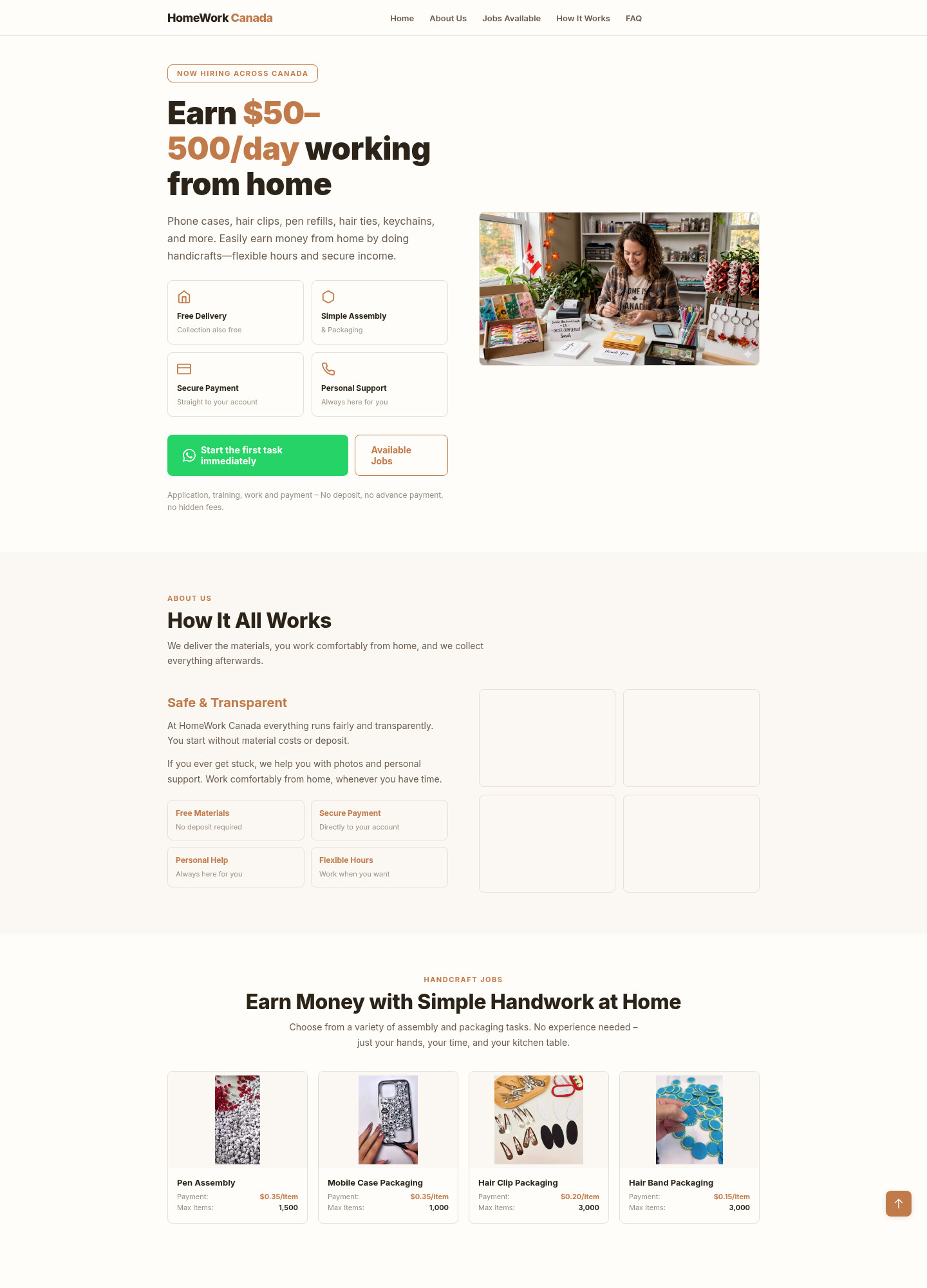
Fake HomeWork Canada page promising 50 to 500 dollars a day for home assembly work
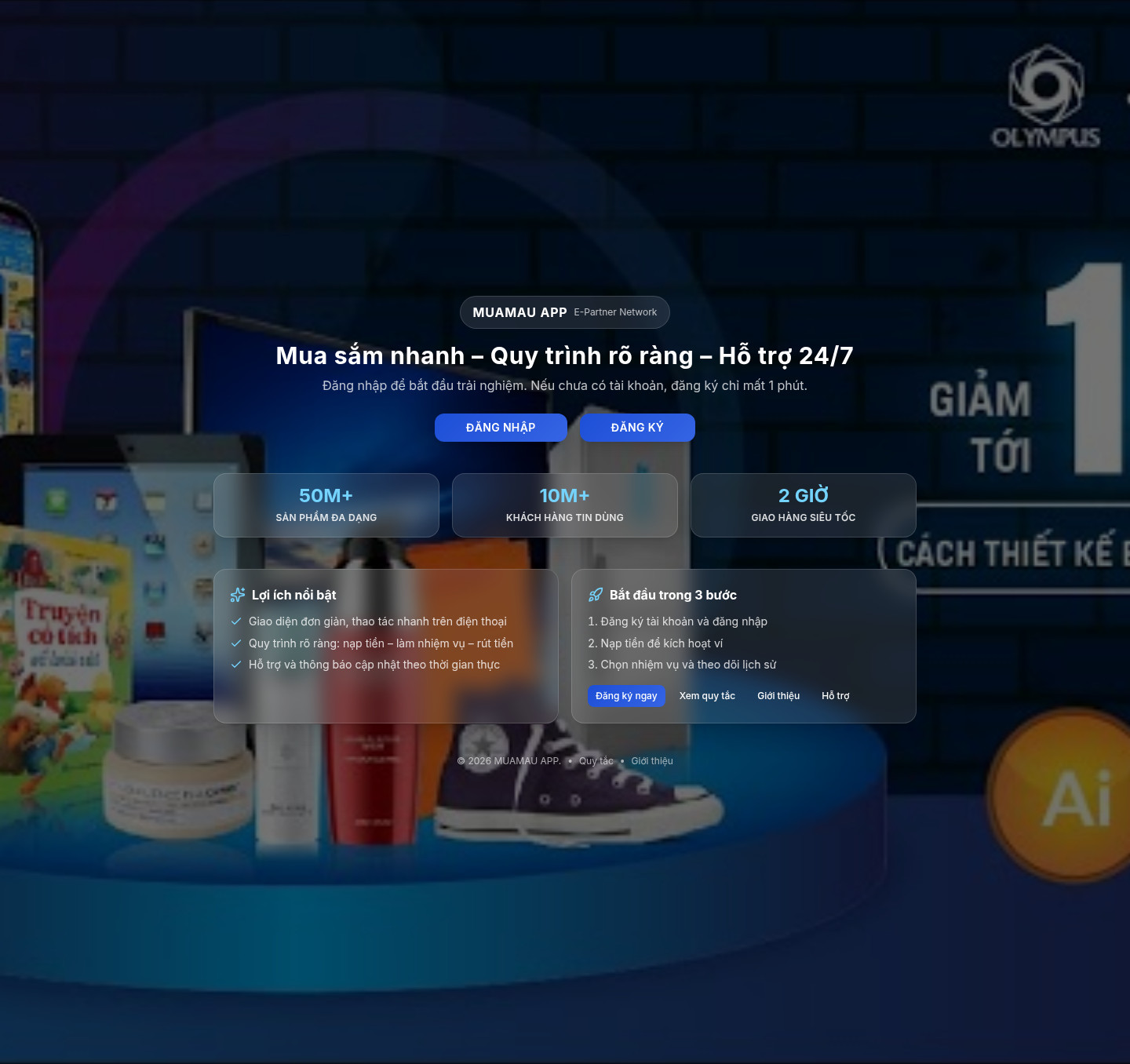
Fake Muamau Vietnamese task app that asks you to deposit money to activate a wallet
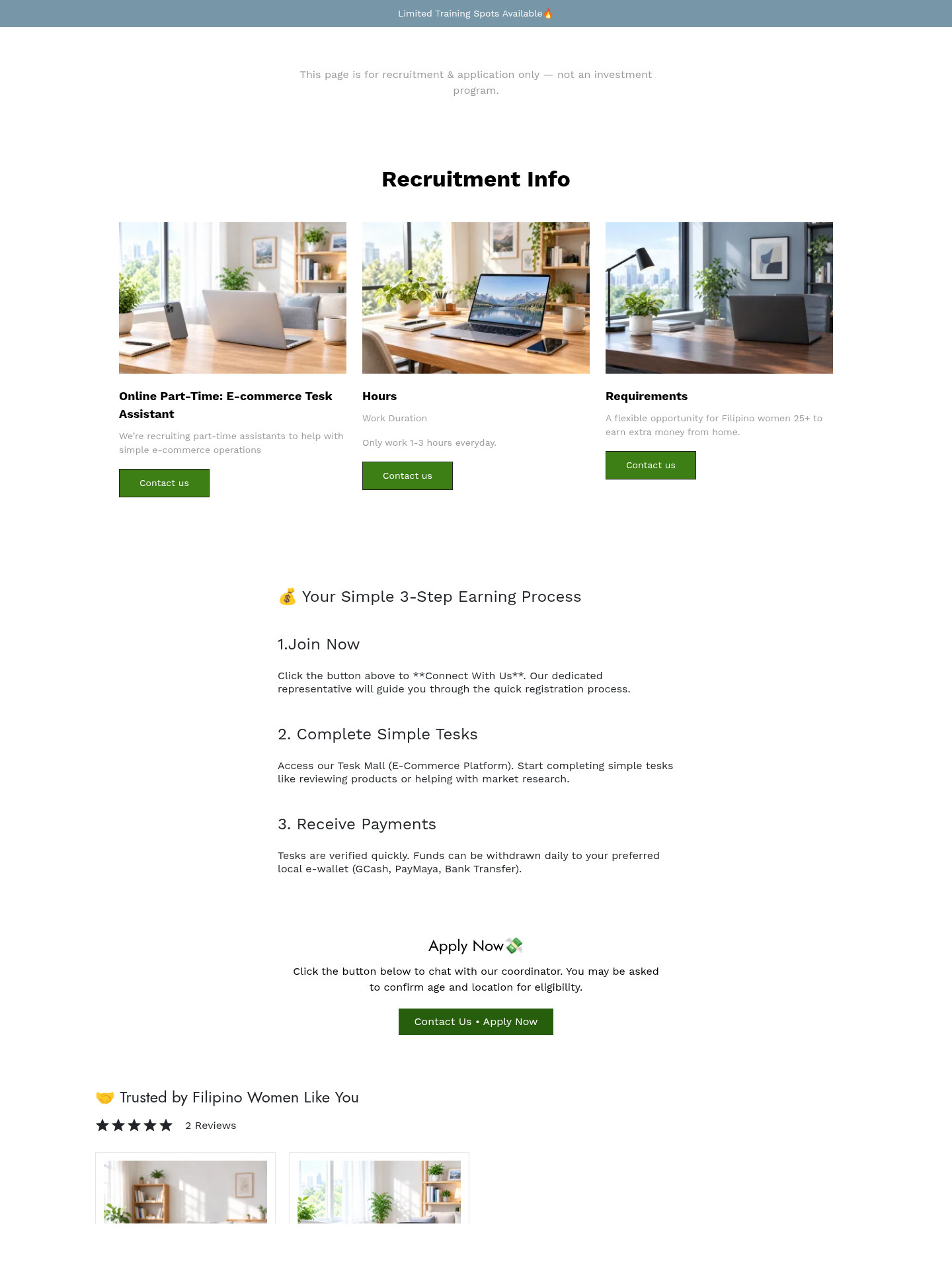
Fake phpshowwork shop offering Filipino women paid e-commerce tasks with daily GCash payouts
Other scams in Job / Work-From-Home
Other documented patterns in this category.
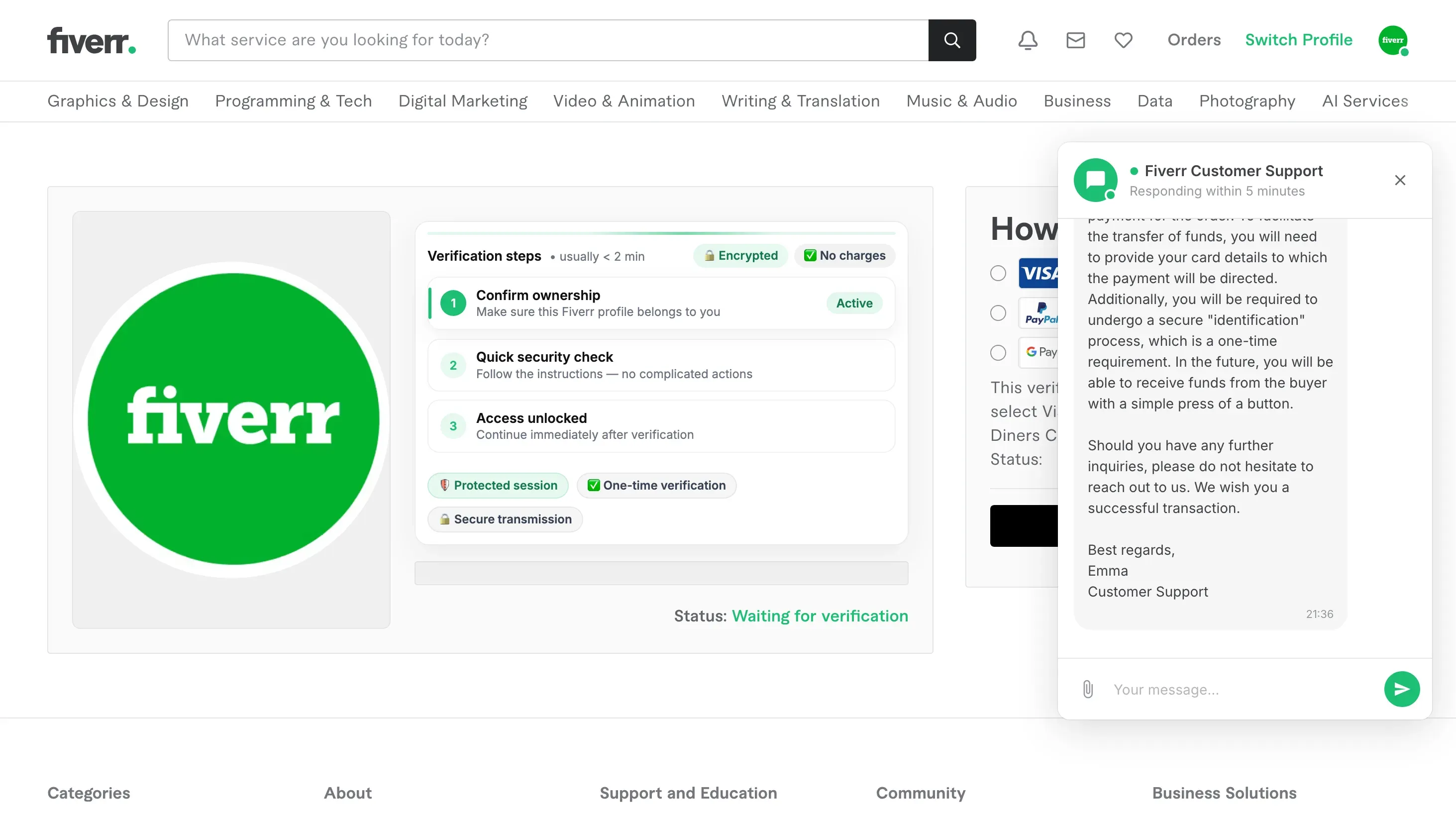 Fake Fiverr Payout Page Asking for Card DetailsAdded 2026-09-20A copy of the Fiverr website tells a freelancer that a buyer has already paid for an order and that the money is waiting. To release it,...
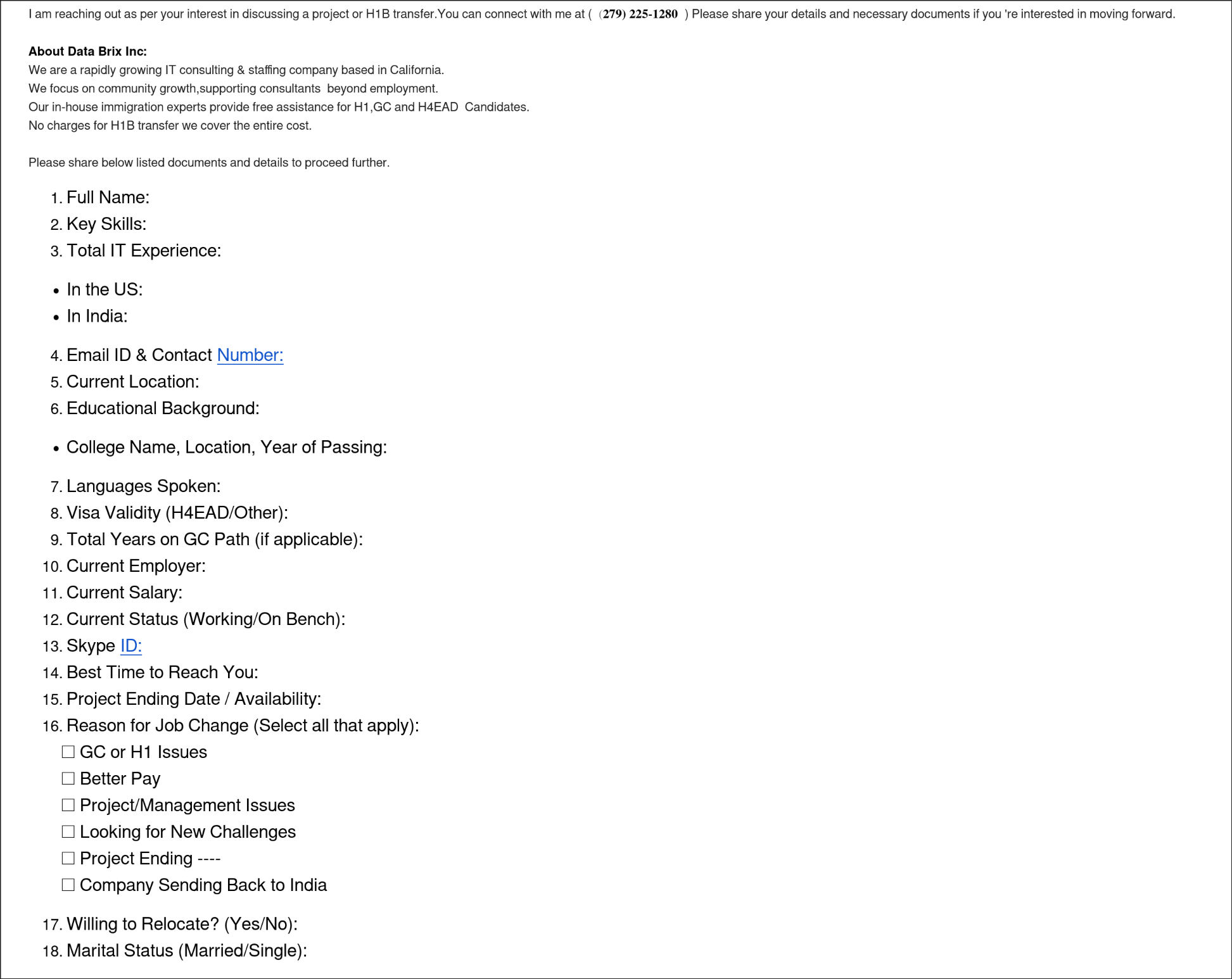 Fake Job Offer Demanding Personal DocumentsAdded 2025-12-02Scammers pretend to be recruiters or staffing agencies offering attractive job opportunities, work visa sponsorships, or H1B transfer hel...
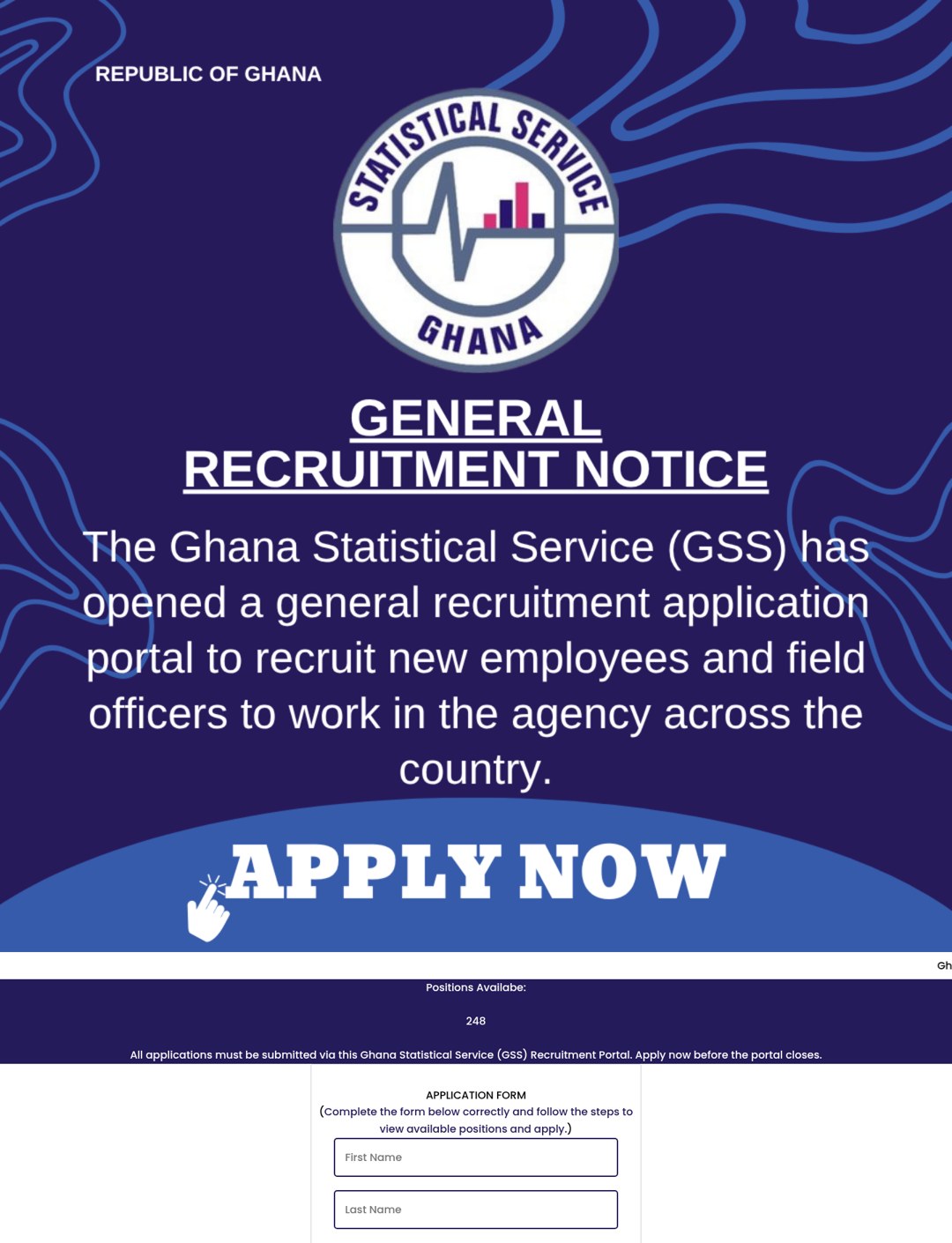 Fake Job Portal Share-to-Apply ScamAdded 2026-10-17A web page pretends to be a recruitment portal for a government office or a well-known employer. It advertises hundreds of open jobs and...
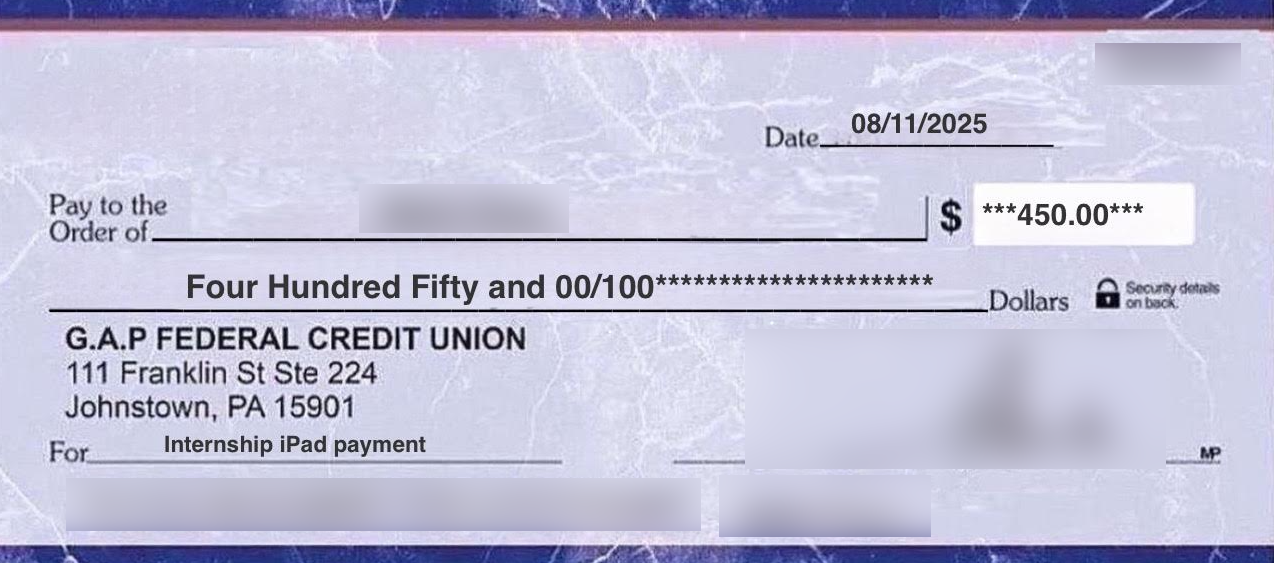 Internship Supplies Check ScamAdded 2025-09-20A fraudulent internship scheme where scammers impersonate legitimate organizations or students, sending altered checks and demanding mone...
 Remote Job Offer Text from Fake RecruiterAdded 2025-10-13Scammers send surprise texts pretending to be recruiters from well-known staffing firms or big stores. The message promises easy, part‑ti...
Recently added
Scam patterns added to the archive most recently.
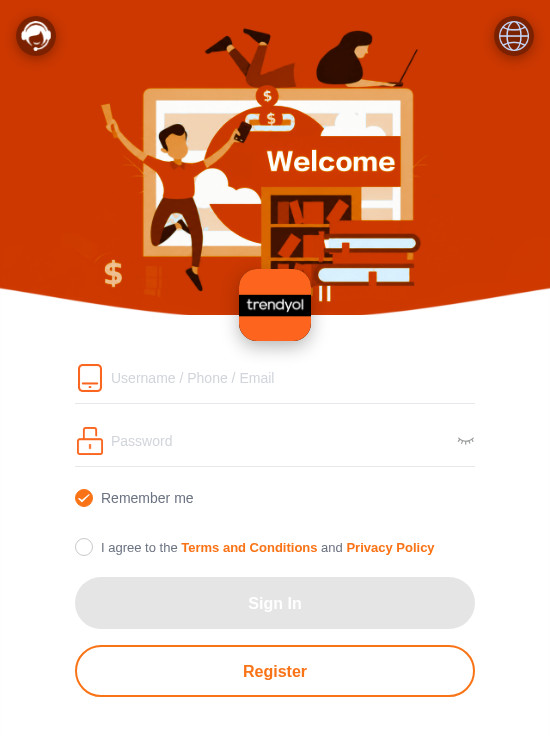 Fake Branded Account Login ScamPhishing · Added 2026-11-10A page uses a well-known company's name and colours and asks you to sign in or register with a username, phone number or email, and a pas...
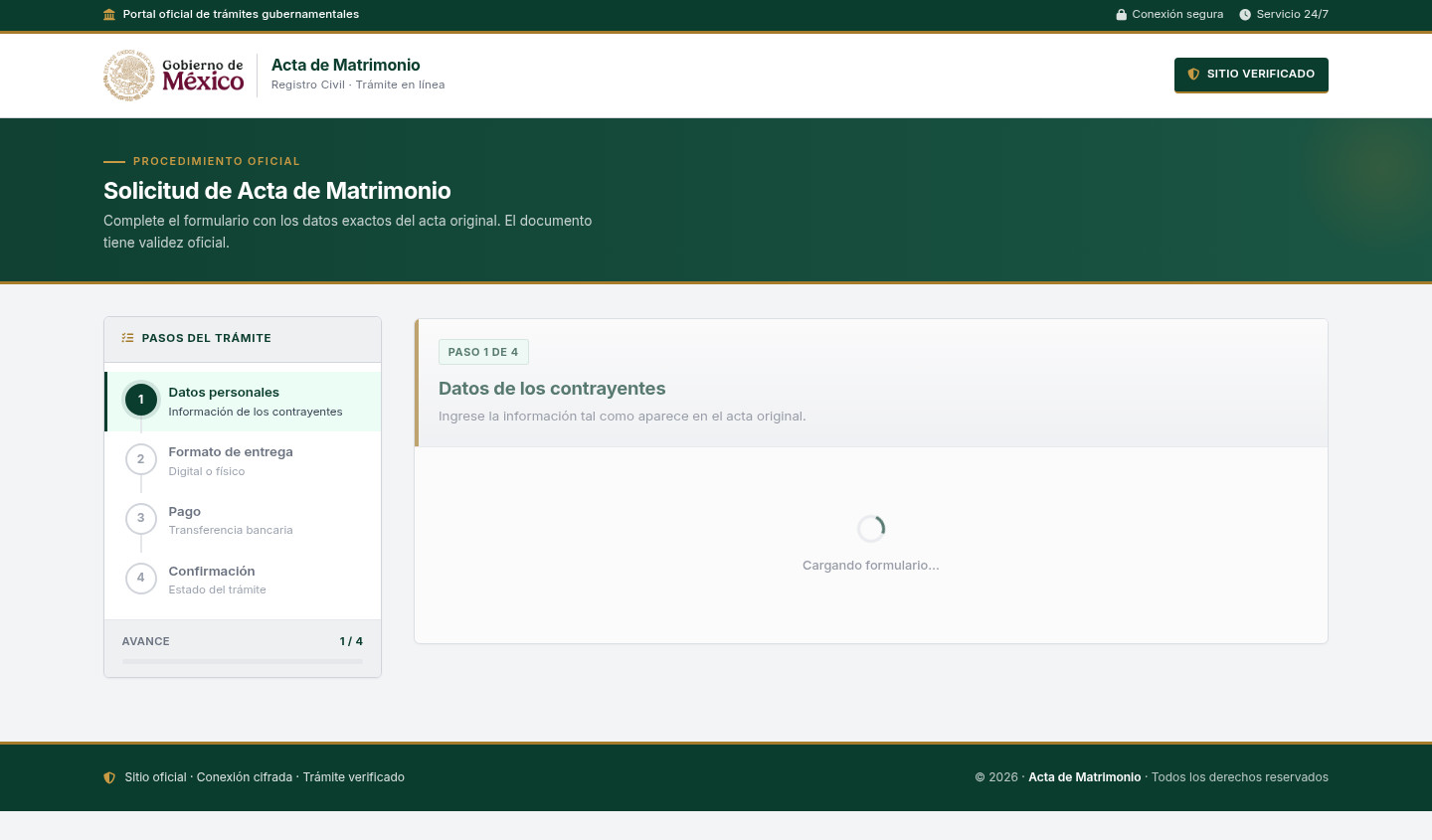 Fake Government Civil Document Application ScamImpersonation / Social Media · Added 2026-11-10A web page copies a government civil-registry or official-document service. It asks for personal details about a civil record and directs...
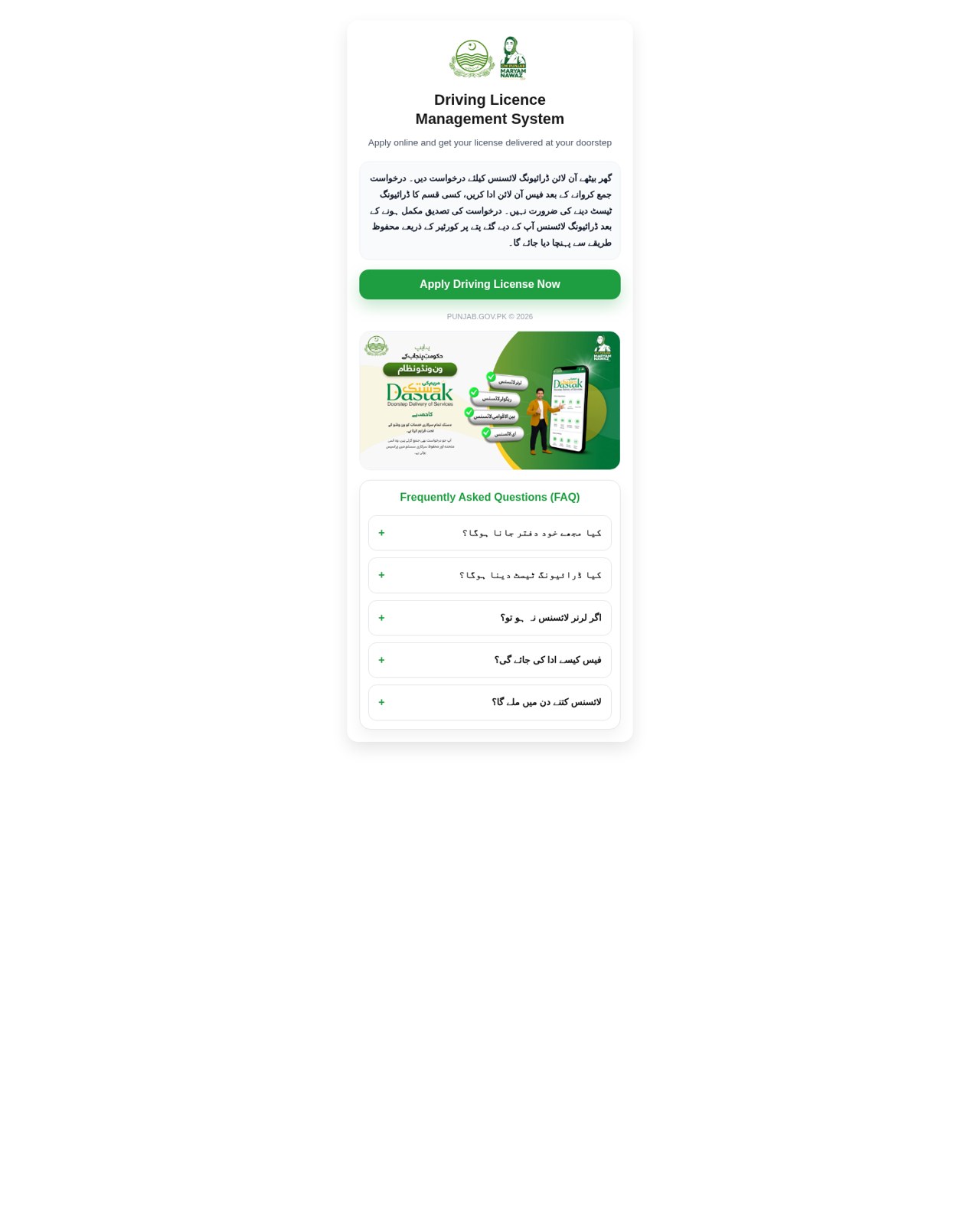 Fake Government Licence Application ScamImpersonation / Social Media · Added 2026-11-09A web page copies a government driving-licence or vehicle-licence service. It promises a licence with little or no testing, asks for iden...
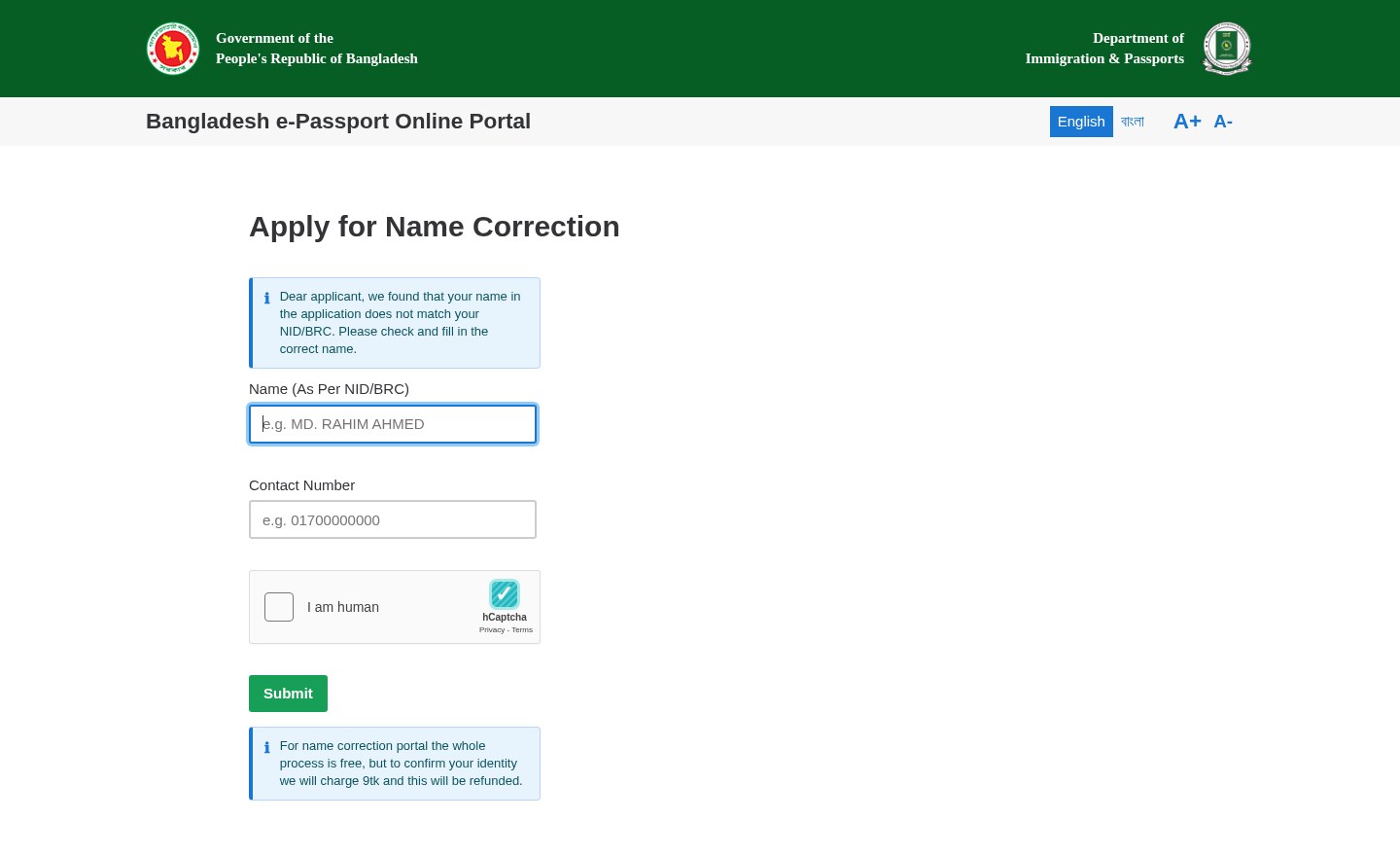 Fake Government Portal Refundable Fee ScamImpersonation / Social Media · Added 2026-11-07A web page copies an official government service portal and claims there is a problem with an application or record. It asks for personal...
Need help with a similar message?
Do not reply, pay, or use contact details in an unexpected message. Verify through the official app or website, then report what you saw so the Archive can connect related patterns.
Quick tip: Verify independently
Don’t call numbers or click links in unexpected messages. Go directly to the company’s official site or app and contact support from there.