Fake Branded Account Login Scam
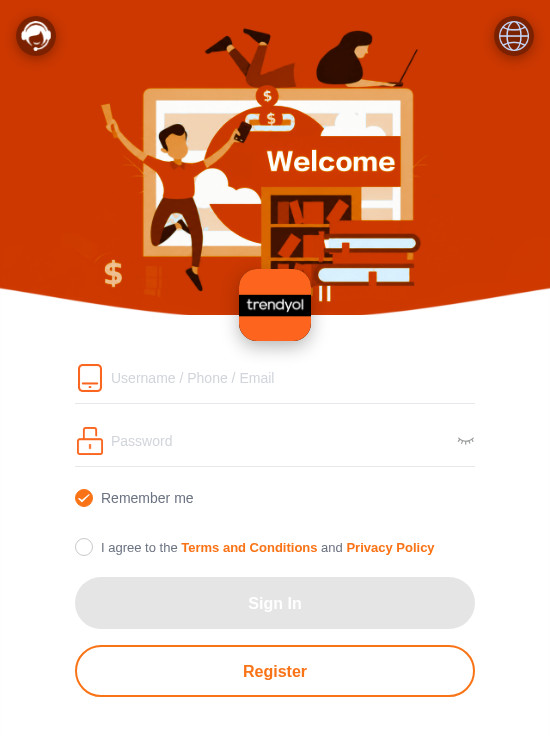
A page uses a well-known company's name and colours and asks you to sign in or register with a username, phone number or email, and a password, on an address that is not that company's website. Anything entered goes to whoever set up the page.
How this scam works
- 1
Step 1: A link or page uses a familiar company's name, logo or colours.
- 2
Step 2: The address is not the company's real website, even when the brand name is part of the address.
- 3
Step 3: The page asks you to sign in or register with a username, phone number or email, and a password.
- 4
Step 4: Details entered on that page go to whoever set it up, not to the company being copied. The documented variation does not establish a completed sign-in.
✓ Do this
- Open the real company's app or type its official website address yourself before signing in.
- Look at the full web address, not only the logo or the colours.
- If you already entered a password, change it on the real account from a device you trust.
✗ Avoid this
- Do not enter your password on a page you reached from an unexpected link or a look-alike address.
- Do not trust a login page because it uses a familiar name or colour scheme.
- Do not reuse that password on other accounts if you already typed it in.
Different versions of this scam
1 exampleOther scams in Phishing
Other documented patterns in this category.
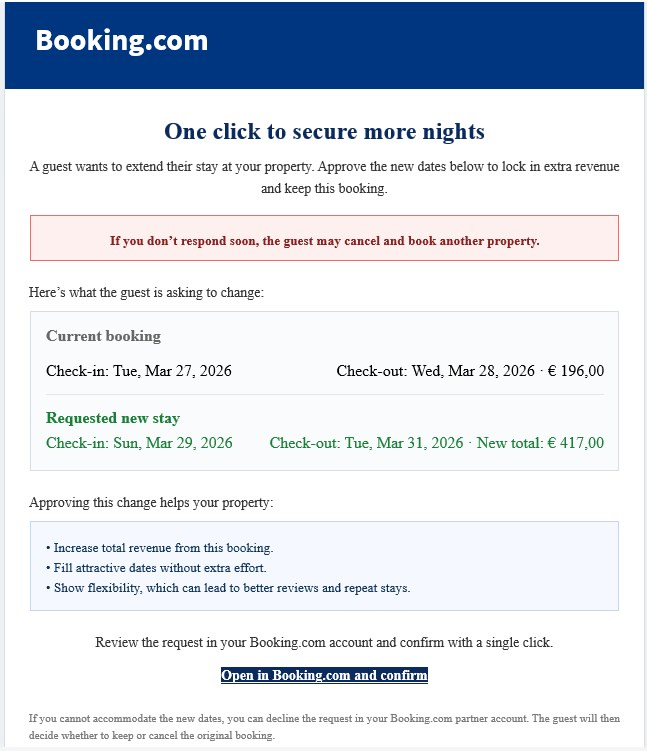 Booking.com Host Reservation Change ScamAdded 2026-04-27Scammers target property owners, hosts, and managers who list on Booking.com. The message claims a guest wants to change or extend a stay...
 Cloud-Hosted Phishing Page ScamAdded 2026-09-08Scammers can use legitimate cloud-storage and file-hosting services to publish fake sign-in pages, payment forms, prize pages, delivery n...
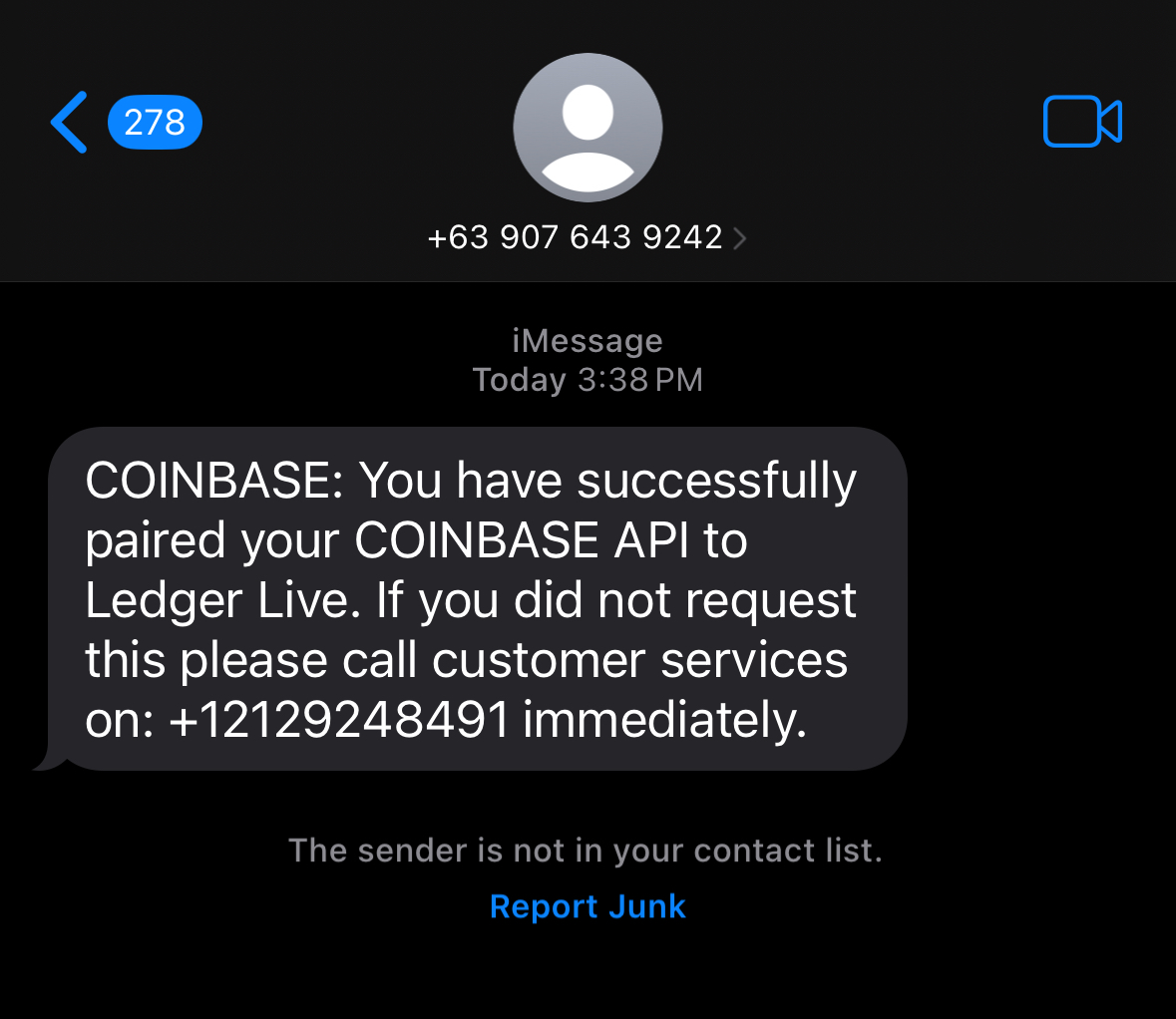 Coinbase Pairing ScamAdded 2025-09-19Scammers impersonate Coinbase and send fake alerts claiming that your Coinbase account has been paired with an external service (such as...
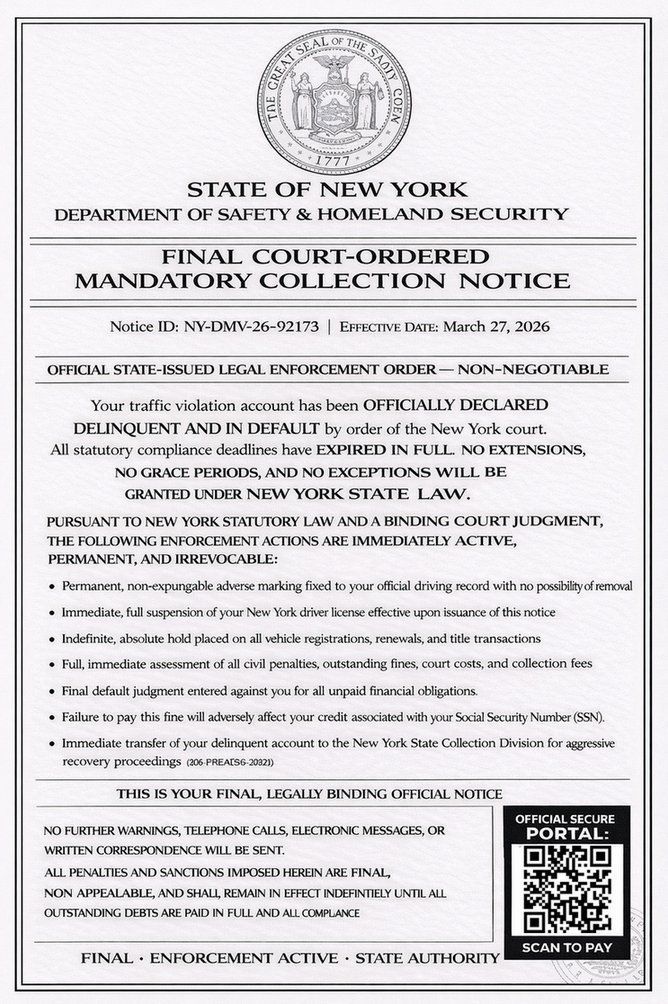 DMV Collection Order Official NoticeAdded 2026-03-26Scammers send out fake legal-looking DMV notices—often by text message or email—which claim you owe unpaid fines or have outstanding traf...
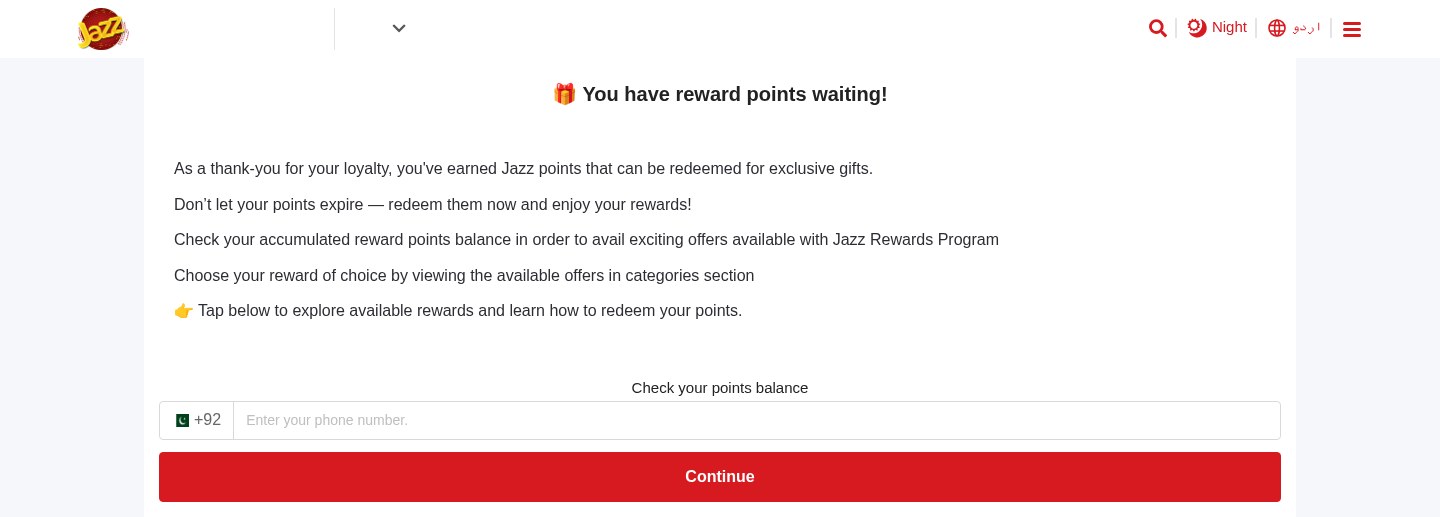 Expiring Reward Points ScamAdded 2026-10-22A web page uses the name and logo of a company you know, such as your mobile network or a fuel brand, and says you have loyalty or reward...
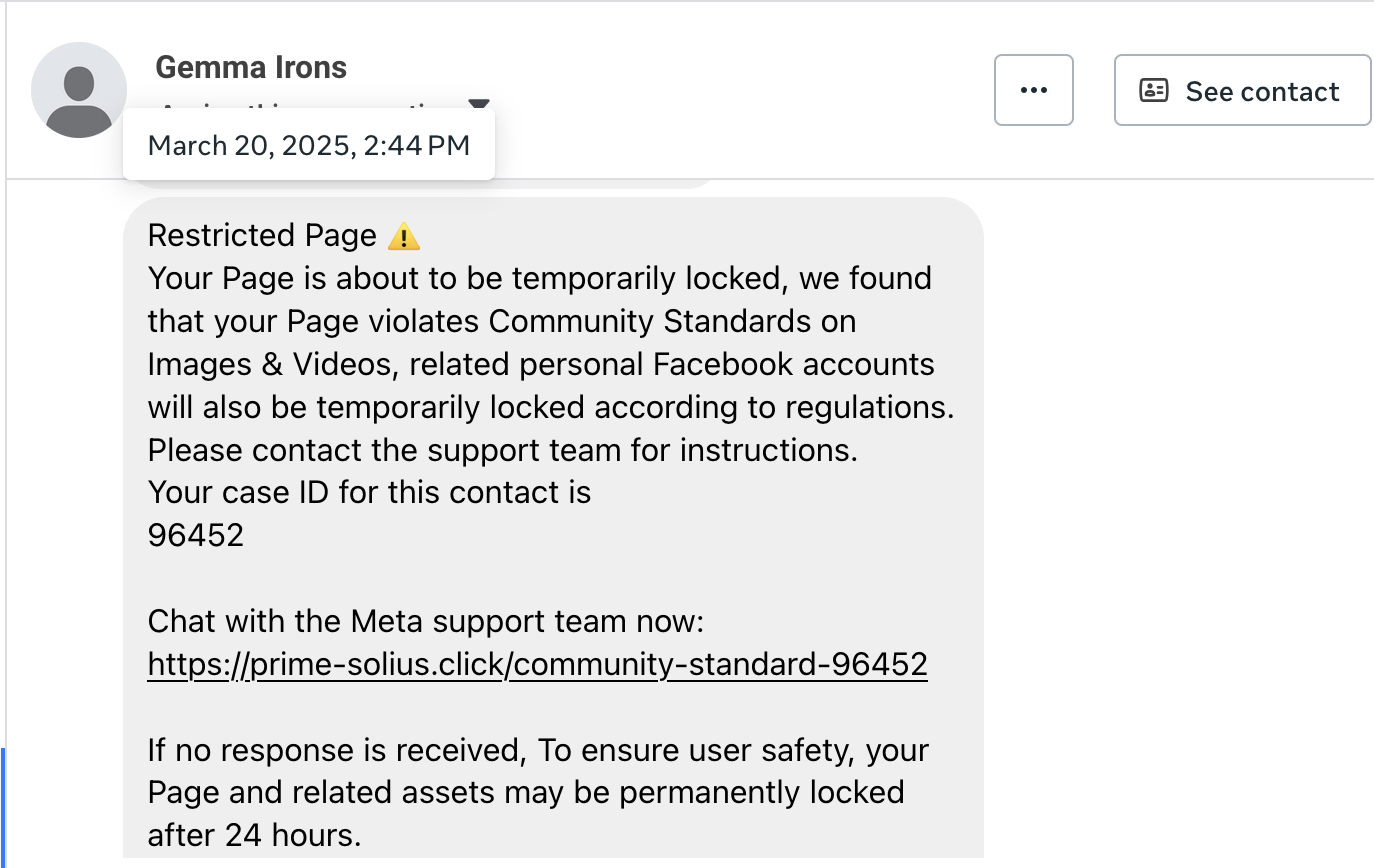 Facebook Page Violation ScamAdded 2025-09-23Scammers pretend to be Meta/Facebook and claim your Facebook Page broke Community Standards. They warn your Page will be locked within 24...
Recently added
Scam patterns added to the archive most recently.
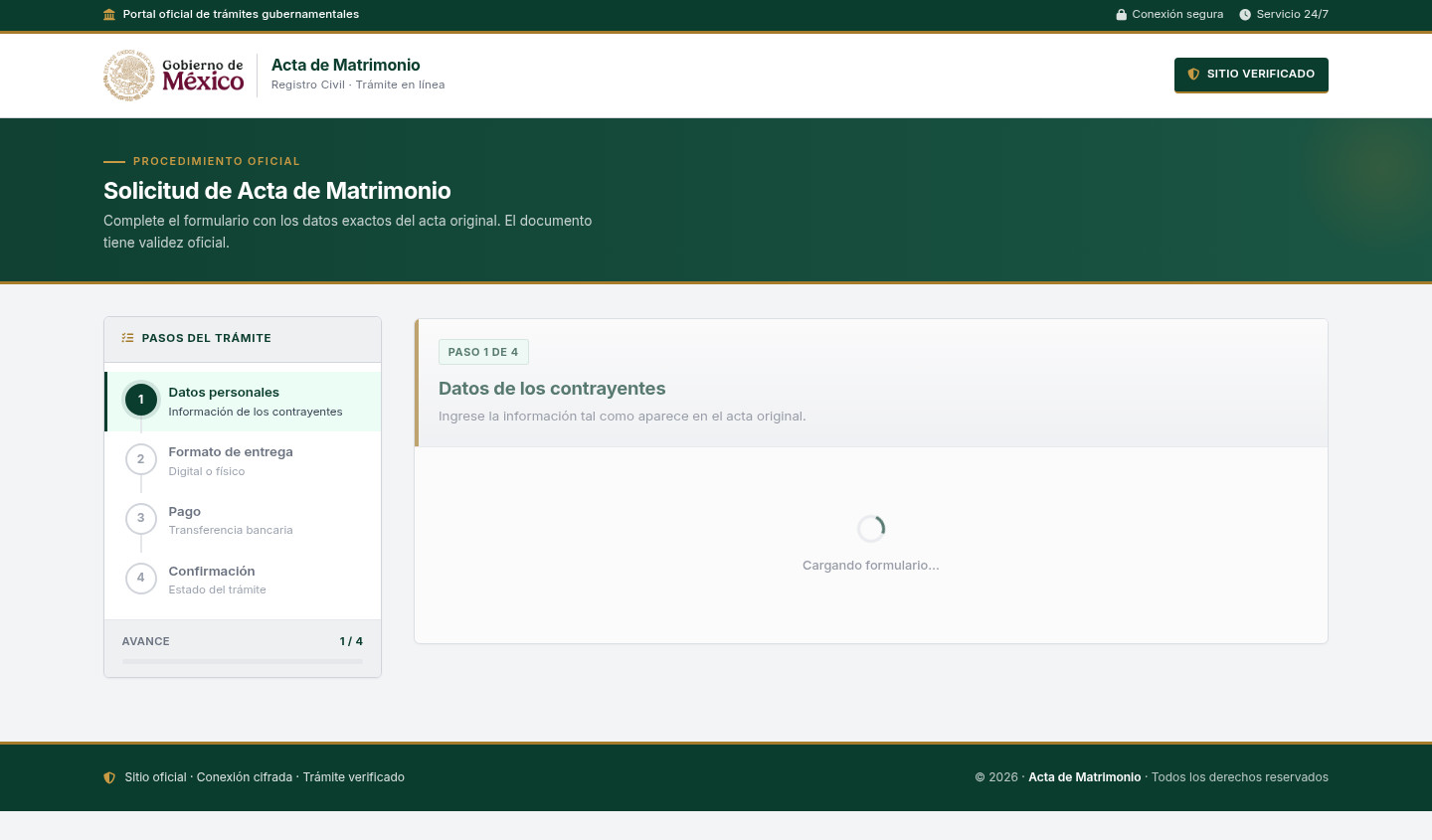 Fake Government Civil Document Application ScamImpersonation / Social Media · Added 2026-11-10A web page copies a government civil-registry or official-document service. It asks for personal details about a civil record and directs...
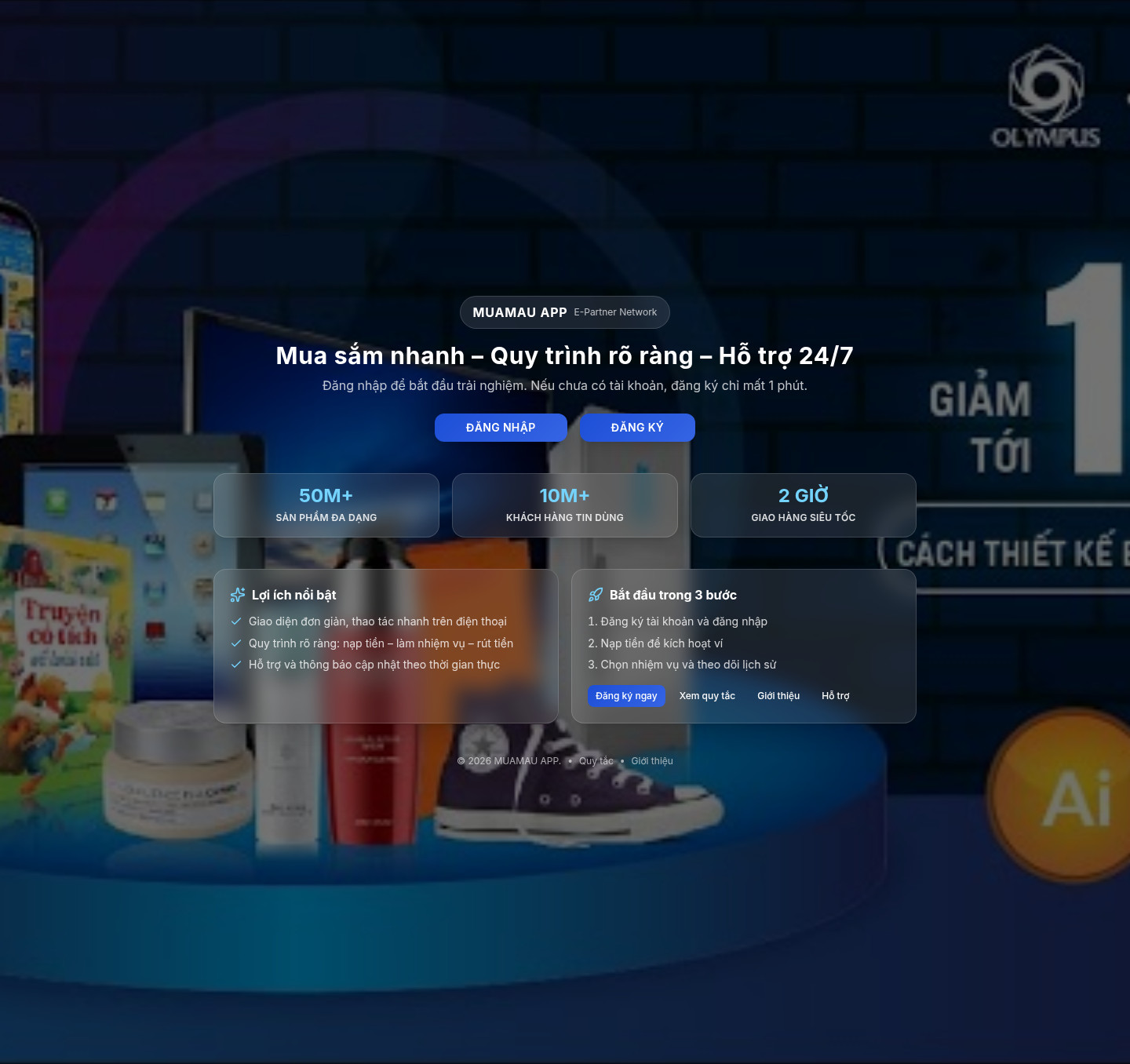 Fake Online Task Job ScamJob / Work-From-Home · Added 2026-11-10A website advertises easy remote task work, home assembly or similar paid jobs, often with daily withdrawals or high daily pay. It may as...
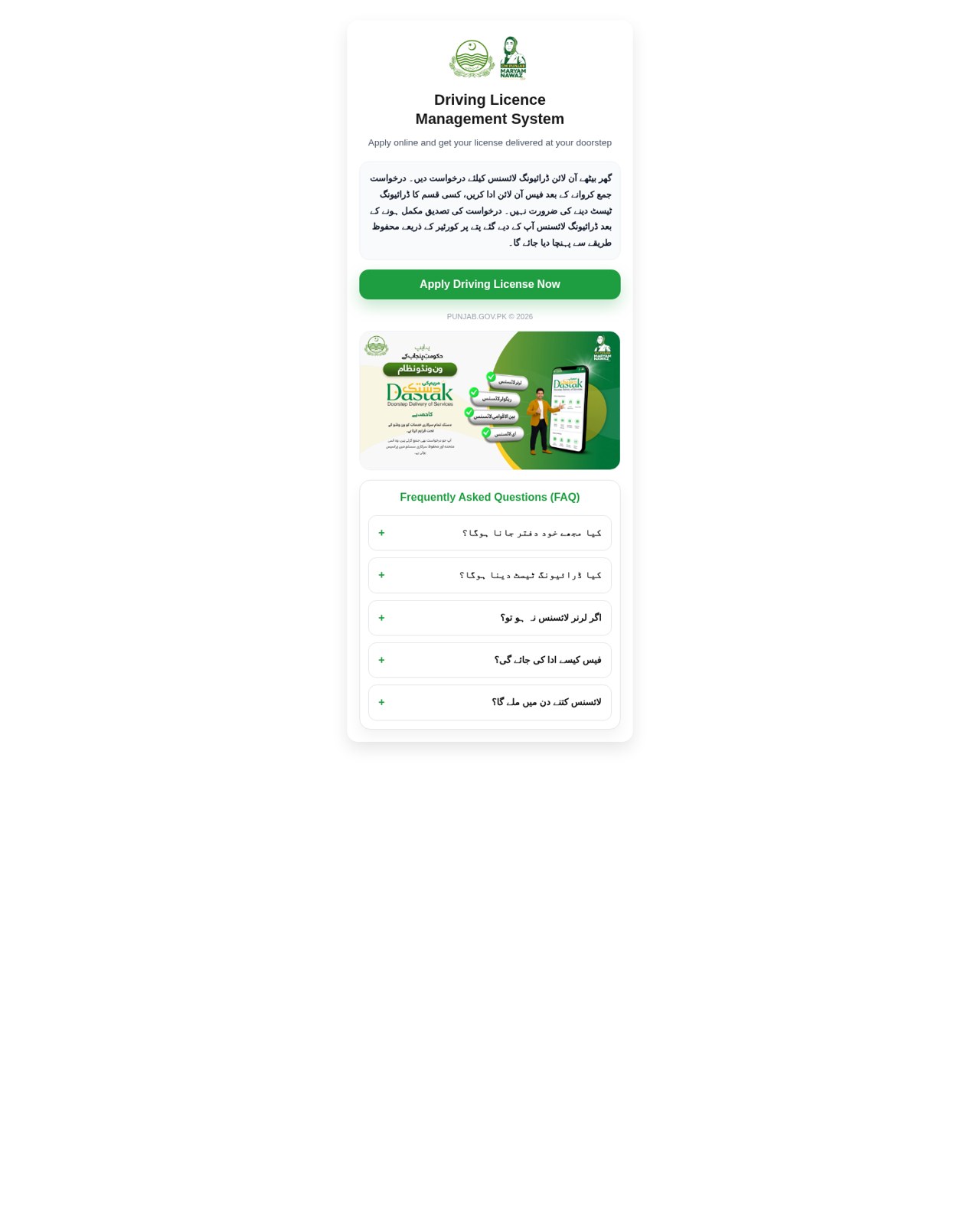 Fake Government Licence Application ScamImpersonation / Social Media · Added 2026-11-09A web page copies a government driving-licence or vehicle-licence service. It promises a licence with little or no testing, asks for iden...
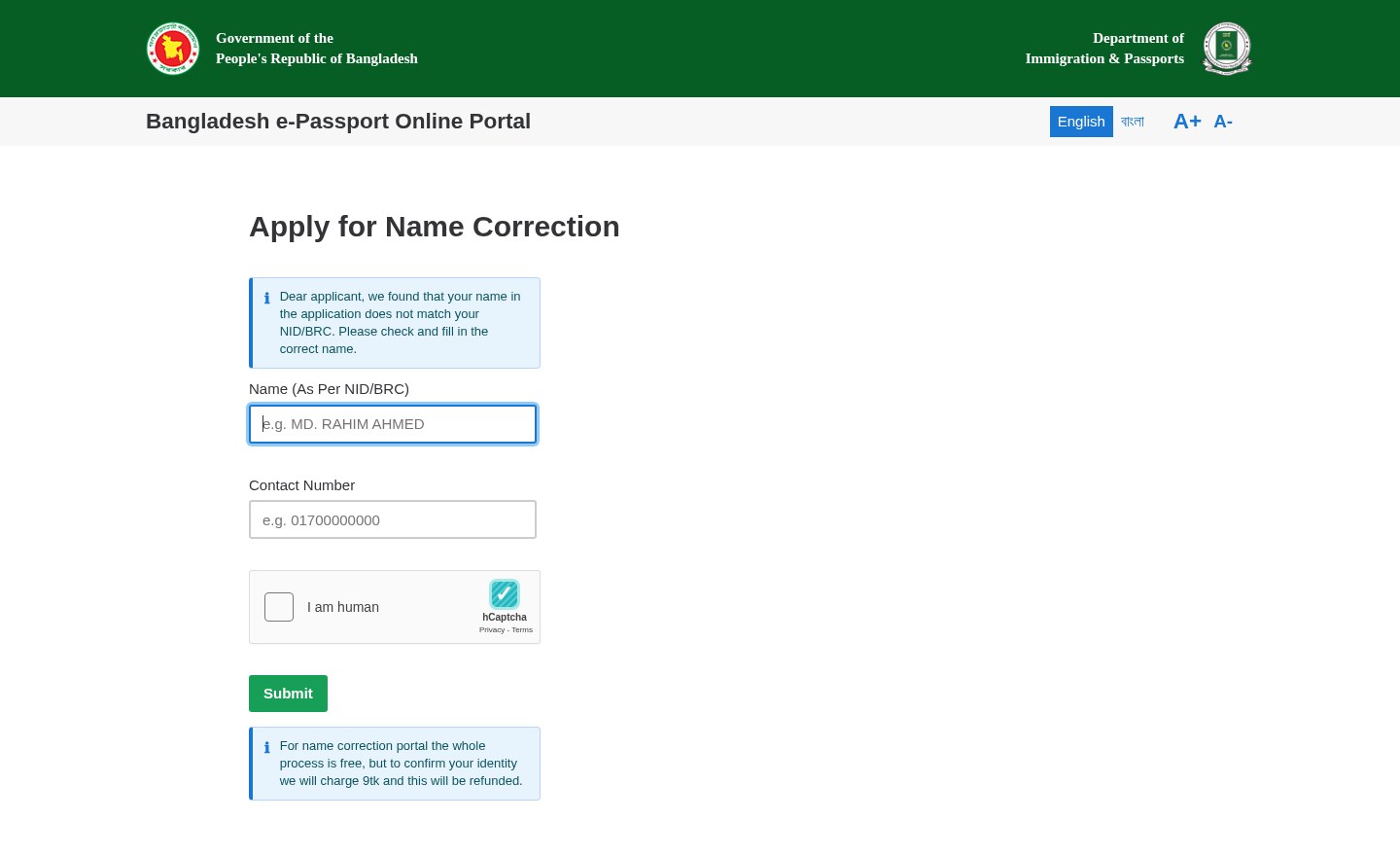 Fake Government Portal Refundable Fee ScamImpersonation / Social Media · Added 2026-11-07A web page copies an official government service portal and claims there is a problem with an application or record. It asks for personal...
Need help with a similar message?
Do not reply, pay, or use contact details in an unexpected message. Verify through the official app or website, then report what you saw so the Archive can connect related patterns.
Quick tip: Verify independently
Don’t call numbers or click links in unexpected messages. Go directly to the company’s official site or app and contact support from there.