This is a version of Fake Document Verification Portal Scam in Impersonation / Social Media.
Fake SAT CFDI verification page that copies Mexico's invoice checker on a look-alike address
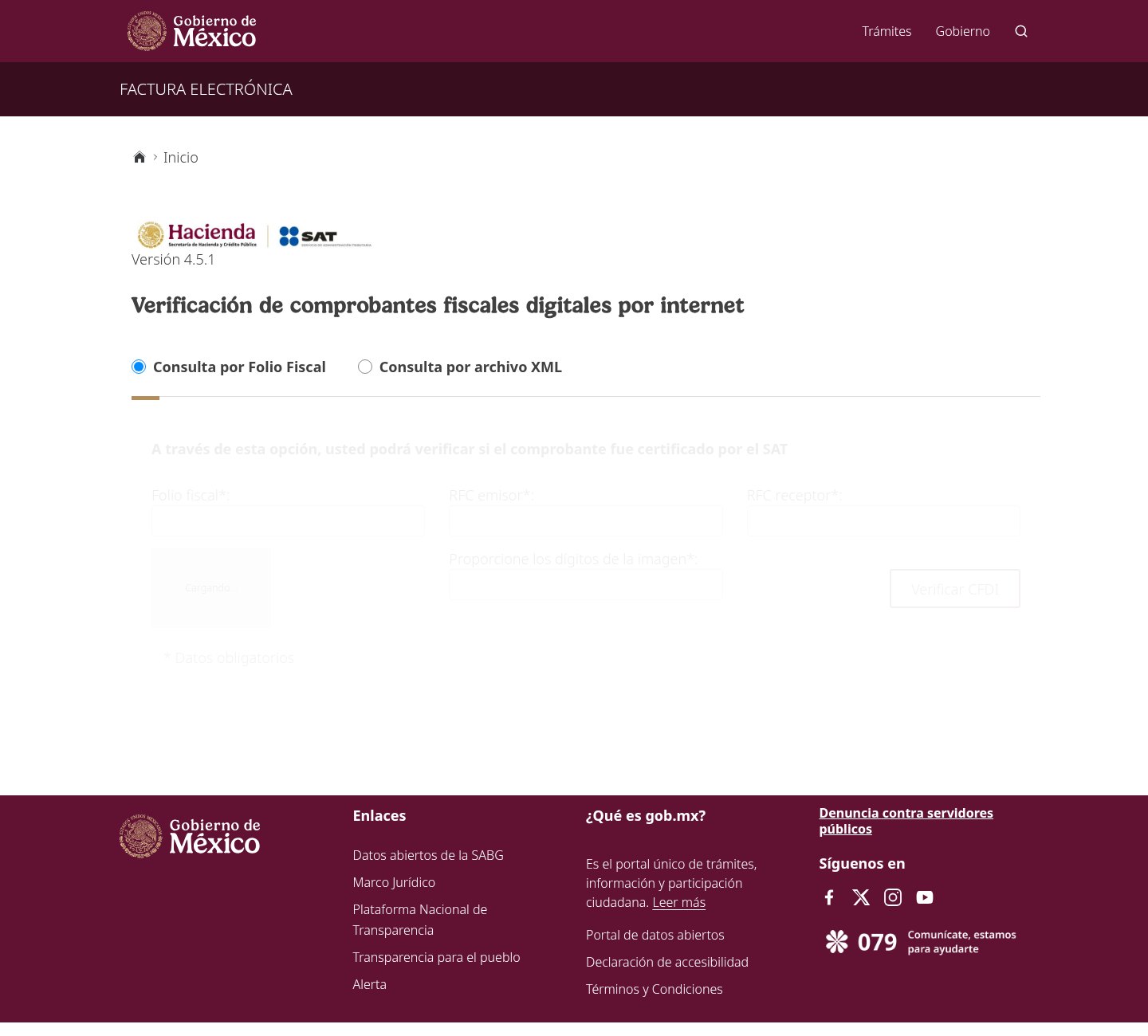
A page at verificacfdifacturaelectronica-sat[.]com copies the SAT's "Verificación de comprobantes fiscales digitales por internet" page, with the Gobierno de México header, the Hacienda and SAT logos, "Versión 4.5.1", the folio fiscal and RFC fields, a captcha and the gob[.]mx footer. A second site, verificacfdifacturaelectronicasatgob[.]com, runs an editable verifier with an admin panel that can answer "Verificado" for an uploaded invoice file. A fake invoice whose QR code points to one of these pages could look certified by the SAT. The pages were first observed on October 23, 2026, and last seen on November 4, 2026.
What’s different in this version
These traits set this message apart from the usual pattern.
Each printed CFDI carries a QR code that opens the SAT verifier at verificacfdi.facturaelectronica.sat.gob[.]mx with the folio fiscal, the issuer's and receiver's RFC, the total and the last 8 characters of the seal. These pages copy that verifier on addresses that only look like it.
verificacfdifacturaelectronica-sat[.]com is a near pixel-level copy hosted on Vercel, with the Gobierno de México header, Hacienda and SAT logos, the version number, the form, a captcha and the gob[.]mx footer. It was still online on November 4, 2026.
verificacfdifacturaelectronicasatgob[.]com was registered on October 16, 2026, sits behind Cloudflare and was built with an AI app builder. By November 4, 2026, it showed the placeholder name "Proyecto Escolar" and a notice saying it is an educational demo. In its code, the name, the notice, the form labels and every result value can be changed from an /admin page, and its XML mode reads an uploaded CFDI and answers "Verificado" without asking the SAT.
Nine addresses following the "verificacfdi...facturaelectronica...sat" pattern appeared between August 7 and October 17, 2026. When checked on November 4, 2026, two were working copies and the other seven were empty, reused, parked or taken down.
The likely victims are businesses that pay suppliers, since a fake "Verificado" result can back an improper payment or tax deduction. No fake invoices using these pages were seen in circulation in Mexico.
The two Mexican sites are not shown to share an operator. The overall record remains Active, because similar pages appear on new addresses.
Related scams
Other patterns in the same category, or that share a brand with this report.
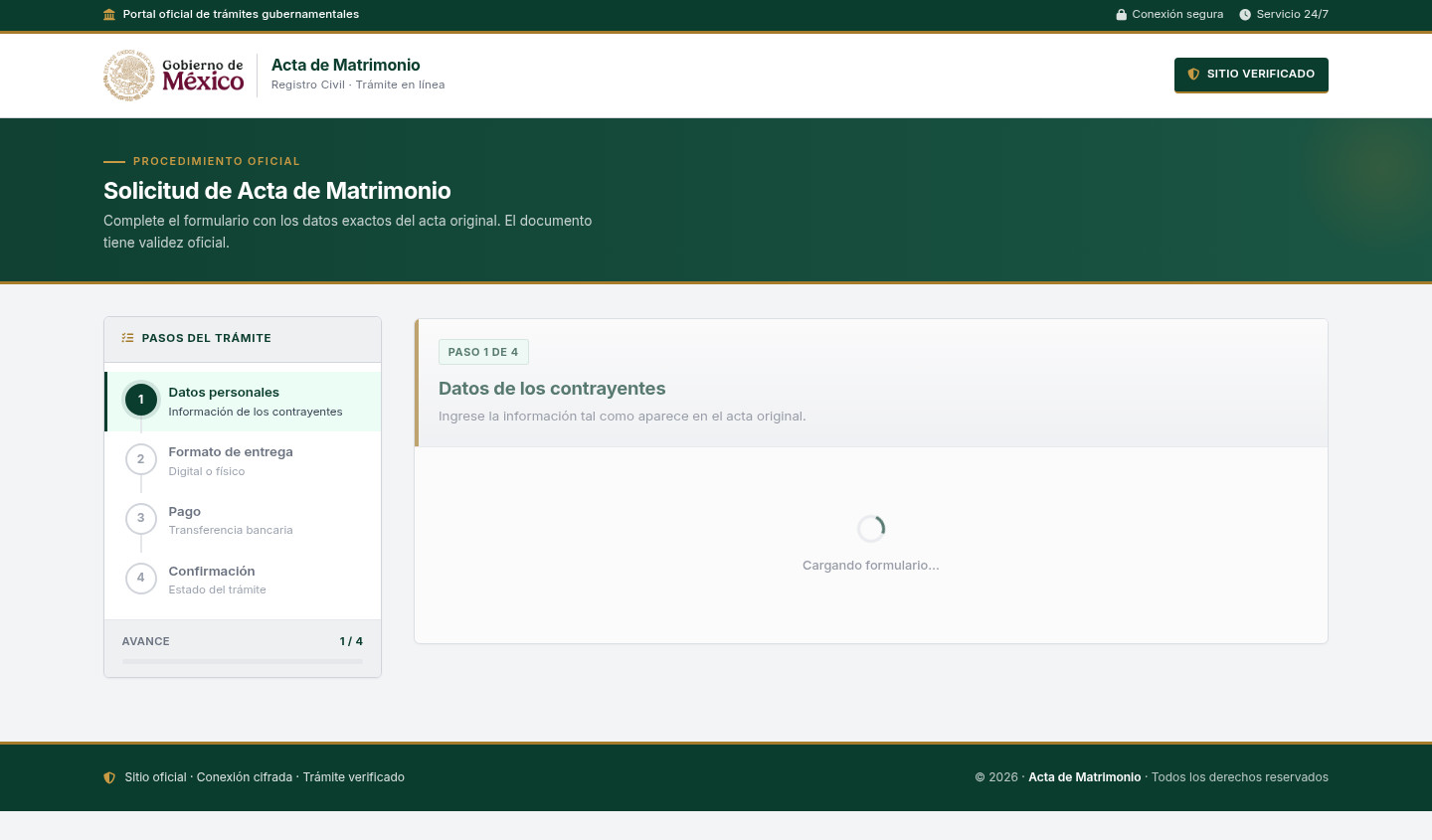 Fake Government Civil Document Application ScamImpersonation / Social Media · Shared brand · Added 2026-11-10A web page copies a government civil-registry or official-document service. It asks for personal details about a civil record and directs...
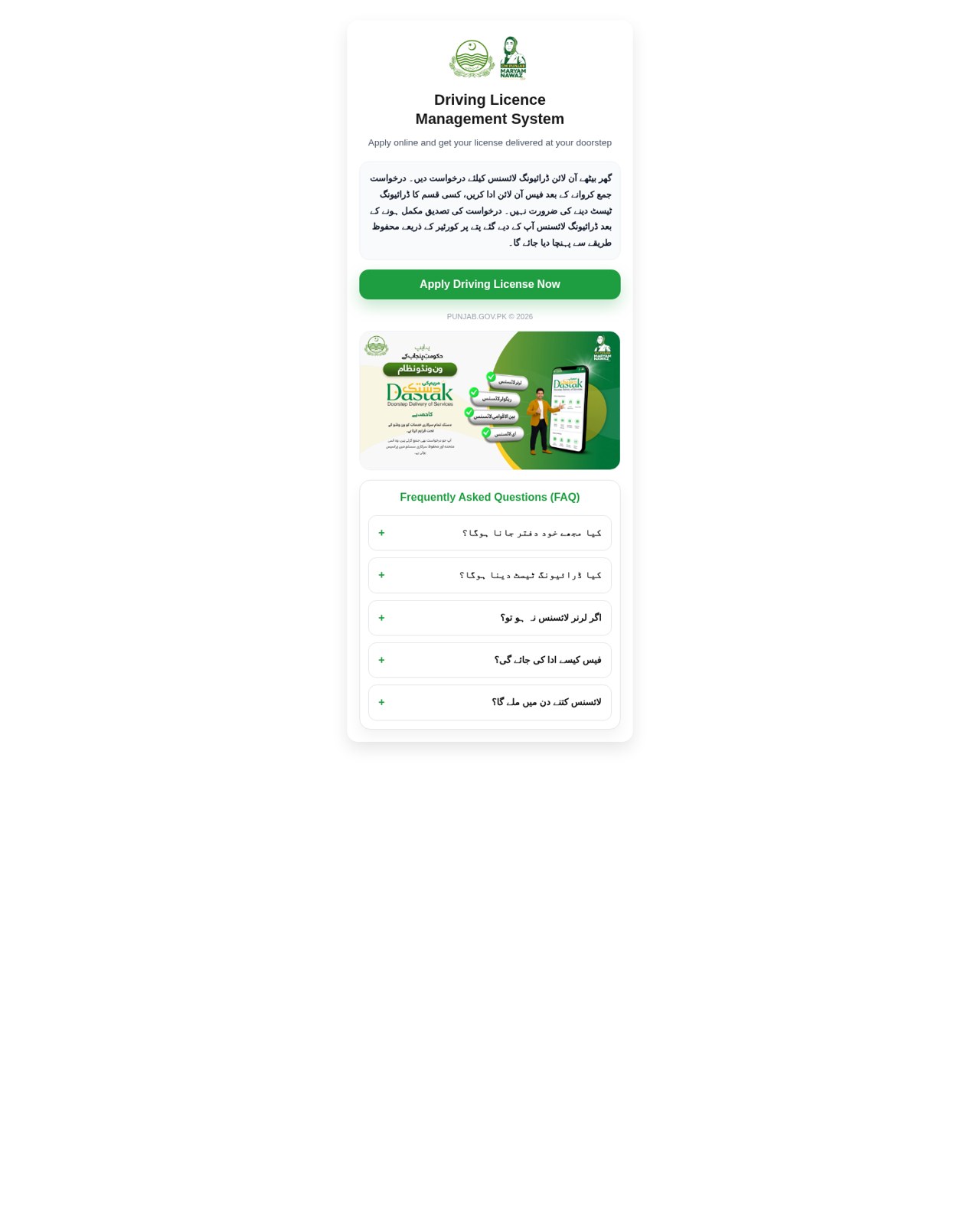 Fake Government Licence Application ScamImpersonation / Social Media · Added 2026-11-09A web page copies a government driving-licence or vehicle-licence service. It promises a licence with little or no testing, asks for iden...
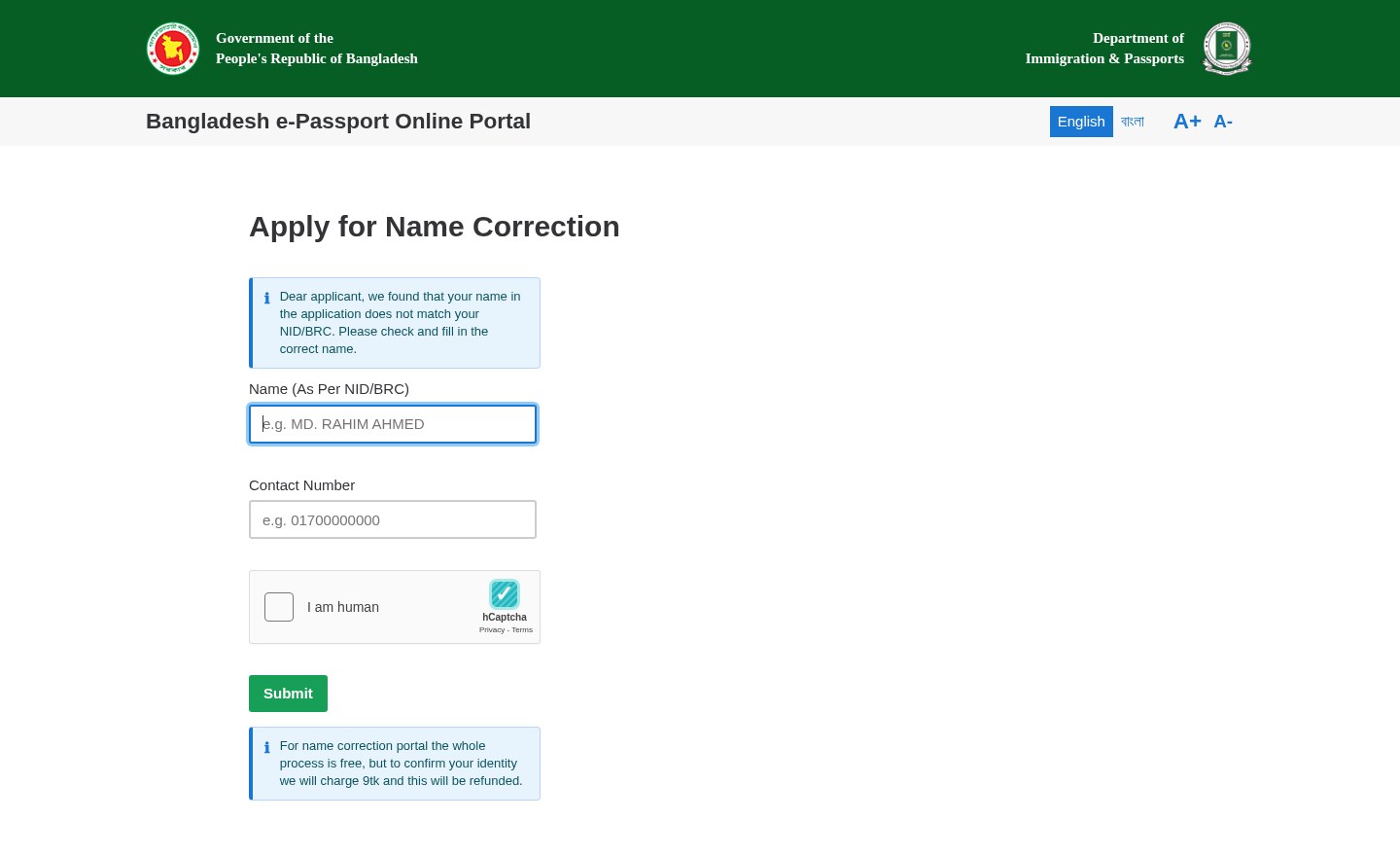 Fake Government Portal Refundable Fee ScamImpersonation / Social Media · Added 2026-11-07A web page copies an official government service portal and claims there is a problem with an application or record. It asks for personal...
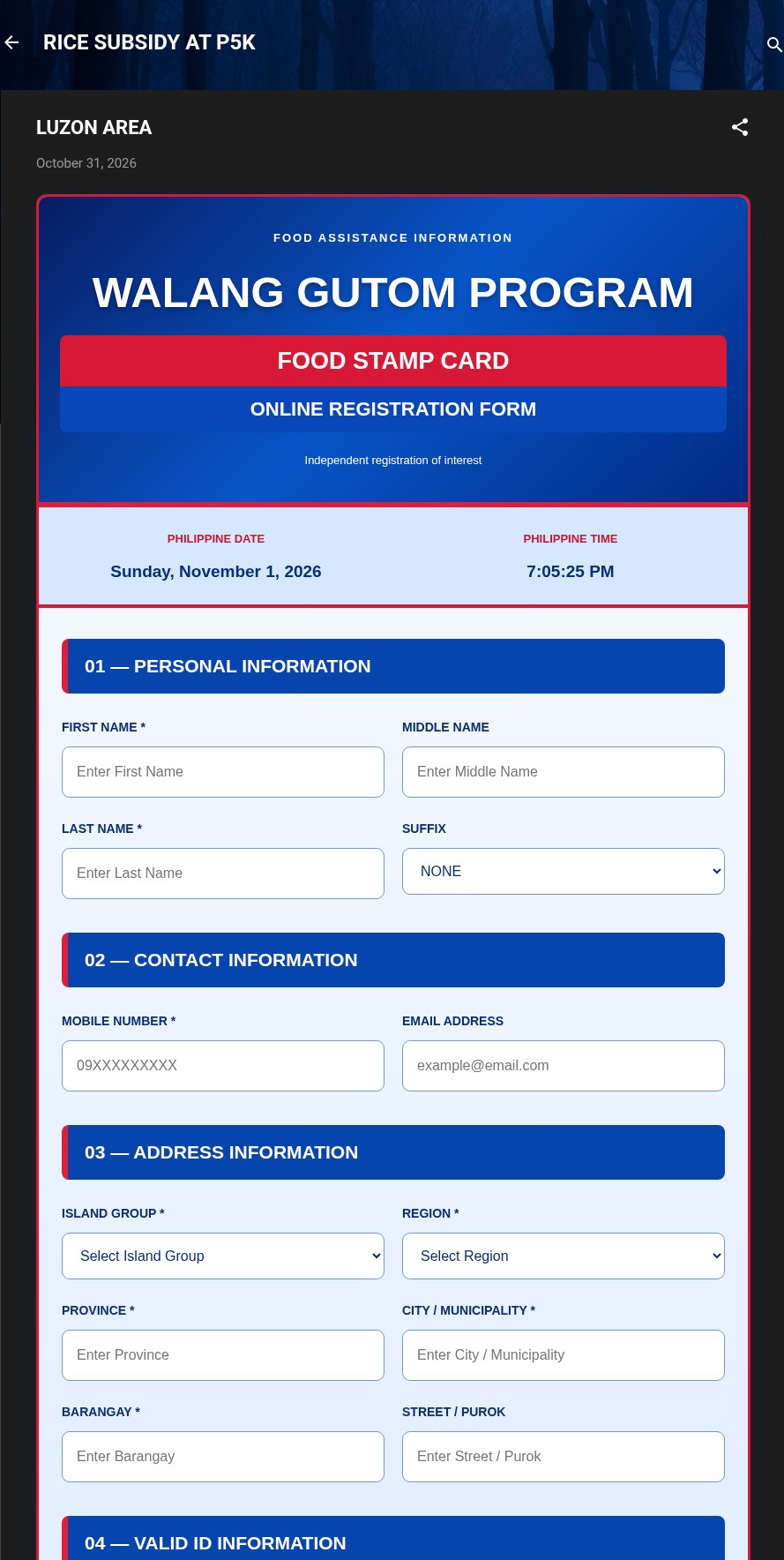 Fake Government Aid Registration Form ScamImpersonation / Social Media · Added 2026-11-01A web page or blog post uses the name of a real government aid program and says you can register online for food aid, a subsidy or cash a...
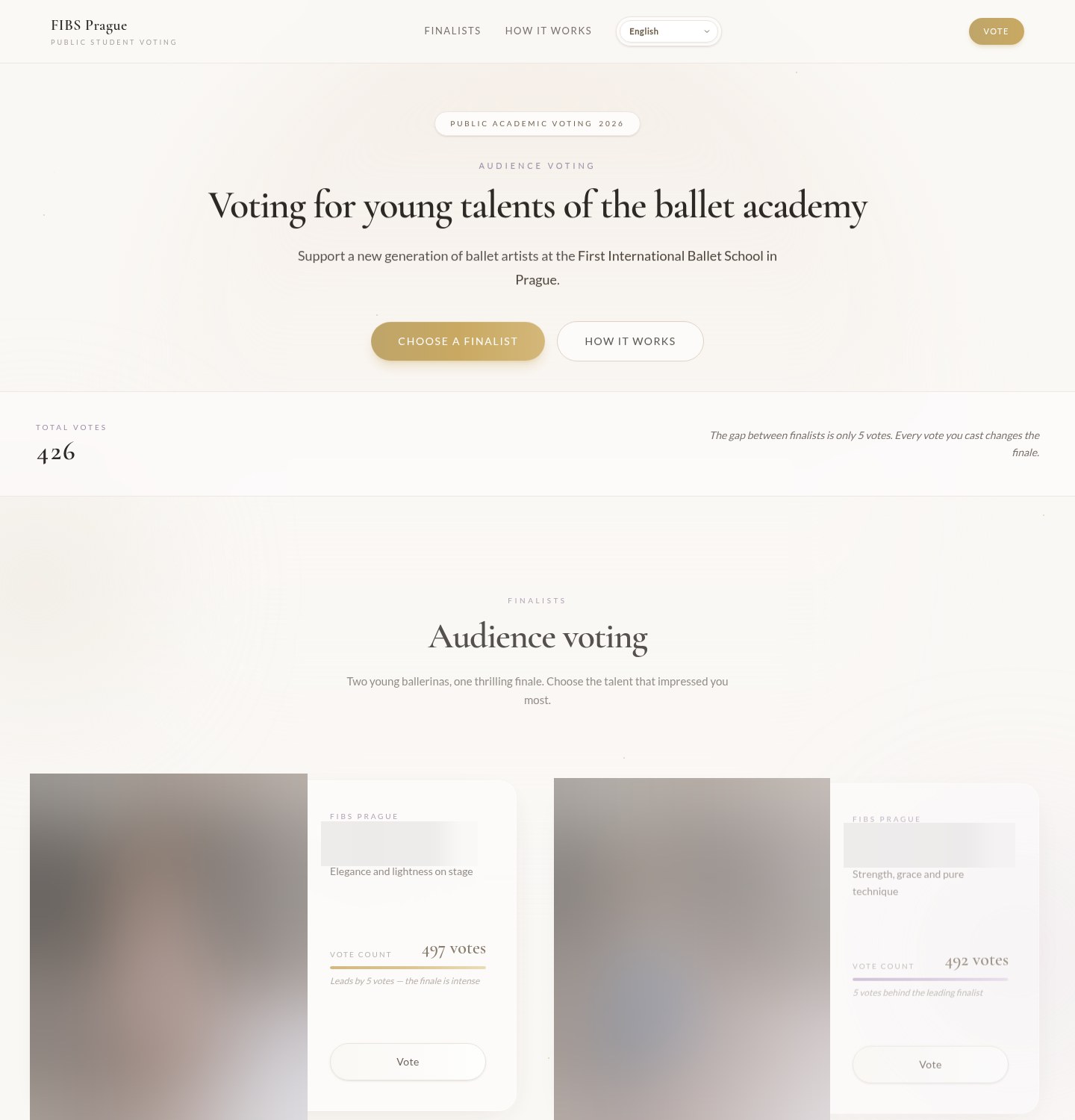 Fake Online Vote Verification ScamImpersonation / Social Media · Added 2026-10-19A web page asks you to vote in a public contest, often for a child or young performer at a school, club or competition. It shows the fina...
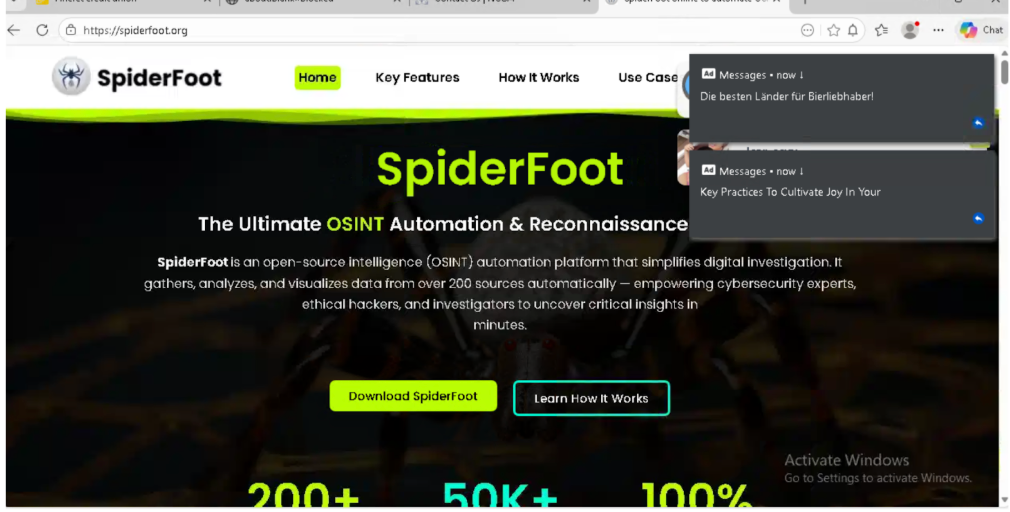 Fake Software Download Site ScamImpersonation / Social Media · Added 2026-03-02Many people looking to download free or open-source software can accidentally land on fake websites that look almost like the real thing....
How this scam works
- 1
Step 1: Someone prepares a forged document, such as a utility bill or tax invoice, with a QR code or link for checking it.
- 2
Step 2: The QR code or link opens a look-alike address that copies the official verification page, often with a government header and logos.
- 3
Step 3: The copy shows a result that looks genuine, or lets its operator choose what result to show, without checking anything with the real service.
- 4
Step 4: The person checking the document trusts the result and accepts the document, opens an account, signs a lease or makes a payment. The documented variations do not show a completed case of harm.
✓ Do this
- After scanning a document's QR code, read the full web address before trusting the result.
- Check a document by typing the official verification address yourself and entering its code by hand.
- If a check passes on an unexpected address, treat the document as unverified and ask the issuer directly.
✗ Avoid this
- Do not accept a document because its QR code opens a page with government logos.
- Do not trust a verification page whose address is not exactly the official one, even if only one letter differs.
- Do not pay an invoice or approve an application based only on a verification link supplied with the document.
Verbatim excerpts from the scam
Exact lines from emails or messages—searchable text so you can compare wording.
- 1Excerpt 1Verificación de comprobantes fiscales digitales por internet
- 2Excerpt 2Consulta por Folio Fiscal Consulta por archivo XML
- 3Excerpt 3A través de esta opción, usted podrá verificar si el comprobante fue certificado por el SAT
- 4Excerpt 4Folio fiscal* RFC emisor* RFC receptor*
- 5Excerpt 5Demostración con fines educativos. No es un portal oficial ni valida comprobantes reales.