This is a version of Cloud-Hosted Phishing Page Scam in Phishing.
Fake Roundcube webmail login on Oracle Cloud storage that sends passwords to Telegram
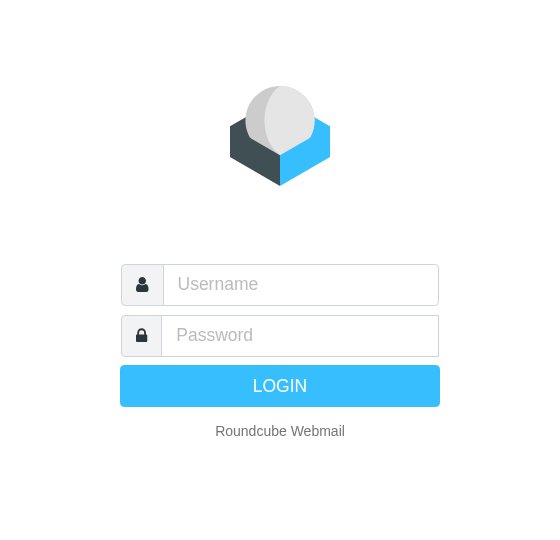
A copy of the Roundcube Webmail login, with the Roundcube logo and "Username" and "Password" boxes, is hosted as a single file in an Oracle Cloud storage bucket. The Research Inbox analysis found text saying your email was updated and you will be logged off, and code that sends what you type to a Telegram bot. It was first observed and last seen on October 16, 2026. The Oracle address does not mean the page belongs to Oracle or to your email provider.
What’s different in this version
These traits set this message apart from the usual pattern.
The page copies Roundcube, open-source webmail used by many companies and hosting providers, so it can target anyone whose work or personal email uses Roundcube.
It is a single HTML file in an Oracle Cloud object storage bucket (objectstorage.us-ashburn-1.oraclecloud[.]com), not a new look-alike website.
The Research Inbox analysis found code that sends the username and password to a Telegram bot, and page text saying the visitor updated their email and will be logged off.
How the link reached people was not recorded. The sighting came from India. The overall record remains Active, because similar pages appear on new addresses.
Other variations of this scam
Other reported versions of this scam.
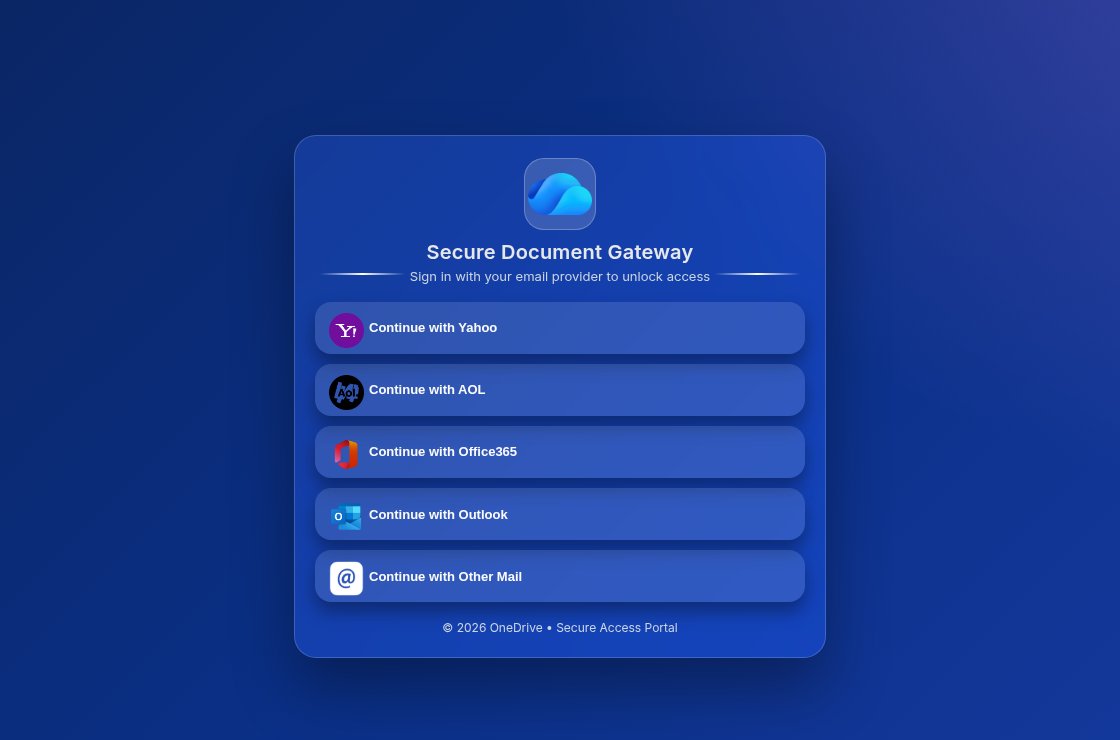 Fake OneDrive Secure Document Gateway on a free web host that asks you to sign in with Yahoo, AOL, Office365 or OutlookUnknown · 2026-11-16A page with a OneDrive cloud icon and the heading "Secure Document Gateway" says "Sign in with your email provider to unlock access" and...
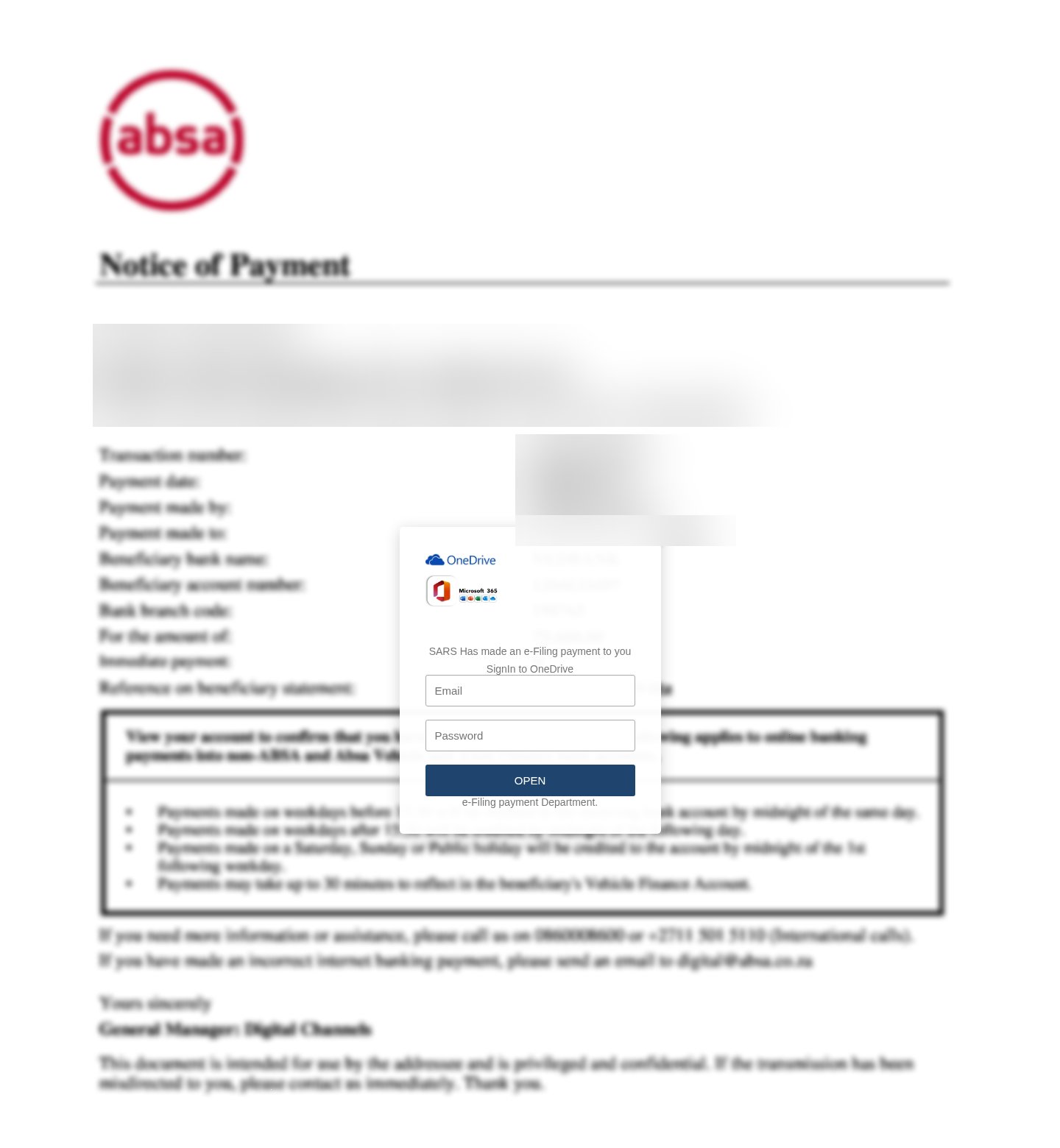 Fake SARS e-Filing payment notice with an ABSA letter behind a OneDrive sign-in boxUnknown · 2026-11-16A page shows a blurred ABSA "Notice of Payment" letter with a OneDrive and Microsoft 365 box on top that says "SARS Has made an e-Filing...
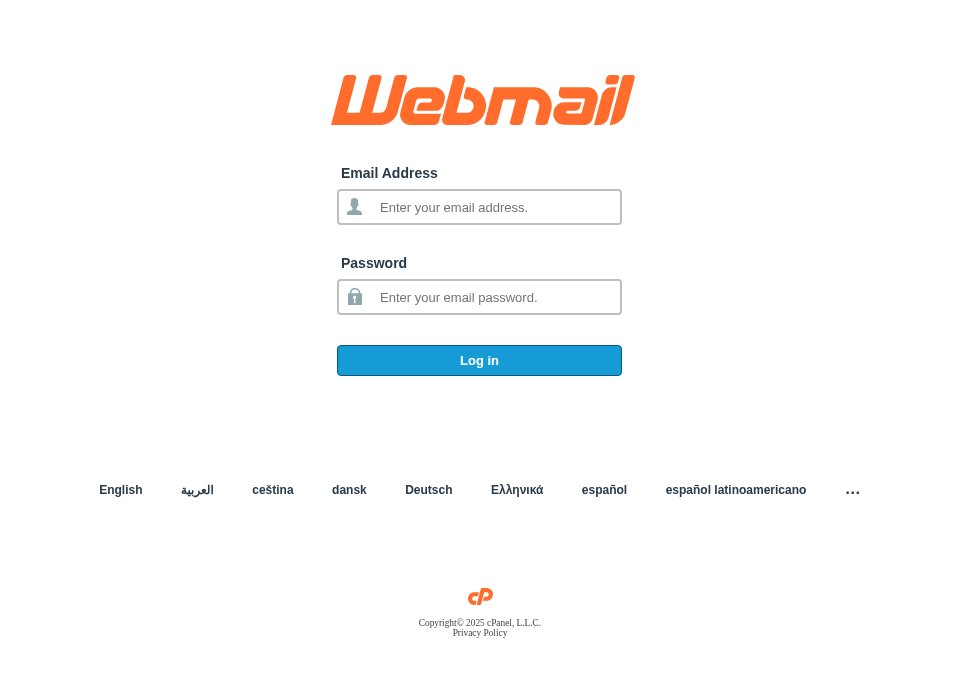 Fake cPanel webmail logged-out page on a free HTML host that sends passwords to TelegramUnknown · 2026-11-05A copy of the cPanel "Webmail" login says you have been logged out and asks for your email address and email password, with a language me...
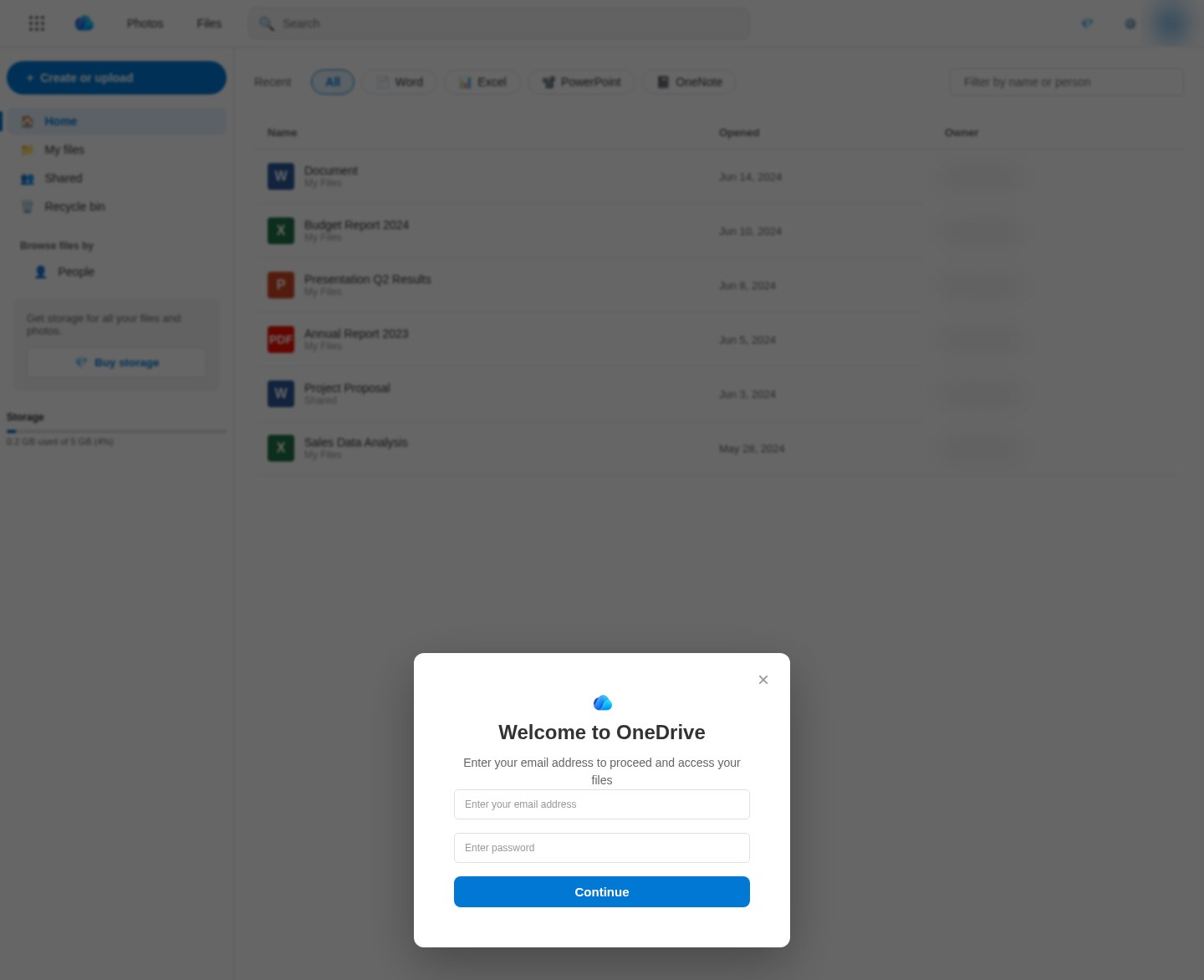 Fake OneDrive file page on Backblaze cloud storage that fills in your email and asks for your passwordUnknown · 2026-11-03A page titled "OneDrive | M365 Copilot" shows a blurred copy of a OneDrive file list, with Word, Excel, PowerPoint and PDF files such as...
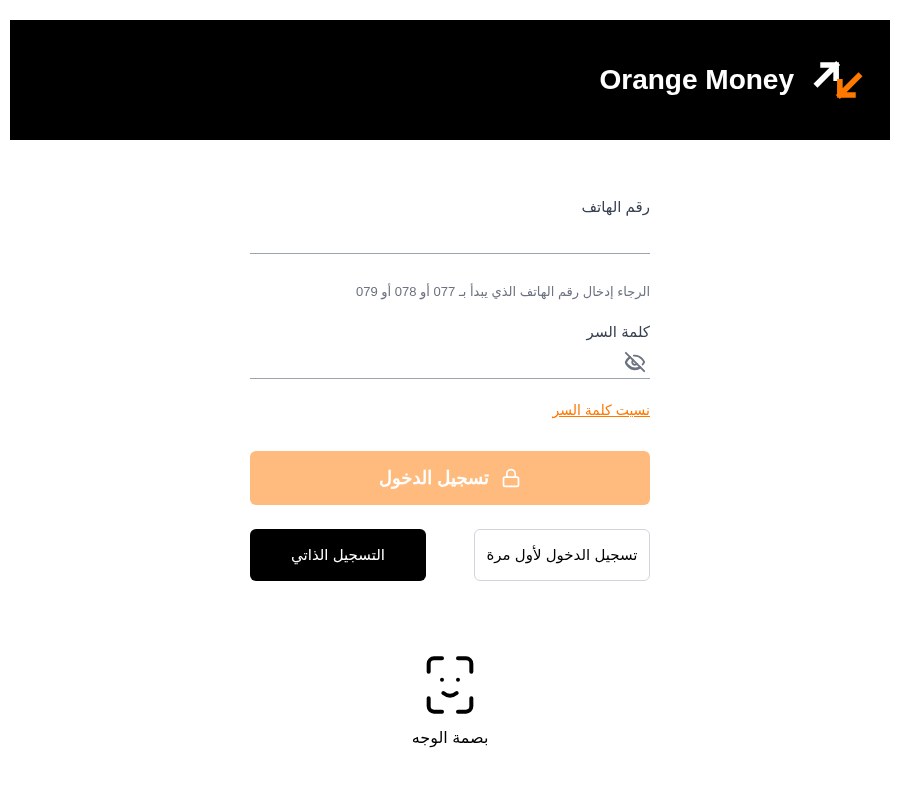 Fake Orange Money Jordan login page that sends your password, code and ID photo to TelegramUnknown · 2026-10-29An Arabic-language page titled "Orange Money - تسجيل الدخول" (Orange Money sign-in) asks for a phone number starting with 077, 078 or 079...
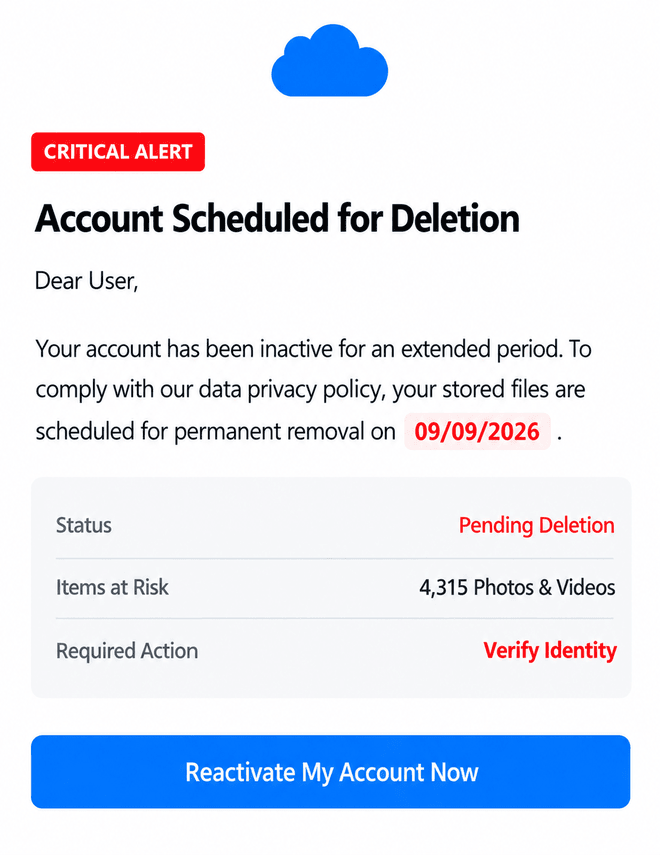 Cloud-storage account deletion warning asks you to reactivate and verify your identityUnknown · 2026-09-09An image shows a cloud-storage-style warning claiming that an inactive account is scheduled for permanent deletion. It says 4,315 photos...
Related scams
Other patterns in the same category, or that share a brand with this report.
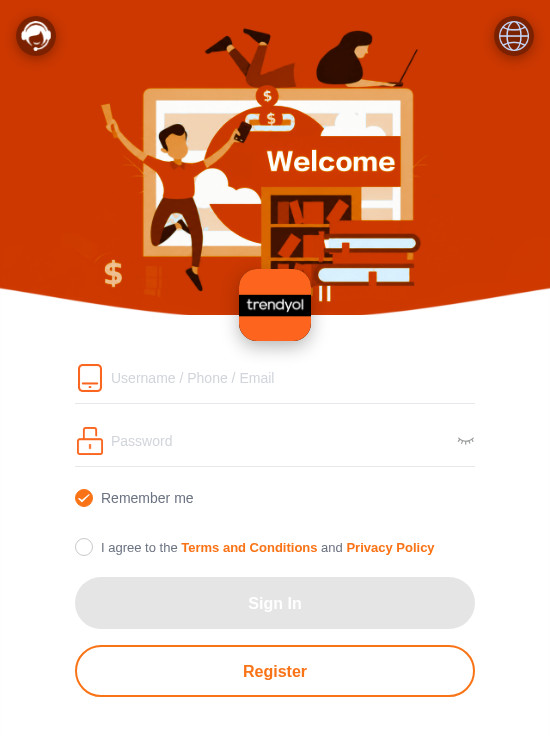 Fake Branded Account Login ScamPhishing · Added 2026-11-10A page uses a well-known company's name and colours and asks you to sign in or register with a username, phone number or email, and a pas...
 Fake Game Item Vote Login ScamPhishing · Added 2026-11-02A link takes you to what looks like a page on a gaming platform's community site, usually a fan-made weapon skin or other game item, with...
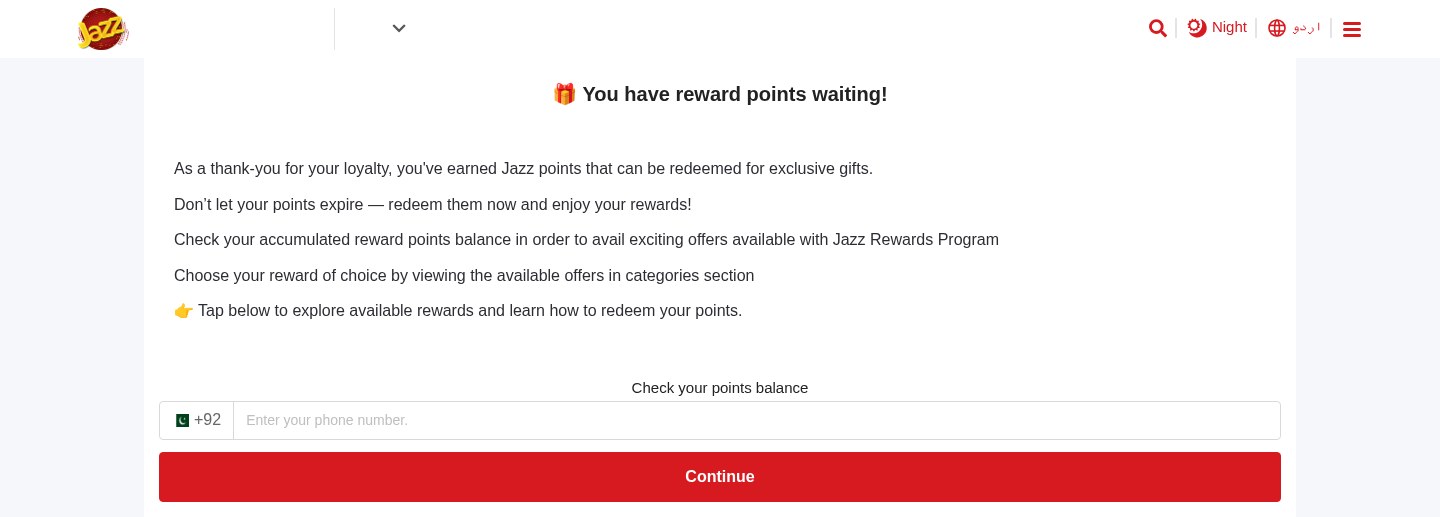 Expiring Reward Points ScamPhishing · Added 2026-10-22A web page uses the name and logo of a company you know, such as your mobile network or a fuel brand, and says you have loyalty or reward...
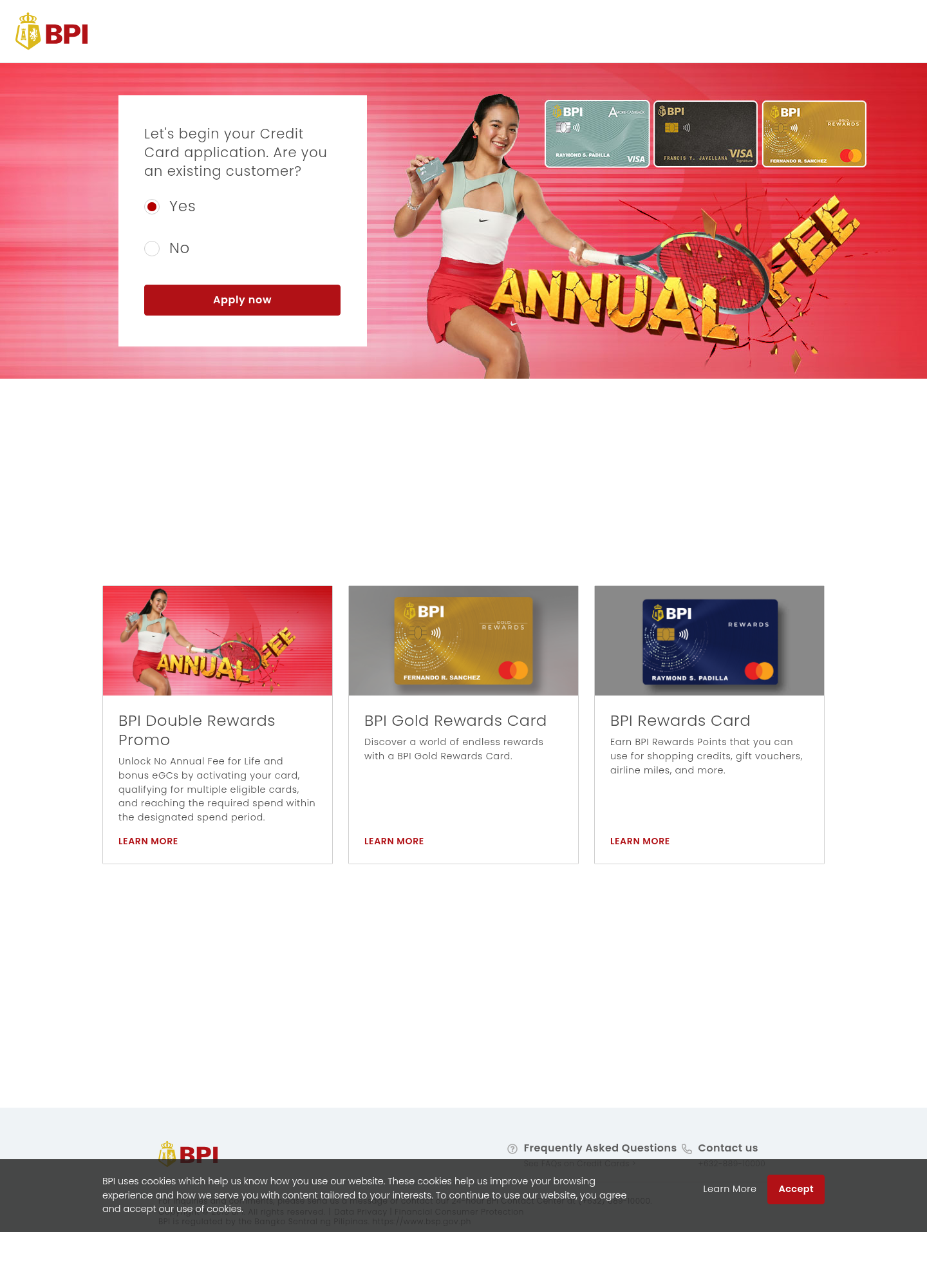 Fake Bank Credit Card Application ScamPhishing · Added 2026-10-17A page copies a bank or credit-card company's name, logo, and card pictures, and invites people to start an application. The web address...
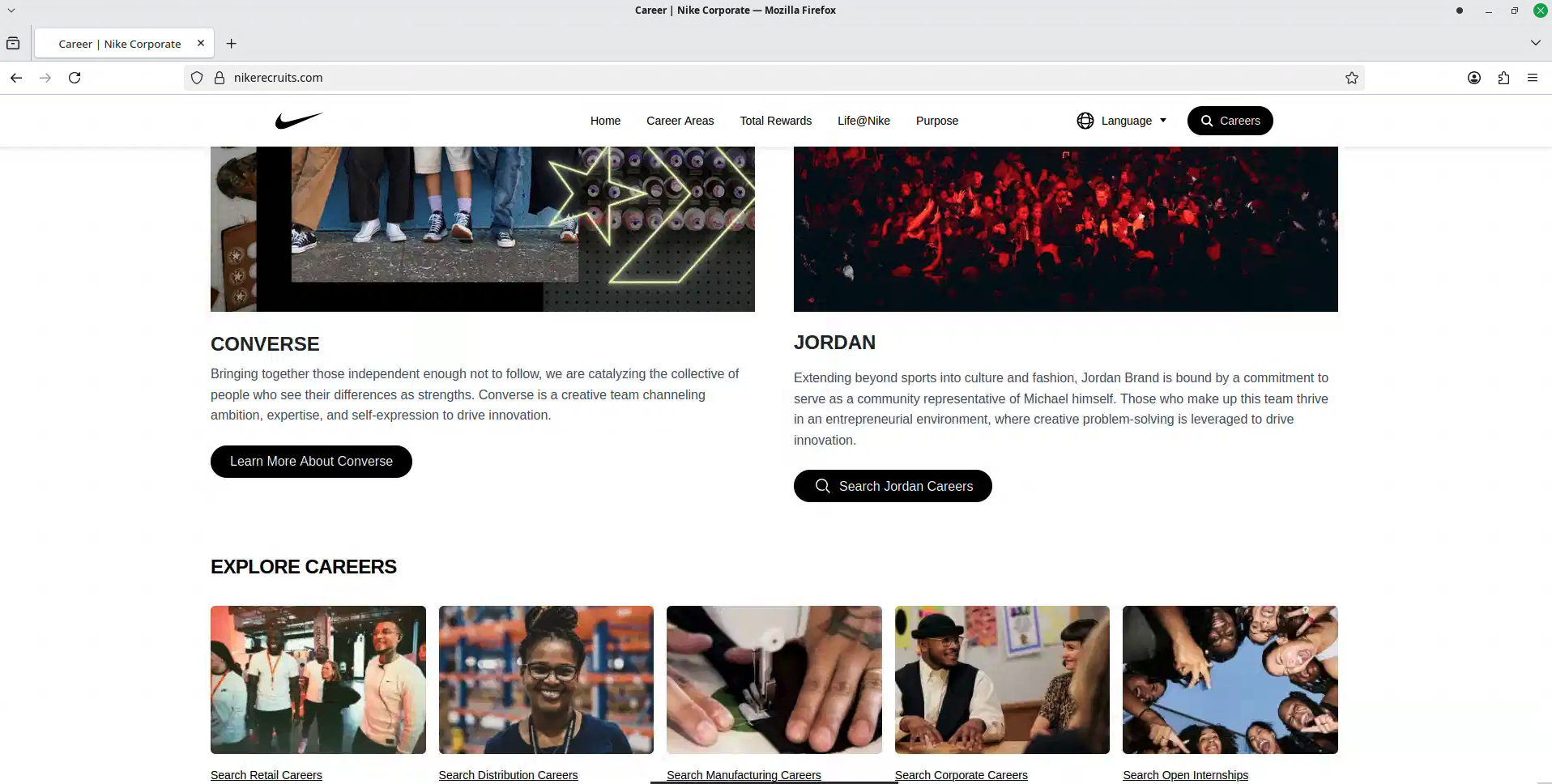 Fake Brand Recruitment PhishingPhishing · Added 2026-08-14A fake recruitment website copies a well-known company’s careers page and asks job seekers to sign in through a social-media account. In...
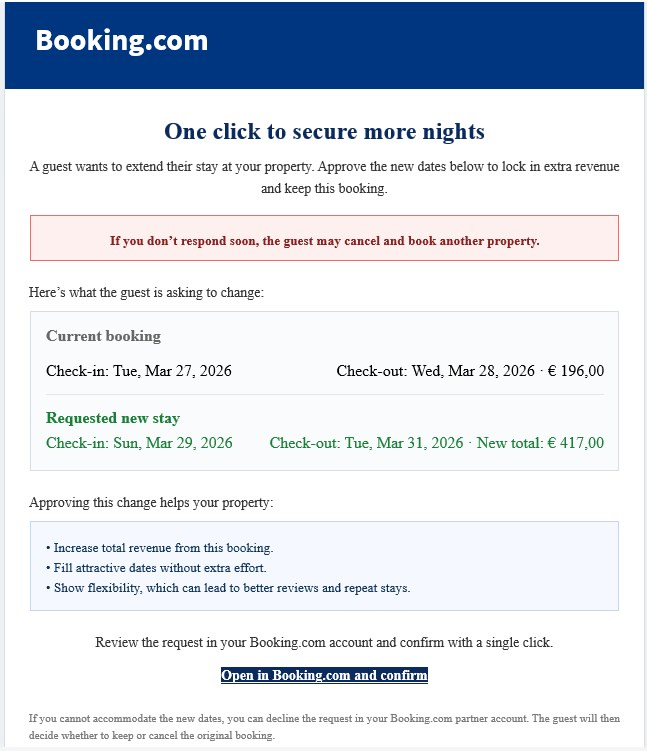 Booking.com Host Reservation Change ScamPhishing · Added 2026-04-27Scammers target property owners, hosts, and managers who list on Booking.com. The message claims a guest wants to change or extend a stay...
How this scam works
- 1
Step 1: A message, advertisement, social post, or search result sends you to a file or page hosted on a legitimate cloud-storage service.
- 2
Step 2: The page copies the name, logo, colors, or layout of a bank, courier, retailer, government office, or other trusted organization.
- 3
Step 3: The page asks you to sign in, pay a fee, enter card details, share an identity number, download a file, or provide a verification code.
- 4
Step 4: The submitted information may be sent to the scammer, or the download may lead to another harmful step. The hosting provider's name does not validate the page.
✓ Do this
- Stop when a cloud-storage link opens a page asking for a password, payment, identity number, verification code, or download.
- Open the real organization's app or type its known website address yourself.
- Check the full web address and confirm that it belongs to the organization you intended to visit.
- Report the page to the impersonated organization and the hosting provider, then delete the message or advertisement.
- Contact your bank or change exposed passwords through the official service if you already submitted information.
✗ Avoid this
- Do not assume a link is safe because it contains Amazon, Cloudflare, Backblaze, Microsoft, Google, or another familiar cloud-provider name.
- Do not enter payment, identity, login, or verification information into an unexpected hosted page.
- Do not download files from a page that arrived unexpectedly or claims you need an update or special viewer.
- Do not use the suspicious page's own contact details or links to verify the offer.
Verbatim excerpts from the scam
Exact lines from emails or messages—searchable text so you can compare wording.
- 1Excerpt 1Username
- 2Excerpt 2Password
- 3Excerpt 3LOGIN
- 4Excerpt 4Roundcube Webmail