This is a version of Cloud-Hosted Phishing Page Scam in Phishing.
Fake Orange Money Jordan login page that sends your password, code and ID photo to Telegram
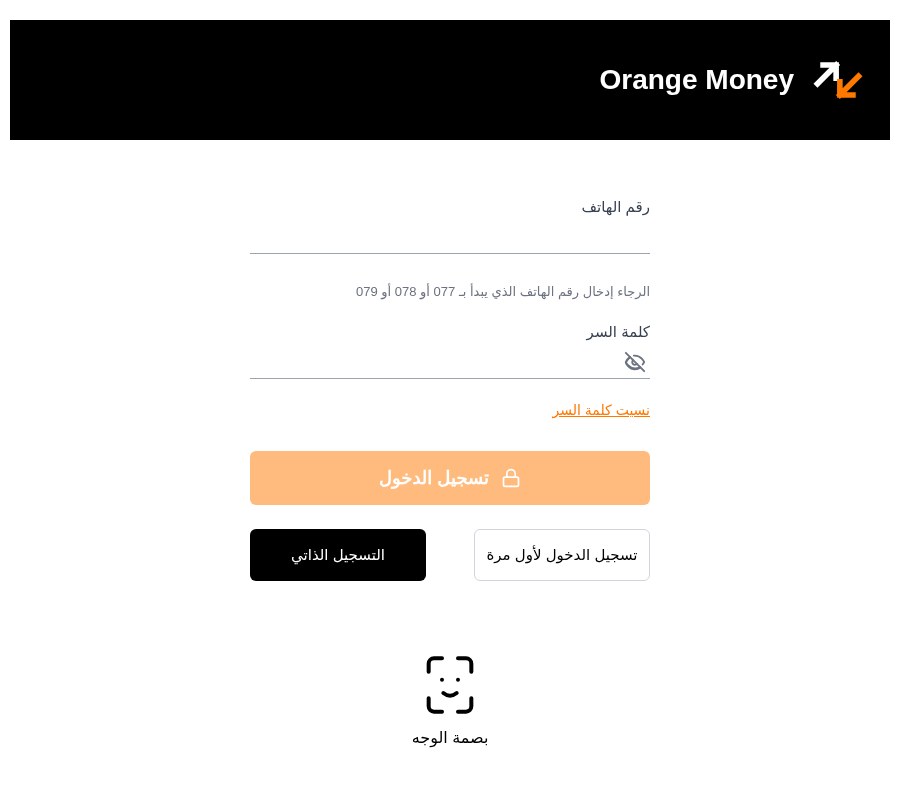
An Arabic-language page titled "Orange Money - تسجيل الدخول" (Orange Money sign-in) asks for a phone number starting with 077, 078 or 079 and a password. The page code then asks for a code sent by text message, then a wallet number, national number or passport number, ID number and date of birth, and finally opens the camera to photograph the front of an ID card. Each step is sent to a Telegram bot, and the person running it chooses what the page asks for next. It was reported on October 29, 2026, at orangemoneyjordann[.]blogspot[.]com, a free Blogger blog that forwards visitors to a page on htmlspace[.]app.
What’s different in this version
These traits set this message apart from the usual pattern.
-
The address orangemoneyjordann[.]blogspot[.]com is a free Blogger blog with an extra "n" in "jordan". Its only post forwards visitors to htmlspace[.]app/re7tfcy3/, a free page host that shows a "Hosted on HTMLSpace" label. The page code also names two manus[.]space addresses.
-
The sign-in screen asks for a phone number starting with 077, 078 or 079, which points to Jordan, and a password. It also shows "بصمة الوجه" (face print), "تسجيل الدخول لأول مرة" (first-time sign-in) and "التسجيل الذاتي" (self-registration) buttons.
-
After sign-in the page says a verification code was sent by text message and asks you to type it in, with a one-minute resend timer.
-
An identity step says "for security reasons" and asks for the wallet number, national number, passport or file number, ID number and date of birth, then asks to use the camera to photograph the front of the ID card.
-
The page code sends the phone number, password, code, identity details and ID photo to a Telegram bot. The bot message has buttons to accept, reject, ask for the code, ask for identity confirmation, ask for an ID photo, or reload the page, and the page waits up to five minutes for that choice.
-
Only the first screen appears in the screenshot. The later steps were recorded in the saved page code, not in the screenshot.
Other variations of this scam
Other reported versions of this scam.
Related scams
Other patterns in the same category, or that share a brand with this report.
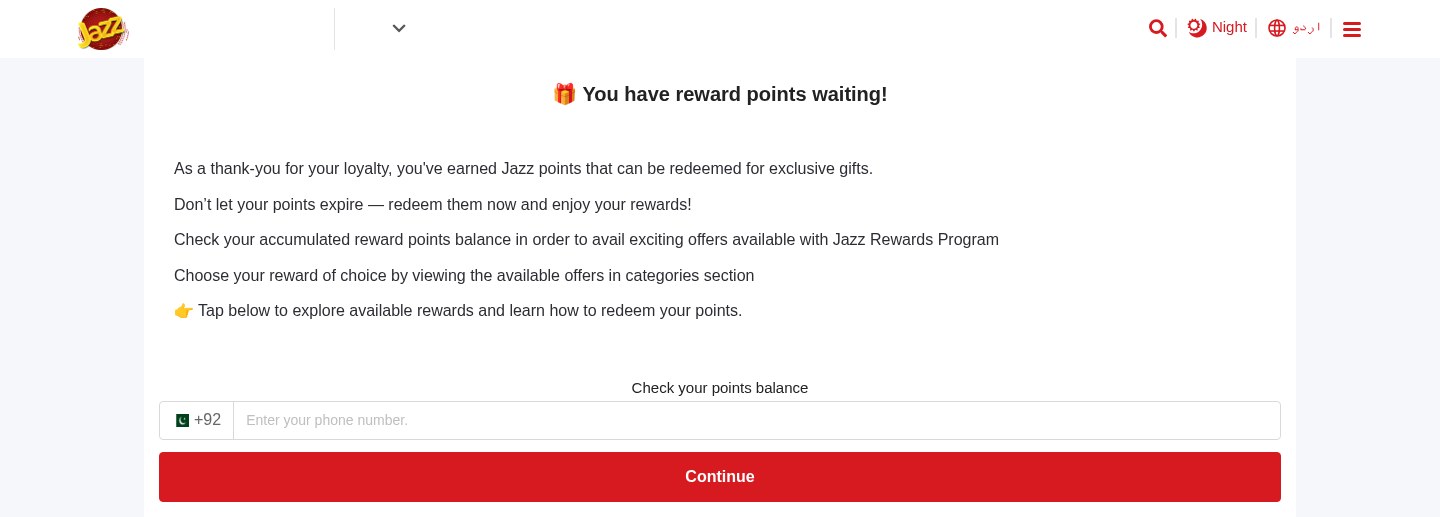 Expiring Reward Points ScamPhishing · Added 2026-10-22A web page uses the name and logo of a company you know, such as your mobile network or a fuel brand, and says you have loyalty or reward...
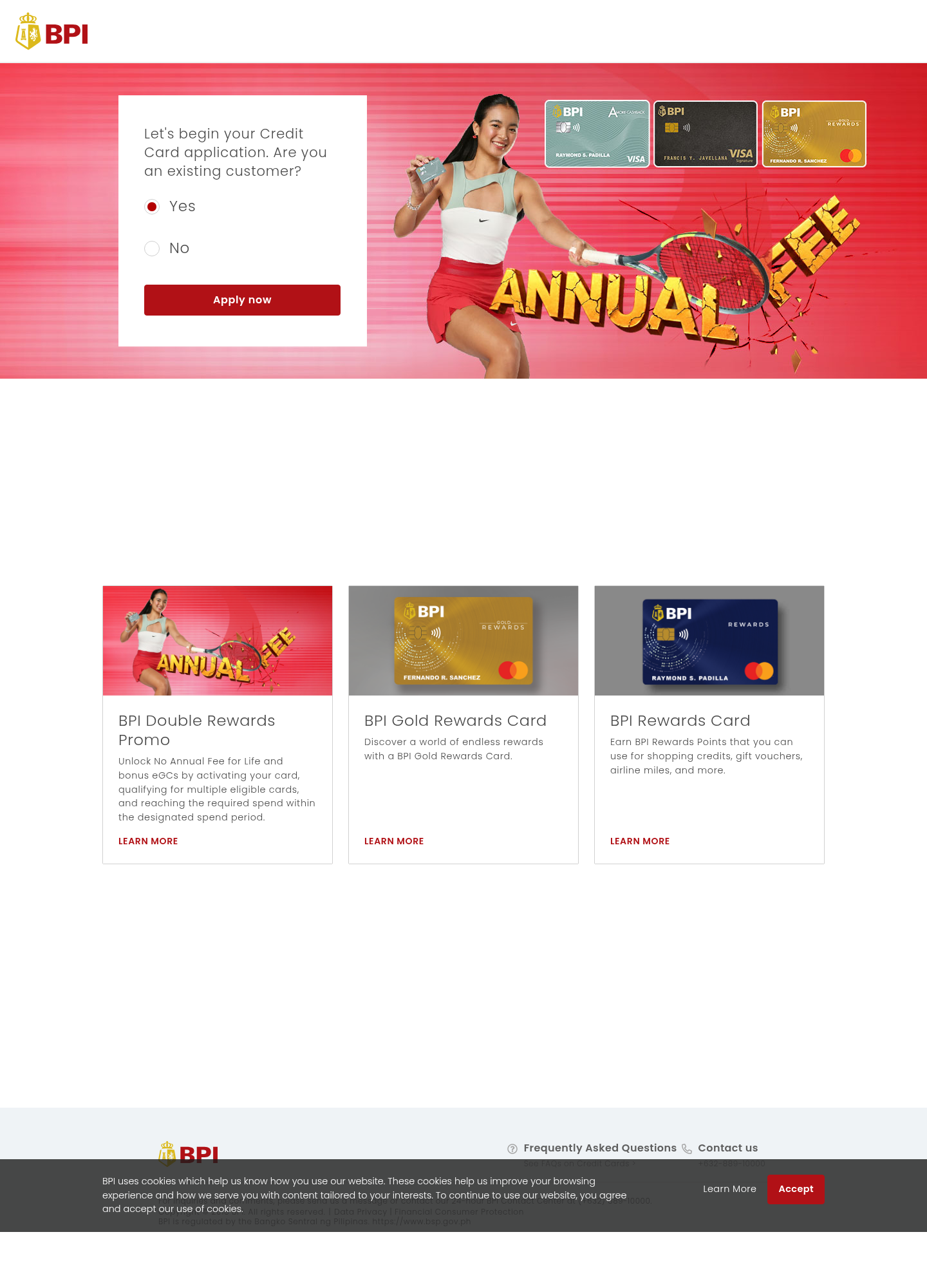 Fake Bank Credit Card Application ScamPhishing · Added 2026-10-17A page copies a bank or credit-card company's name, logo, and card pictures, and invites people to start an application. The web address...
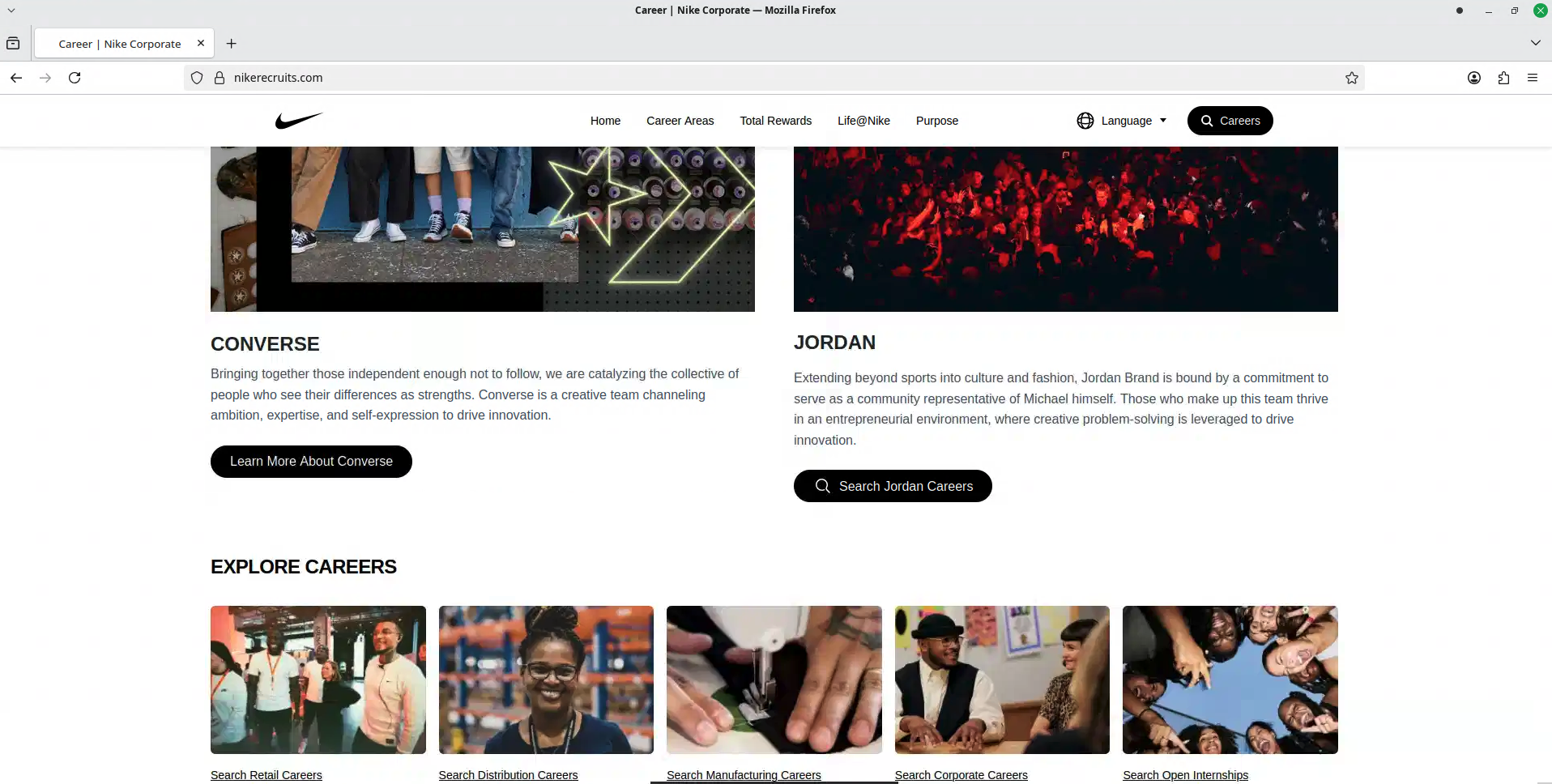 Fake Brand Recruitment PhishingPhishing · Added 2026-08-14A fake recruitment website copies a well-known company’s careers page and asks job seekers to sign in through a social-media account. In...
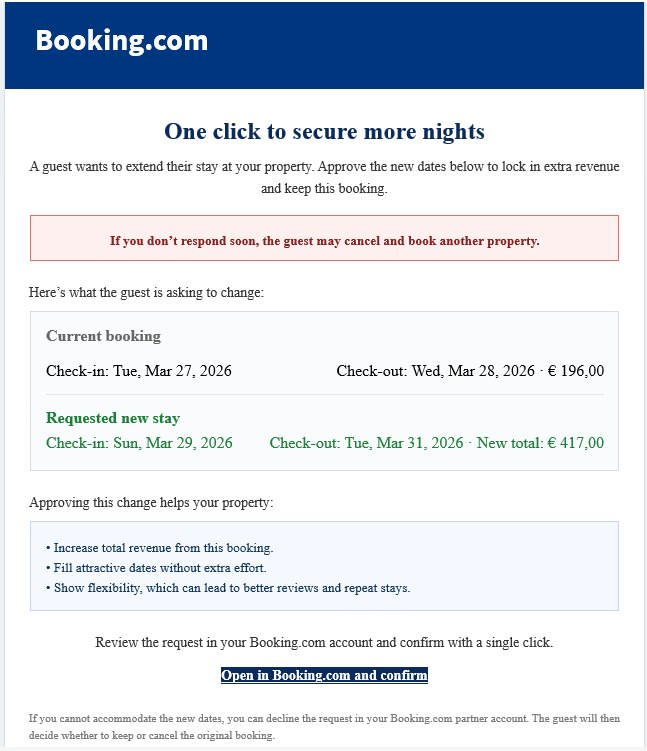 Booking.com Host Reservation Change ScamPhishing · Added 2026-04-27Scammers target property owners, hosts, and managers who list on Booking.com. The message claims a guest wants to change or extend a stay...
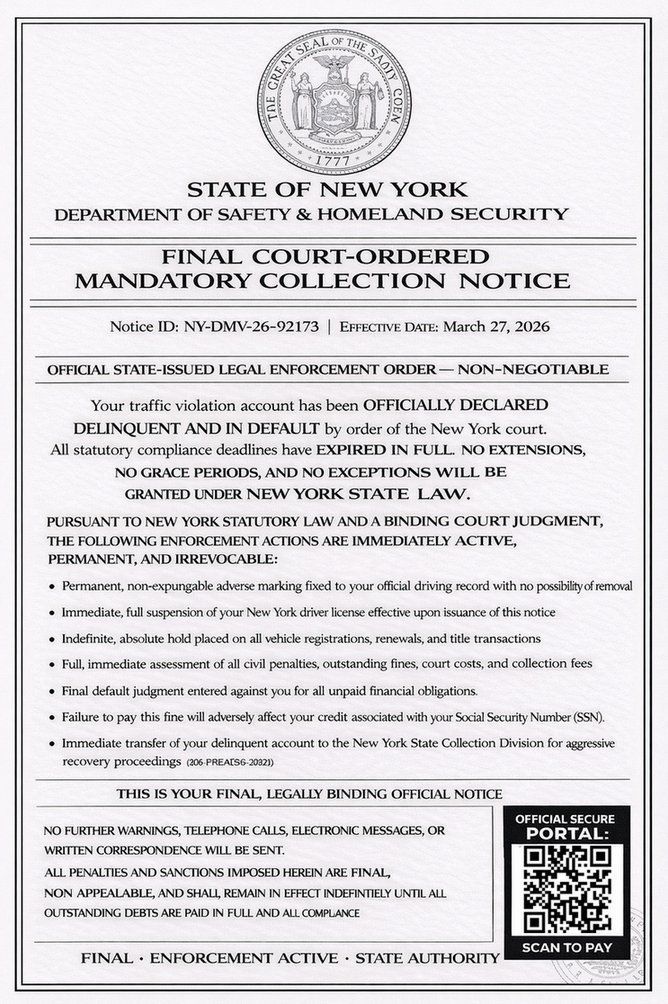 DMV Collection Order Official NoticePhishing · Added 2026-03-26Scammers send out fake legal-looking DMV notices—often by text message or email—which claim you owe unpaid fines or have outstanding traf...
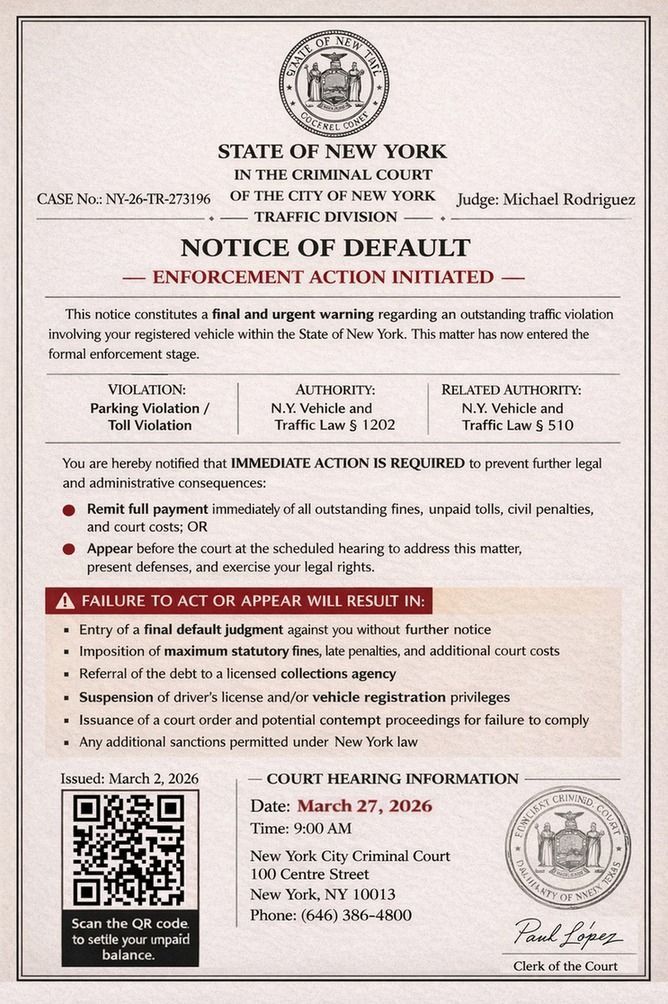 Fake Government Violation Notice ScamPhishing · Added 2026-03-26Scammers send official-looking letters, emails, or texts claiming you owe money for a traffic ticket, overdue fine, or other government v...
How this scam works
- 1
Step 1: A message, advertisement, social post, or search result sends you to a file or page hosted on a legitimate cloud-storage service.
- 2
Step 2: The page copies the name, logo, colors, or layout of a bank, courier, retailer, government office, or other trusted organization.
- 3
Step 3: The page asks you to sign in, pay a fee, enter card details, share an identity number, download a file, or provide a verification code.
- 4
Step 4: The submitted information may be sent to the scammer, or the download may lead to another harmful step. The hosting provider's name does not validate the page.
✓ Do this
- Stop when a cloud-storage link opens a page asking for a password, payment, identity number, verification code, or download.
- Open the real organization's app or type its known website address yourself.
- Check the full web address and confirm that it belongs to the organization you intended to visit.
- Report the page to the impersonated organization and the hosting provider, then delete the message or advertisement.
- Contact your bank or change exposed passwords through the official service if you already submitted information.
✗ Avoid this
- Do not assume a link is safe because it contains Amazon, Cloudflare, Backblaze, Microsoft, Google, or another familiar cloud-provider name.
- Do not enter payment, identity, login, or verification information into an unexpected hosted page.
- Do not download files from a page that arrived unexpectedly or claims you need an update or special viewer.
- Do not use the suspicious page's own contact details or links to verify the offer.
Verbatim excerpts from the scam
Exact lines from emails or messages—searchable text so you can compare wording.
- 1 Excerpt 1Orange Money - تسجيل الدخول
- 2 Excerpt 2الرجاء إدخال رقم الهاتف الذي يبدأ بـ 077 أو 078 أو 079
- 3 Excerpt 3التحقق من رقم الموبايل
- 4 Excerpt 4تم إرسال رمز التحقق عبر الرسائل القصيرة إلى:
- 5 Excerpt 5لأسباب أمنية.يرجى إدخال بياناتك للتحقق من هويتك، وسيتم إرسالرمز تحقق لمرة واحدة إلى رقم محفظتك لإكمالتسجيل الدخول.
- 6 Excerpt 6الرقم الوطني / رقم الجواز / رقم الملف
- 7 Excerpt 7تصوير الهوية - الوجه الأمامي