This is a version of Fake Branded Account Login Scam in Phishing.
Fake Standard Bank FICA update page that asks for your cheque or credit card number to sign in
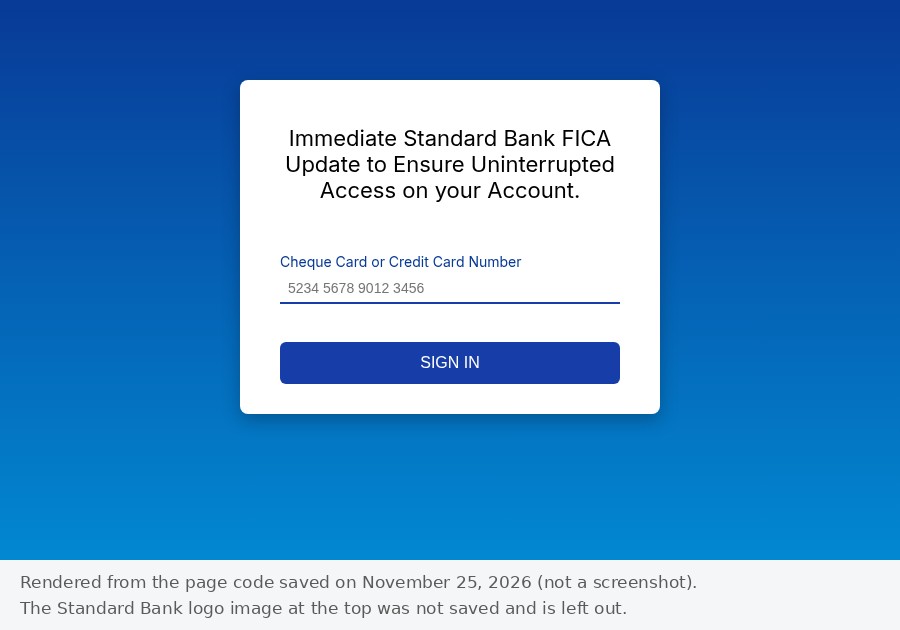
A blue page in Standard Bank's name says you need an "Immediate Standard Bank FICA Update to Ensure Uninterrupted Access on your Account." Instead of a user name, it asks for your "Cheque Card or Credit Card Number" with a SIGN IN button. FICA is the identity check South African banks must carry out, and scammers use it to make an urgent request look routine. The page was on standardb-fica[.]pub, which is not a Standard Bank website. It was first observed and last seen on November 25, 2026.
What’s different in this version
These traits set this message apart from the usual pattern.
The brand is Standard Bank, a bank in South Africa. The lure is an urgent FICA update, the customer identity check required under South Africa's Financial Intelligence Centre Act, with the threat that your account access will be interrupted.
The only box on the first screen asks for your cheque card or credit card number (up to 19 digits), not a user name or password, followed by a SIGN IN button.
The web address is standardb-fica[.]pub, with the path /co-za to look like a South African bank address.
What the page asks for after the card number, such as the expiry date, PIN, online banking password or a one-time code, was not captured.
The normal screenshot showed only a loading screen. The image on this page was rebuilt from the page code that was saved at the same time.
How the link reached people was not recorded.
Other variations of this scam
Other reported versions of this scam.
 Copies of the Bloxlink Roblox to Discord verification site that ask for your Roblox username on look-alike addressesUnknown · 2026-11-23Copies of the website of Bloxlink, a popular bot that links Roblox accounts to Discord servers, have appeared on look-alike addresses suc...
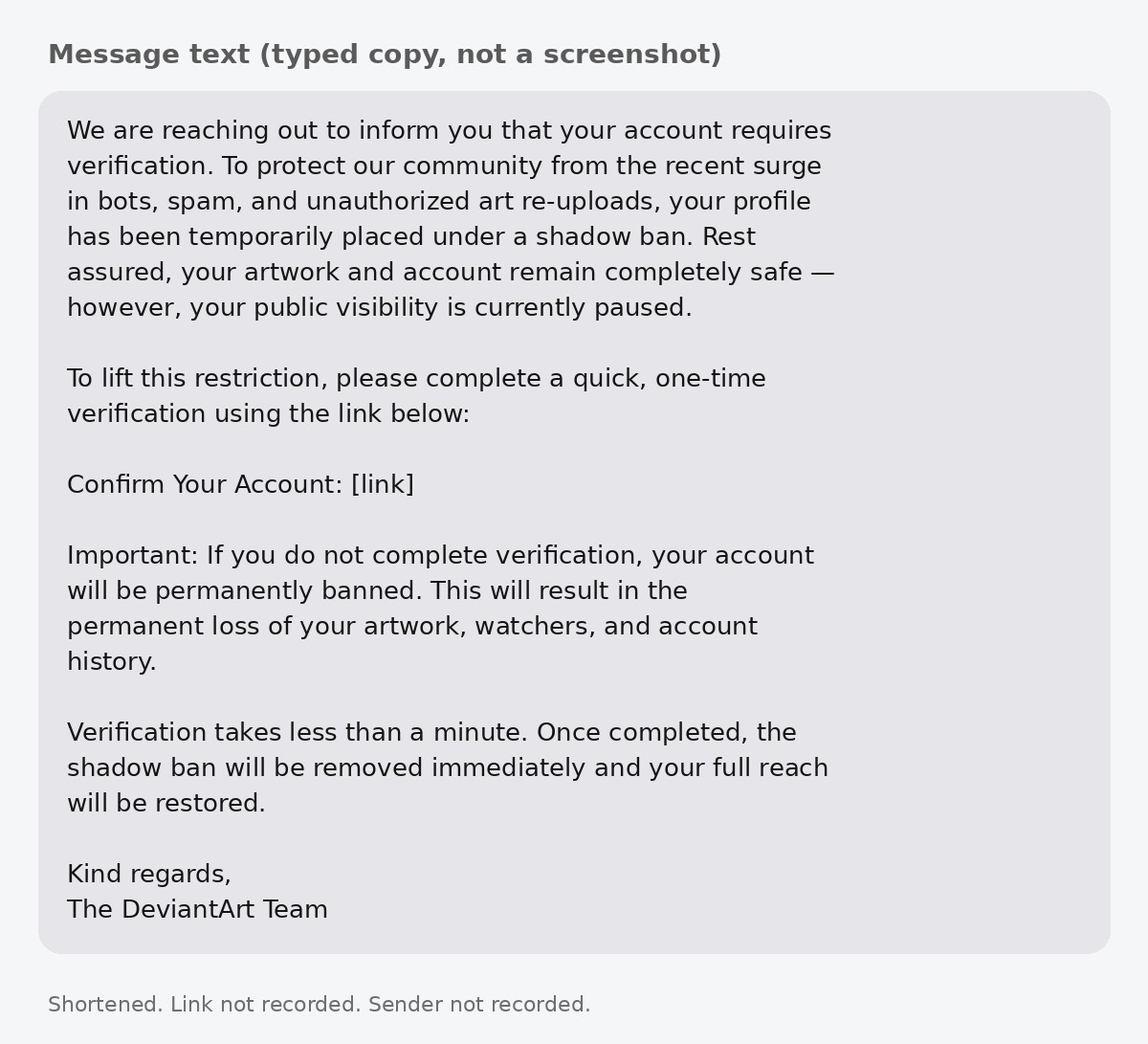 Fake DeviantArt shadow ban message that says your art account will be permanently banned unless you verify itUnknown · 2026-11-22A message signed "The DeviantArt Team" tells an artist that their profile has been placed under a "shadow ban" to fight bots, spam and "u...
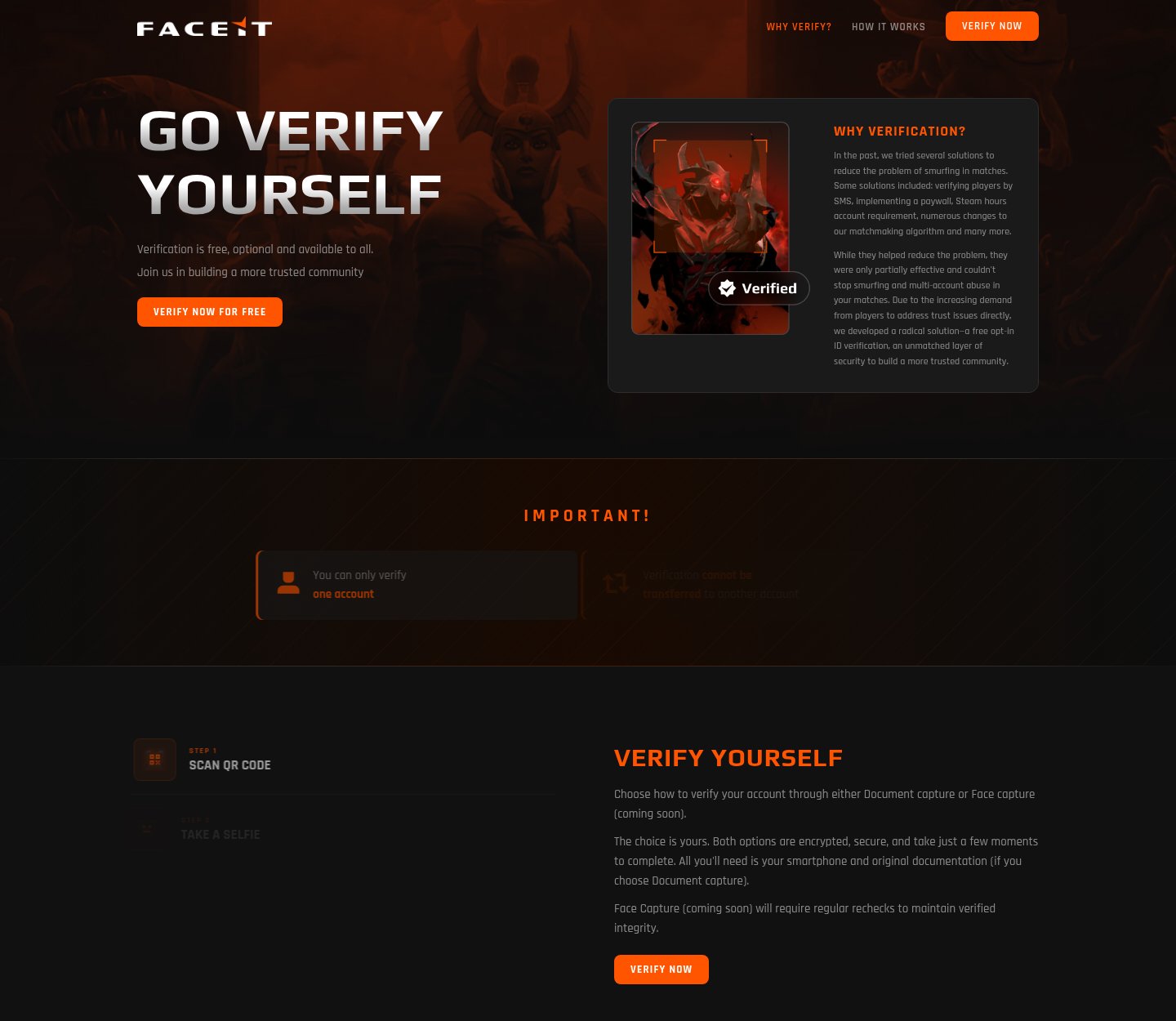 Fake FACEIT ID verification page that asks for your Steam ID and email and then a Steam sign-inUnknown · 2026-11-21A copy of FACEIT's real ID verification page, "Go verify yourself", is hosted on a Dota 2 themed address that is not FACEIT's. Its "Verif...
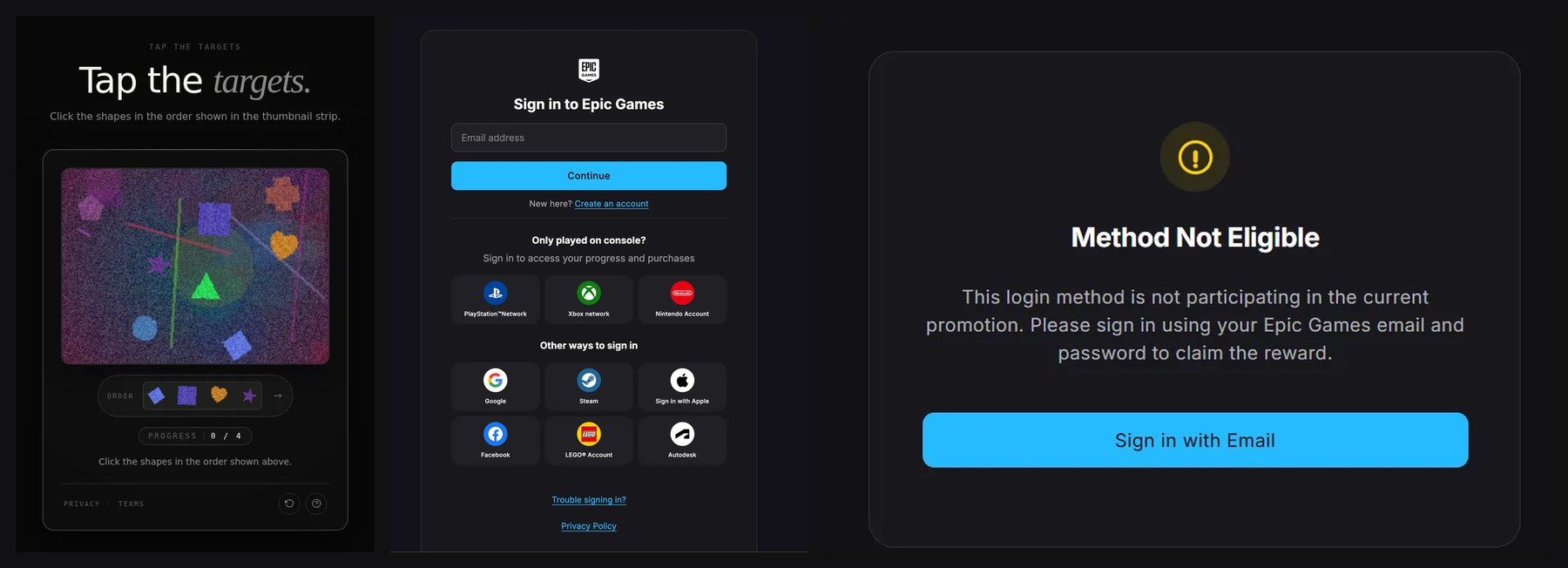 Fake Epic Games login hidden behind a free V-Bucks offer and a "Tap the targets" puzzleUnknown · 2026-11-07A Fortnite-themed site at epic-treasure[.]info uses the Epic Games name and logo and offers free V-Bucks, Fortnite's in-game currency, wi...
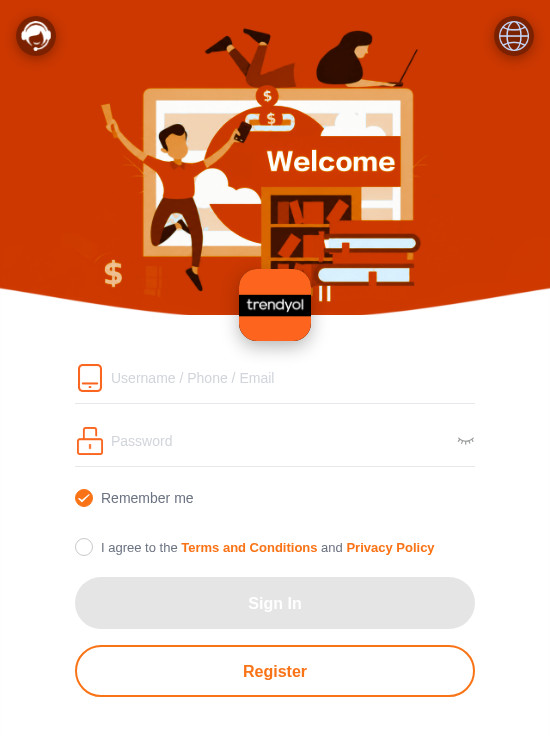 Fake Trendyol login page asking for a username, phone or email, and a passwordUnknown · 2026-11-06An English-language page at trendyolvip[.]shop uses the Trendyol name and orange branding and shows a "Welcome" card asking for a usernam...
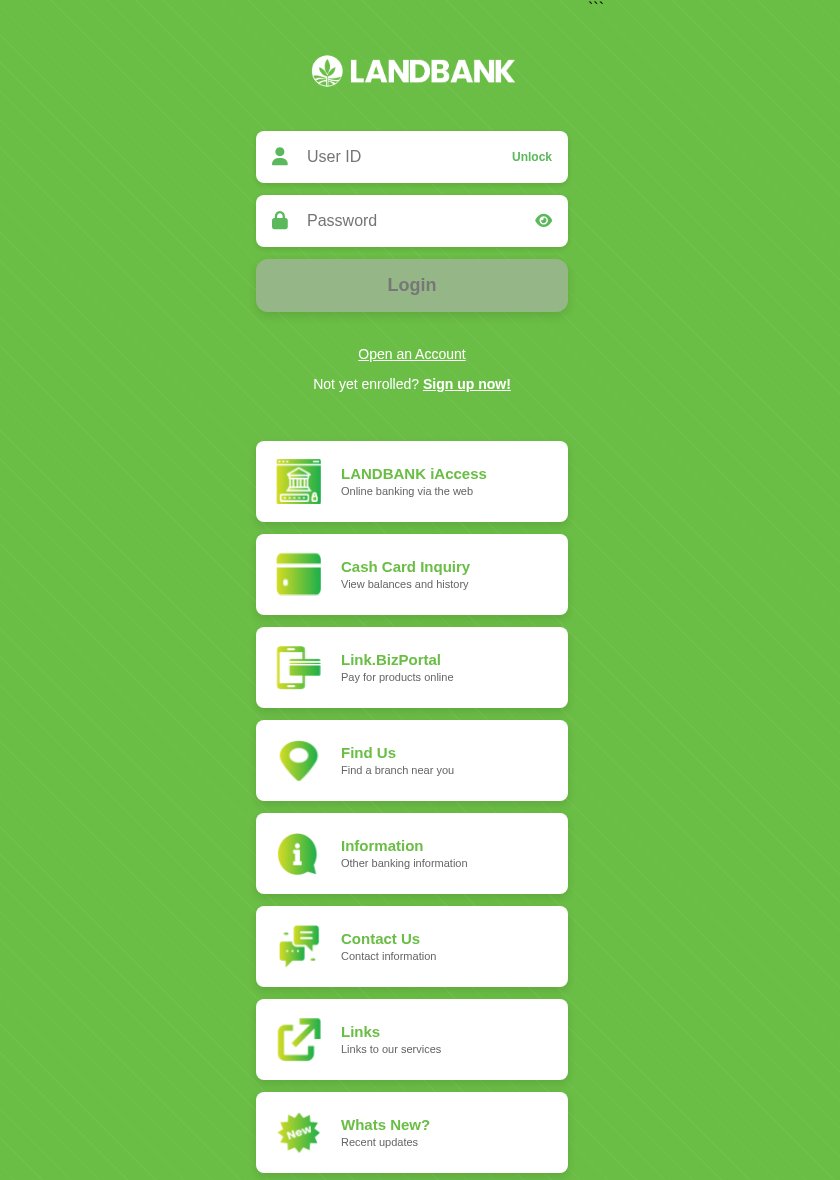 Fake LANDBANK iAccess login page asking for a user ID and passwordUnknown · 2026-11-04A green page with the LANDBANK logo copies the Land Bank of the Philippines iAccess online banking login. It asks for your User ID and pa...
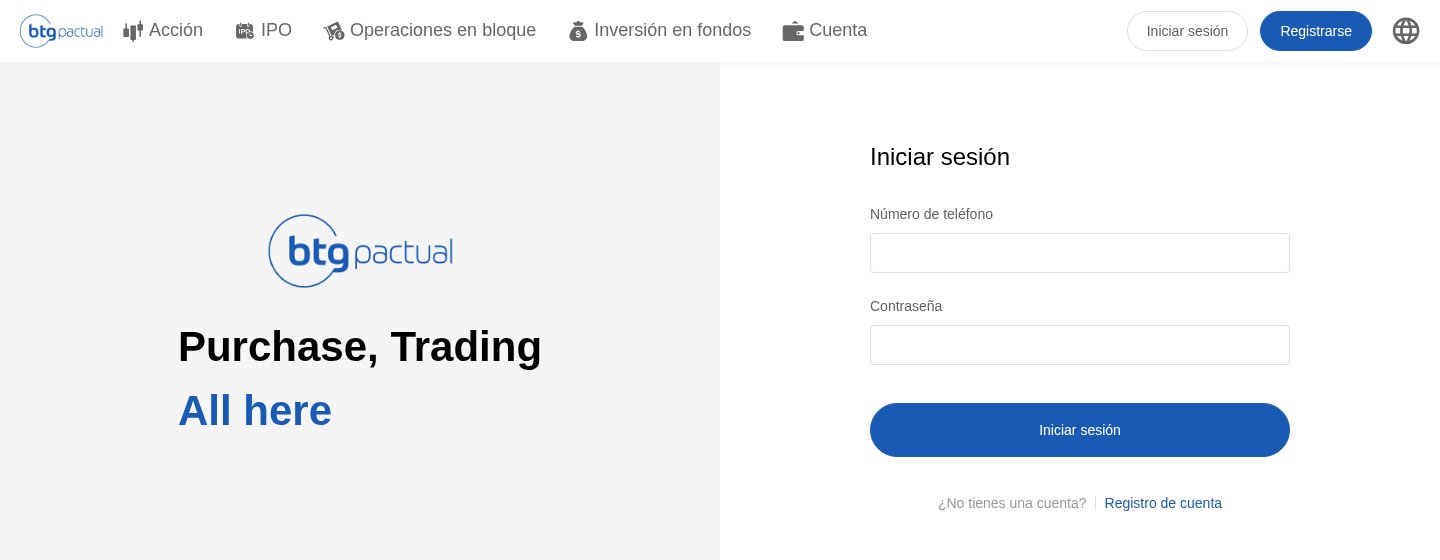 Fake BTG Pactual trading login page asking for a phone number and passwordUnknown · 2026-11-02A Spanish-language page with the BTG Pactual logo shows a trading menu (Acción, IPO, Operaciones en bloque, Inversión en fondos, Cuenta),...
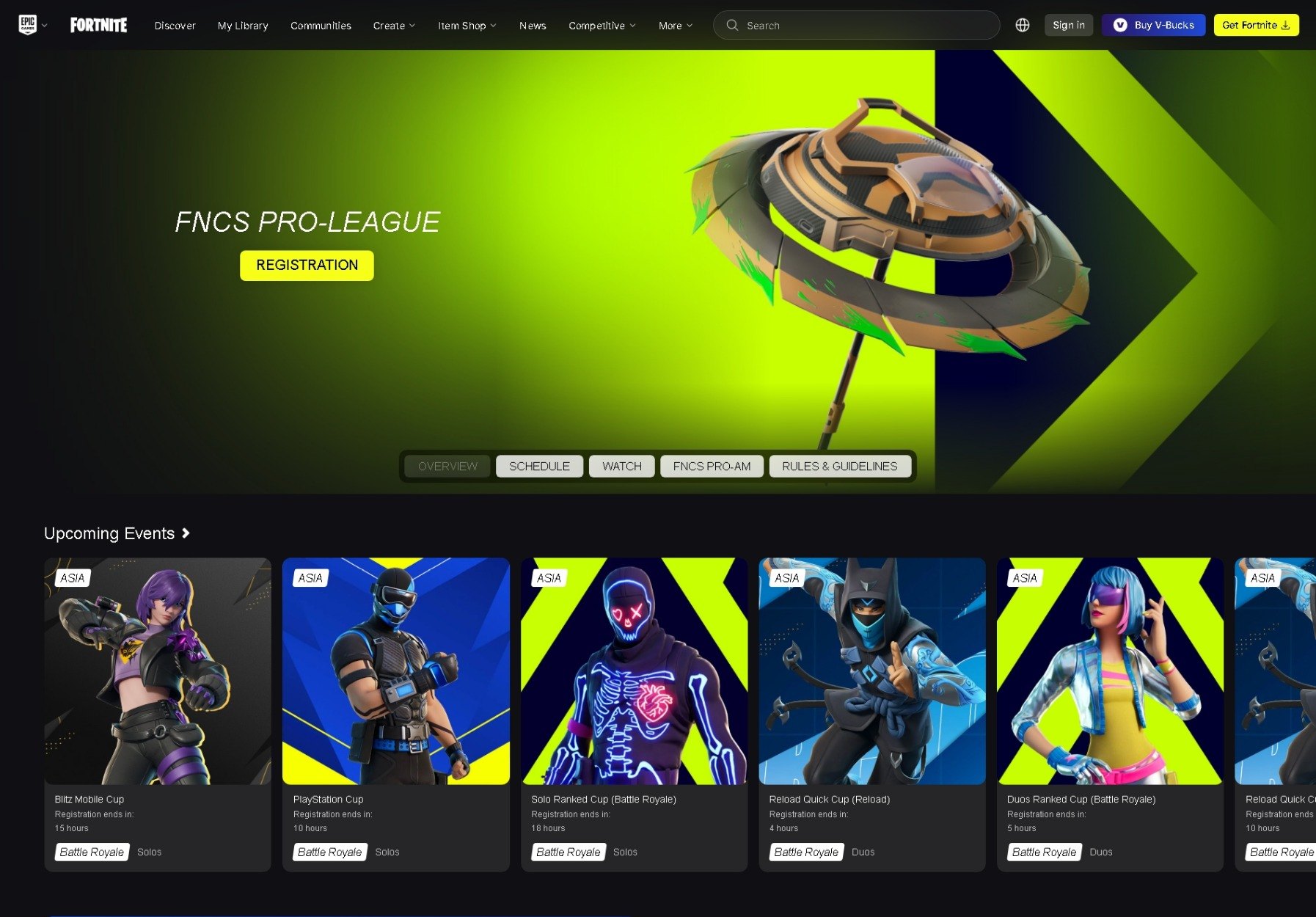 Fake Fortnite tournament registration page that leads to a copied Epic Games sign-inUnknown · 2026-10-02Pages copy Fortnite's competitive esports site, with an "FNCS PRO-LEAGUE" banner, a "REGISTRATION" button and a row of upcoming cups that...
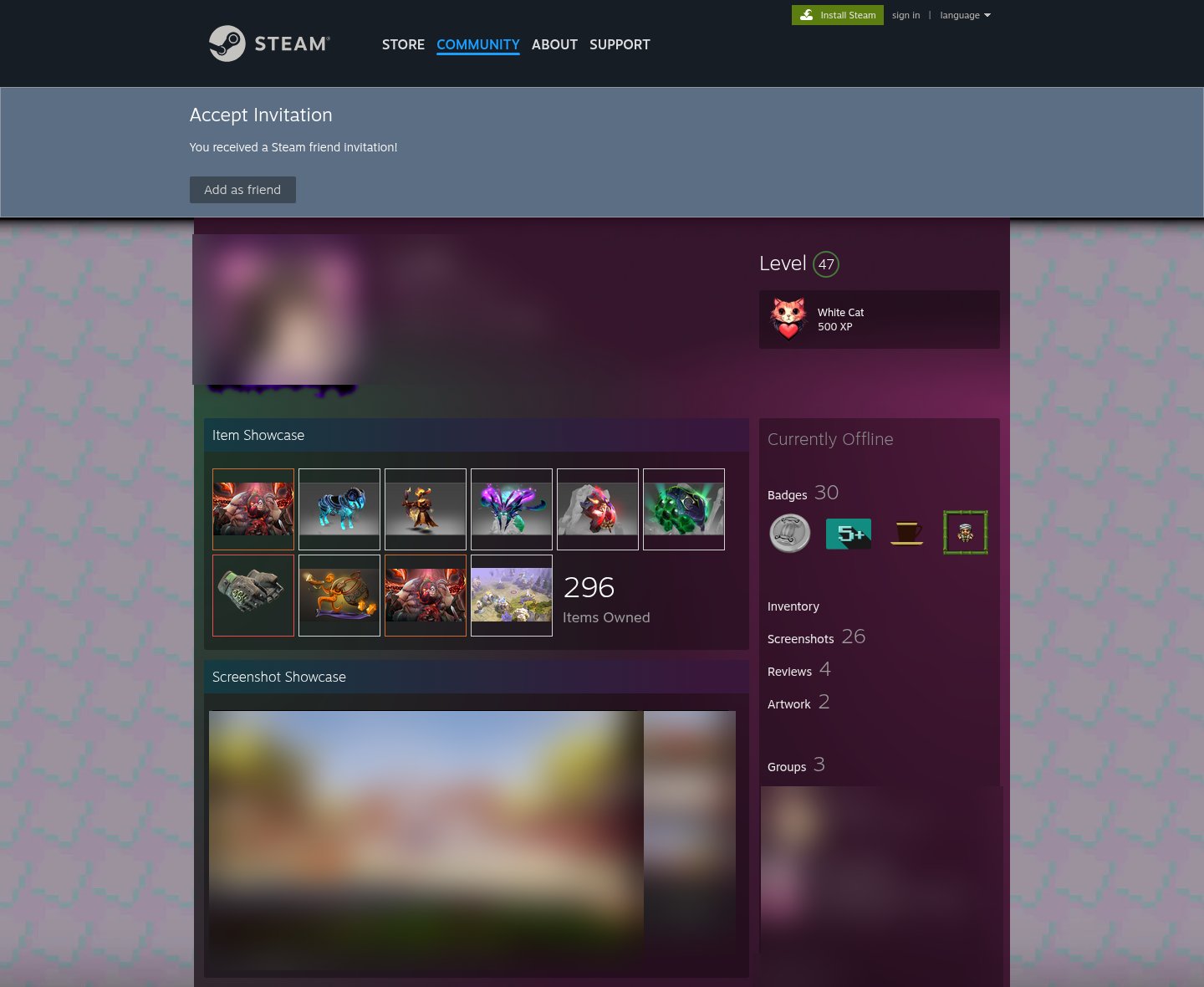 Fake Steam friend invitation page that copies a real player's profileUnknown · 2026-09-26A page copies the Steam Community website and a real player's profile, with level, badges, item showcase, screenshots, friends and commen...
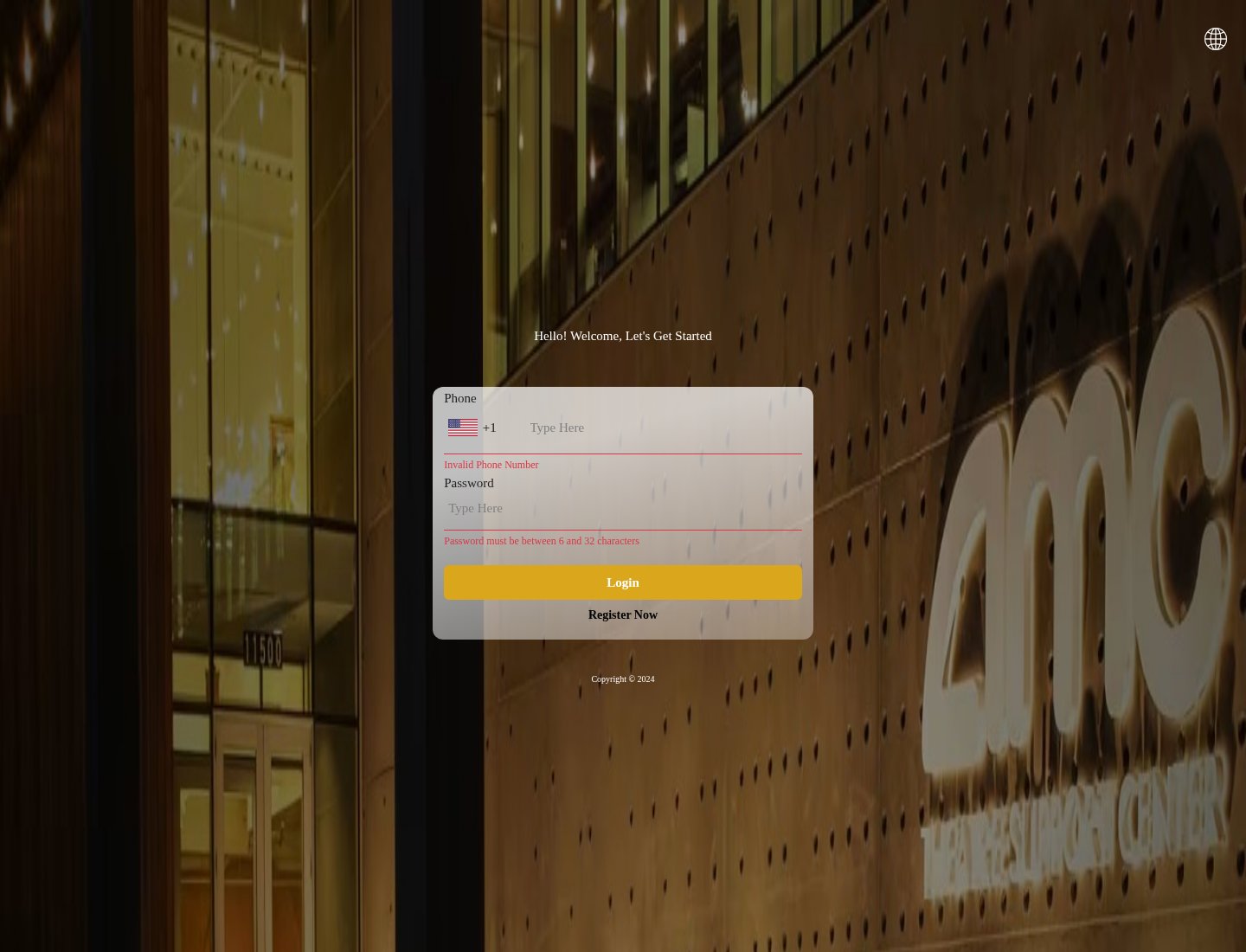 Fake AMC Theatres login page asking for a phone number and passwordUnknown · 2026-09-03A page with a night photo of an AMC cinema says "Hello! Welcome, Let's Get Started" and asks for a phone number with a +1 country code an...
Related scams
Other patterns in the same category, or that share a brand with this report.
 Fake Game Item Vote Login ScamPhishing · Added 2026-11-02A link takes you to what looks like a page on a gaming platform's community site, usually a fan-made weapon skin or other game item, with...
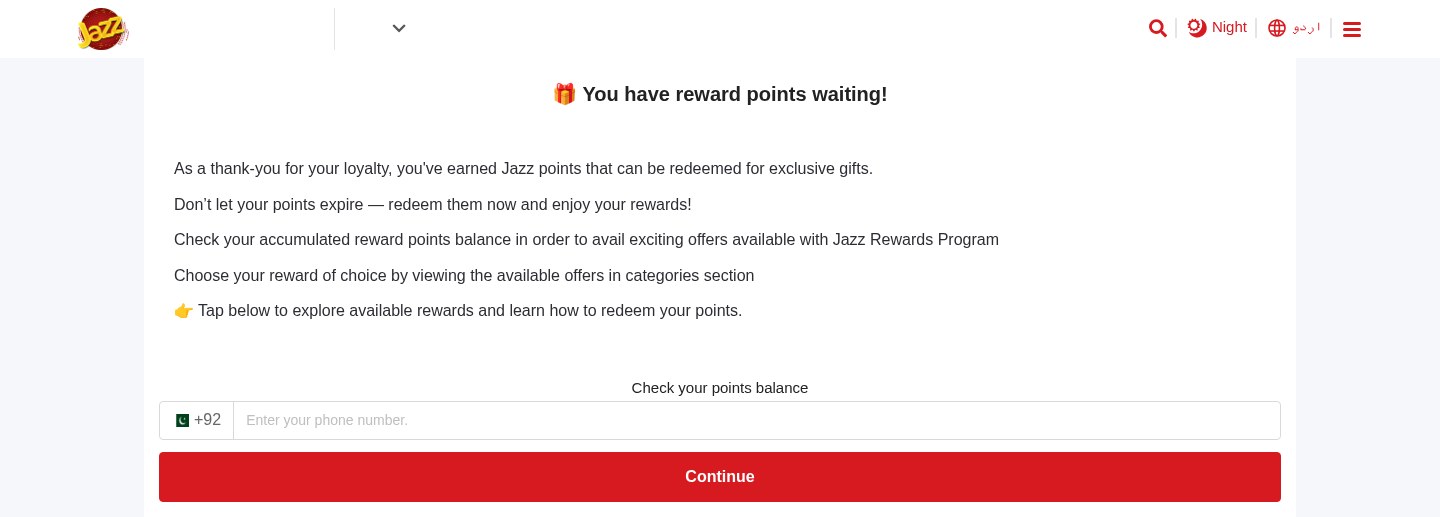 Expiring Reward Points ScamPhishing · Added 2026-10-22A web page uses the name and logo of a company you know, such as your mobile network or a fuel brand, and says you have loyalty or reward...
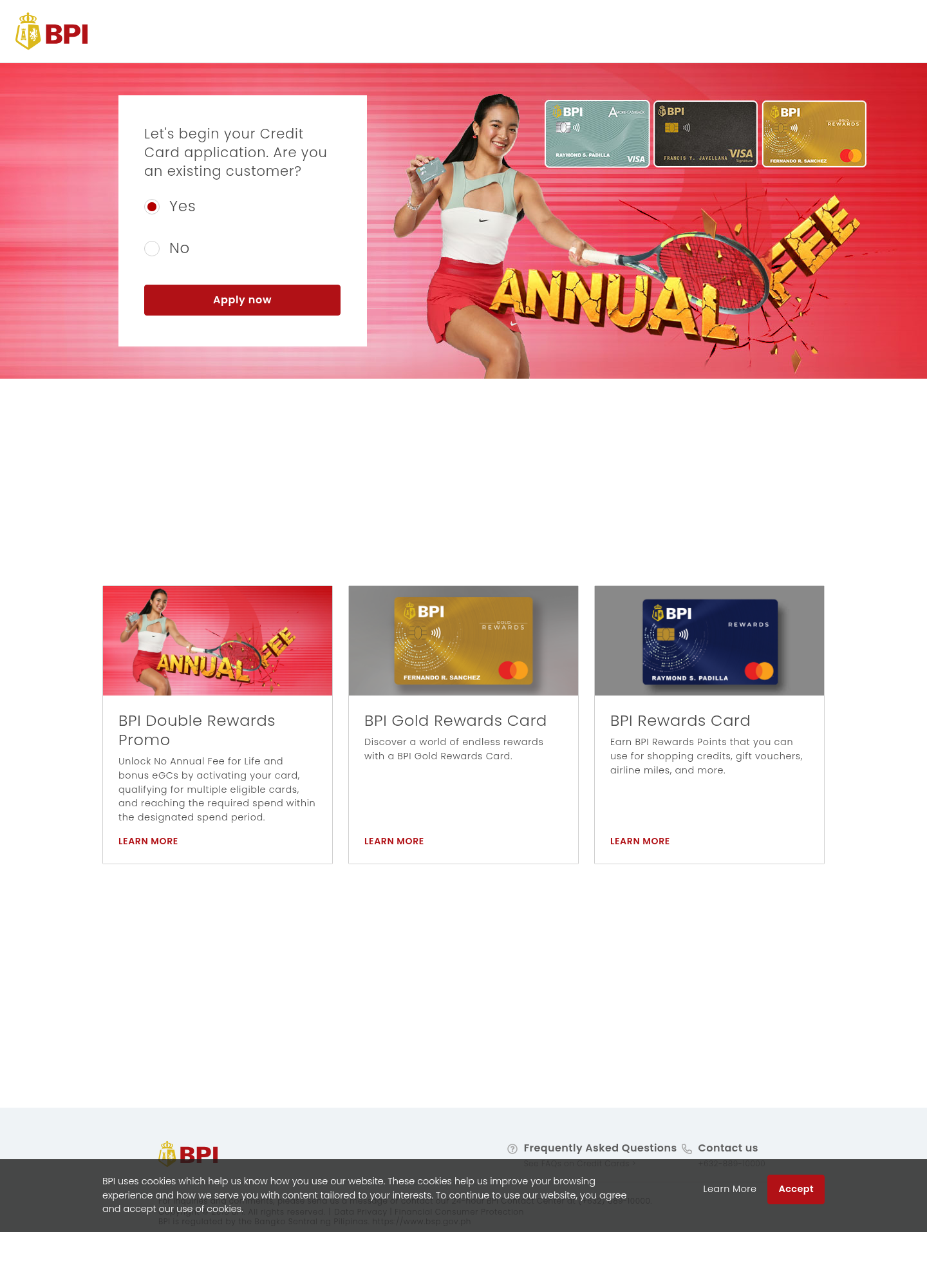 Fake Bank Credit Card Application ScamPhishing · Added 2026-10-17A page copies a bank or credit-card company's name, logo, and card pictures, and invites people to start an application. The web address...
 Cloud-Hosted Phishing Page ScamPhishing · Added 2026-09-08Scammers can use legitimate cloud-storage and file-hosting services to publish fake sign-in pages, payment forms, prize pages, delivery n...
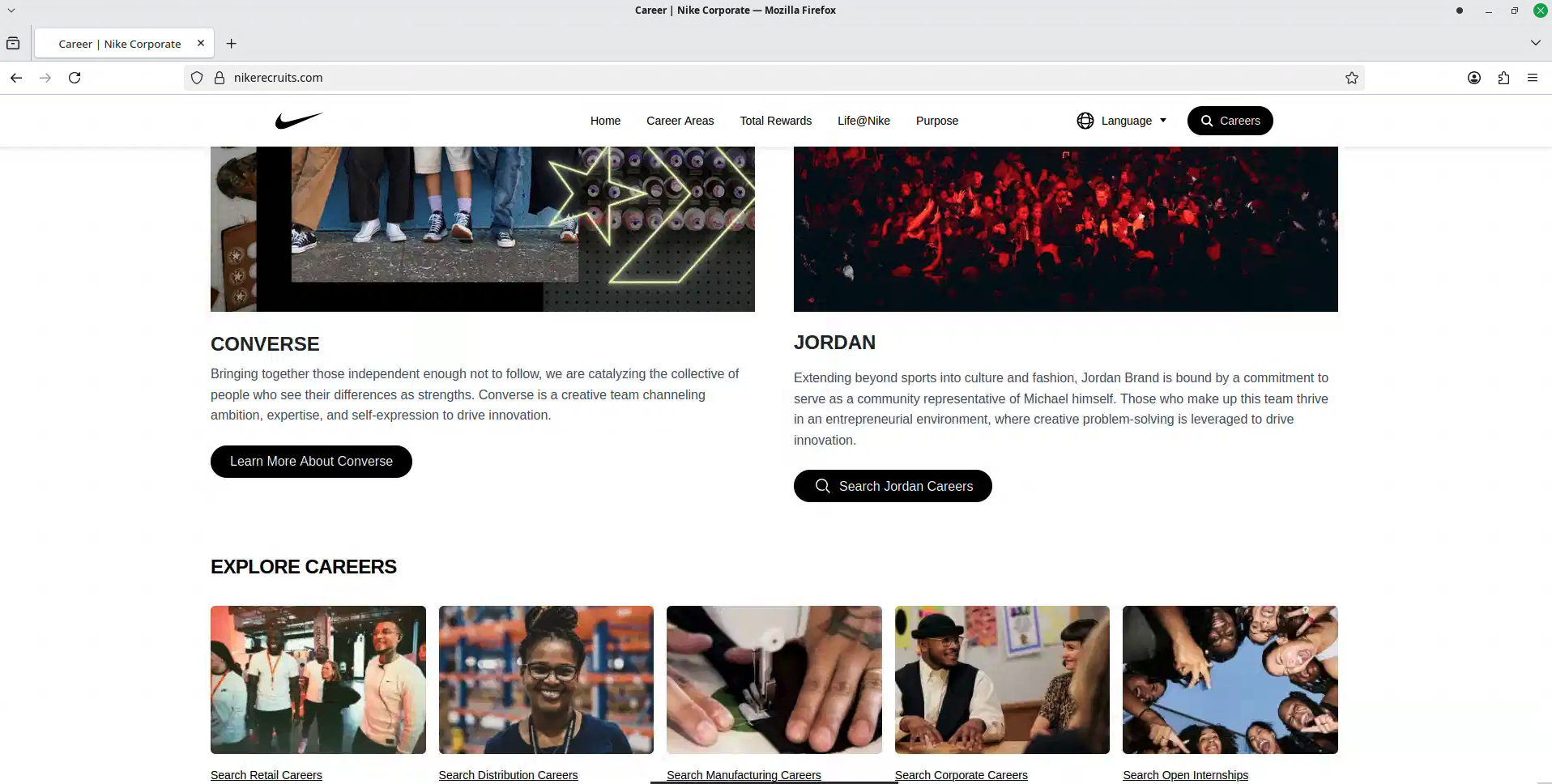 Fake Brand Recruitment PhishingPhishing · Added 2026-08-14A fake recruitment website copies a well-known company’s careers page and asks job seekers to sign in through a social-media account. In...
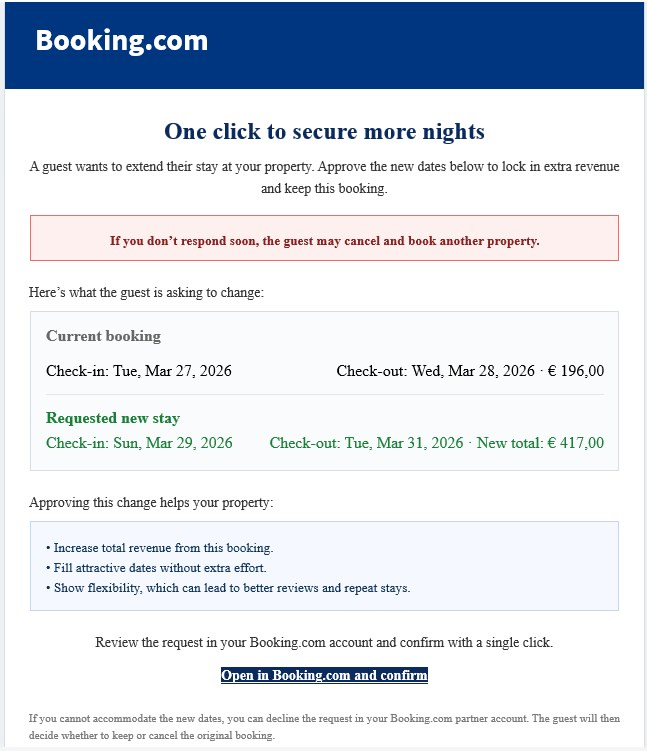 Booking.com Host Reservation Change ScamPhishing · Added 2026-04-27Scammers target property owners, hosts, and managers who list on Booking.com. The message claims a guest wants to change or extend a stay...
How this scam works
- 1
Step 1: A link or page uses a familiar company's name, logo or colours.
- 2
Step 2: The address is not the company's real website, even when the brand name is part of the address.
- 3
Step 3: The page asks you to sign in or register with a username, phone number or email, and a password.
- 4
Step 4: Details entered on that page go to whoever set it up, not to the company being copied. The documented variation does not establish a completed sign-in.
✓ Do this
- Open the real company's app or type its official website address yourself before signing in.
- Look at the full web address, not only the logo or the colours.
- If you already entered a password, change it on the real account from a device you trust.
✗ Avoid this
- Do not enter your password on a page you reached from an unexpected link or a look-alike address.
- Do not trust a login page because it uses a familiar name or colour scheme.
- Do not reuse that password on other accounts if you already typed it in.
Verbatim excerpts from the scam
Exact lines from emails or messages—searchable text so you can compare wording.
- 1Excerpt 1Immediate Standard Bank FICA Update to Ensure Uninterrupted Access on your Account.
- 2Excerpt 2Cheque Card or Credit Card Number
- 3Excerpt 3SIGN IN