This is a version of Fake Branded Account Login Scam in Phishing.
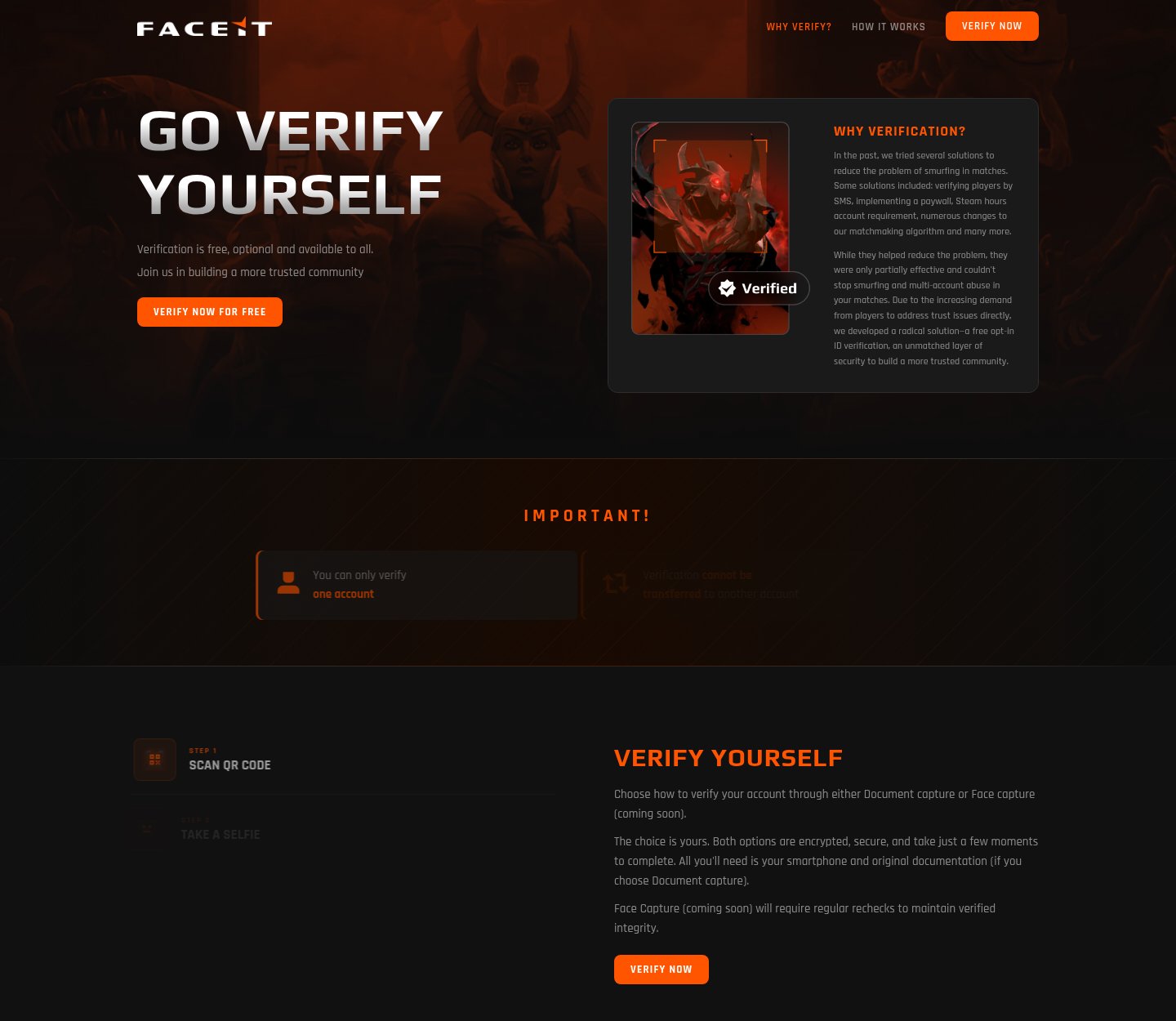
Fake FACEIT ID verification page that asks for your Steam ID and email and then a Steam sign-in
A copy of FACEIT's real ID verification page, "Go verify yourself", is hosted on a Dota 2 themed address that is not FACEIT's. Its "Verify now" buttons open a window that asks for your Steam ID or Steam profile link, shows your public Steam and Dota 2 details, asks for your email address and then tells you to "Sign in through STEAM" to finish. Pages like this are used to take over gaming accounts. It was first observed and last seen on November 21, 2026.
What’s different in this version
These traits set this message apart from the usual pattern.
The brand is FACEIT, a competitive gaming platform. The page copies the text and layout of FACEIT's real verification page, including its steps (scan QR code, take a selfie, scan ID and verify your email) and its links to FACEIT's blog and help pages, but swaps in Dota 2 artwork.
It is hosted on faceit.dota2clubs[.]com, a subdomain of a Dota 2 themed address, not on FACEIT's own website.
The real steps on the page are different from what the text describes. The pop-up window asks for a Steam ID (SteamID64) or a Steam profile link, looks up and shows your public Steam name, avatar and Dota 2 data, asks for your email address and ends with "Now sign in to your Steam account to complete" and a "Sign in through STEAM" button.
Part of the page code is deliberately scrambled, which makes it harder to read what the Steam sign-in button does. The sign-in window itself was not captured.
The page includes a button that sends you to FACEIT's real website, which makes the copy look more trustworthy.
The sighting came from the Philippines. How the link reached people was not recorded. The overall record remains Active, because similar pages appear on new addresses.
Other variations of this scam
Other reported versions of this scam.
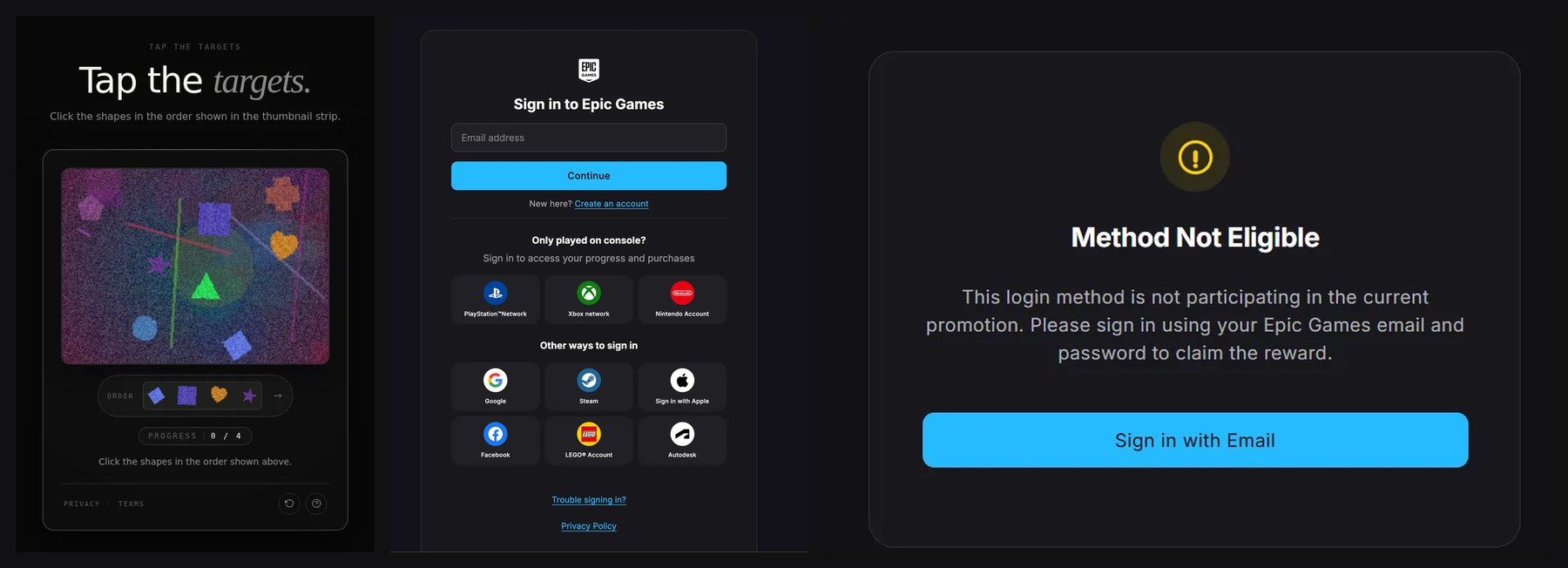 Fake Epic Games login hidden behind a free V-Bucks offer and a "Tap the targets" puzzleUnknown · 2026-11-07A Fortnite-themed site at epic-treasure[.]info uses the Epic Games name and logo and offers free V-Bucks, Fortnite's in-game currency, wi...
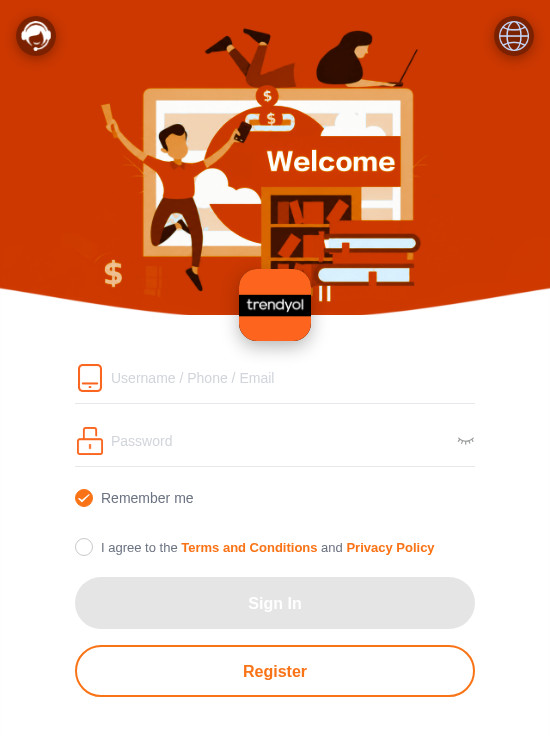 Fake Trendyol login page asking for a username, phone or email, and a passwordUnknown · 2026-11-06An English-language page at trendyolvip[.]shop uses the Trendyol name and orange branding and shows a "Welcome" card asking for a usernam...
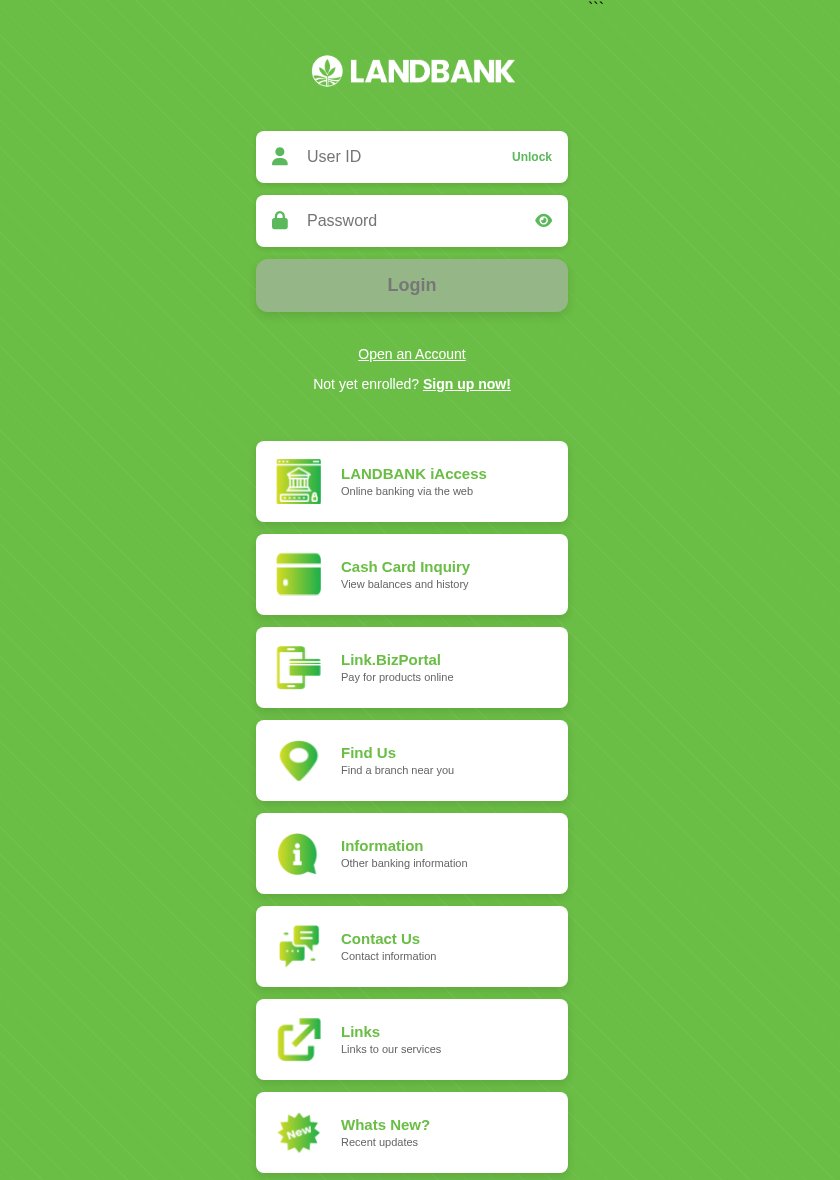 Fake LANDBANK iAccess login page asking for a user ID and passwordUnknown · 2026-11-04A green page with the LANDBANK logo copies the Land Bank of the Philippines iAccess online banking login. It asks for your User ID and pa...
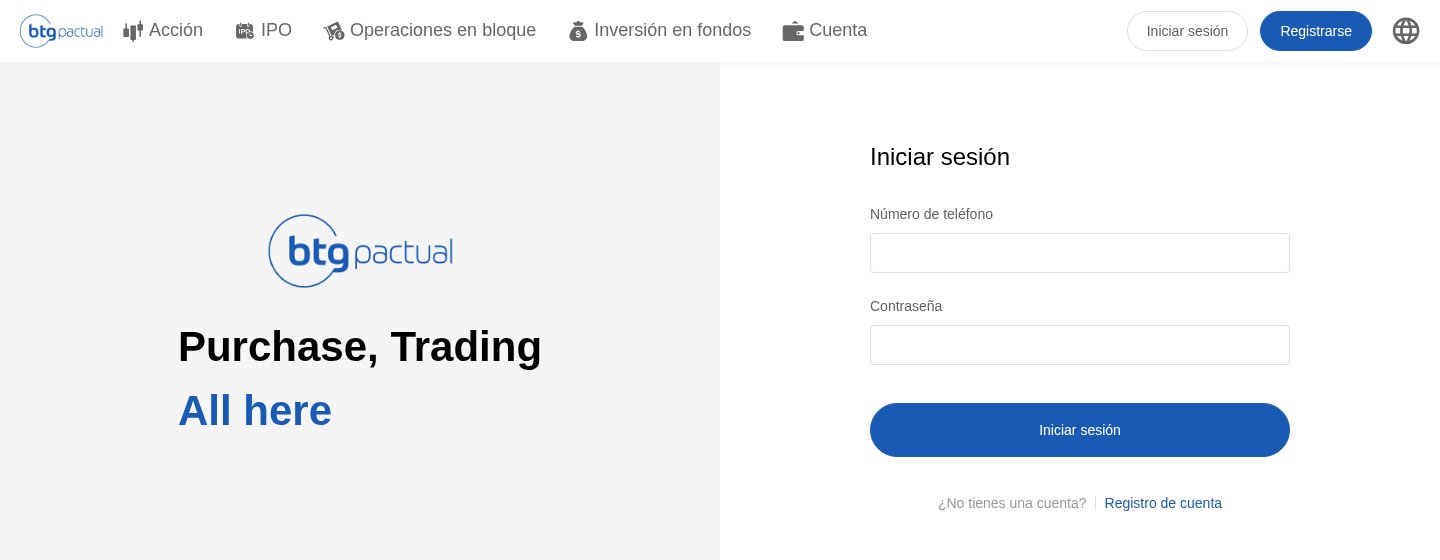 Fake BTG Pactual trading login page asking for a phone number and passwordUnknown · 2026-11-02A Spanish-language page with the BTG Pactual logo shows a trading menu (Acción, IPO, Operaciones en bloque, Inversión en fondos, Cuenta),...
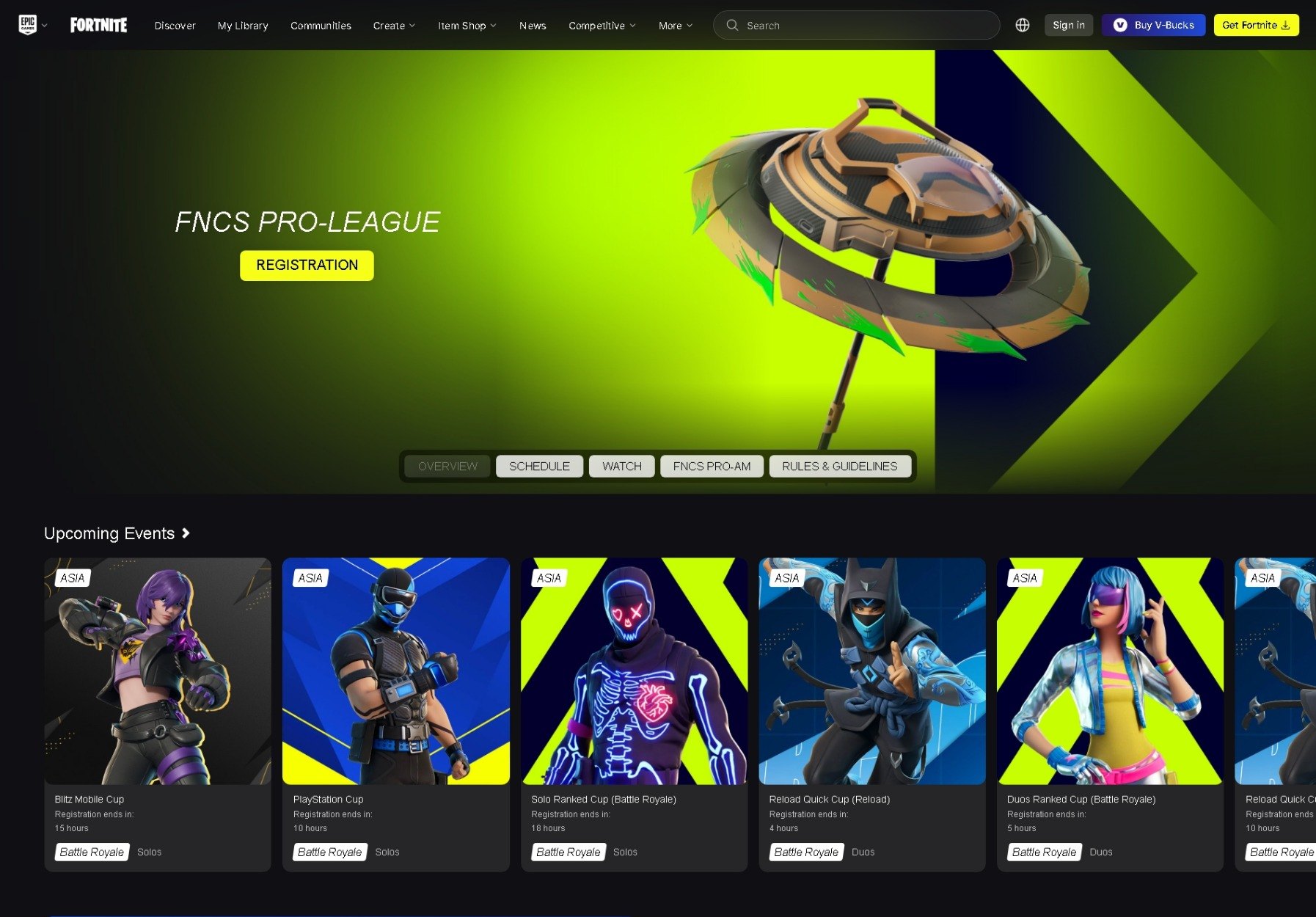 Fake Fortnite tournament registration page that leads to a copied Epic Games sign-inUnknown · 2026-10-02Pages copy Fortnite's competitive esports site, with an "FNCS PRO-LEAGUE" banner, a "REGISTRATION" button and a row of upcoming cups that...
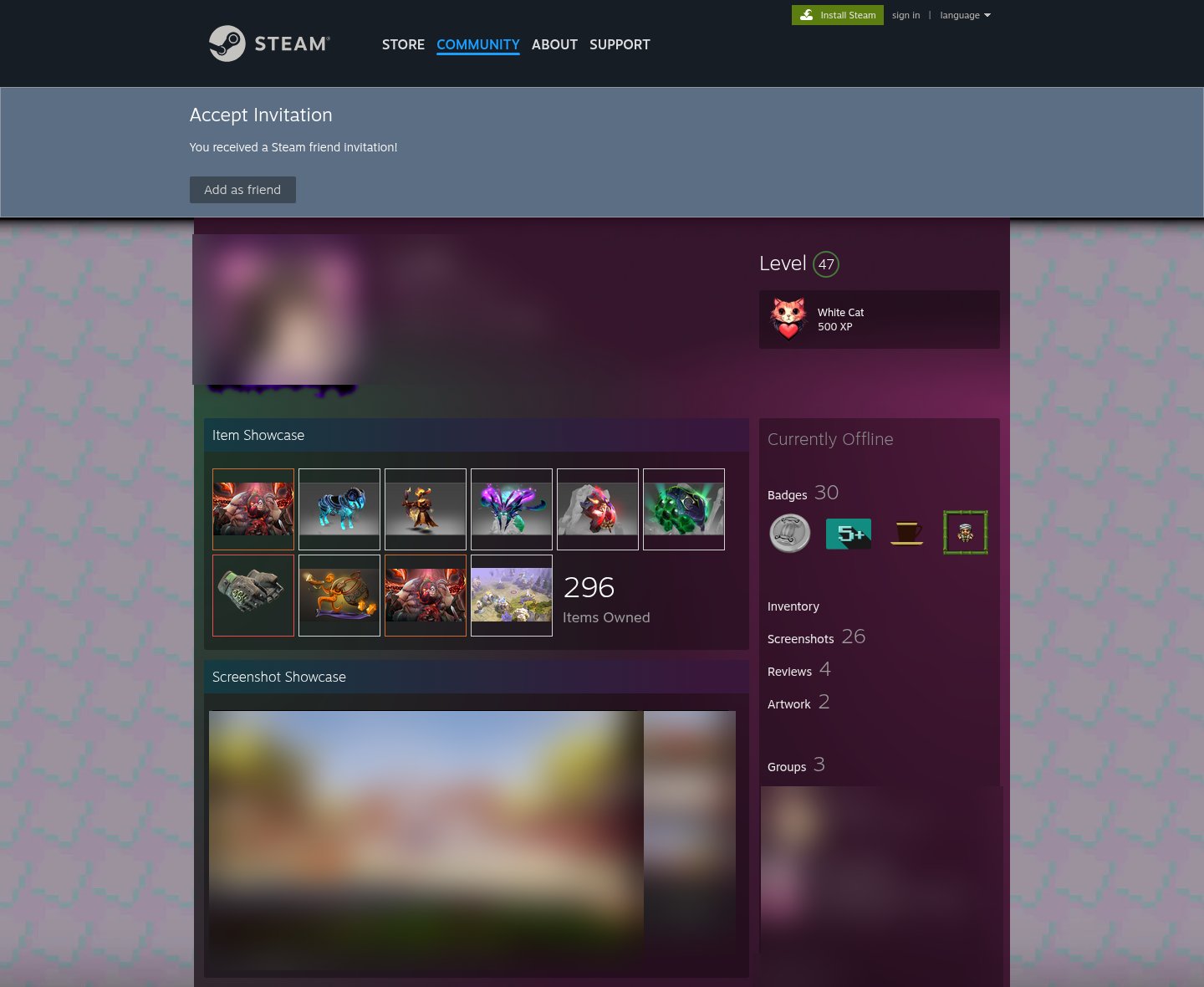 Fake Steam friend invitation page that copies a real player's profileUnknown · 2026-09-26A page copies the Steam Community website and a real player's profile, with level, badges, item showcase, screenshots, friends and commen...
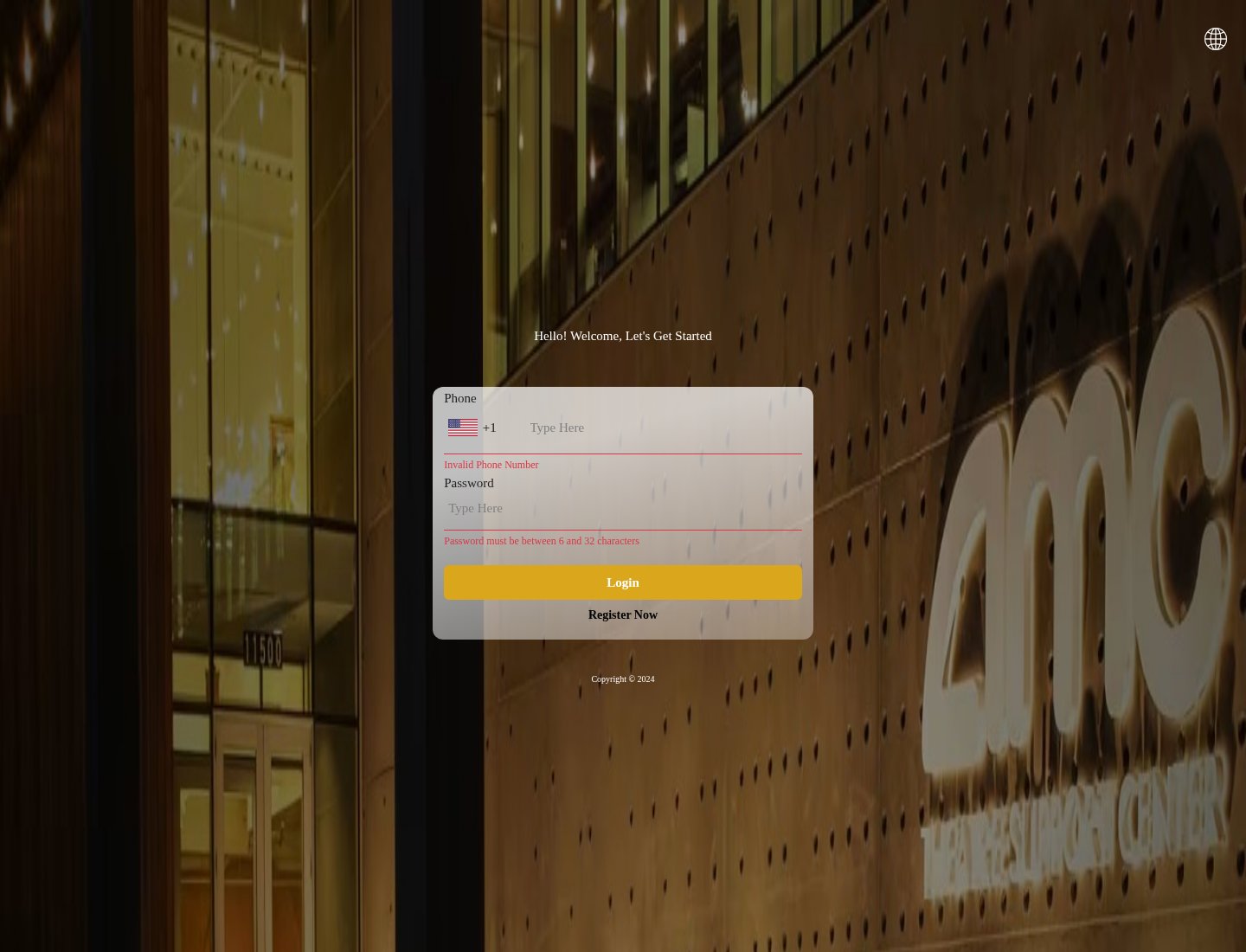 Fake AMC Theatres login page asking for a phone number and passwordUnknown · 2026-09-03A page with a night photo of an AMC cinema says "Hello! Welcome, Let's Get Started" and asks for a phone number with a +1 country code an...
Related scams
Other patterns in the same category, or that share a brand with this report.
 Fake Game Item Vote Login ScamPhishing · Shared brand · Added 2026-11-02A link takes you to what looks like a page on a gaming platform's community site, usually a fan-made weapon skin or other game item, with...
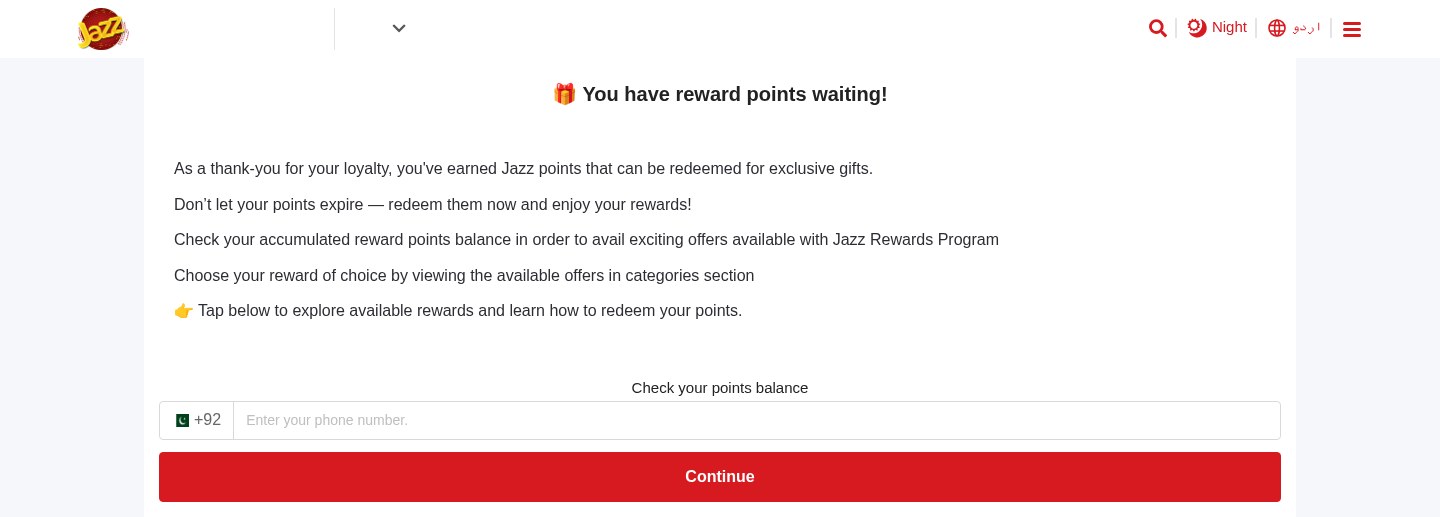 Expiring Reward Points ScamPhishing · Added 2026-10-22A web page uses the name and logo of a company you know, such as your mobile network or a fuel brand, and says you have loyalty or reward...
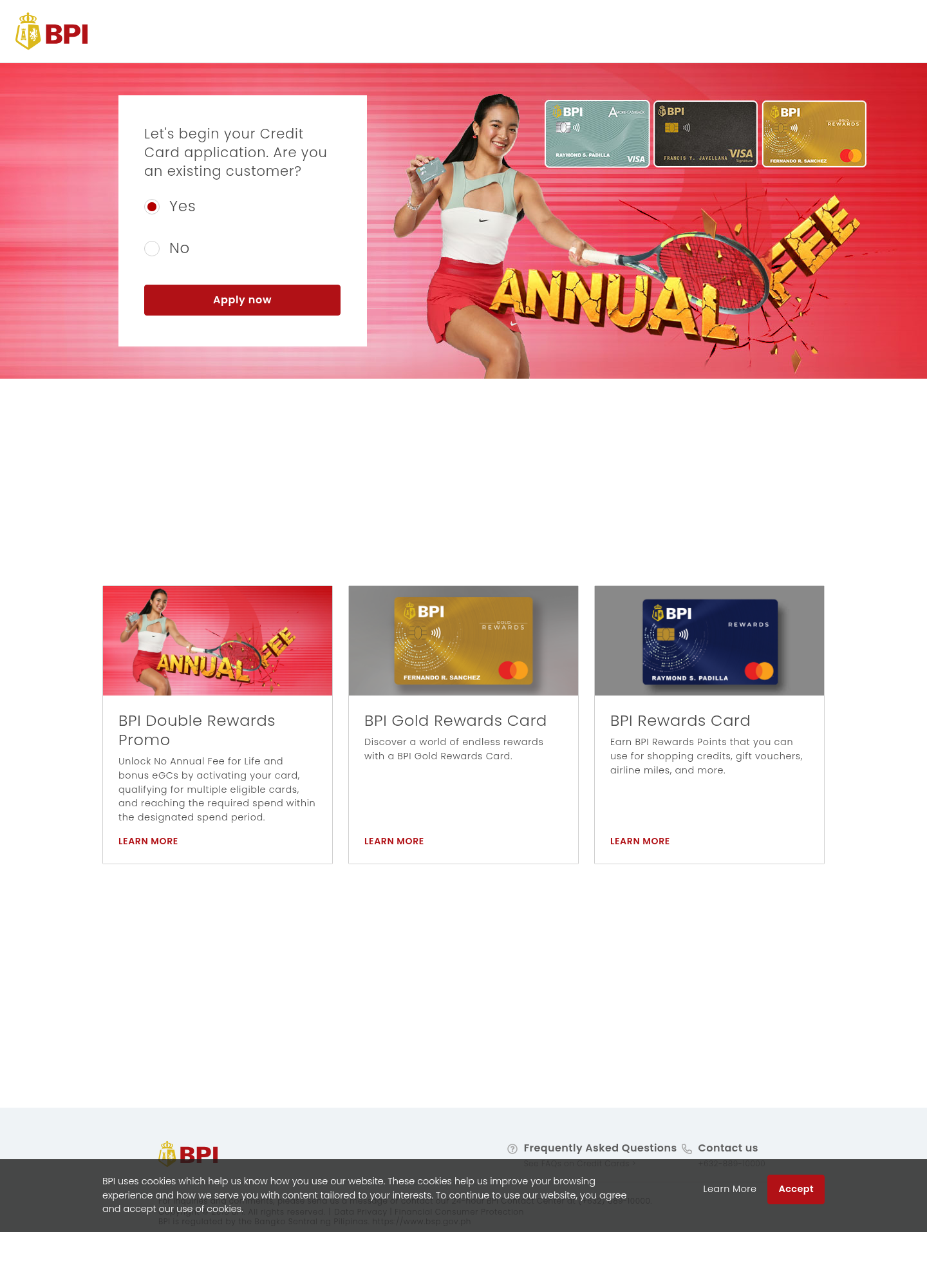 Fake Bank Credit Card Application ScamPhishing · Added 2026-10-17A page copies a bank or credit-card company's name, logo, and card pictures, and invites people to start an application. The web address...
 Cloud-Hosted Phishing Page ScamPhishing · Added 2026-09-08Scammers can use legitimate cloud-storage and file-hosting services to publish fake sign-in pages, payment forms, prize pages, delivery n...
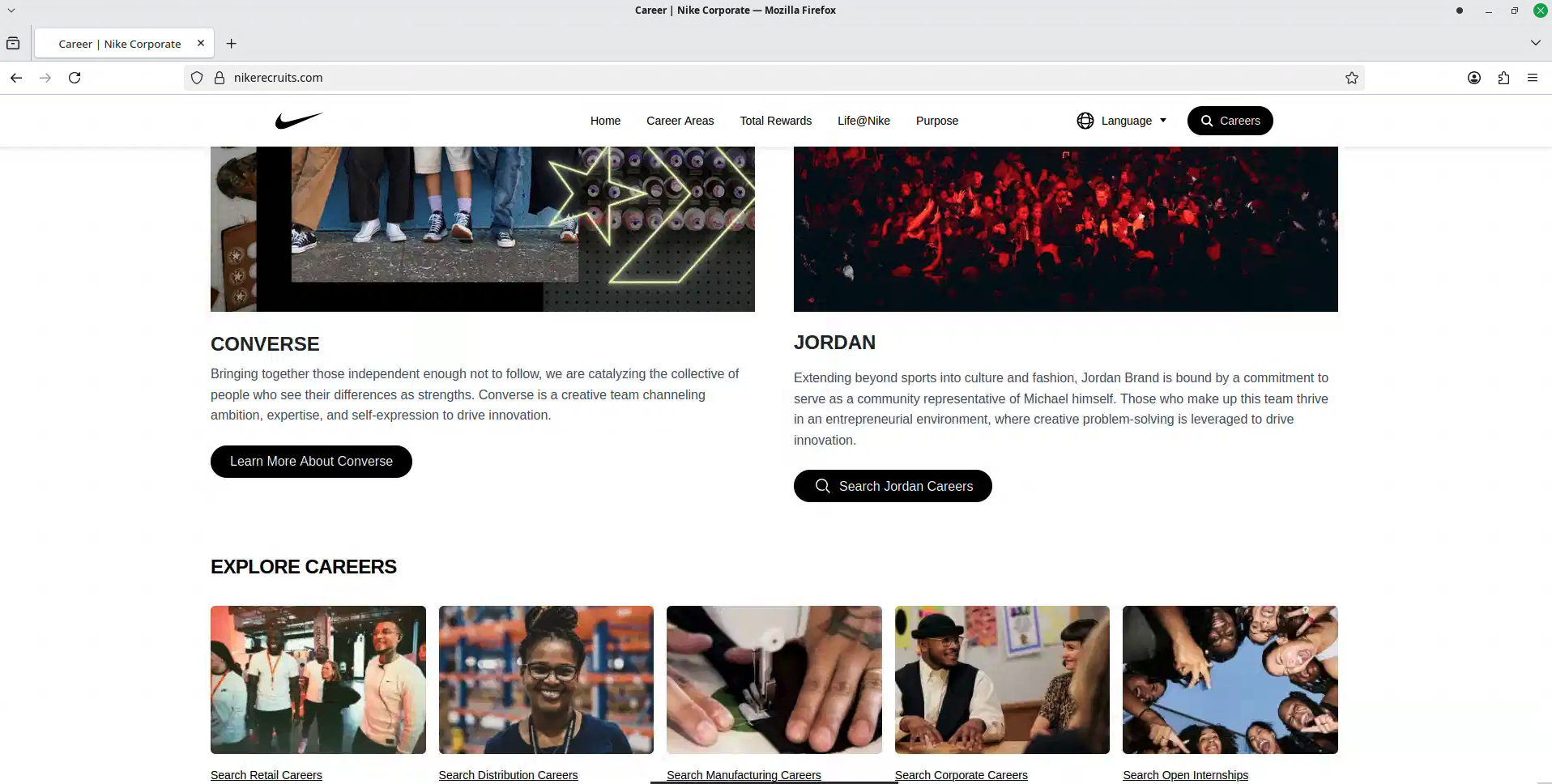 Fake Brand Recruitment PhishingPhishing · Added 2026-08-14A fake recruitment website copies a well-known company’s careers page and asks job seekers to sign in through a social-media account. In...
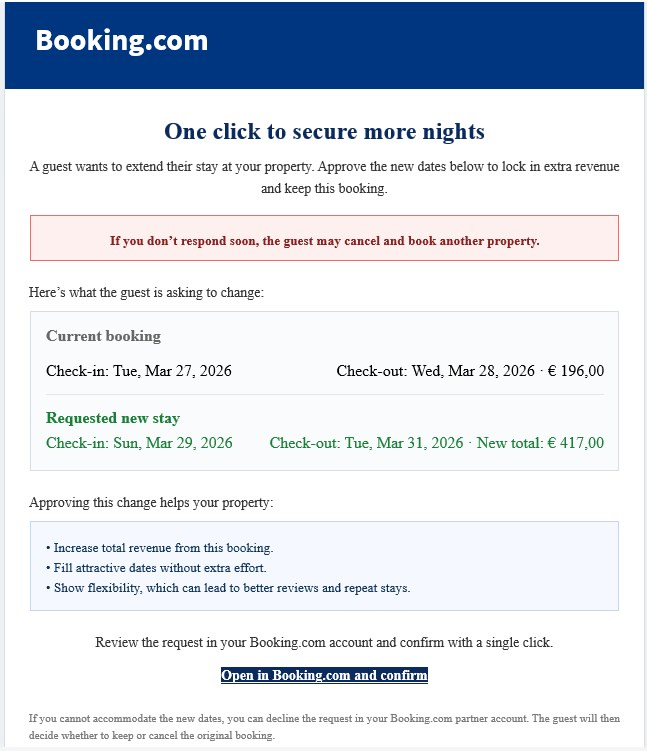 Booking.com Host Reservation Change ScamPhishing · Added 2026-04-27Scammers target property owners, hosts, and managers who list on Booking.com. The message claims a guest wants to change or extend a stay...
How this scam works
- 1
Step 1: A link or page uses a familiar company's name, logo or colours.
- 2
Step 2: The address is not the company's real website, even when the brand name is part of the address.
- 3
Step 3: The page asks you to sign in or register with a username, phone number or email, and a password.
- 4
Step 4: Details entered on that page go to whoever set it up, not to the company being copied. The documented variation does not establish a completed sign-in.
✓ Do this
- Open the real company's app or type its official website address yourself before signing in.
- Look at the full web address, not only the logo or the colours.
- If you already entered a password, change it on the real account from a device you trust.
✗ Avoid this
- Do not enter your password on a page you reached from an unexpected link or a look-alike address.
- Do not trust a login page because it uses a familiar name or colour scheme.
- Do not reuse that password on other accounts if you already typed it in.
Verbatim excerpts from the scam
Exact lines from emails or messages—searchable text so you can compare wording.
- 1Excerpt 1GO VERIFY YOURSELF Verification is free, optional and available to all. Join us in building a more trusted community VERIFY NOW FOR FREE
- 2Excerpt 2Verification Required Enter your Steam ID to find your FACEIT profile and continue verification.
- 3Excerpt 3SteamID64 or a link to your Steam profile
- 4Excerpt 4Enter your email Enter a valid email address to continue verification.
- 5Excerpt 5Verification process Now sign in to your Steam account to complete. Sign in through STEAM