Fake Online Shop Refund Form Scam
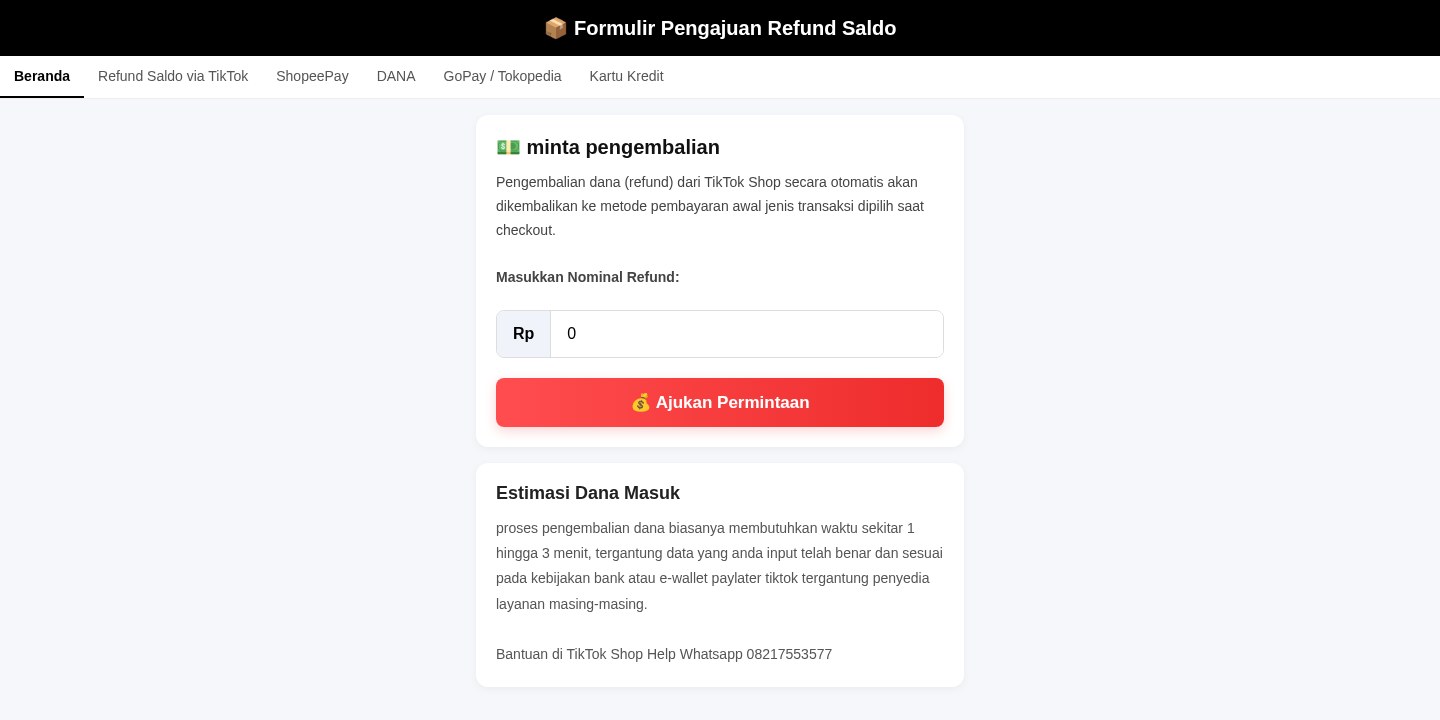
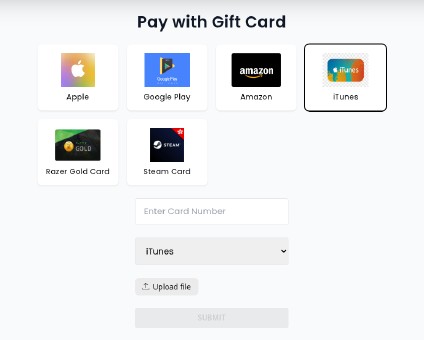
A web page using the name of an online shop or marketplace says you can request a refund, get your balance back or have an order sent again. It looks like a help or refund form and lists familiar payment methods and e-wallets. The form asks for details such as the refund amount, a sign-in, or your payment information. The page is not run by the shop, it is usually hosted on a free website service, and what you type goes to the people behind it.
How this scam works
- 1
Step 1: You open a link to a page that uses an online shop's or marketplace's name and says it handles refunds or order problems.
- 2
Step 2: The page shows a refund or redelivery form and lists payment methods, banks or e-wallets you may have used.
- 3
Step 3: It asks you to fill in details, such as how much money you want back, or to sign in with an account.
- 4
Step 4: The page says the money will arrive quickly and may give a WhatsApp number for help, which leads to the people running the page instead of the shop.
- 5
Step 5: What you type is sent to the people behind the page, for example through a Telegram bot, not to the shop.
✓ Do this
- Check refunds and orders only in the shop's own app or by typing the shop's address yourself.
- Contact the shop through the help section inside its app, not through a phone or WhatsApp number on a page you were sent.
- If you already signed in or entered payment details on such a page, change your password and tell your bank or e-wallet provider.
✗ Avoid this
- Do not fill in a refund form on a website you reached from a message or a social media post.
- Do not trust a refund page because it lists the payment methods you use or shows the shop's name.
- Do not share a code sent to your phone with anyone who says they are processing your refund.
Different versions of this scam
1 exampleOther scams in Refund / Invoice Bait
Other documented patterns in this category.
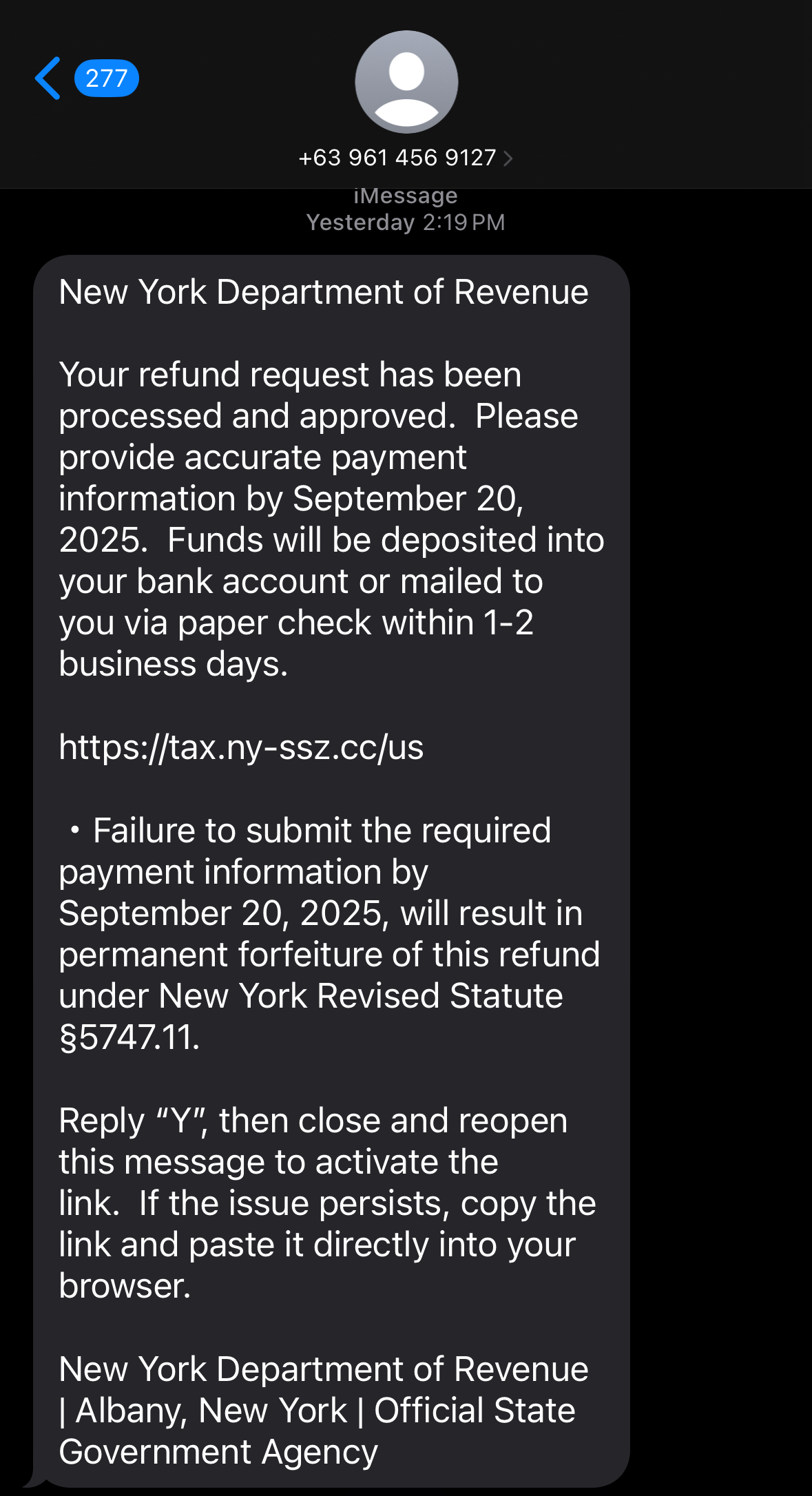 Fake Tax Refund / Government Rebate ScamAdded 2025-09-19Scammers impersonate government tax or revenue departments and promise a refund or rebate. Victims are directed to click on a phishing li...
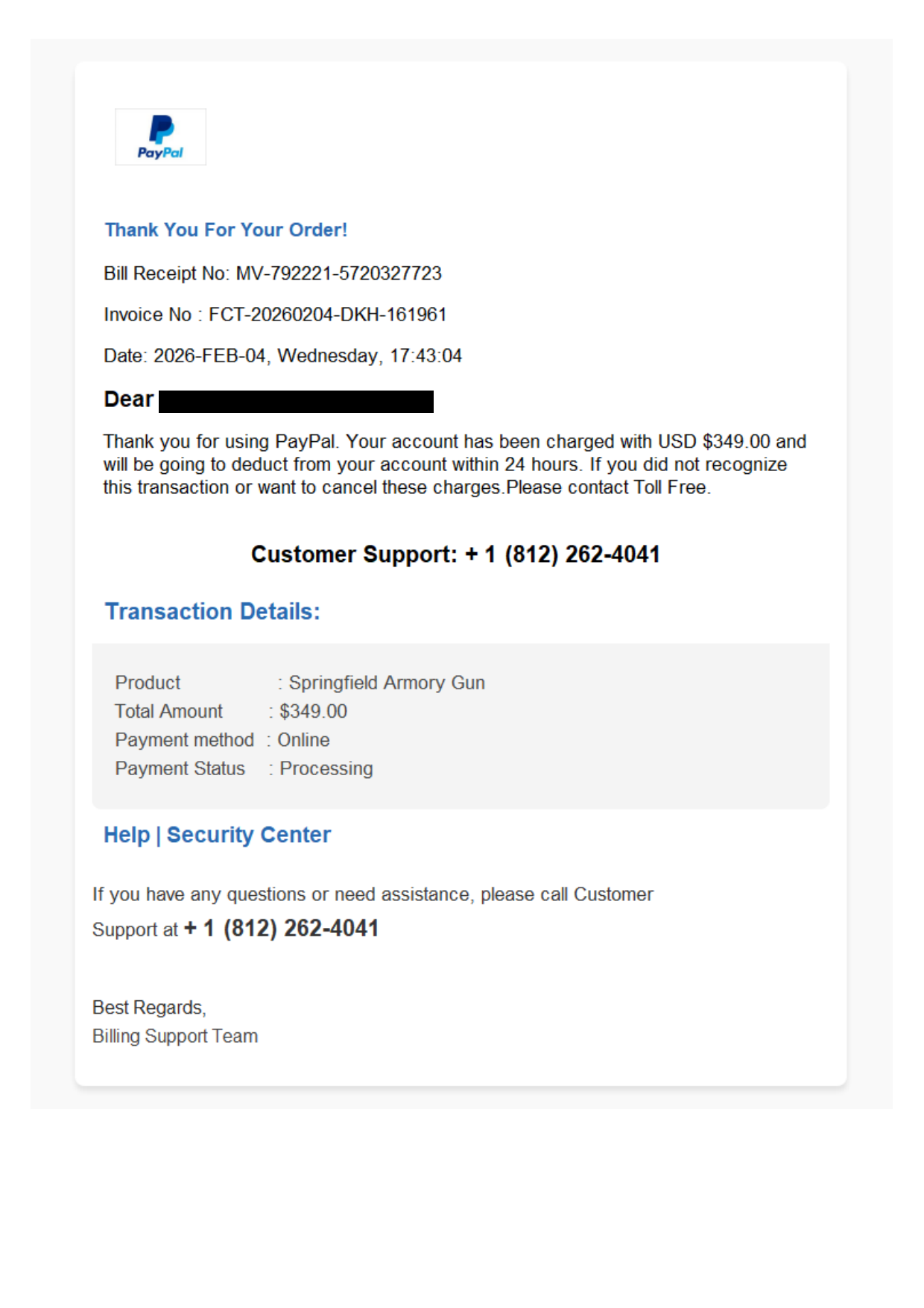 Multi-Brand Impersonation Invoice ScamAdded 2026-02-04This scam involves an email impersonating multiple brands, including PayPal and Amber Cove Tire & Wheel Partners, to deceive recipients i...
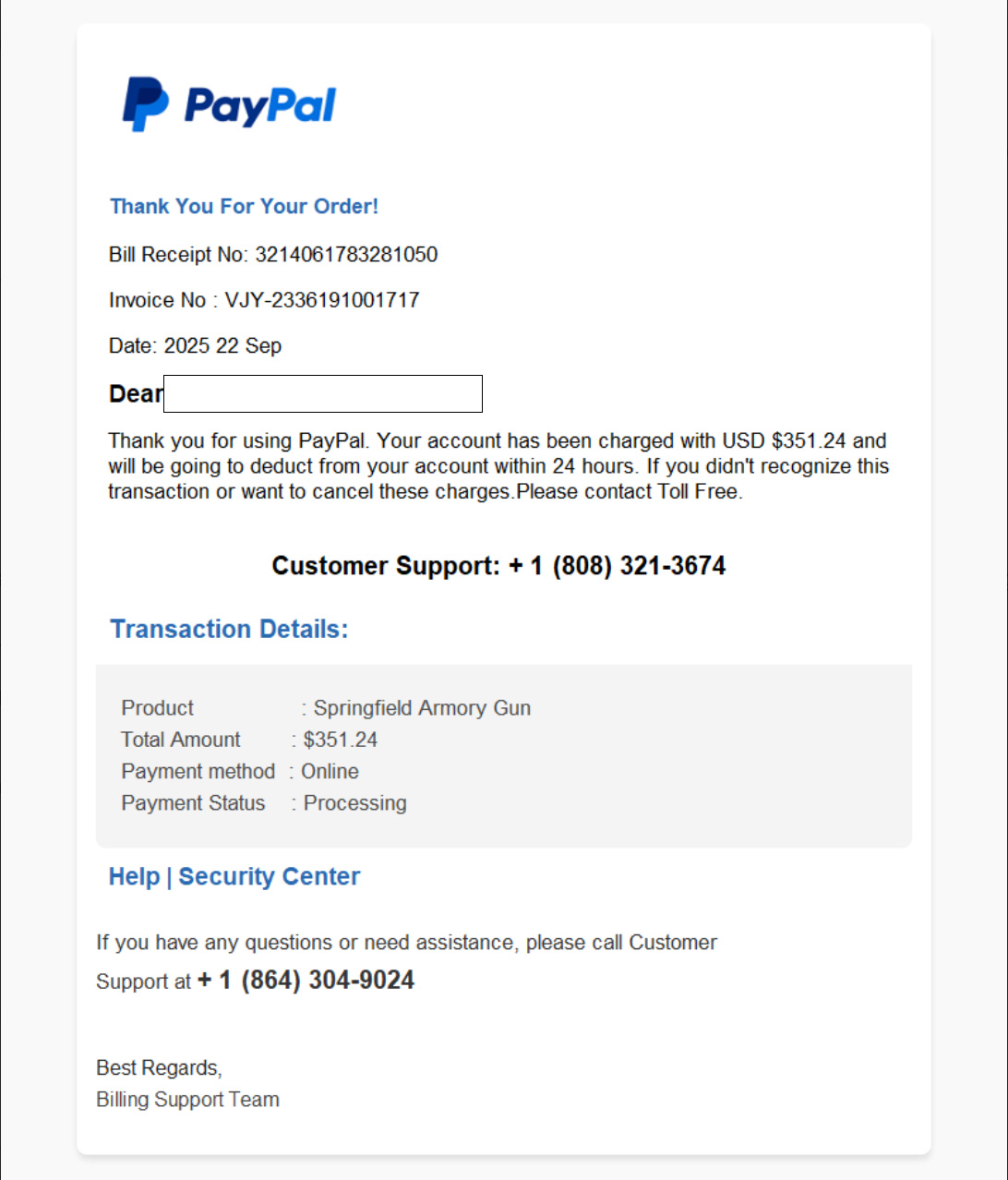 PayPal Invoice Refund ScamAdded 2025-09-10Scammers send a fake PayPal invoice and push you to call a support number. From there, they escalate to remote control, fake refunds, and...
Recently added
Scam patterns added to the archive most recently.
 Messaging App Login Code Theft ScamCredential Harvesting · Added 2026-10-28A web page offers something you want, such as a place in a program, a job opportunity or a payout, and says you only need to register. To...
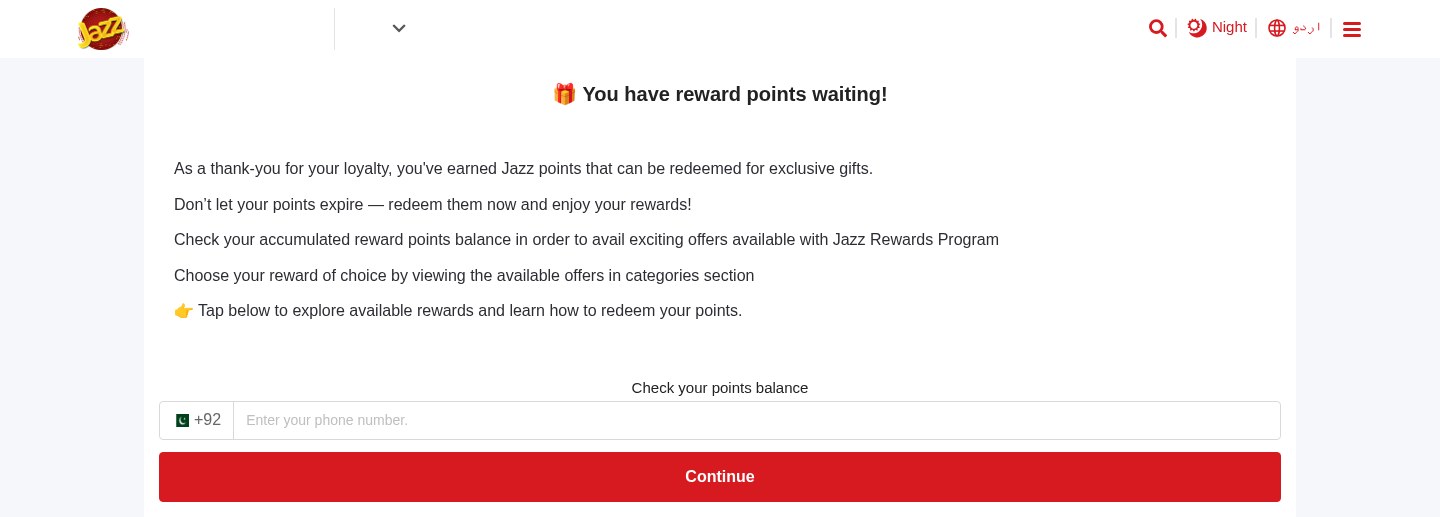 Expiring Reward Points ScamPhishing · Added 2026-10-22A web page uses the name and logo of a company you know, such as your mobile network or a fuel brand, and says you have loyalty or reward...
 Crypto Wallet Recovery Phrase Theft ScamCrypto Wallet / Exchange Impersonation · Added 2026-10-21A website offers to back up, sync, protect or link your crypto wallet. To do it, it asks you to type in your wallet's recovery phrase (al...
 Fake Crypto Investment Platform ScamInvestment / Crypto · Added 2026-10-21A website looks like a crypto or investment platform. It shows an account dashboard with balances, investment plans with daily profits an...
Need help with a similar message?
Do not reply, pay, or use contact details in an unexpected message. Verify through the official app or website, then report what you saw so the Archive can connect related patterns.
Quick tip: Verify independently
Don’t call numbers or click links in unexpected messages. Go directly to the company’s official site or app and contact support from there.