Messaging App Login Code Theft Scam
A web page offers something you want, such as a place in a program, a job opportunity or a payout, and says you only need to register. To register, it asks for the phone number linked to your messaging app, then for the login code the app sends you, and then for your two-step verification password. Those are the same details someone needs to sign in to your account on a new device. The page is not run by the messaging app, and anything you type goes to the people behind the page.
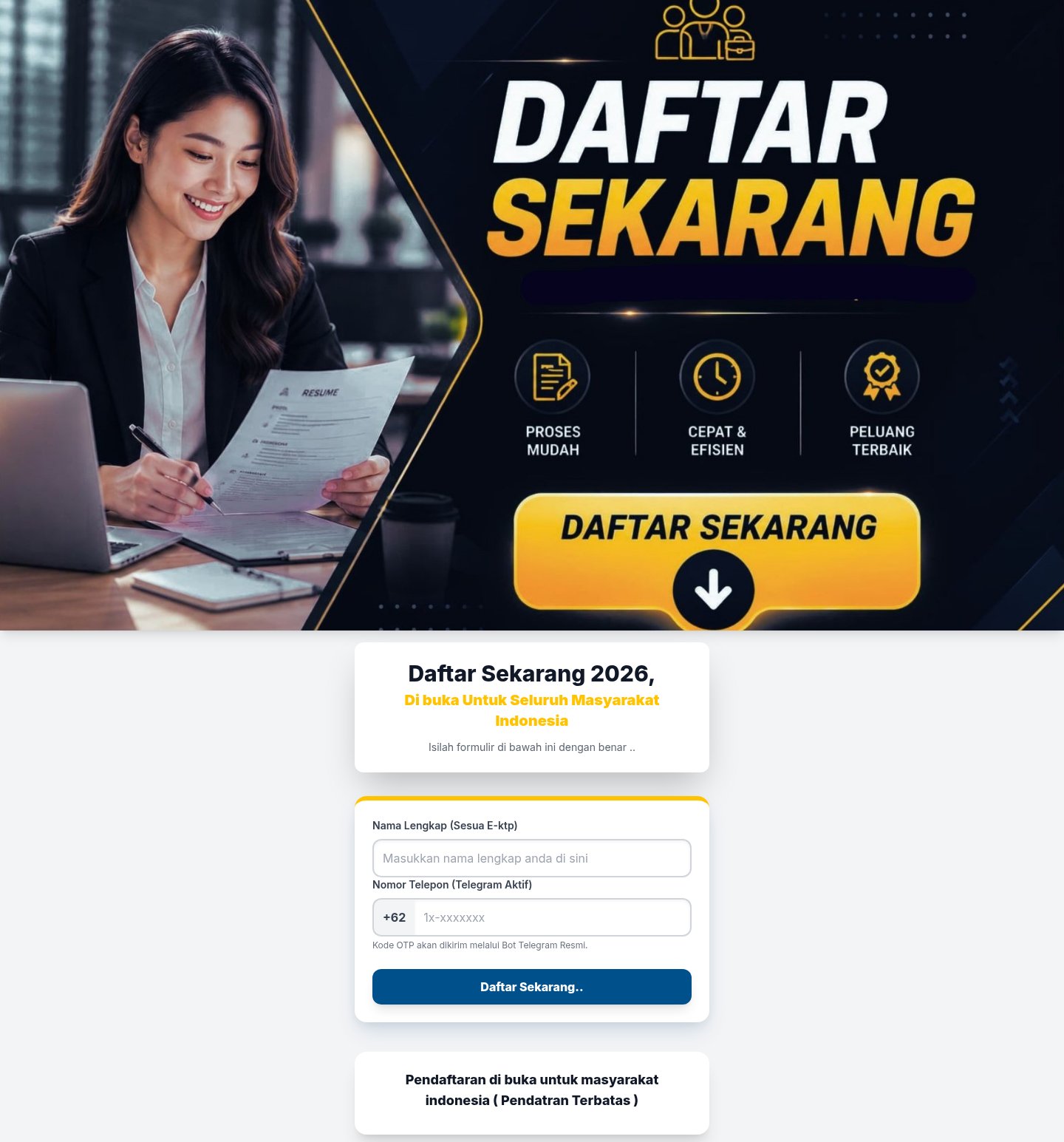
How this scam works
- 1
Step 1: You open a link to a registration page. It promises a benefit, says places are limited, and often shows a list of other people who have supposedly signed up.
- 2
Step 2: The page asks for your name and the phone number you use for a messaging app such as Telegram.
- 3
Step 3: The page says a code will be sent to you by the app or by an official bot, and asks you to type that code into the page.
- 4
Step 4: If your account has a two-step verification password, the page asks for that too, often saying it is required to finish registering.
- 5
Step 5: The page may then ask for more personal details, such as your address or bank, and tells you to wait while your registration is checked. With your code and password, the people behind the page can sign in to your account.
✓ Do this
- Treat any page that asks for a code sent by your messaging app as a sign-in attempt on your account, whatever the page says the code is for.
- Check any program, job or payout on the official website of the organization behind it, by typing the address yourself.
- If you already typed a code or password into such a page, open the app, end all sessions you do not recognize, and change your two-step verification password.
- Report the page and the link you received to the messaging app.
✗ Avoid this
- Do not type a login code from your messaging app into any website or share it with anyone.
- Do not enter your two-step verification password anywhere except inside the app itself.
- Do not trust a page because it shows a list of people whose registration was accepted. Anyone can write that list.
Different versions of this scam
1 exampleOther scams in Credential Harvesting
Other documented patterns in this category.
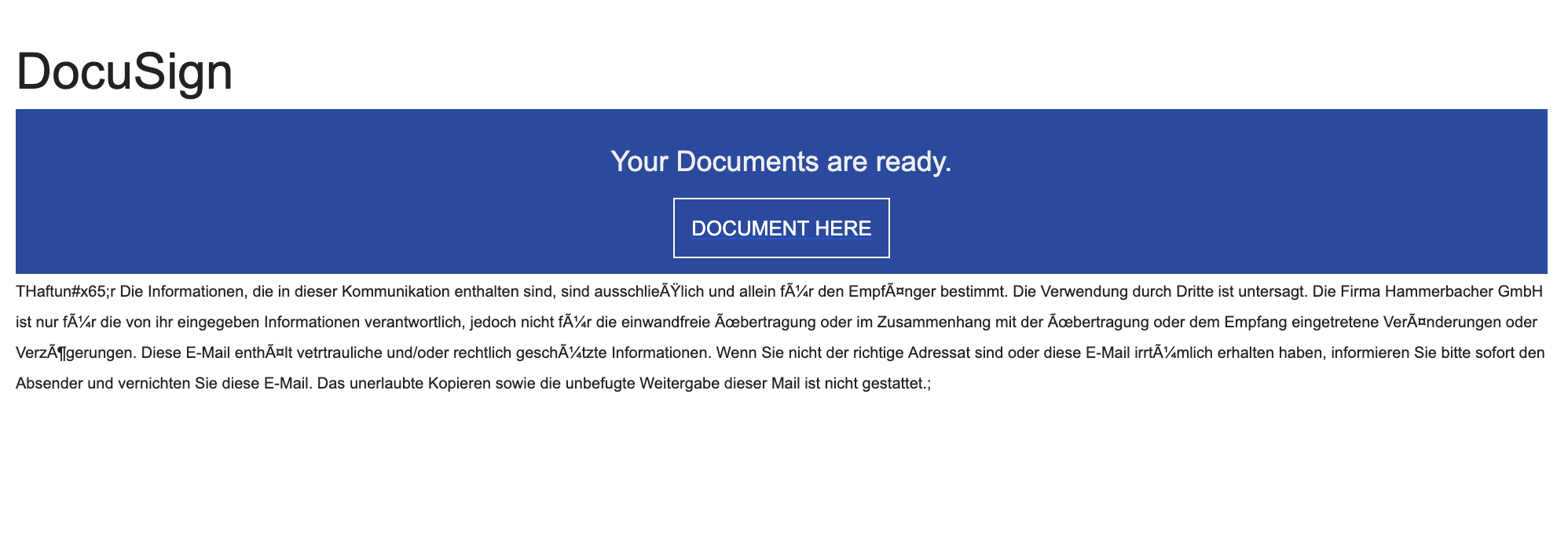 Documents Ready To Sign ScamAdded 2025-10-13You receive an email that looks like it’s from DocuSign (or another e‑signature service) saying “Your documents are ready to sign.” The b...
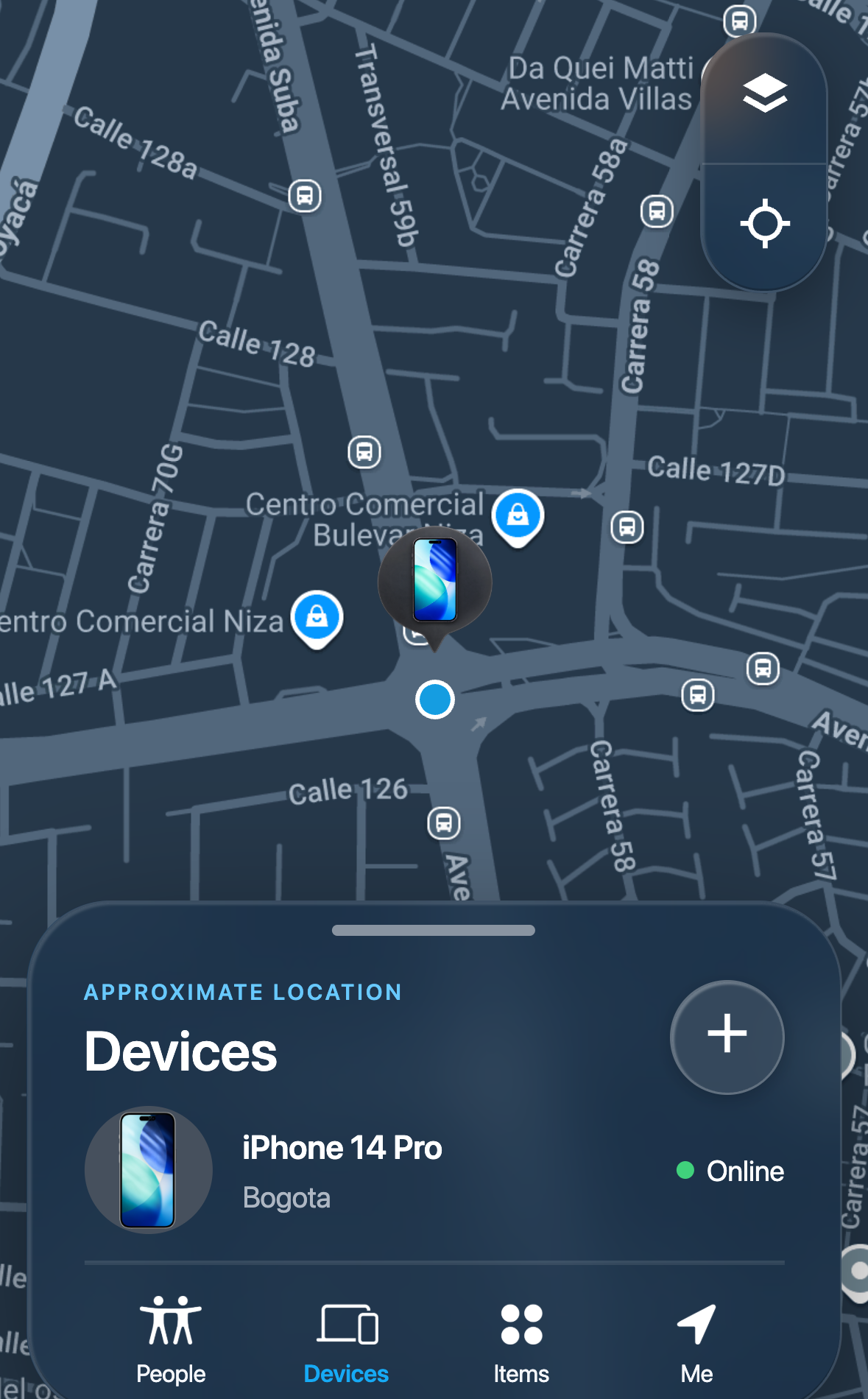 Lost Device Location Passcode ScamAdded 2026-09-16A message tells someone whose phone is lost or stolen that the device has been found, and links to a page that imitates a phone-finding s...
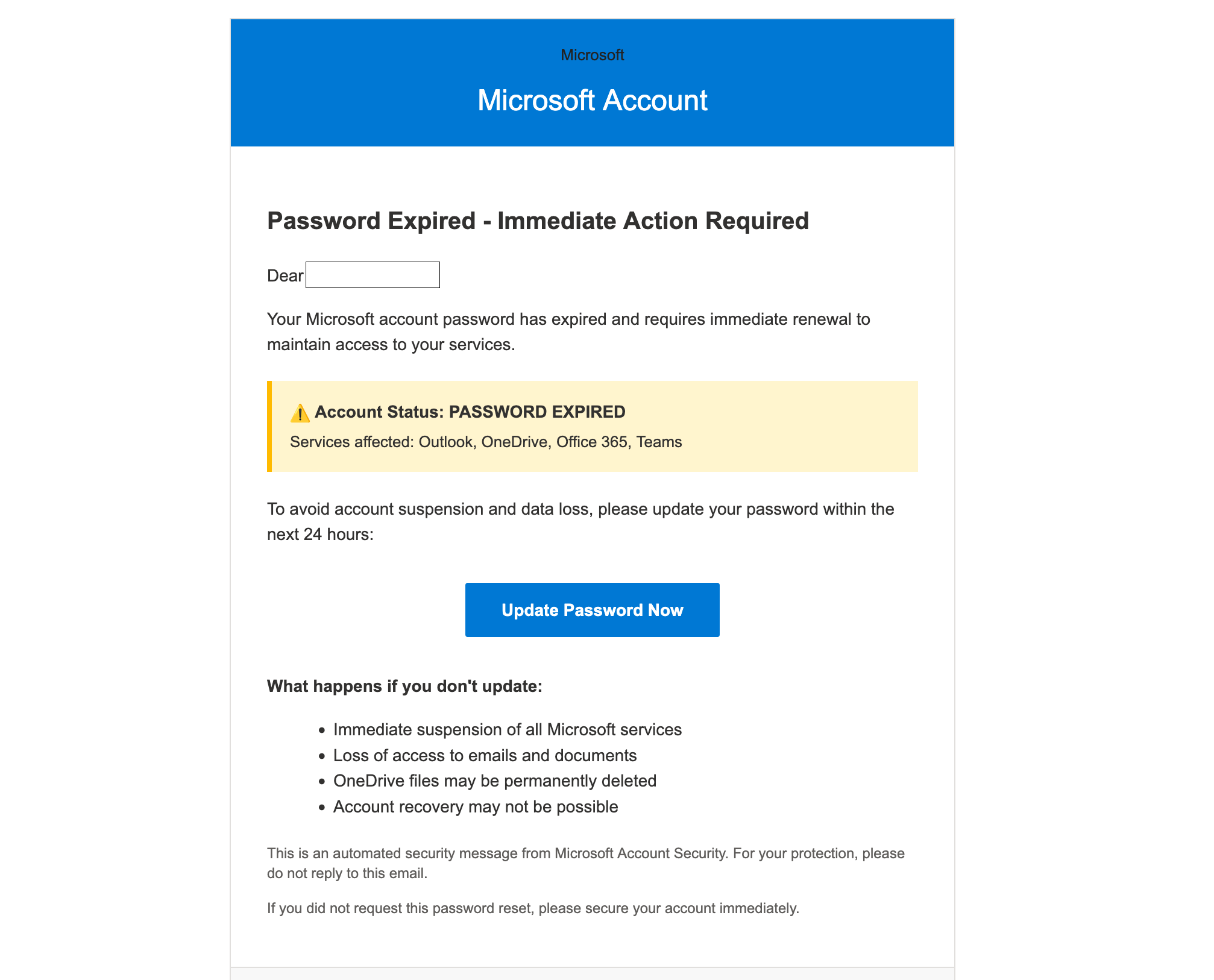 Microsoft Account Password Expired ScamAdded 2025-10-08You get an email that looks like it’s from Microsoft saying your password has expired and you must “Update Password Now” within 24 hours....
 School Email Account Deactivation ScamAdded 2024-06-06Scammers send emails pretending to be from a college or university IT department, warning students that their email account will be deact...
Recently added
Scam patterns added to the archive most recently.
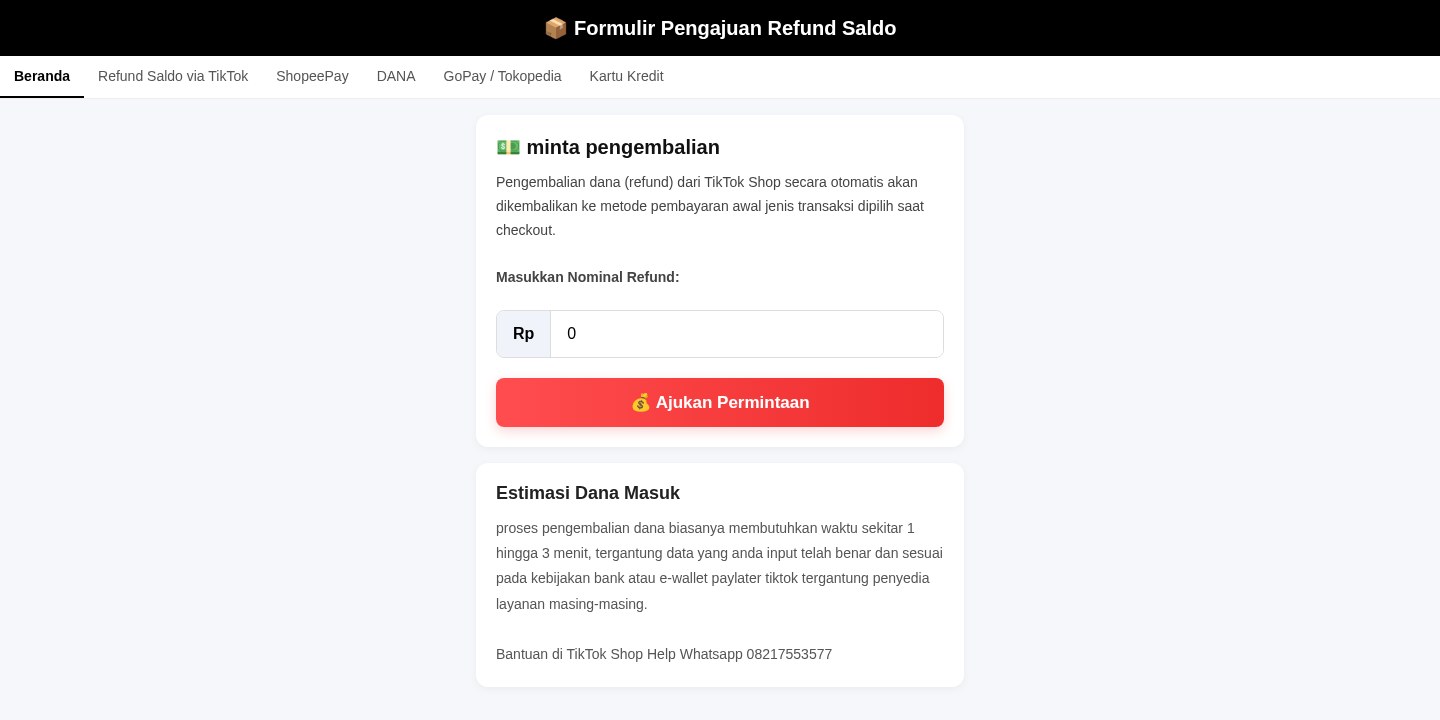 Fake Online Shop Refund Form ScamRefund / Invoice Bait · Added 2026-10-28A web page using the name of an online shop or marketplace says you can request a refund, get your balance back or have an order sent aga...
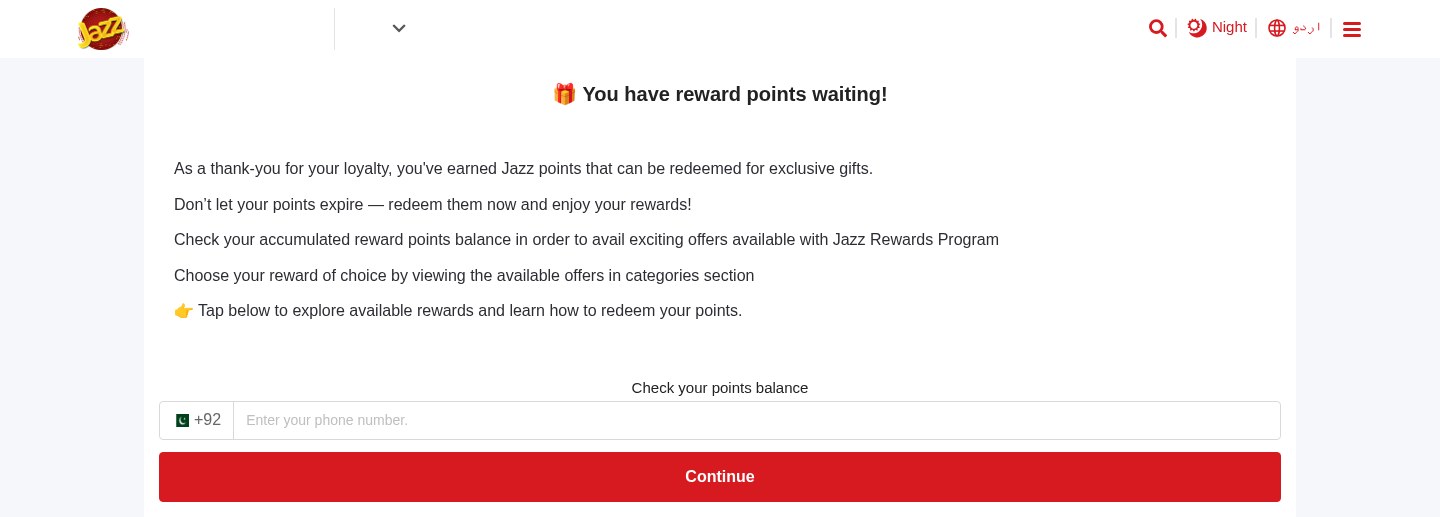 Expiring Reward Points ScamPhishing · Added 2026-10-22A web page uses the name and logo of a company you know, such as your mobile network or a fuel brand, and says you have loyalty or reward...
 Crypto Wallet Recovery Phrase Theft ScamCrypto Wallet / Exchange Impersonation · Added 2026-10-21A website offers to back up, sync, protect or link your crypto wallet. To do it, it asks you to type in your wallet's recovery phrase (al...
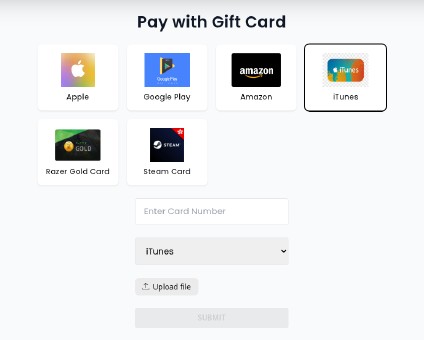 Fake Crypto Investment Platform ScamInvestment / Crypto · Added 2026-10-21A website looks like a crypto or investment platform. It shows an account dashboard with balances, investment plans with daily profits an...
Need help with a similar message?
Do not reply, pay, or use contact details in an unexpected message. Verify through the official app or website, then report what you saw so the Archive can connect related patterns.
Quick tip: Verify independently
Don’t call numbers or click links in unexpected messages. Go directly to the company’s official site or app and contact support from there.