This is a version of Unauthorized Withdrawal Alert Scam in Phishing.
Automated Venmo 'press 1' call that asks for the code from a password reset
Someone starts a password reset on a person's Venmo account, so the person receives a genuine Venmo code. The person then gets an automated phone call saying someone is trying to log in to their Venmo account and asking them to press 1 if it was not them. The call then asks for the code. The code came from Venmo, but the call did not. Venmo says a Venmo agent will never ask for this code under any circumstances.
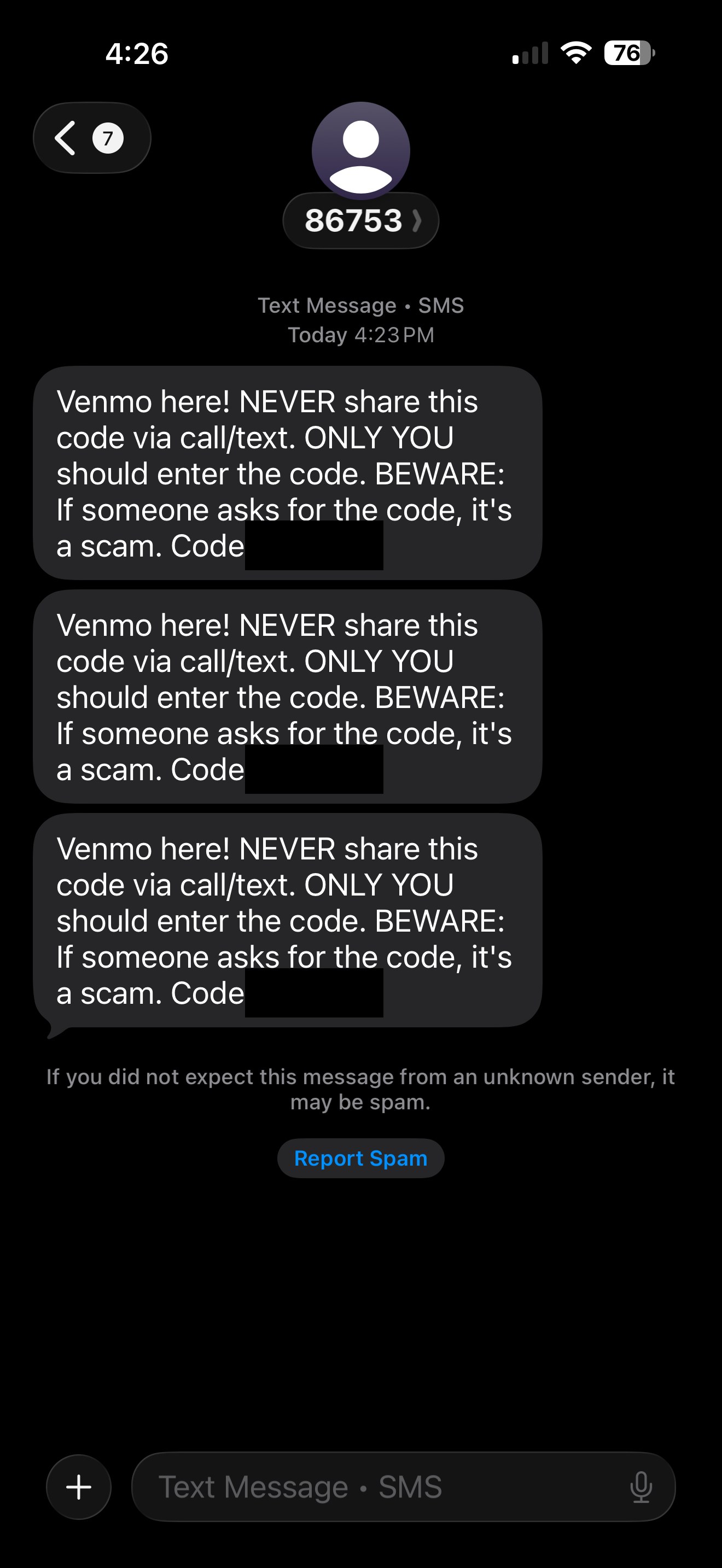
What’s different in this version
These traits set this message apart from the usual pattern.
The code is genuine. According to the report, it arrives because someone else started a Venmo password reset on the account, which can make the call that follows seem believable.
The screenshot shows three genuine Venmo security-code texts in a row, each warning that anyone who asks for the code is running a scam. The texts themselves are not the scam.
The call is automated. It warns of a login attempt, asks the person to press 1 if it was not them, and then asks for the code.
Venmo's own guidance describes a similar pattern that starts with a sign-in attempt rather than a password reset. This report describes a password reset.
Other variations of this scam
Other reported versions of this scam.
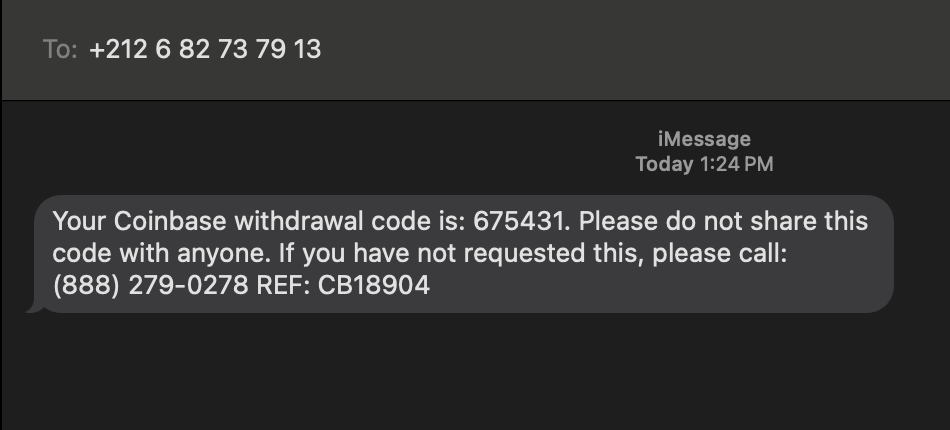 Coinbase withdrawal code, if not requested please callSMS (iMessage) · 2025-10-17A text message claims to be from Coinbase and shows a 6‑digit “withdrawal code,” then tells you to call a phone number if you didn’t requ...
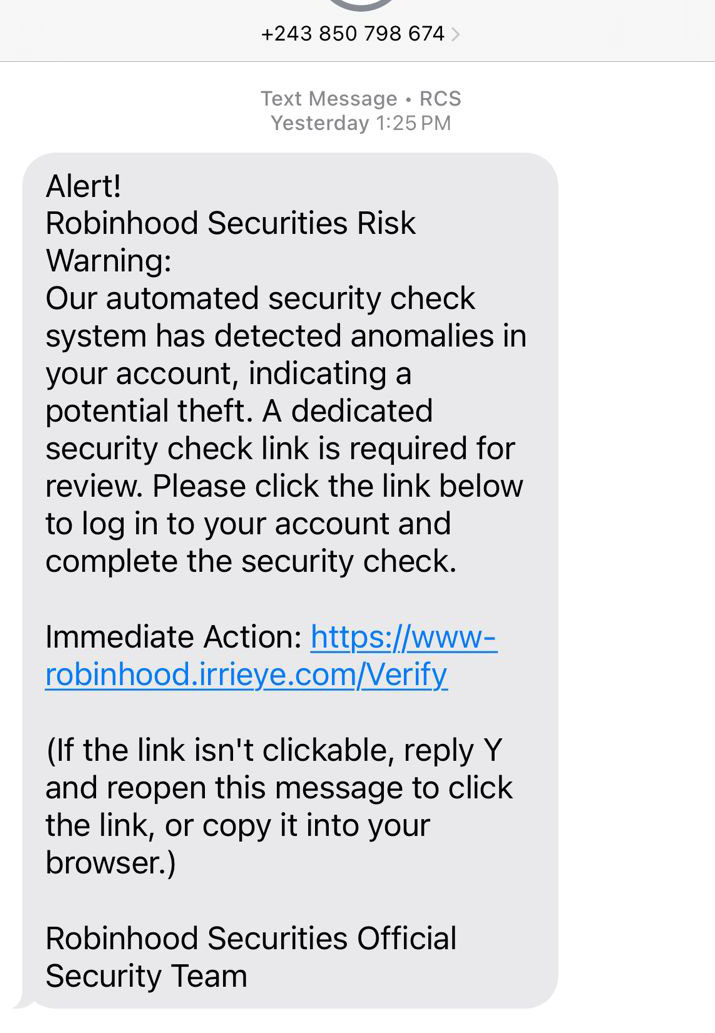 Robinhood Securities Risk Warning text with a fake security check linkSMS (RCS) · 2025-10-16Text message claims to be from “Robinhood Securities” warning that anomalies were found on your account and you must click a special link...
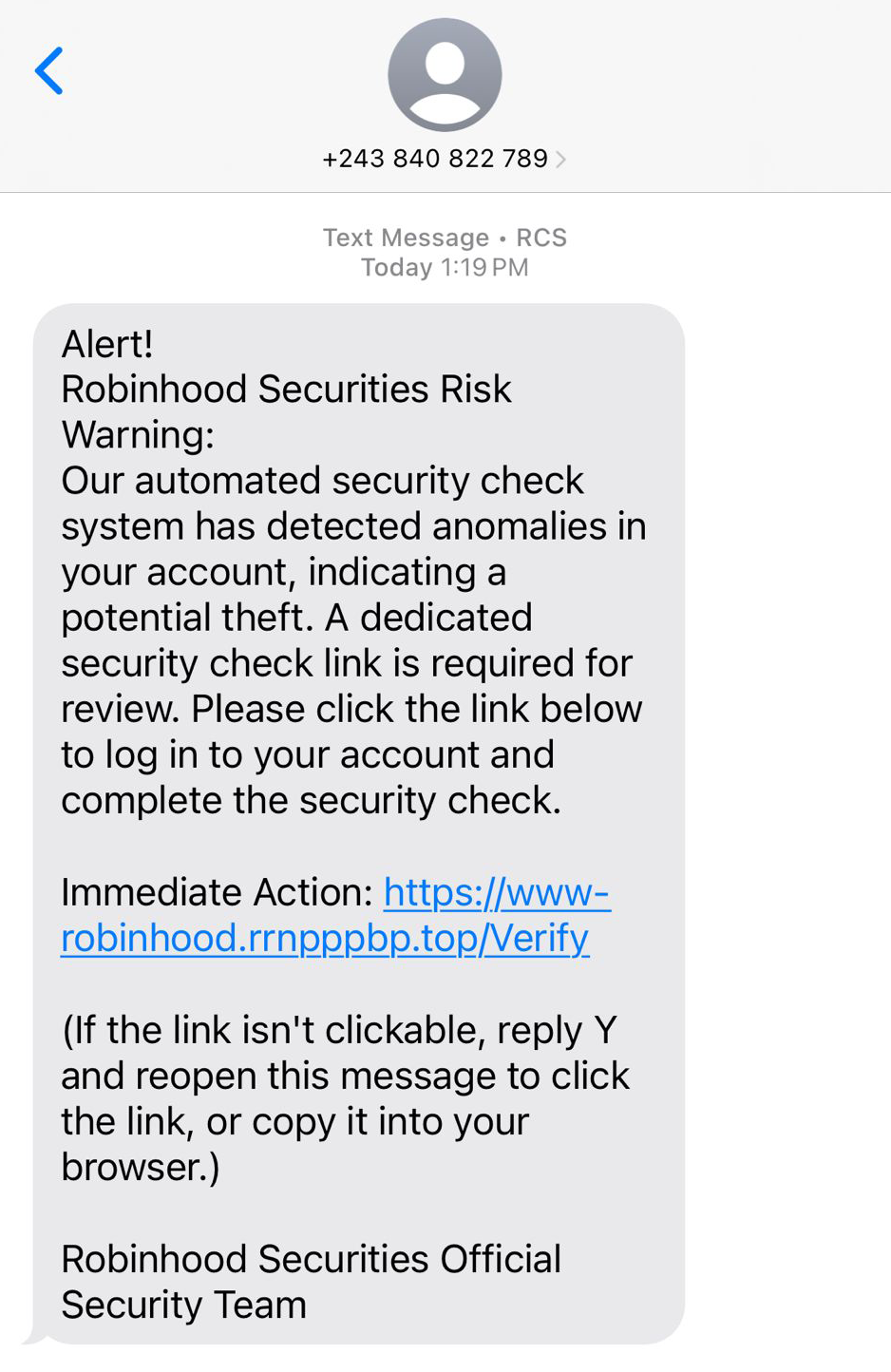 Robinhood Securities Official Security Team text with a fake Verify linkSMS (RCS) · 2025-10-14Text claims to be from “Robinhood Securities Official Security Team” warning that unusual activity was found on your account. It pushes y...
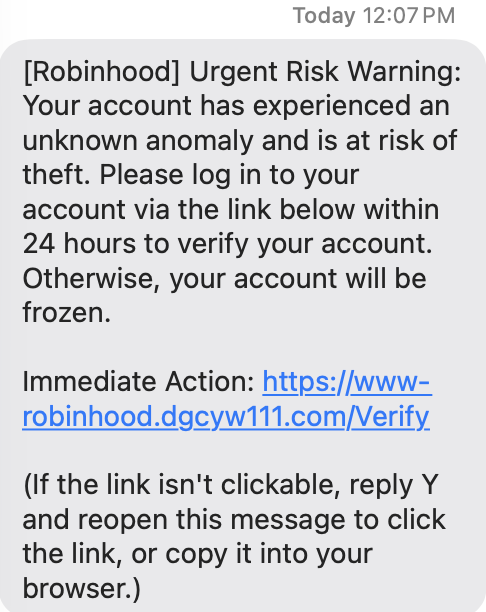 Robinhood "Urgent Risk Warning" text threatening a 24-hour account freezeSMS (iMessage) · 2025-10-07You receive a text claiming there’s an “unknown anomaly” on your Robinhood account and it will be frozen in 24 hours unless you “verify”...
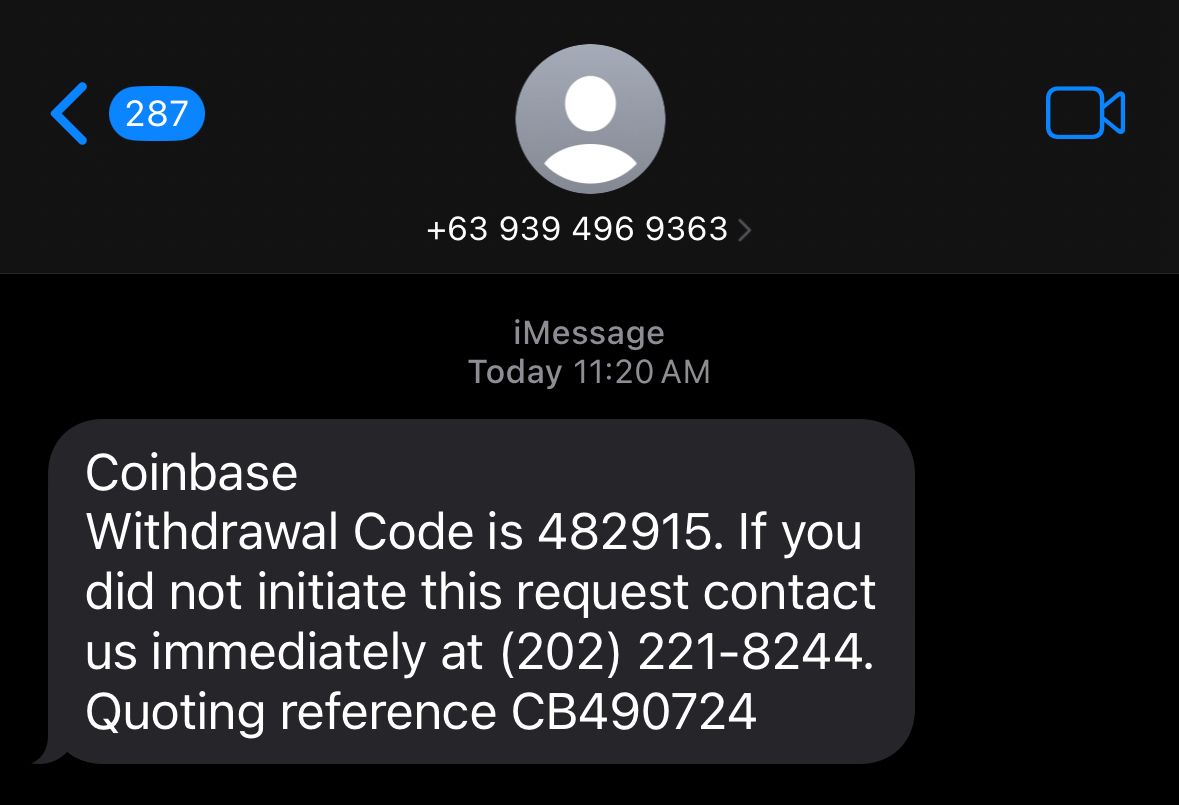 Coinbase 'Withdrawal Code' Text With Callback NumberSMS (iMessage) · 2025-09-26A text claims a Coinbase withdrawal code was created on your account and tells you to call a phone number if you didn’t request it. The g...
Related scams
Other patterns in the same category, or that share a brand with this report.
 Venmo/Zelle Payment Hold Scam on Facebook MarketplaceMarketplace / Classifieds · Shared brand · Added 2024-06-15Scammers target people selling items on sites like Facebook Marketplace or Craigslist by pretending to be interested buyers. They claim t...
 Fake Game Item Vote Login ScamPhishing · Added 2026-11-02A link takes you to what looks like a page on a gaming platform's community site, usually a fan-made weapon skin or other game item, with...
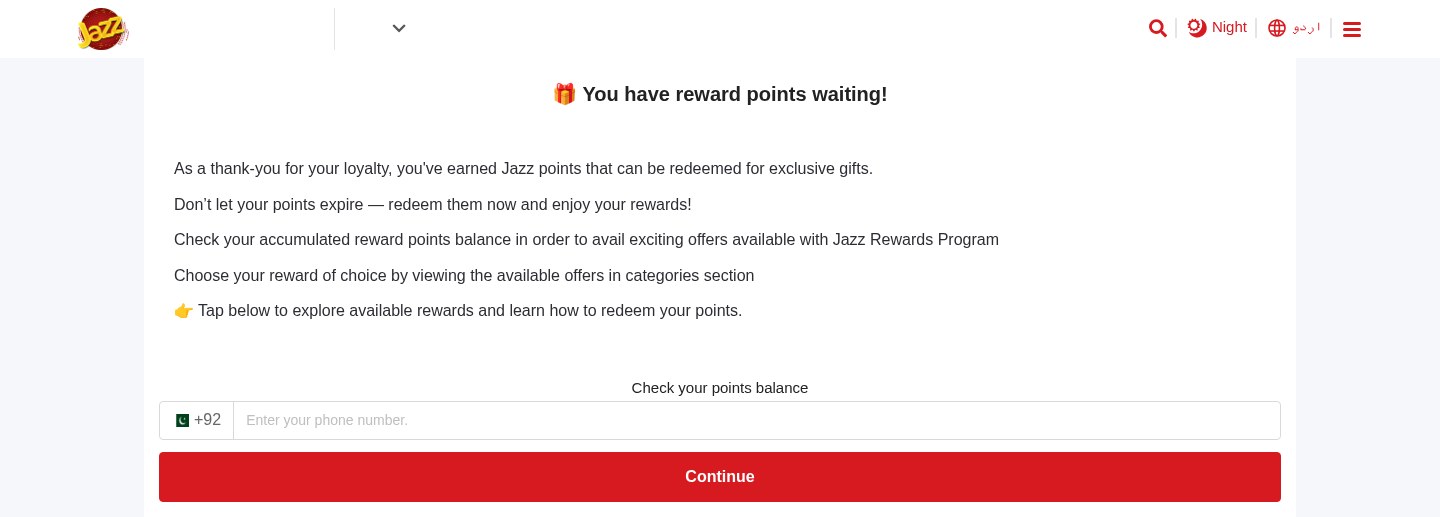 Expiring Reward Points ScamPhishing · Added 2026-10-22A web page uses the name and logo of a company you know, such as your mobile network or a fuel brand, and says you have loyalty or reward...
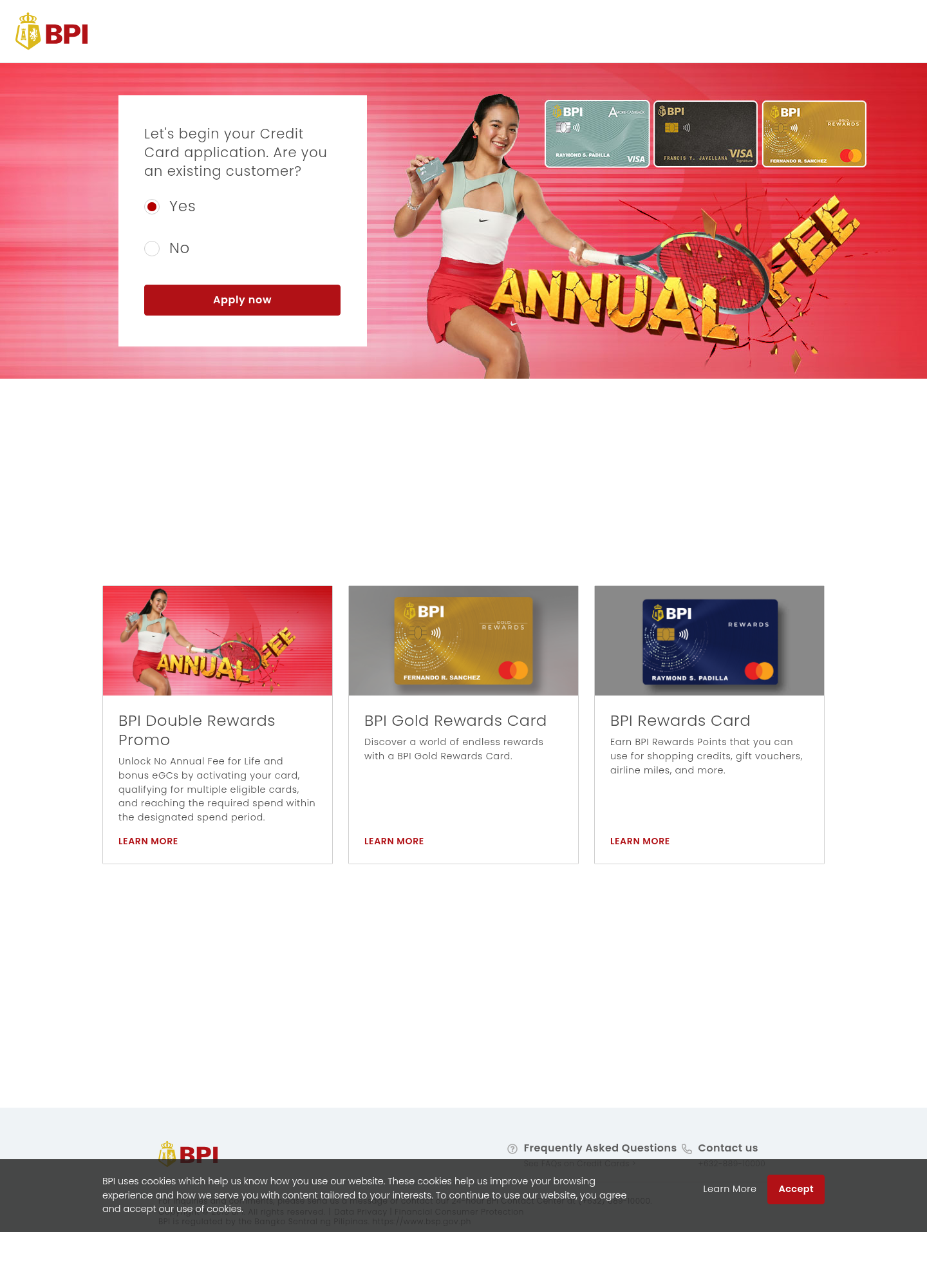 Fake Bank Credit Card Application ScamPhishing · Added 2026-10-17A page copies a bank or credit-card company's name, logo, and card pictures, and invites people to start an application. The web address...
 Cloud-Hosted Phishing Page ScamPhishing · Added 2026-09-08Scammers can use legitimate cloud-storage and file-hosting services to publish fake sign-in pages, payment forms, prize pages, delivery n...
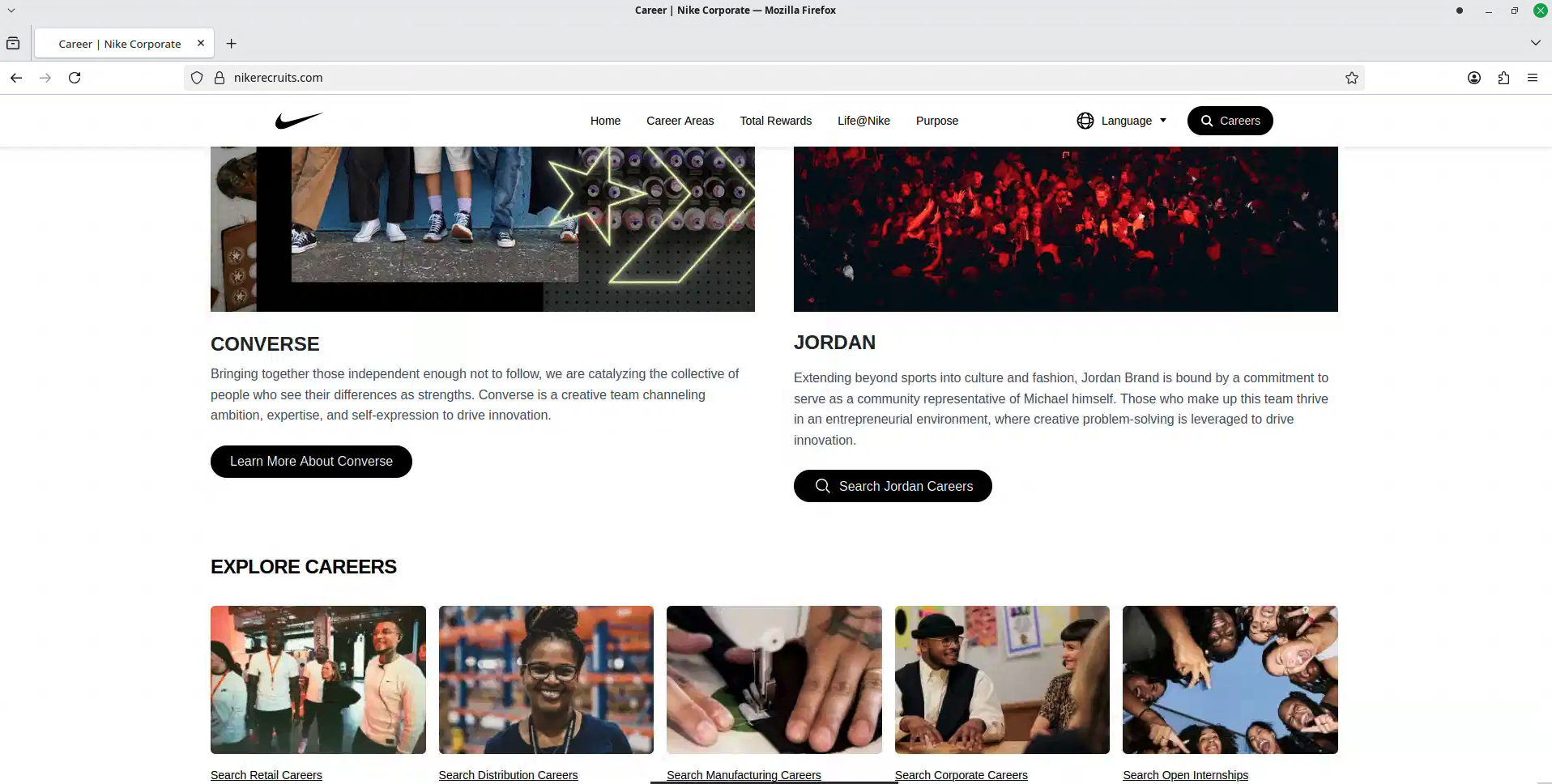 Fake Brand Recruitment PhishingPhishing · Added 2026-08-14A fake recruitment website copies a well-known company’s careers page and asks job seekers to sign in through a social-media account. In...
How this scam works
- 1
Step 1: You get an alarming text, email, or call saying a withdrawal/transfer is in progress.
- 2
Step 2: The message includes a link or phone number and urges you to act immediately to cancel.
- 3
Step 3: If you click, you land on a look‑alike website that steals your login and one‑time codes.
- 4
Step 4: If you call, a fake “fraud specialist” asks for your codes, pushes you to move money to a “safe” account, or requests remote access.
- 5
Step 5: With your access, scammers move your money, change account settings, and lock you out.
✓ Do this
- Check your account by opening the official app or typing the company’s website yourself.
- Call the number on the back of your card or from the official website, not the number in the alert.
- Set up transaction alerts and two‑factor authentication (2FA) in the official app.
- If you clicked or shared info, change your password, remove unrecognized devices, and contact your bank’s fraud team immediately.
- Report the message to your bank/app and forward phishing emails to their abuse address if available.
✗ Avoid this
- Do not click links or call numbers in unexpected withdrawal alerts.
- Do not share one‑time codes, PINs, or recovery phrases with anyone—even a supposed bank employee.
- Do not move money to a “holding,” “safe,” or “verification” account—this is a common scam tactic.
- Do not install remote access software or grant screen‑sharing to someone who contacted you.
Verbatim excerpts from the scam
Exact lines from emails or messages—searchable text so you can compare wording.
- 1Excerpt 1Venmo here! NEVER share this code via call/text. ONLY YOU should enter the code. BEWARE: If someone asks for the code, it's a scam. Code