This is a version of Facebook Page Violation Scam in Phishing.
Fake Facebook typo site with a Vietnamese sensitive-content login prompt
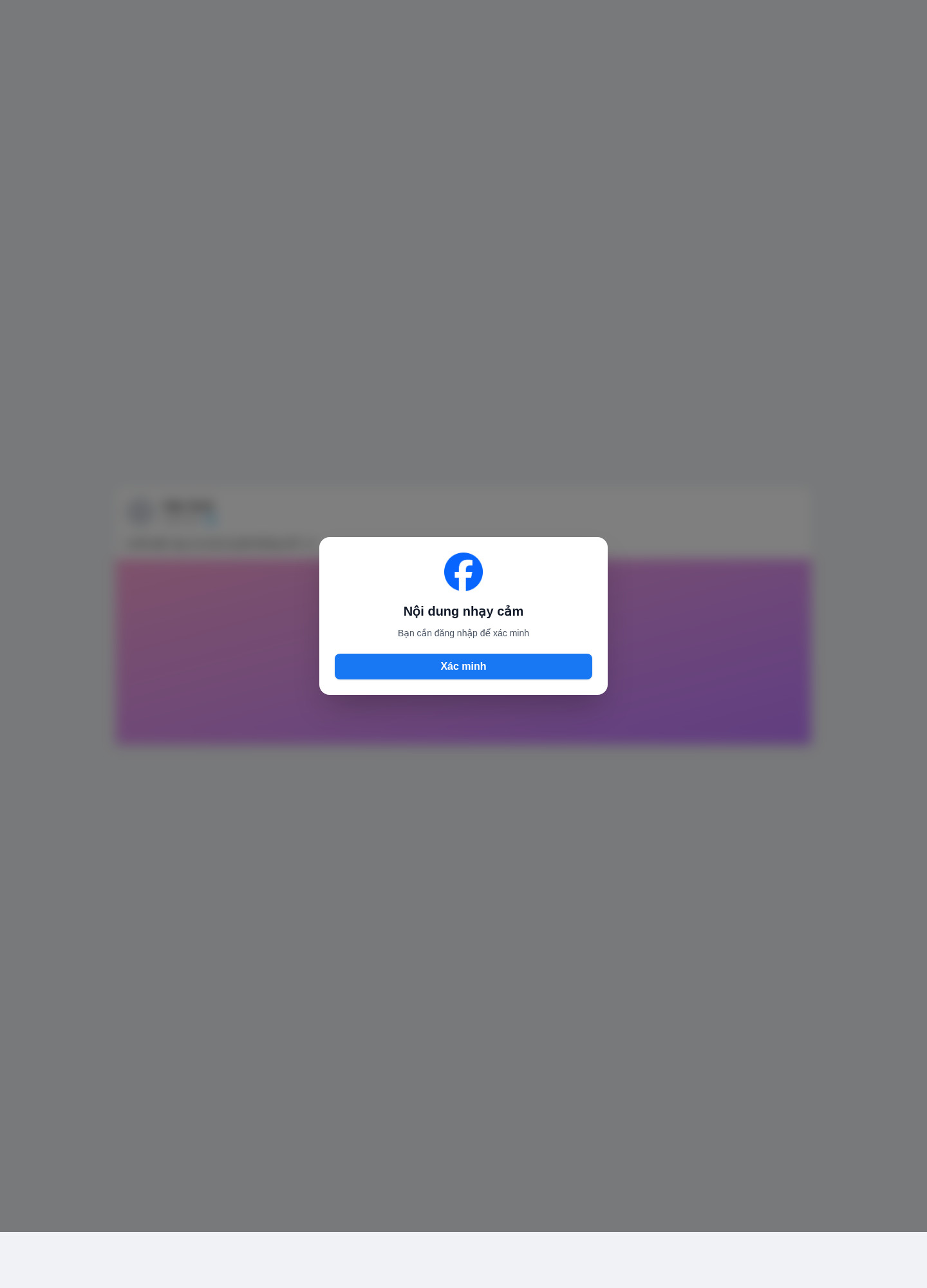
A Vietnamese-language page at mfacebock[.]com[.]vn uses a Facebook logo and shows a modal over a blurred post. The modal heading reads "Nội dung nhạy cảm" (sensitive content), the supporting line reads "Bạn cần đăng nhập để xác minh" (you need to log in to verify), and the button is labelled "Xác minh" (verify). Password fields are not on the captured frame. The captured page title and path use an urgent missing-person style lure. The page is not Facebook. Whether anyone continued to a password step, and where any login details would be sent, were not established.
What’s different in this version
These traits set this message apart from the usual pattern.
The host is a typo of Facebook, mfacebock[.]com[.]vn, and the modal uses the Facebook logo, but the page is not Facebook.
The captured frame is a Vietnamese sensitive-content modal that tells the visitor to log in to verify. Password fields are not visible on this frame.
The captured page title and path use an urgent missing-person style lure. That wording is not clearly readable on the blurred background of the screenshot.
This is a Facebook login lure, not a Page Quality or Community Standards appeal. It is grouped with the Facebook page-violation family because that family already covers Facebook/Meta credential phishing. The fit is imperfect.
Completed login and any later password or code step were not established.
Other variations of this scam
Other reported versions of this scam.
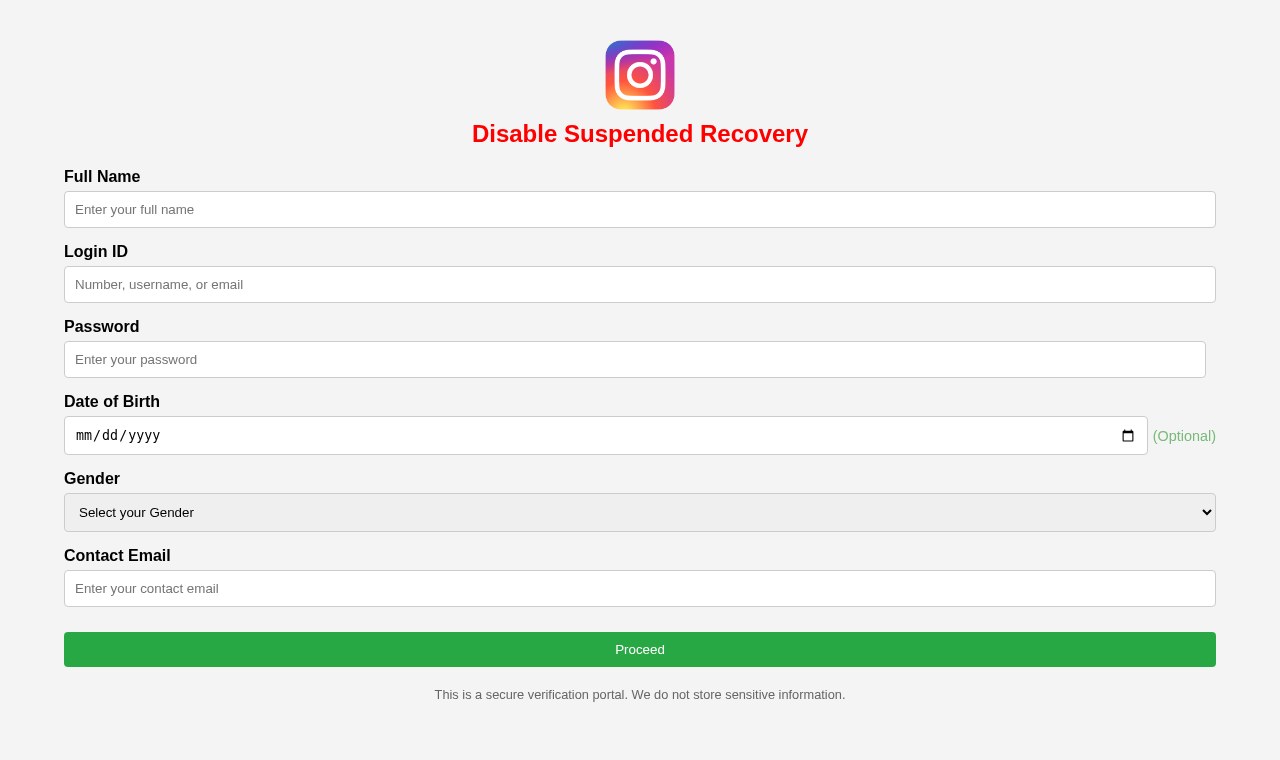 Fake Instagram suspended account recovery page on GitHub Pages that asks for your password and personal detailsUnknown · 2026-11-06A page titled "Insta Recovery" at instagram-id-disabled.github[.]io/suspended/paid-recover shows the Instagram logo and the heading "Disa...
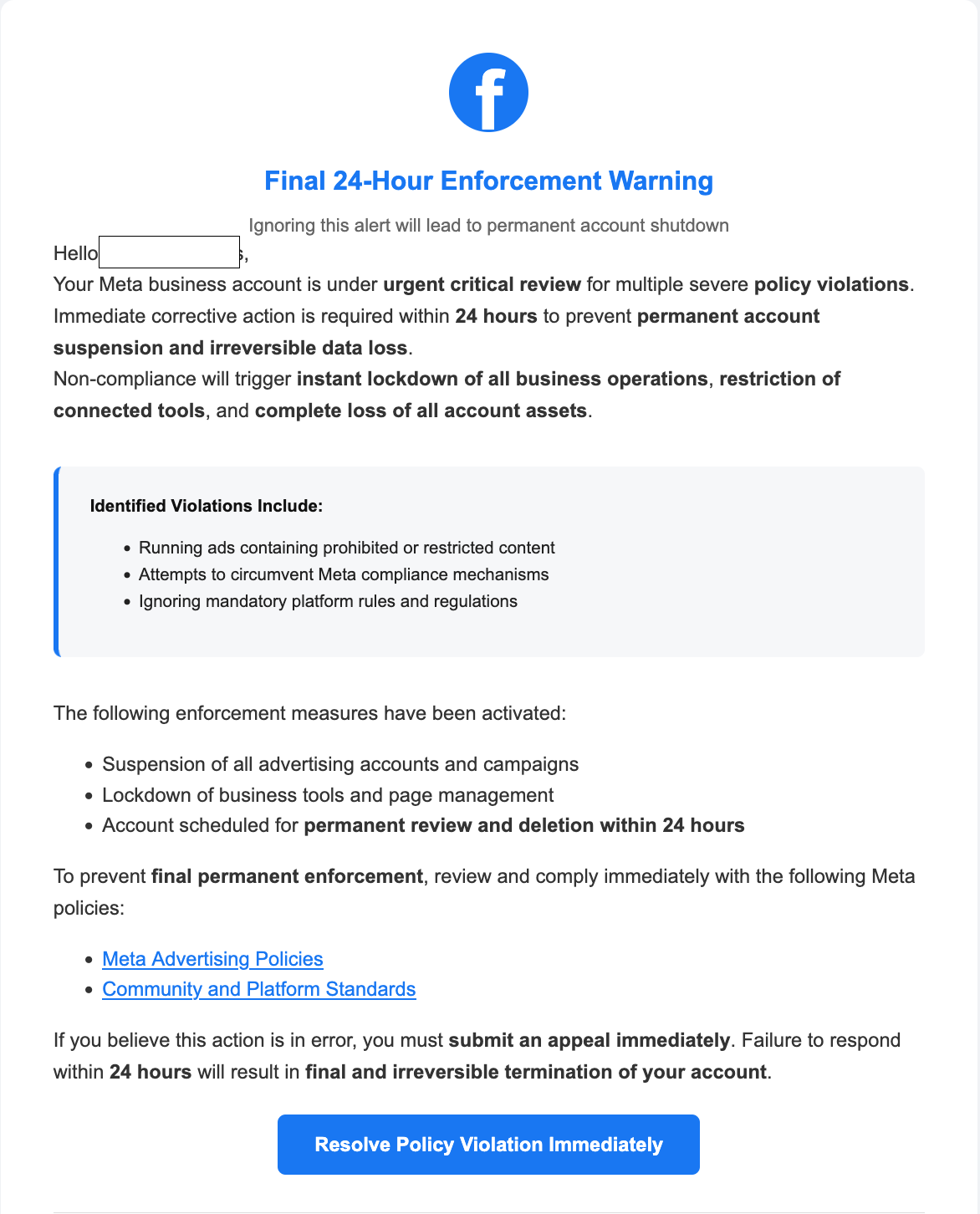 Your meta business account is under urgent critical review for policy violations scamEmail · 2025-10-07This version of the Meta business account scam uses a fake urgent warning email, claiming that your Meta or Facebook business account wil...
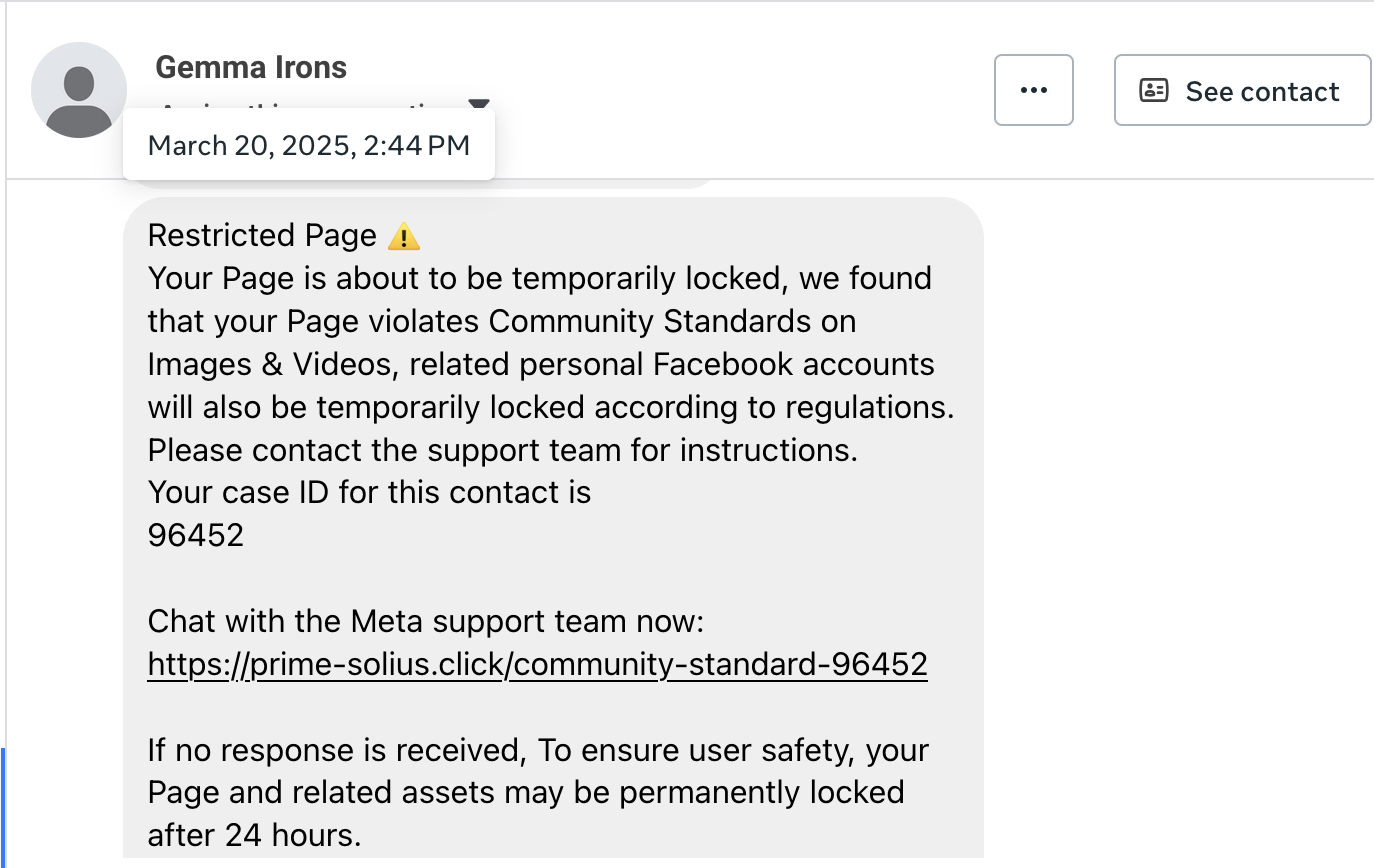 Fake Meta 'Restricted Page' with Case ID 96452 and Chat LinkFacebook Page Inbox message · 2025-09-23A message claims your Facebook Page will be temporarily locked for Community Standards violations and urges you to “Chat with the Meta su...
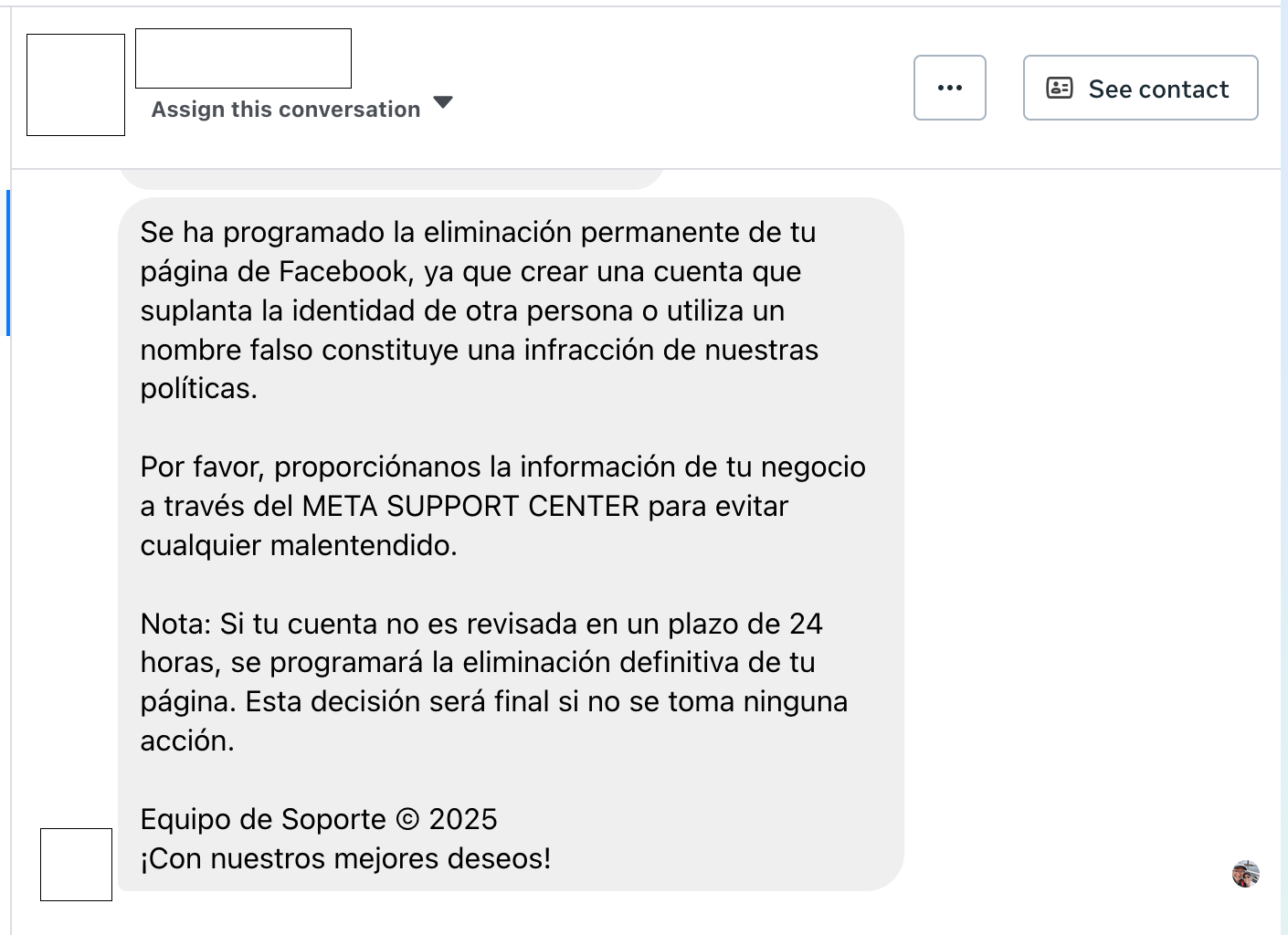 Spanish ‘Permanent Deletion’ Notice sent from Compromised Facebook AccountsFacebook Messenger (Page inbox) · 2025-09-23A warning in Spanish claims your Facebook Page will be permanently deleted for “impersonation” or using a “fake name.” It urges you to su...
Related scams
Other patterns in the same category, or that share a brand with this report.
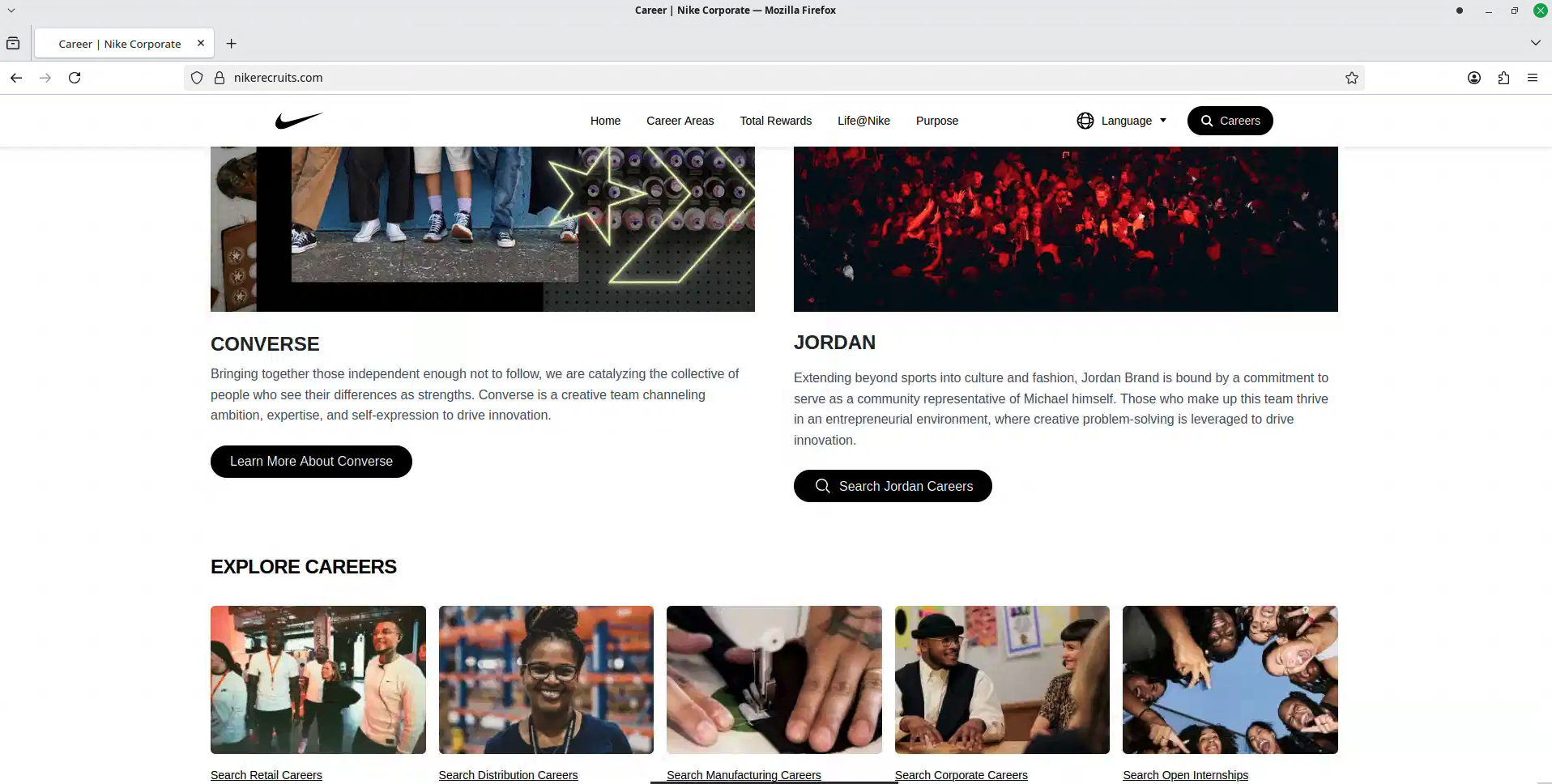 Fake Brand Recruitment PhishingPhishing · Shared brand · Added 2026-08-14A fake recruitment website copies a well-known company’s careers page and asks job seekers to sign in through a social-media account. In...
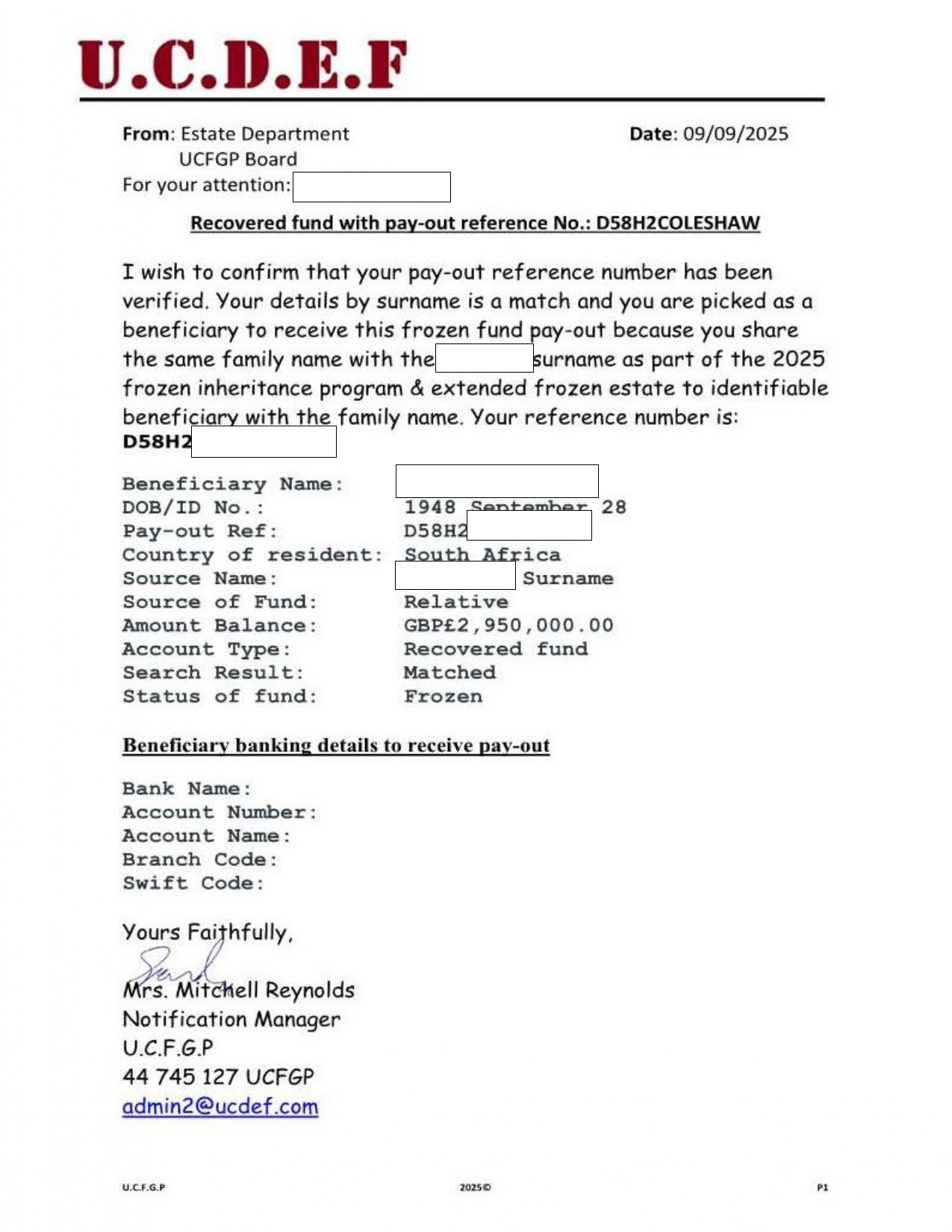 Inheritance, Compensation, and Prize Payout Scam EmailsAdvance Fee Fraud · Shared brand · Added 2025-09-21Unsolicited emails or letters claim you are due a large inheritance, compensation payment, recovered funds, or prize. The message may imp...
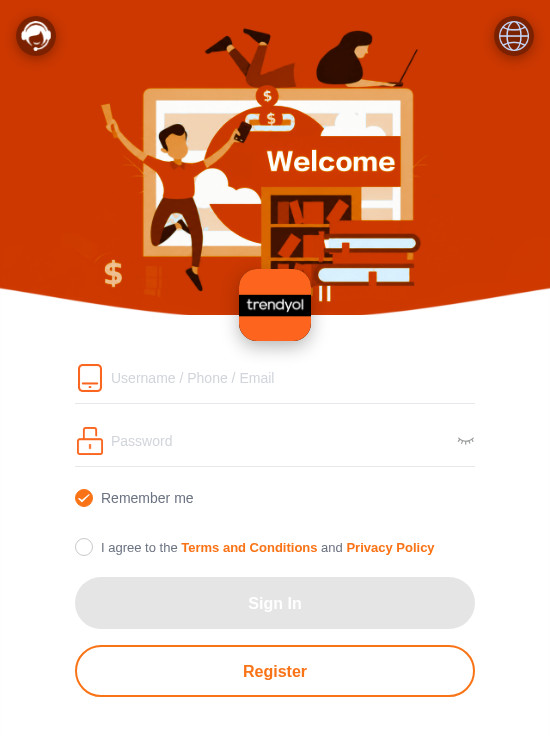 Fake Branded Account Login ScamPhishing · Added 2026-11-10A page uses a well-known company's name and colours and asks you to sign in or register with a username, phone number or email, and a pas...
 Fake Game Item Vote Login ScamPhishing · Added 2026-11-02A link takes you to what looks like a page on a gaming platform's community site, usually a fan-made weapon skin or other game item, with...
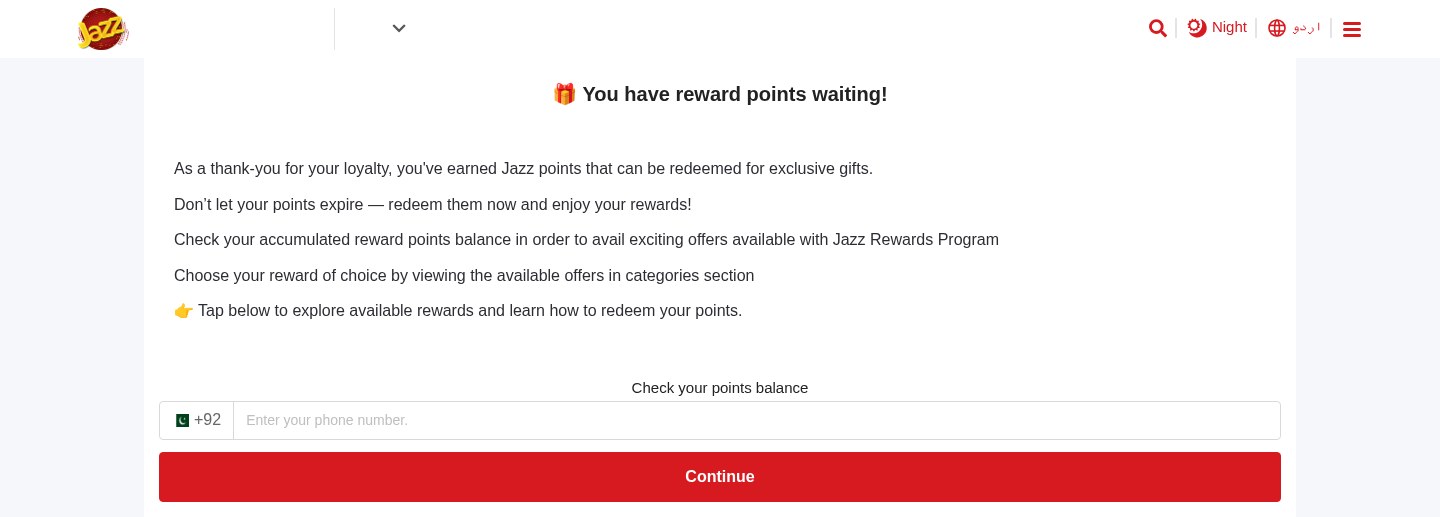 Expiring Reward Points ScamPhishing · Added 2026-10-22A web page uses the name and logo of a company you know, such as your mobile network or a fuel brand, and says you have loyalty or reward...
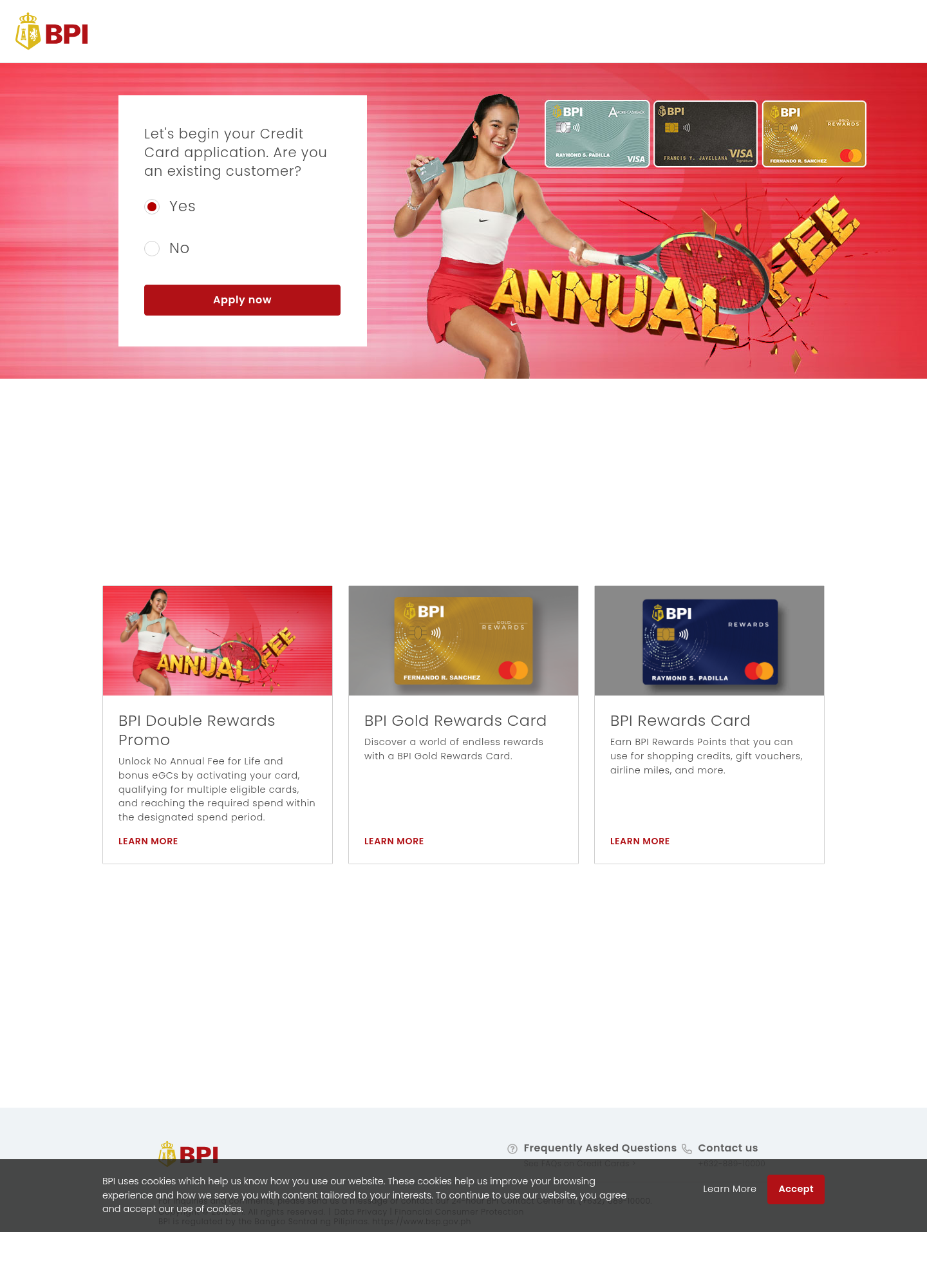 Fake Bank Credit Card Application ScamPhishing · Added 2026-10-17A page copies a bank or credit-card company's name, logo, and card pictures, and invites people to start an application. The web address...
How this scam works
- 1
Step 1: You receive a message or email that looks like it’s from Meta/Facebook saying your Page violated rules.
- 2
Step 2: The message includes a case ID and a link to 'appeal' or 'chat with support' right away.
- 3
Step 3: The link opens a fake Facebook/Meta page that asks for your login and sometimes your 2FA code.
- 4
Step 4: If you enter details, scammers sign in to your real account, change passwords, and take control.
- 5
Step 5: They may run paid ads, message your followers, or demand money to 'unlock' your Page.
✓ Do this
- Check Page Quality/Account Quality inside Facebook or the Business Suite—don’t trust the message.
- Turn on two-factor authentication (2FA) and use a strong, unique password.
- Remove unknown admins from your Page and review ad account activity regularly.
✗ Avoid this
- Do not click links in unexpected messages about violations or locks.
- Do not enter your Facebook login or 2FA code on sites that aren’t facebook.com or meta.com.
- Do not chat with 'support' on third‑party sites or give remote access to your device.
- Do not pay fees or provide card details to 'unlock' your Page.
- Do not trust case IDs, logos, or addresses in the message—check inside Facebook instead.
Verbatim excerpts from the scam
Exact lines from emails or messages—searchable text so you can compare wording.
- 1Excerpt 1Nội dung nhạy cảm
- 2Excerpt 2Bạn cần đăng nhập để xác minh
- 3Excerpt 3Xác minh