This is a version of Messaging App Login Code Theft Scam in Credential Harvesting.
Fake Malaysian status check page that asks for your Telegram phone number
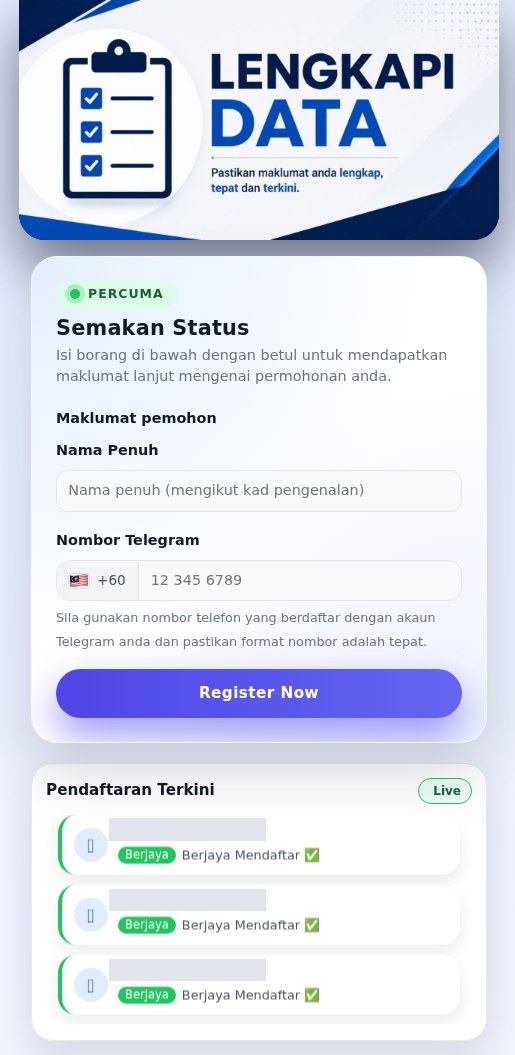
A Malay-language page headed "LENGKAPI DATA" (complete your data) offers a free "Semakan Status" (status check) for "your application", without saying what the application is. It asks for your full name as written on your identity card and the phone number registered to your Telegram account, and then asks for the verification code Telegram sends to the app and the Telegram two-step verification password. It also asks for a copy of a MyKad (Malaysian identity card) and a CV. A "Pendaftaran Terkini" (latest registrations) list marked "Live" is generated at random by the page. It was observed in Malaysia on October 30, 2026, at register.nty-my[.]com/my-gov/. Copies of the same page were first observed in Malaysia on August 4, 2026, on subdomains of ap-my1[.]com.
What’s different in this version
These traits set this message apart from the usual pattern.
-
The page never names a program, agency or employer. It only refers to "your application" and offers a free status check. The web address contains "my-gov", and an earlier copy used a subdomain starting with "register-gov", but no agency name or logo appears on the page.
-
The only fields are a full name "mengikut kad pengenalan" (as on your identity card) and a Malaysian (+60) phone number. The page says the number must be the one registered to your Telegram account.
-
A "Pendaftaran Terkini" (latest registrations) panel marked "Live" lists Malay names, each marked "Berjaya Mendaftar" (registered successfully). The page code generates these 120 names at random from lists of first and last names, so the list is fake.
-
After the name and number, the page asks for the verification code Telegram sends to the app ("Kami telah menghantar kod pengesahan ke aplikasi Telegram"), then for the Telegram two-step verification password. With the number, the code and the password, someone else can log in to the Telegram account.
-
The next step asks you to upload a copy of your MyKad (Malaysian identity card) and a CV. The last screen says your application is being reviewed and suggests trying another phone number ("Anda juga boleh cuba menggunakan nombor telefon lain").
-
The same page was seen six times in Malaysia between August 4 and October 30, 2026, on register-gov.ap-my1[.]com, register.ap-my1[.]com and register.nty-my[.]com. Two of the September copies were already blocked behind a phishing warning when they were captured. Public scans on urlscan.io also show other paths on these domains, including register.ap-my1[.]com/n1/, /tys/, /tr and /kad/, register-gov.ap-my1[.]com/tr/ and /kad/, and private.nty-my[.]com.
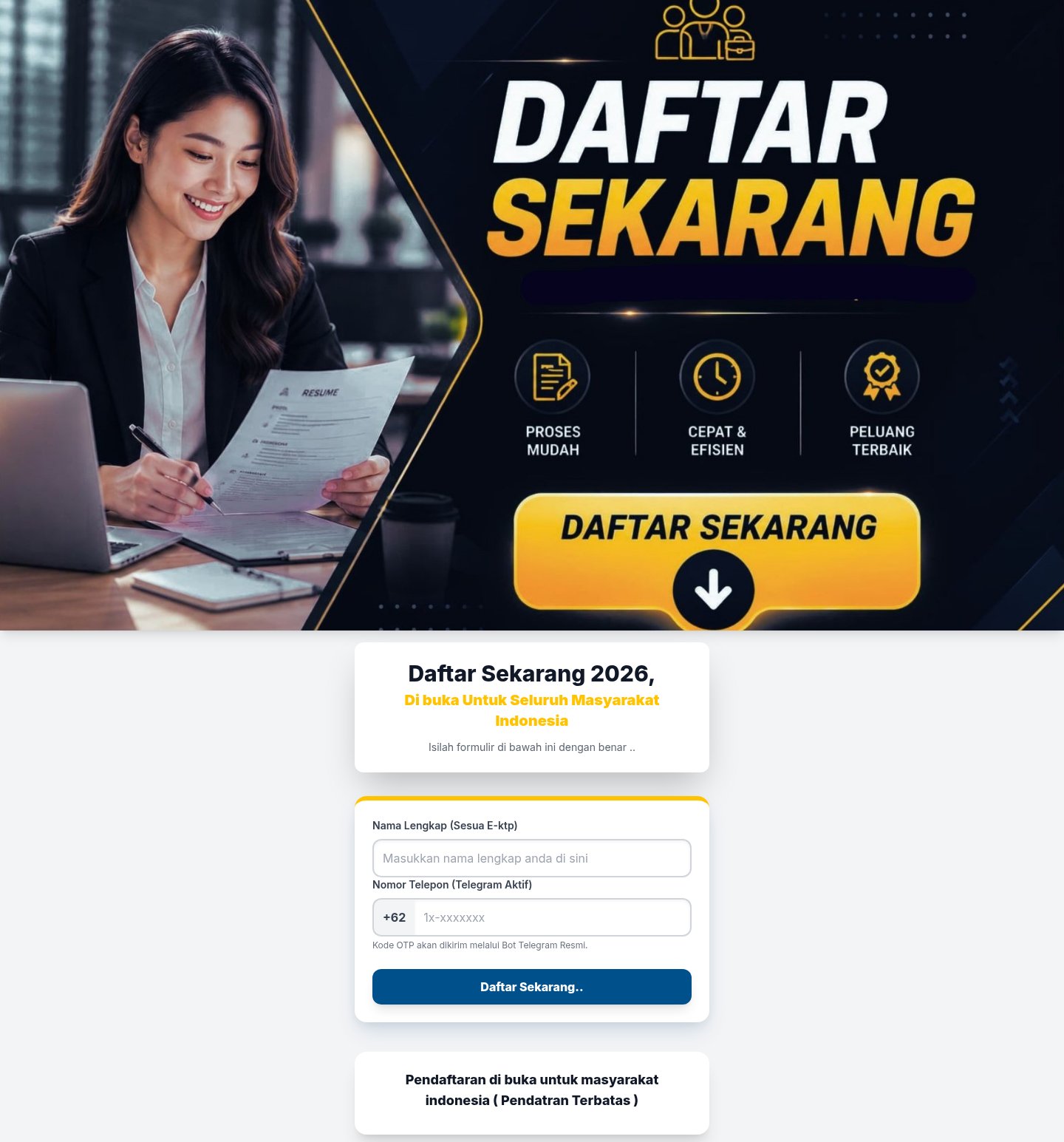
Other variations of this scam
Other reported versions of this scam.
Related scams
Other patterns in the same category, or that share a brand with this report.
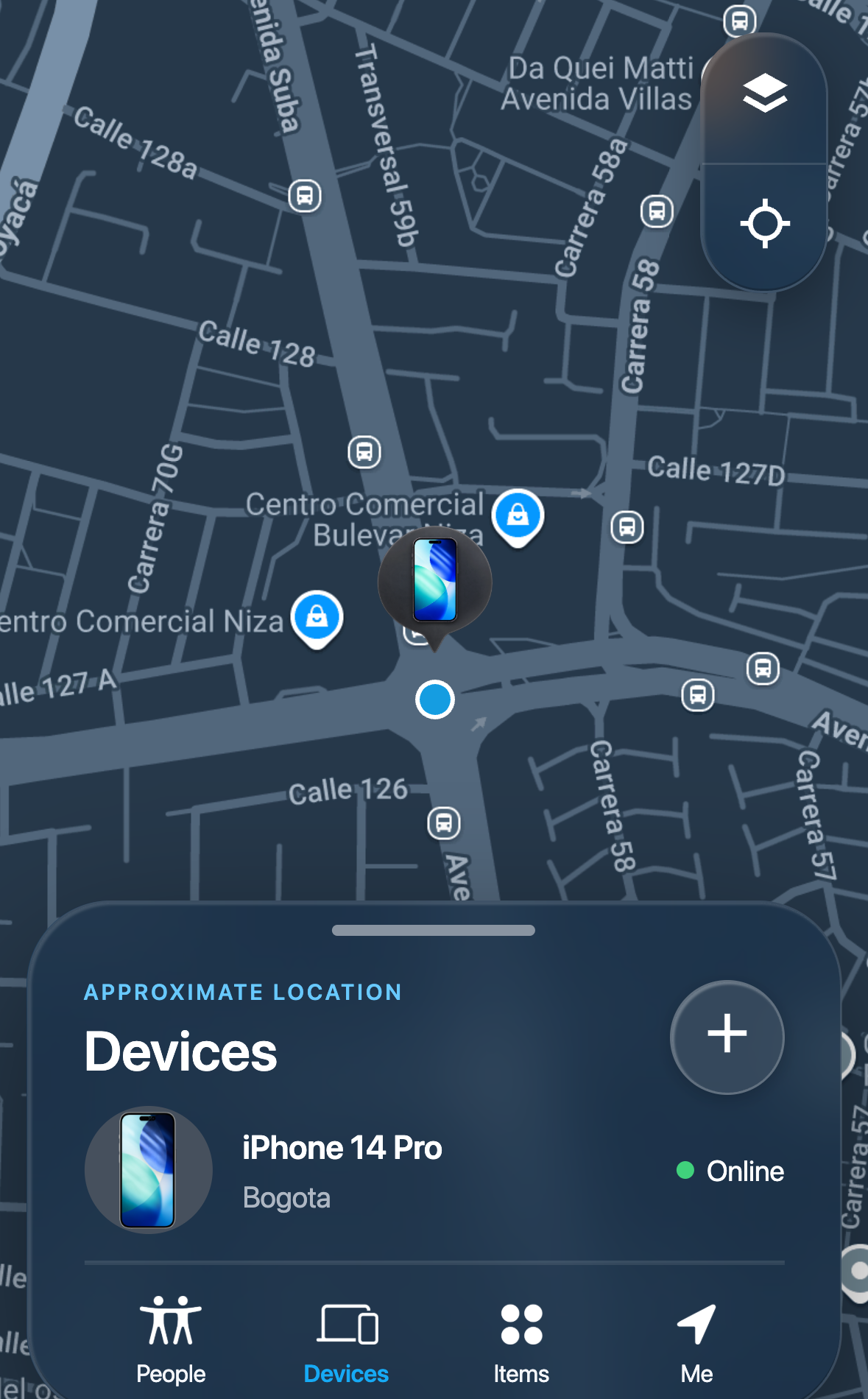 Lost Device Location Passcode ScamCredential Harvesting · Added 2026-09-16A message tells someone whose phone is lost or stolen that the device has been found, and links to a page that imitates a phone-finding s...
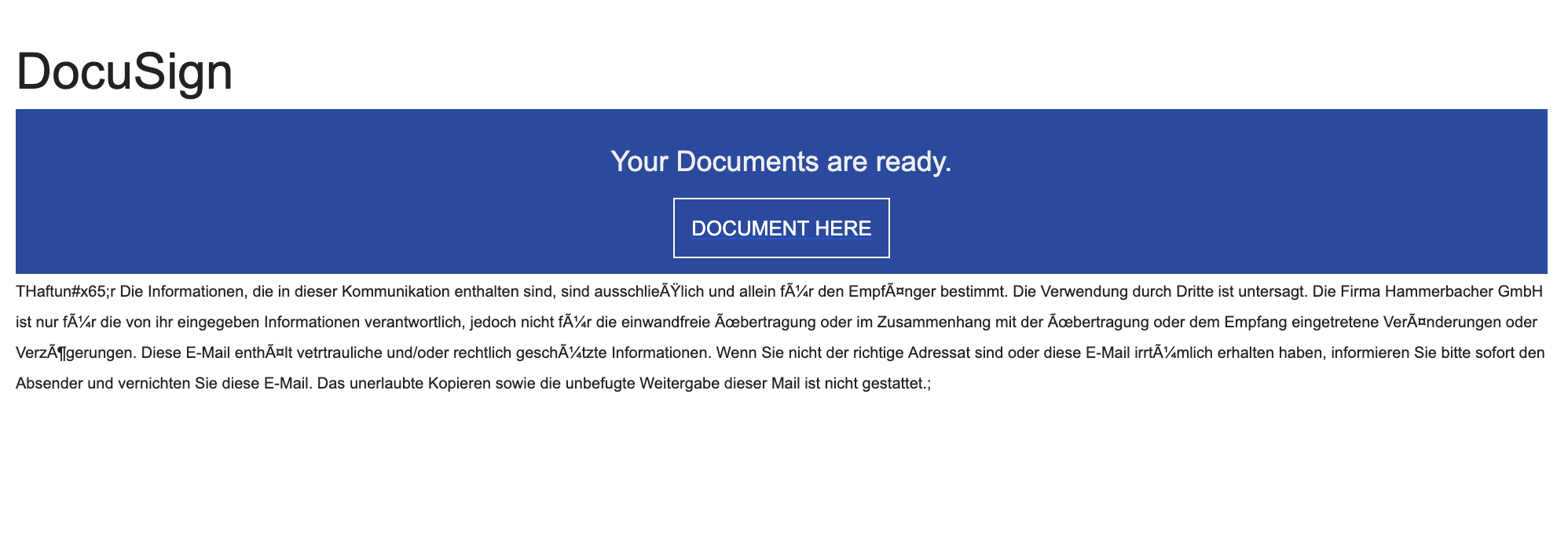 Documents Ready To Sign ScamCredential Harvesting · Added 2025-10-13You receive an email that looks like it’s from DocuSign (or another e‑signature service) saying “Your documents are ready to sign.” The b...
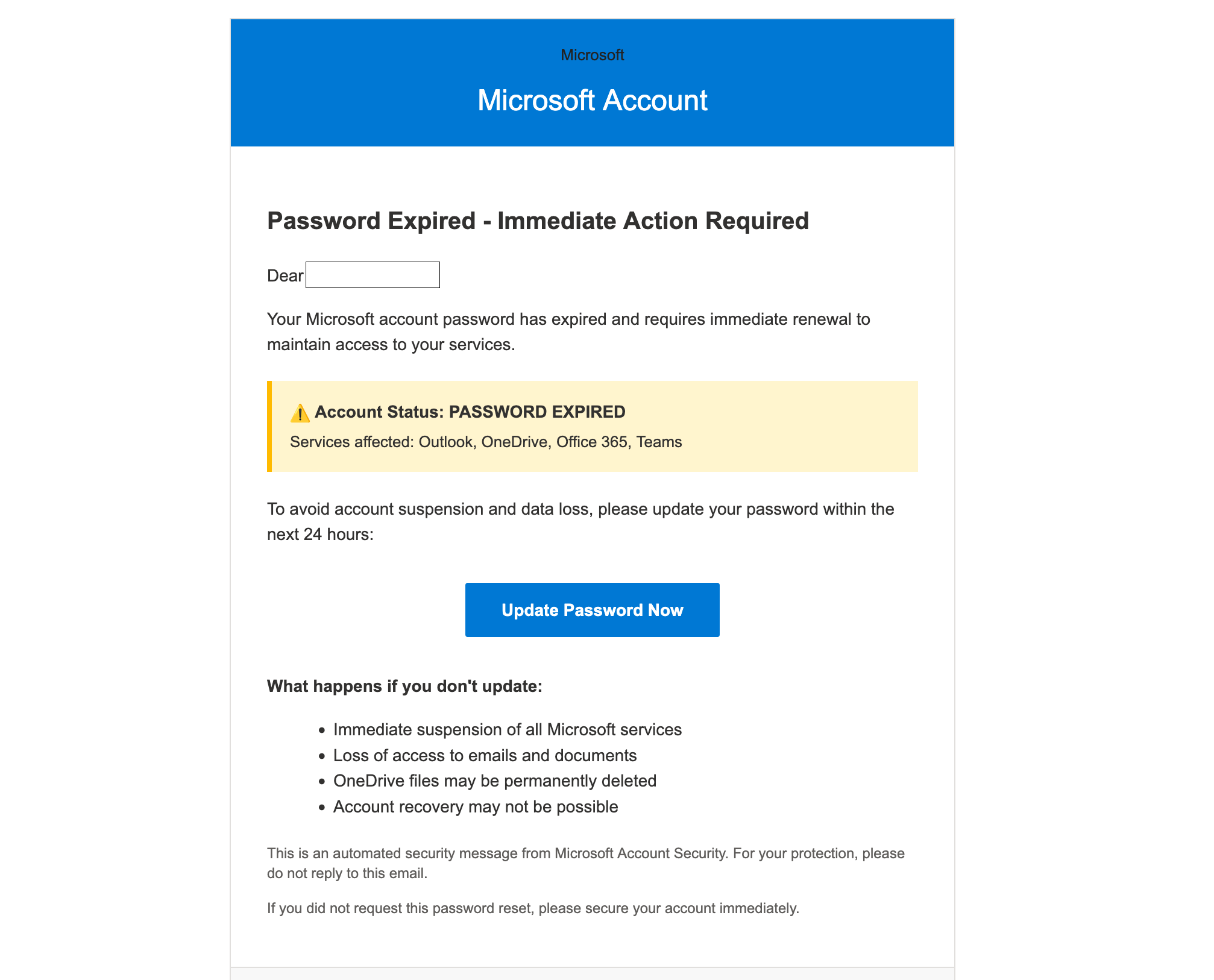 Microsoft Account Password Expired ScamCredential Harvesting · Added 2025-10-08You get an email that looks like it’s from Microsoft saying your password has expired and you must “Update Password Now” within 24 hours....
 School Email Account Deactivation ScamCredential Harvesting · Added 2024-06-06Scammers send emails pretending to be from a college or university IT department, warning students that their email account will be deact...
How this scam works
- 1
Step 1: You open a link to a registration page. It promises a benefit, says places are limited, and often shows a list of other people who have supposedly signed up.
- 2
Step 2: The page asks for your name and the phone number you use for a messaging app such as Telegram.
- 3
Step 3: The page says a code will be sent to you by the app or by an official bot, and asks you to type that code into the page.
- 4
Step 4: If your account has a two-step verification password, the page asks for that too, often saying it is required to finish registering.
- 5
Step 5: The page may then ask for more personal details, such as your address or bank, and tells you to wait while your registration is checked. With your code and password, the people behind the page can sign in to your account.
✓ Do this
- Treat any page that asks for a code sent by your messaging app as a sign-in attempt on your account, whatever the page says the code is for.
- Check any program, job or payout on the official website of the organization behind it, by typing the address yourself.
- If you already typed a code or password into such a page, open the app, end all sessions you do not recognize, and change your two-step verification password.
- Report the page and the link you received to the messaging app.
✗ Avoid this
- Do not type a login code from your messaging app into any website or share it with anyone.
- Do not enter your two-step verification password anywhere except inside the app itself.
- Do not trust a page because it shows a list of people whose registration was accepted. Anyone can write that list.
Verbatim excerpts from the scam
Exact lines from emails or messages—searchable text so you can compare wording.
- 1 Excerpt 1Percuma
- 2 Excerpt 2Semakan Status
- 3 Excerpt 3Isi borang di bawah dengan betul untuk mendapatkan maklumat lanjut mengenai permohonan anda.
- 4 Excerpt 4Nama penuh (mengikut kad pengenalan)
- 5 Excerpt 5Nombor Telegram
- 6 Excerpt 6Sila gunakan nombor telefon yang berdaftar dengan akaun Telegram anda dan pastikan format nombor adalah tepat.
- 7 Excerpt 7Pendaftaran Terkini
- 8 Excerpt 8Berjaya Mendaftar ✅
- 9 Excerpt 9Kami telah menghantar kod pengesahan ke aplikasi Telegram
- 10 Excerpt 10Masukkan kata laluan dua langkah (jika ada)
- 11 Excerpt 11Muat naik salinan MyKad
- 12 Excerpt 12Anda juga boleh cuba menggunakan nombor telefon lain