This is a version of Fake Bank Credit Card Application Scam in Phishing.
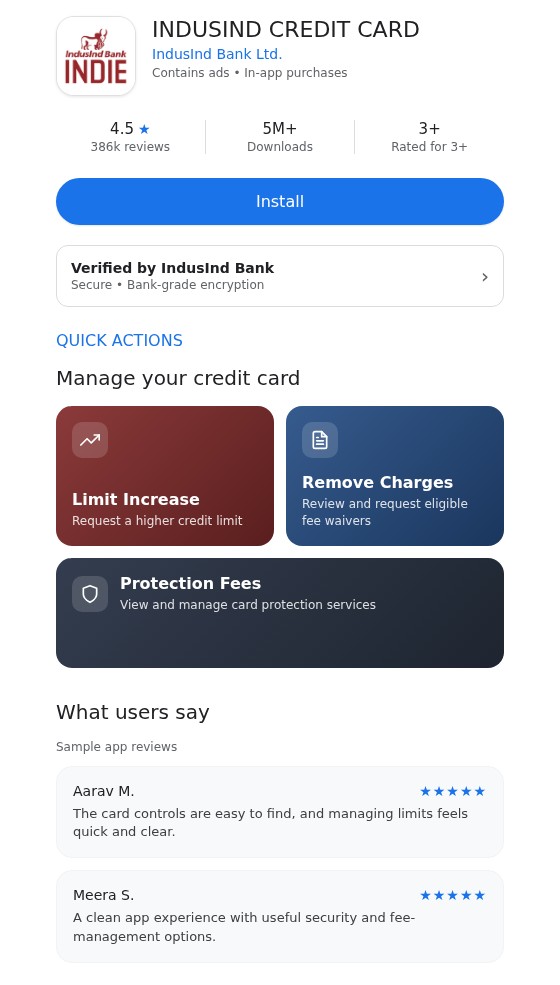
Fake IndusInd credit card app listing with limit increase and protection fee buttons
A web page is made to look like an app store listing for an "INDUSIND CREDIT CARD" app by "IndusInd Bank Ltd.", with a blue "Install" button, a 4.5 star rating from "386k reviews", "5M+" downloads and a "Verified by IndusInd Bank" badge. Below it are card buttons for a limit increase, removing charges and protection fees. The page is hosted on free web hosting addresses, not on IndusInd Bank's website or a real app store. The same page was reported at one address on October 7, 2026 and at a second address on October 24, 2026, both from India.
What’s different in this version
These traits set this message apart from the usual pattern.
-
The page copies IndusInd Bank branding, an Indian bank, instead of BPI or Axis Bank.
-
Instead of an application form, the page is dressed up as an app store listing with an "Install" button, a star rating, a download count and a "Verified by IndusInd Bank" badge.
-
It offers the same kind of card services seen on the Axis Bank variation (limit increase and card protection), plus a "Remove Charges" fee waiver button, so it is aimed at existing cardholders.
-
It shows "Sample app reviews" from made-up users to look like a popular app.
-
Both addresses use the free hosting subdomain web[.]app, and the saved page was identical on both.
Other variations of this scam
Other reported versions of this scam.
 Fake Axis Bank credit card page with Card Protection Plan and limit increase buttonsUnknown · 2026-10-24A page copies Axis Bank's name, logo and card pictures and says "Apply for Credit Card Online - Get Instant Approval". Below the applicat...
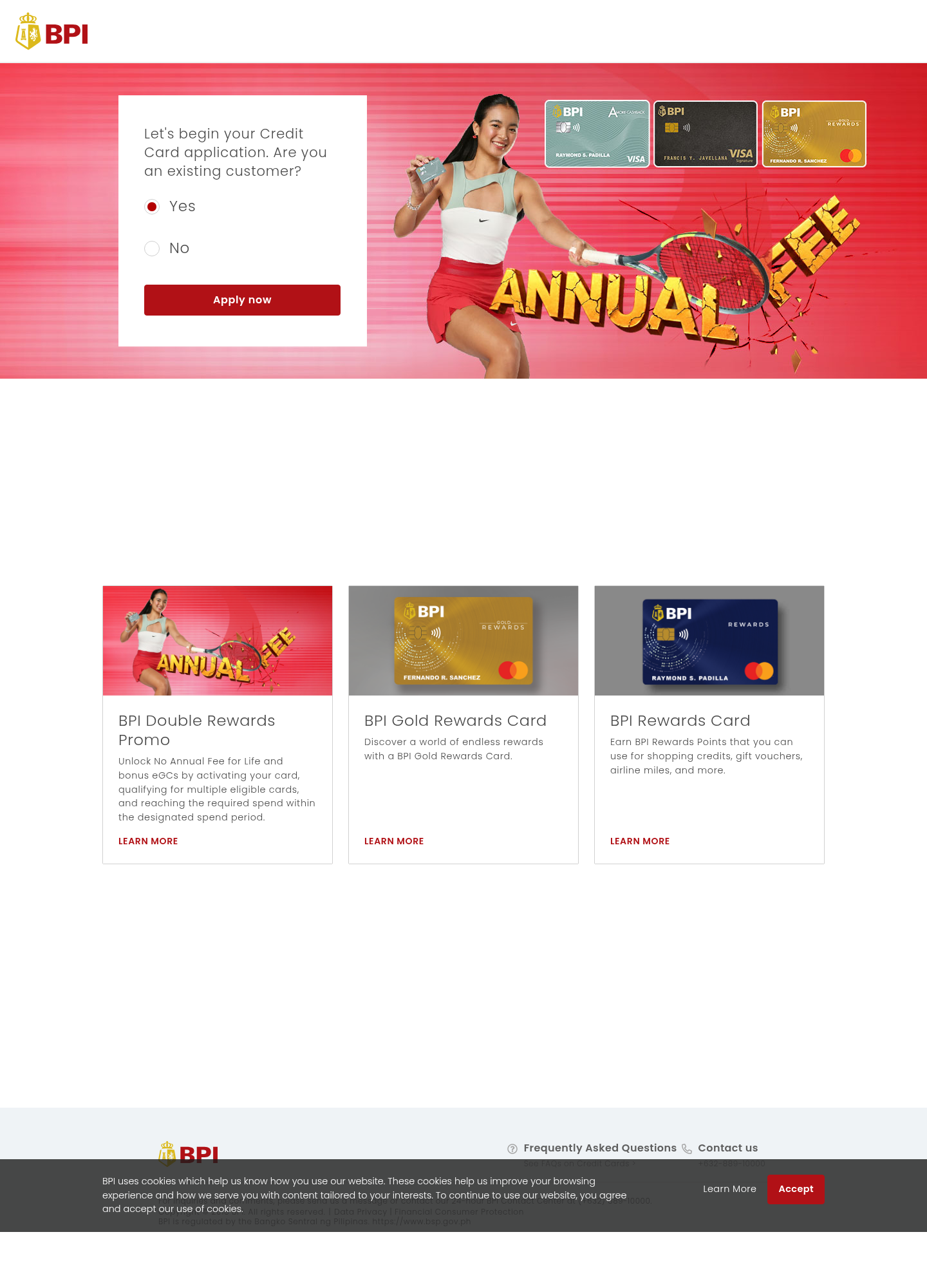 Fake BPI credit card application page asking if you are an existing customerUnknownA page copies Bank of the Philippine Islands (BPI) branding and invites people to start a credit-card application. It asks whether the vi...
Related scams
Other patterns in the same category, or that share a brand with this report.
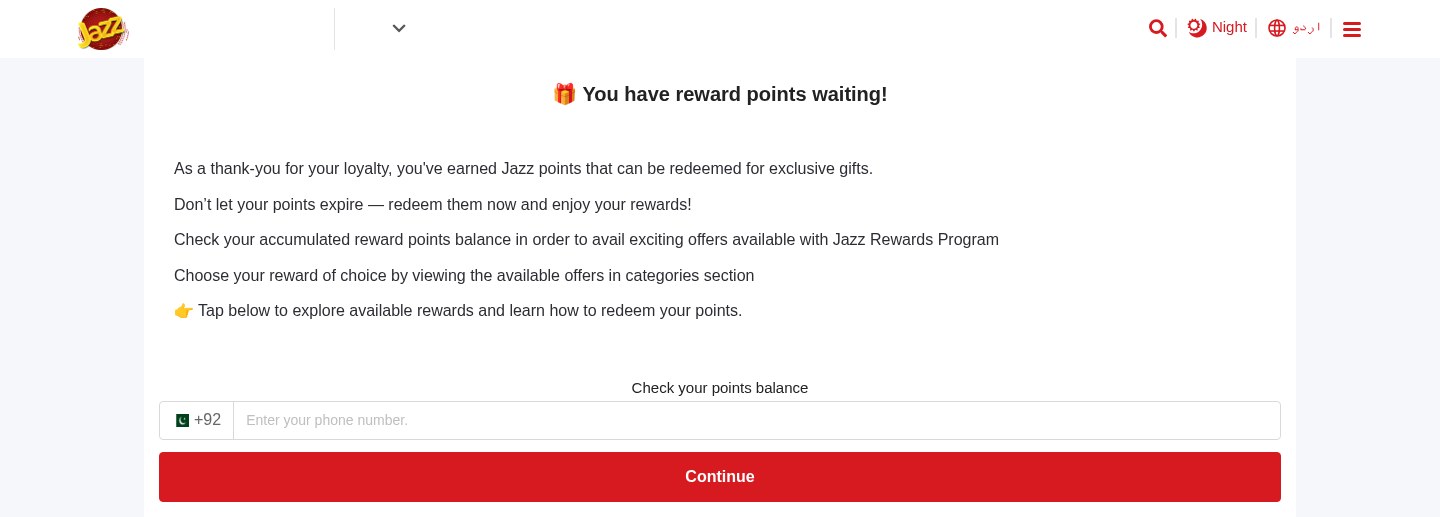 Expiring Reward Points ScamPhishing · Added 2026-10-22A web page uses the name and logo of a company you know, such as your mobile network or a fuel brand, and says you have loyalty or reward...
 Cloud-Hosted Phishing Page ScamPhishing · Added 2026-09-08Scammers can use legitimate cloud-storage and file-hosting services to publish fake sign-in pages, payment forms, prize pages, delivery n...
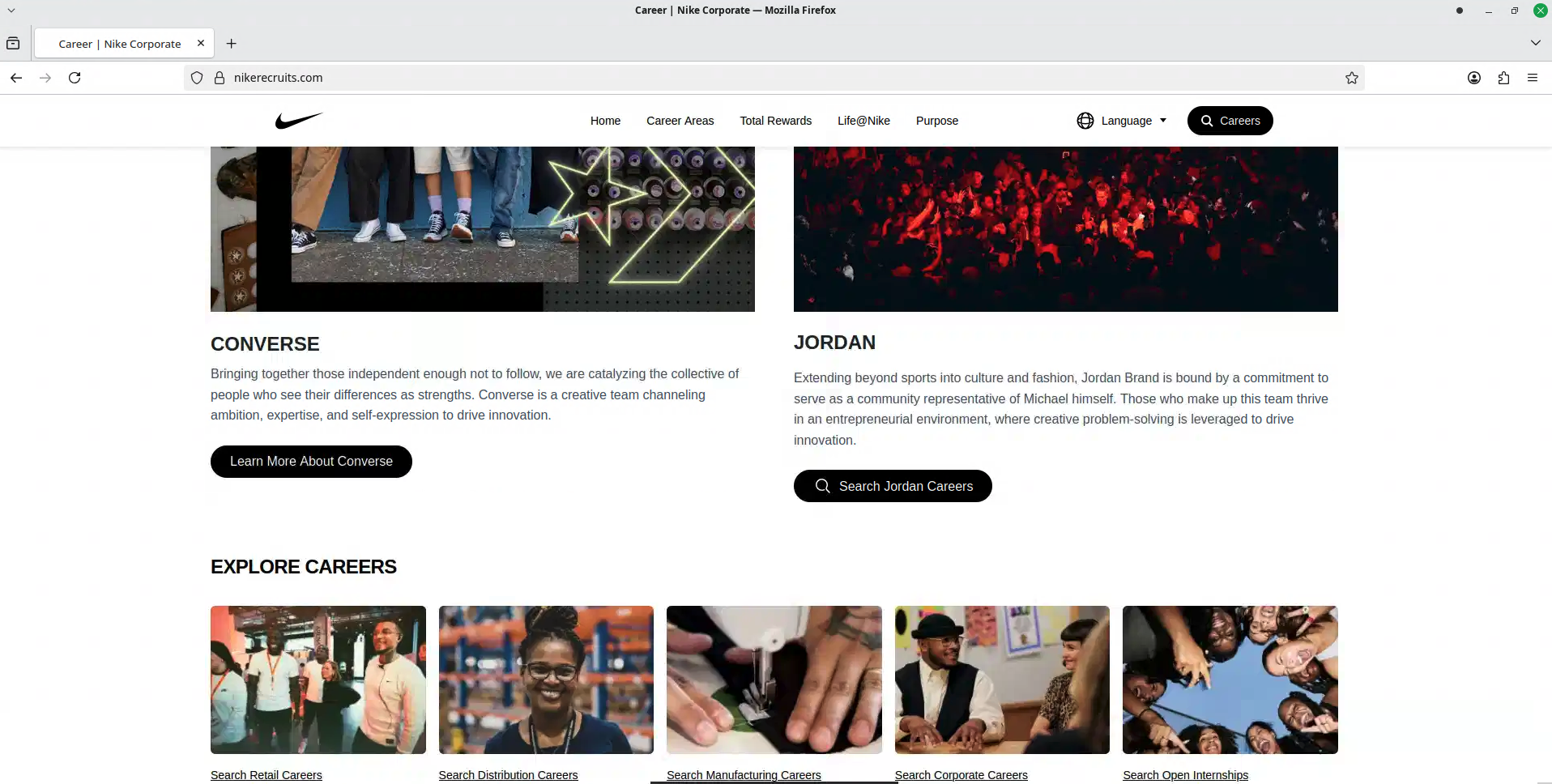 Fake Brand Recruitment PhishingPhishing · Added 2026-08-14A fake recruitment website copies a well-known company’s careers page and asks job seekers to sign in through a social-media account. In...
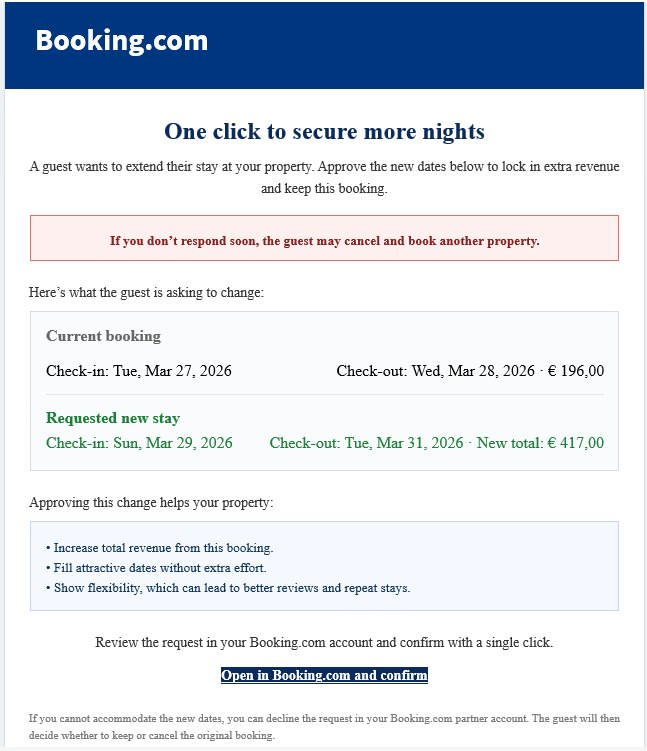 Booking.com Host Reservation Change ScamPhishing · Added 2026-04-27Scammers target property owners, hosts, and managers who list on Booking.com. The message claims a guest wants to change or extend a stay...
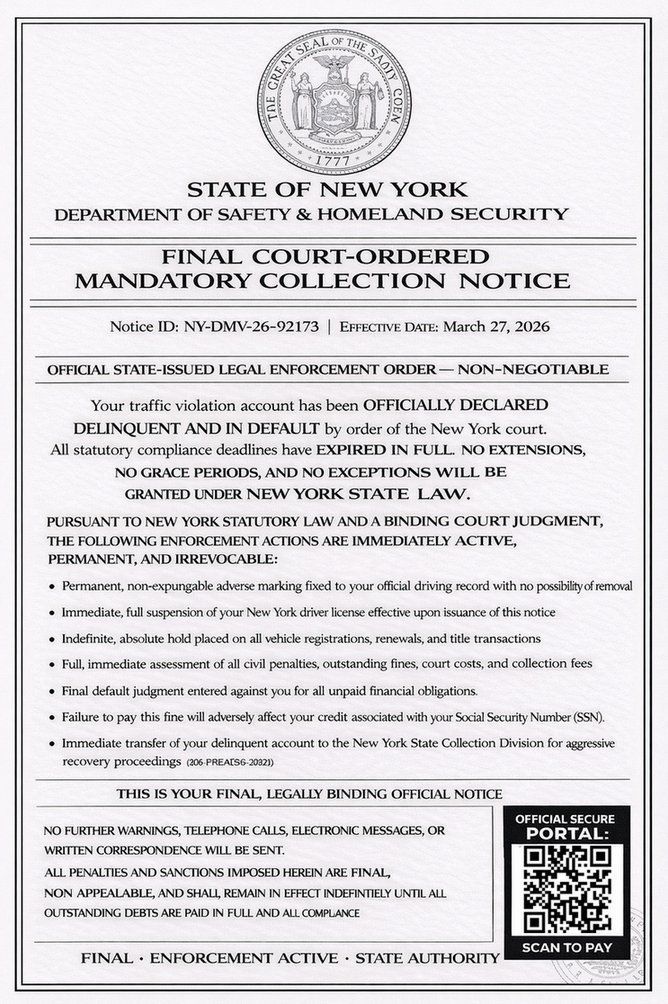 DMV Collection Order Official NoticePhishing · Added 2026-03-26Scammers send out fake legal-looking DMV notices—often by text message or email—which claim you owe unpaid fines or have outstanding traf...
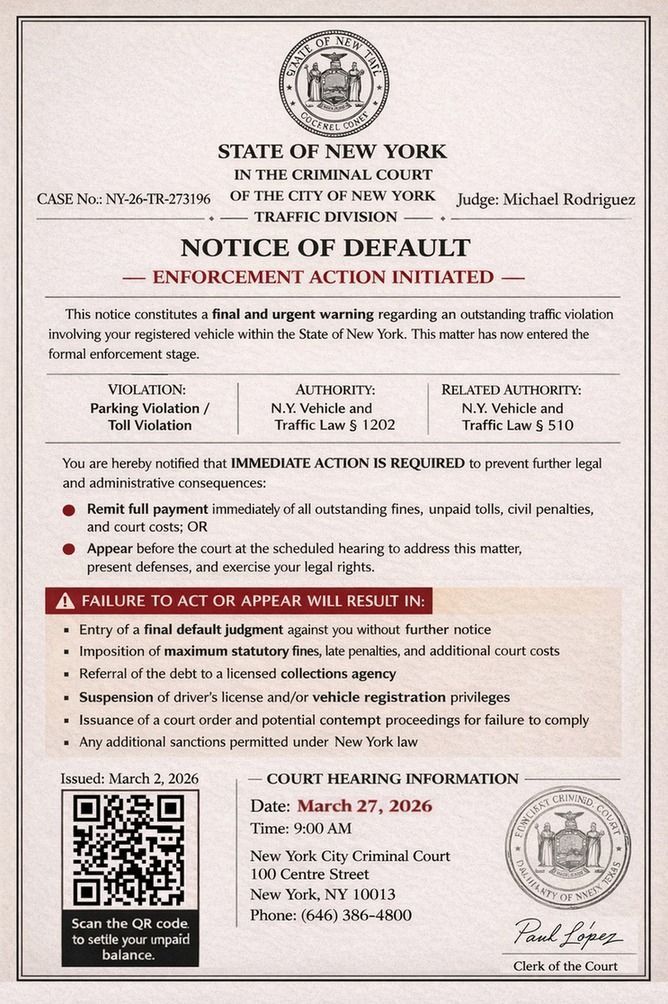 Fake Government Violation Notice ScamPhishing · Added 2026-03-26Scammers send official-looking letters, emails, or texts claiming you owe money for a traffic ticket, overdue fine, or other government v...
How this scam works
- 1
Step 1: A visitor opens a page that looks like a bank or credit-card company's offer, with the company's logo and pictures of cards.
- 2
Step 2: The page asks the visitor to start an application.
- 3
Step 3: Anything typed into the application, such as personal or banking details, goes to whoever runs the page rather than to the bank or card company.
- 4
Step 4: The page is not on the company's real website. The same kind of page can be posted at more than one web address.
✓ Do this
- Apply for a bank or card product only through the official website or app that you opened yourself.
- Read the web address carefully. Extra words or unusual endings mean it is not the bank or card company.
- If you entered information, contact the company through official channels and watch your accounts.
- If you reused a password, change it on that account and anywhere else you used it.
✗ Avoid this
- Do not continue an application on a bank-looking page reached from an unexpected link or ad.
- Do not trust card pictures, official-looking seals, or cookie banners alone.
- Do not enter one-time codes or full banking passwords on these pages.
Verbatim excerpts from the scam
Exact lines from emails or messages—searchable text so you can compare wording.
- 1 Excerpt 1INDUSIND CREDIT CARD
- 2 Excerpt 2Verified by IndusInd Bank
- 3 Excerpt 3Secure • Bank-grade encryption
- 4 Excerpt 4Limit Increase
- 5 Excerpt 5Request a higher credit limit
- 6 Excerpt 6Remove Charges
- 7 Excerpt 7Review and request eligible fee waivers
- 8 Excerpt 8Protection Fees
- 9 Excerpt 9View and manage card protection services