This is a version of Documents Ready To Sign Scam in Credential Harvesting.
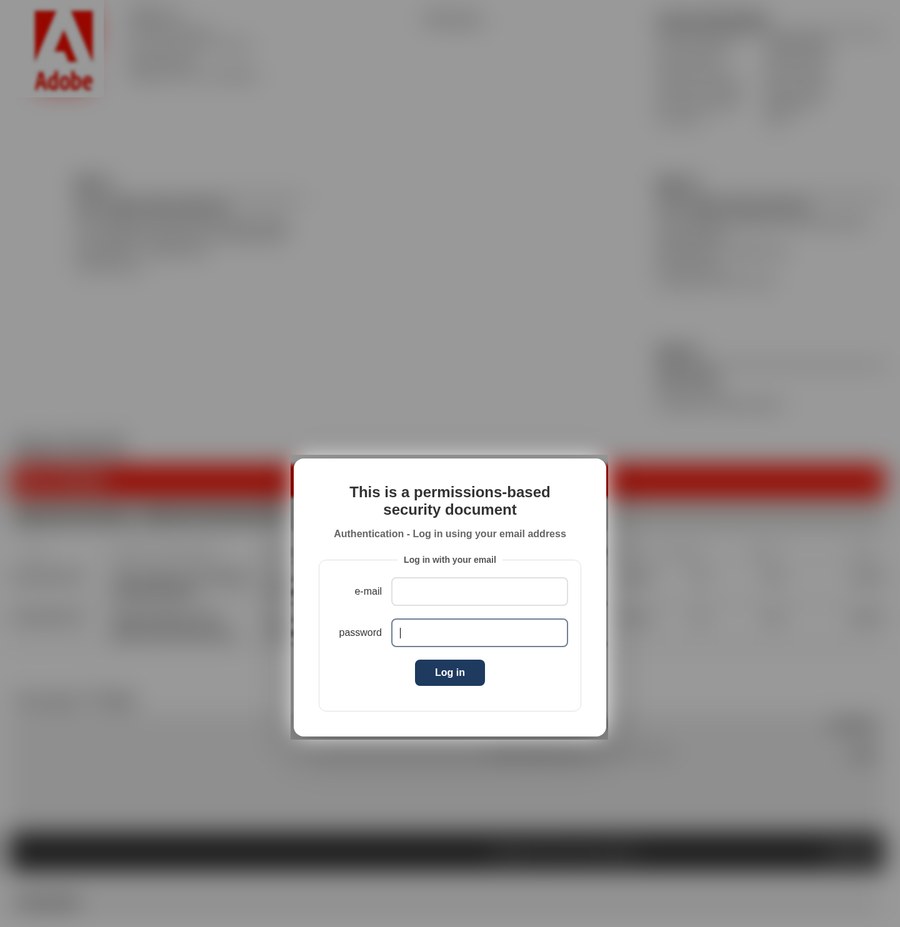
Blurred Adobe invoice behind a login box that asks for your email password
A page titled "Invoice Portal" shows a blurred Adobe invoice in the background, with an amount due, an agreement number and payment instructions that cannot be read. On top of it, a box says "This is a permissions-based security document" and asks you to "Log in using your email address" with your email and password. It was first observed in Egypt on October 31, 2026, at titan-invoice[.]surge[.]sh, a free web hosting address that has nothing to do with Adobe. The page code sends what you type to a Discord chat channel.
What’s different in this version
These traits set this message apart from the usual pattern.
-
The invoice is blurred so you cannot read it without logging in. Only the Adobe logo, the word "INVOICE", a red "Item Details" bar and the layout of a real-looking bill show through.
-
The login box does not ask for an Adobe account. It asks for any email address and its password, which points to the email account itself as the target.
-
The page sits on titan-invoice[.]surge[.]sh, a free static hosting address, not on an Adobe address.
-
The Research Inbox analysis found that the page sends the entered details to a Discord webhook, a chat channel the people behind the page can read.
-
The page code is marked as Simplified Chinese even though the visible text is English, which suggests a reused template.
-
How the link reached the reporter was not recorded.
Other variations of this scam
Other reported versions of this scam.
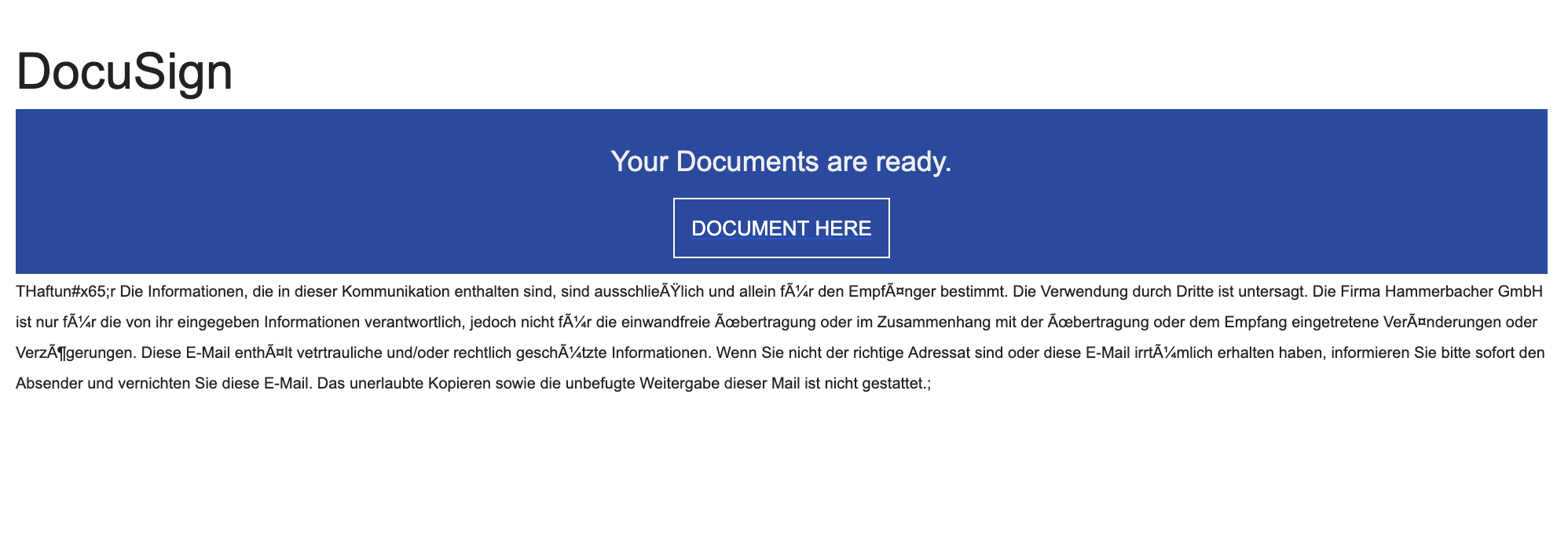 Fake DocuSign 'Your Documents Are Ready' Email ScamEmail · 2025-10-09This email looks like a DocuSign notice saying a document is “Completed/Approved” and ready to sign. The “DOCUMENT HERE” button sends you...
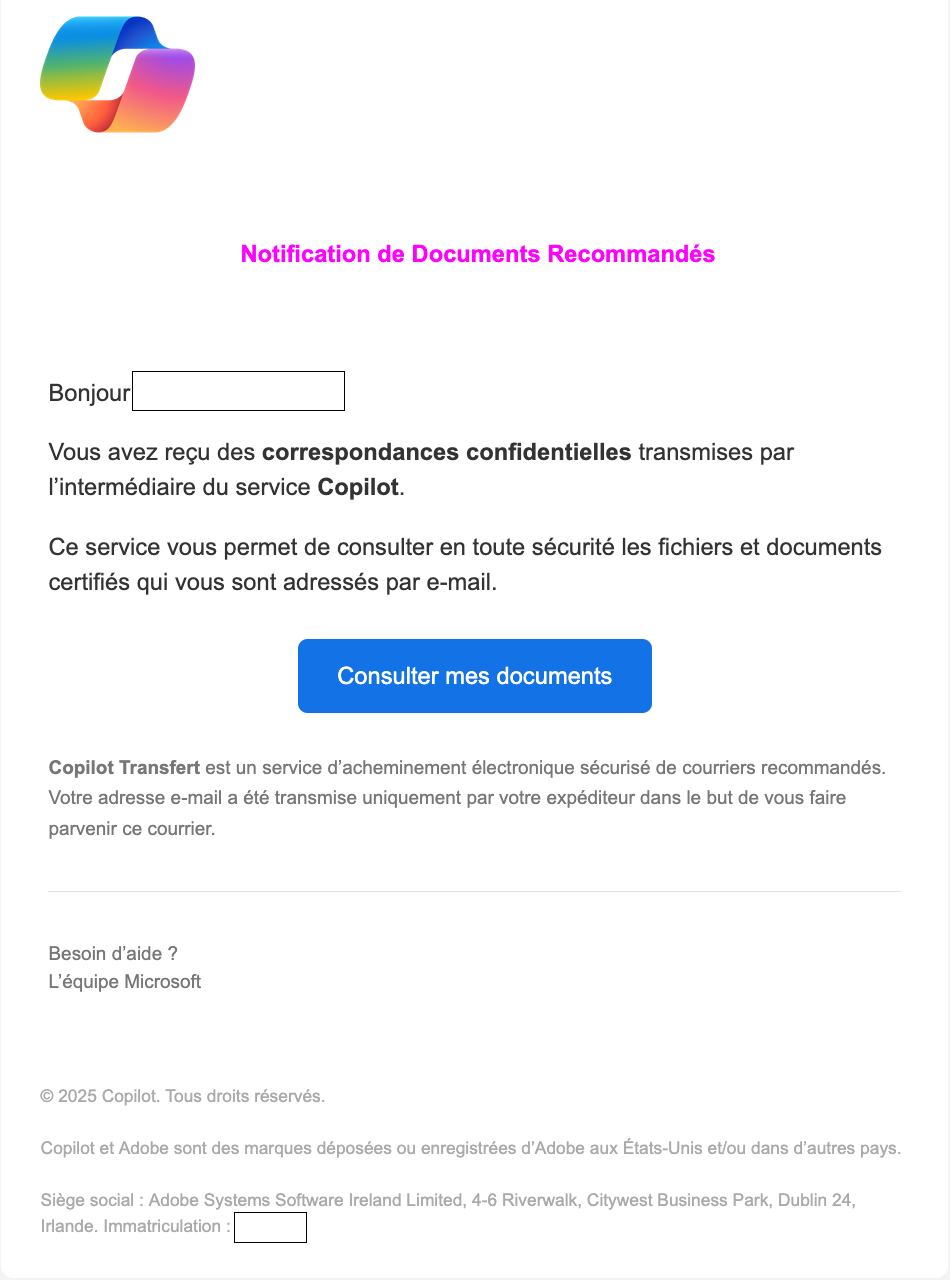 Fake Copilot Secure Document Notification Email (French & English)Email · 2024-06-07This scam variation targets users with an email in French (sometimes also found in English), claiming you have received confidential docu...
Related scams
Other patterns in the same category, or that share a brand with this report.
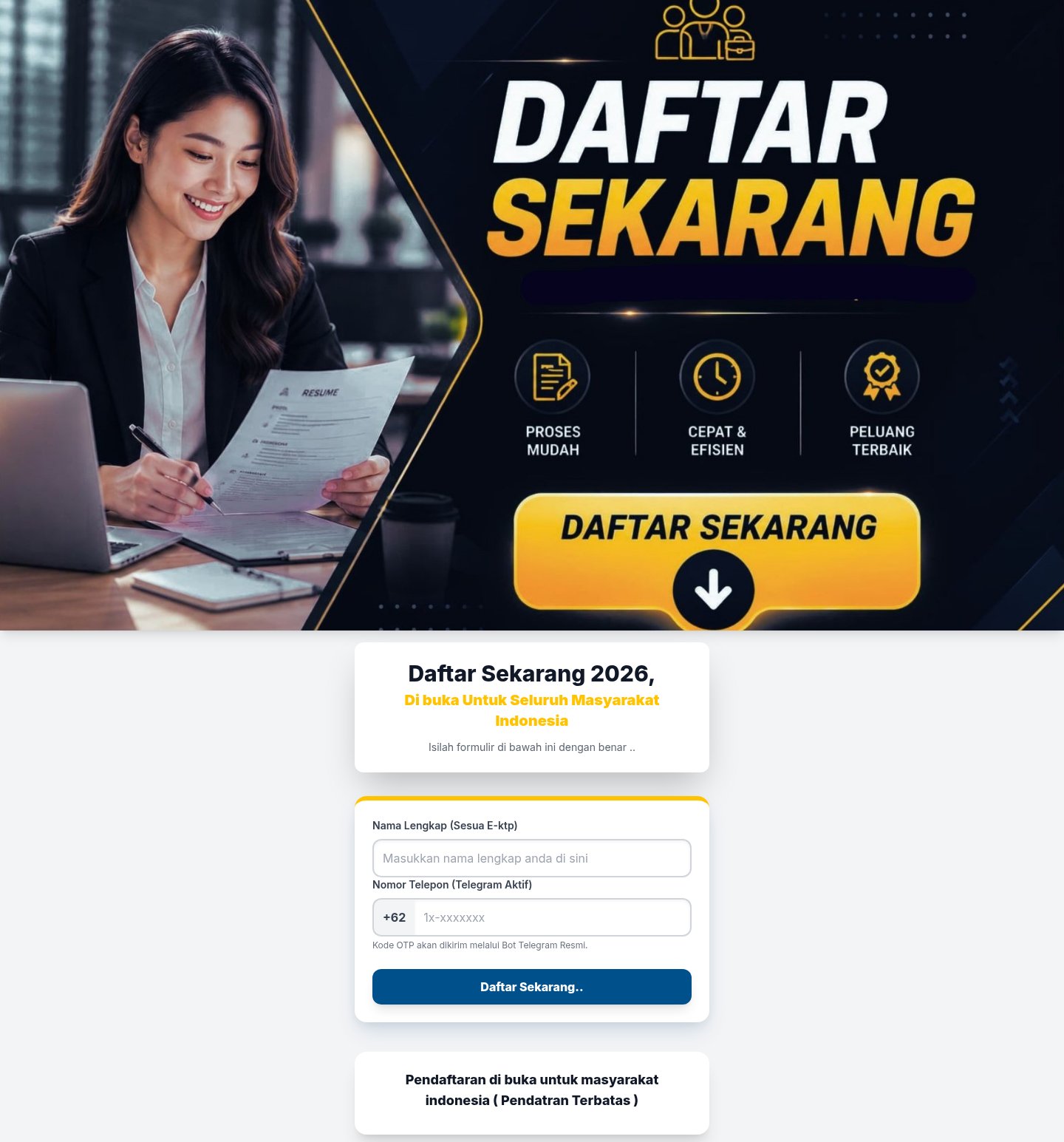 Messaging App Login Code Theft ScamCredential Harvesting · Added 2026-10-28A web page offers something you want, such as a place in a program, a job opportunity or a payout, and says you only need to register. To...
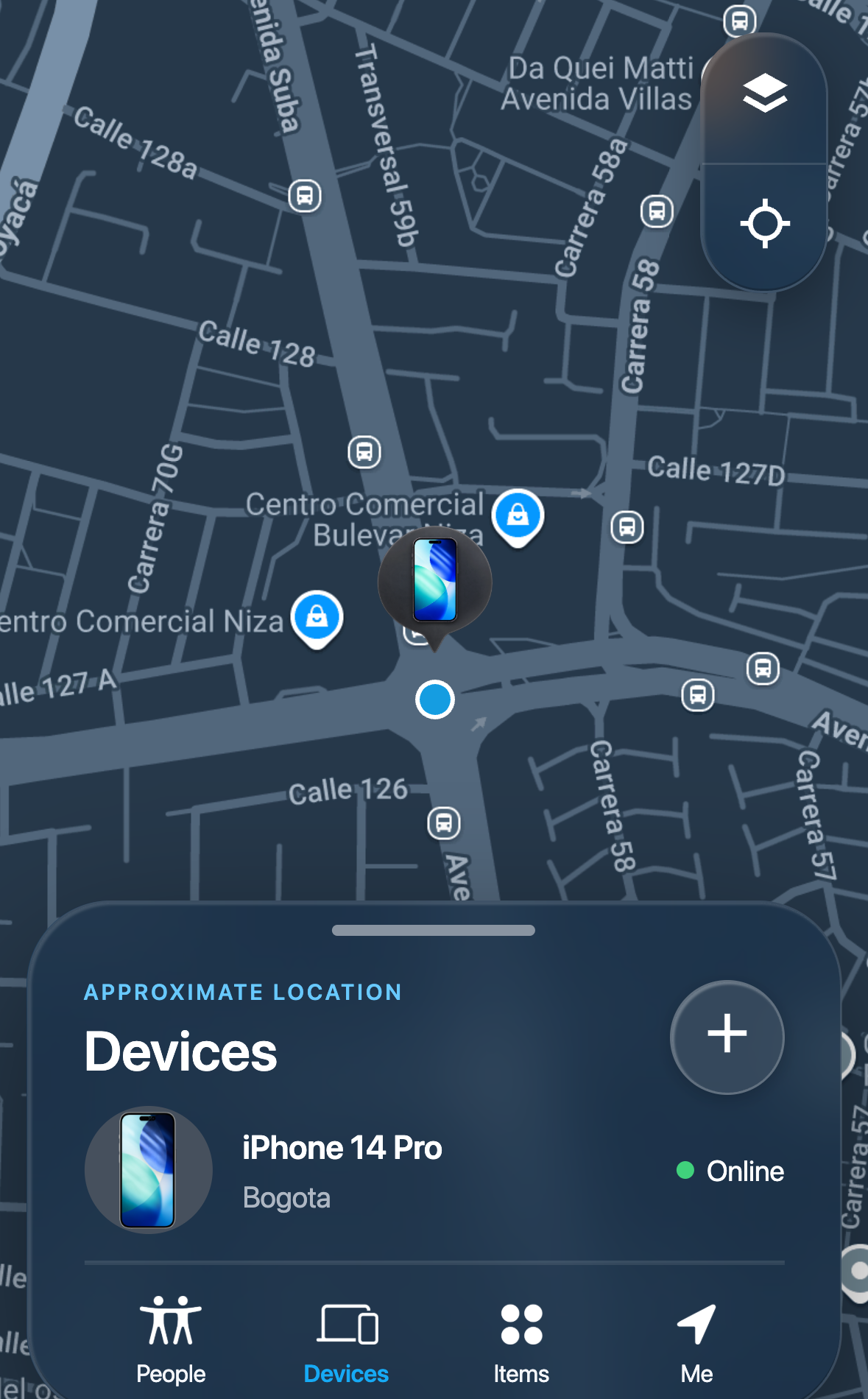 Lost Device Location Passcode ScamCredential Harvesting · Added 2026-09-16A message tells someone whose phone is lost or stolen that the device has been found, and links to a page that imitates a phone-finding s...
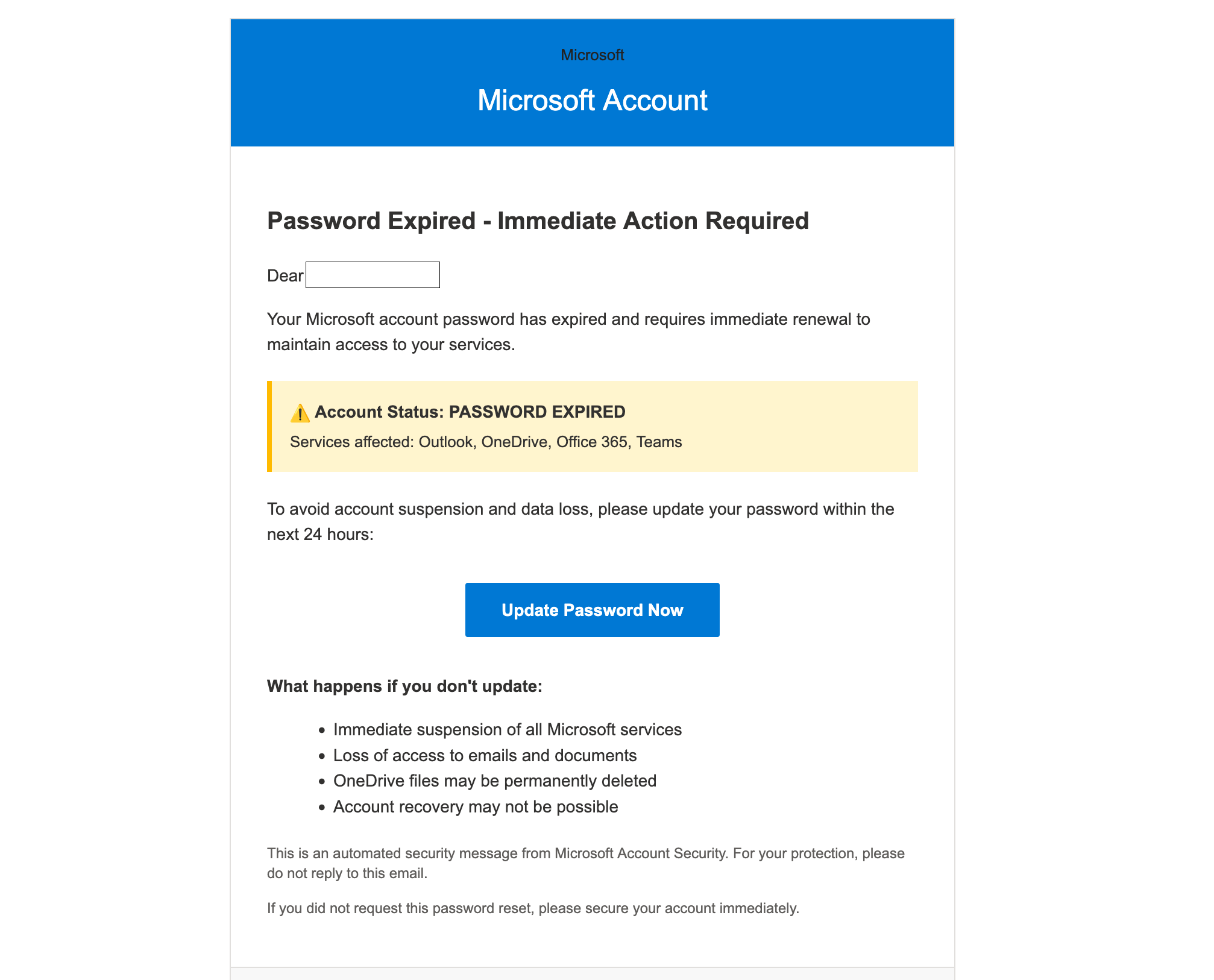 Microsoft Account Password Expired ScamCredential Harvesting · Added 2025-10-08You get an email that looks like it’s from Microsoft saying your password has expired and you must “Update Password Now” within 24 hours....
 School Email Account Deactivation ScamCredential Harvesting · Added 2024-06-06Scammers send emails pretending to be from a college or university IT department, warning students that their email account will be deact...
How this scam works
- 1
Step 1: An email claims a contract, invoice, or certificate is waiting for your signature.
- 2
Step 2: The email includes a button like “Review Document” or “View Documents.”
- 3
Step 3: The link leads to a fake login page (often Microsoft 365/Outlook or Google) on an unrelated website.
- 4
Step 4: If you sign in, the scammers capture your password and may immediately try it on your email and other accounts.
- 5
Step 5: Once in your inbox, they can reset passwords, read messages, and send new scams to your contacts.
✓ Do this
- Open DocuSign or your e‑signature account by typing the official website address yourself (e.g., docusign.com).
- Call or text the sender using a number you already know to confirm they sent the document.
- Hover over links to check the real web address before clicking. It should match the real service (e.g., docusign.com).
- Turn on two‑factor authentication (2FA) for your email and work accounts.
- Report suspicious emails to your IT/help desk or email provider.
- If you clicked and entered a password, change it immediately and sign out all sessions.
✗ Avoid this
- Don’t open unsolicited documents or links.
- Don’t click “Review” or “Sign” on unexpected emails, especially for payments or certificates.
- Don’t enter your password on a page you reached by clicking a link in an email.
- Don’t trust senders whose email ends in the wrong company domain (for example, not @docusign.com).
- Don’t ignore small web address changes (e.g., random domains like example.live or misspellings).
Verbatim excerpts from the scam
Exact lines from emails or messages—searchable text so you can compare wording.
- 1 Excerpt 1Invoice Portal
- 2 Excerpt 2This is a permissions-based security document
- 3 Excerpt 3Authentication - Log in using your email address
- 4 Excerpt 4Log in with your email
- 5 Excerpt 5e-mail
- 6 Excerpt 6password
- 7 Excerpt 7Log in