This is a version of Fake Brand Recruitment Phishing in Phishing.
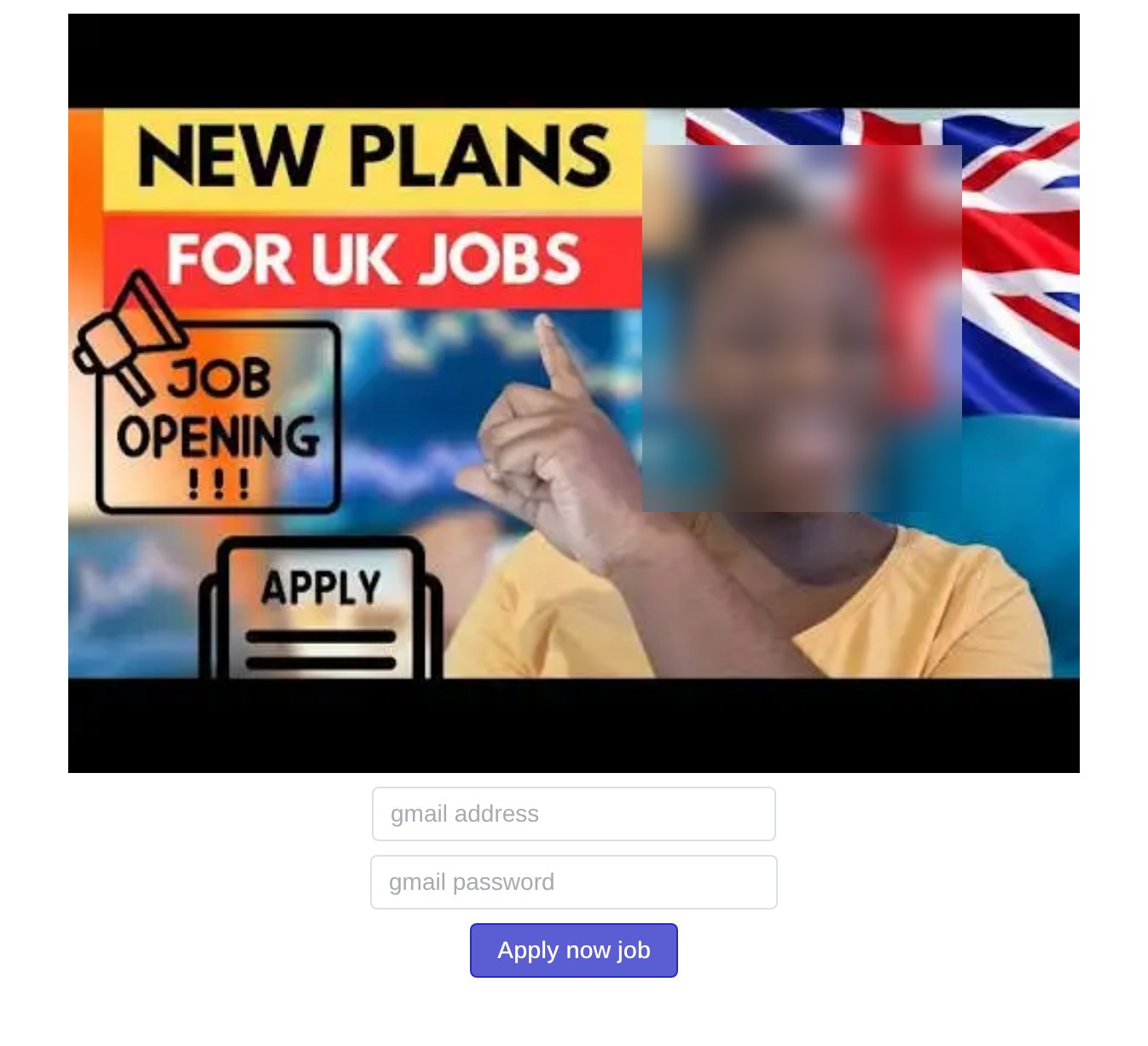
UK jobs page that asks for your Gmail address and password to apply
A page at whitlockfinancials[.]com shows a picture that reads "NEW PLANS FOR UK JOBS", "JOB OPENING !!!" and "APPLY" next to a United Kingdom flag. Under the picture are only two boxes, "gmail address" and "gmail password", and a button that says "Apply now job". There is no company name, job title, job description or contact detail. A real job application never needs your email password. The page was reported from Kenya on October 2 and October 26, 2026.
What’s different in this version
These traits set this message apart from the usual pattern.
-
No employer is copied. The Nike example in this family copied a company's careers page. This page has no company name, logo, job title or job description, only a picture about UK jobs.
-
It asks for the password of an email account, Gmail, instead of a social media login. The page shows no Google logo or Google sign-in design. The word "gmail" appears only in the two boxes.
-
The password box is an ordinary text box, so the password shows in plain view while it is typed.
-
The October 2 reports used the path /gdenkbnjkcnblv and the October 26 report used /gsermzinmlkwod, both random-looking.
-
On October 2, 2026 the site showed the checking service a Cloudflare "Sorry, you have been blocked" page instead of the form. The form was seen on October 26, 2026.
-
The web address was first registered in 2009 and is not new. Its name suggests a finance business, not a job board or an employer.
Related scams
Other patterns in the same category, or that share a brand with this report.
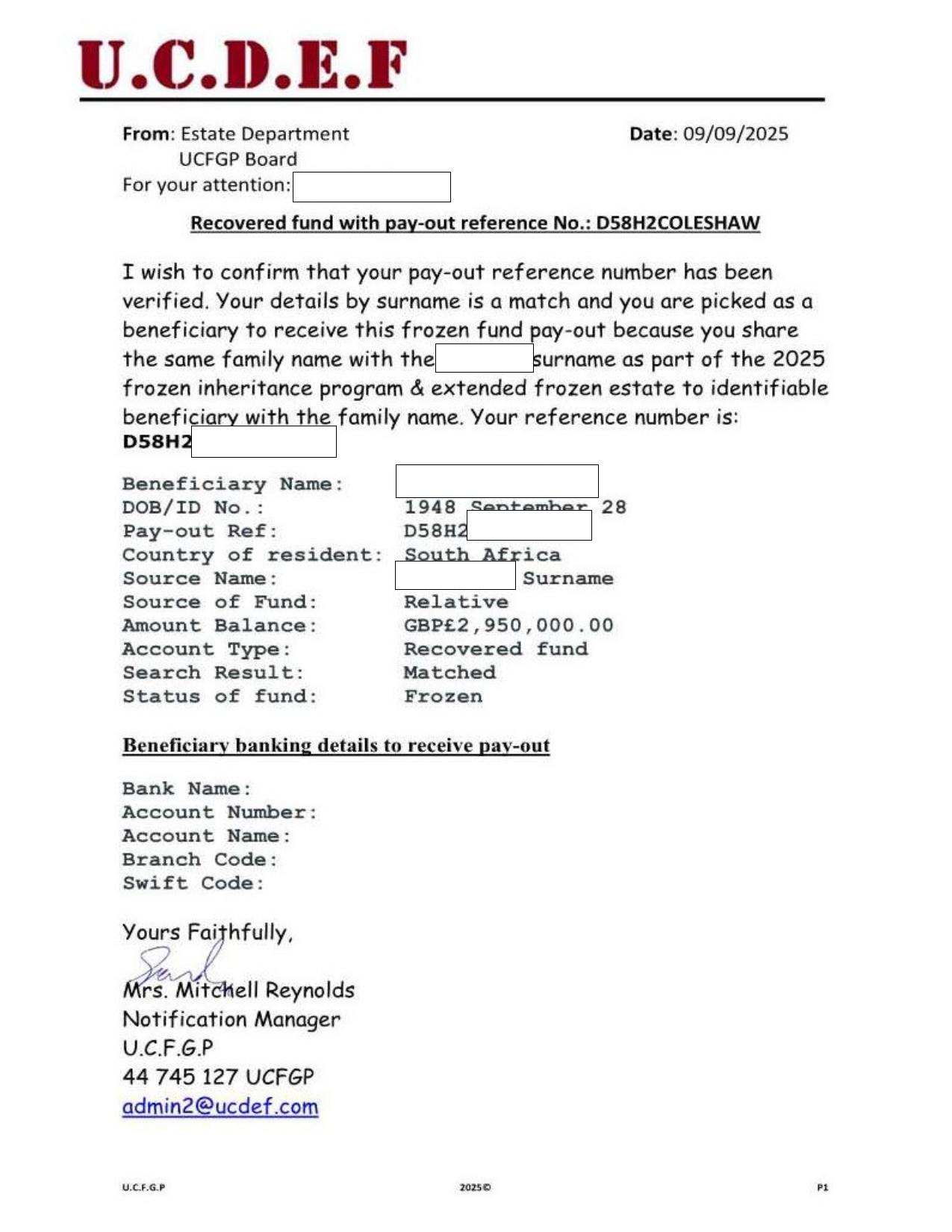 Inheritance, Compensation, and Prize Payout Scam EmailsAdvance Fee Fraud · Shared brand · Added 2025-09-21Unsolicited emails or letters claim you are due a large inheritance, compensation payment, recovered funds, or prize. The message may imp...
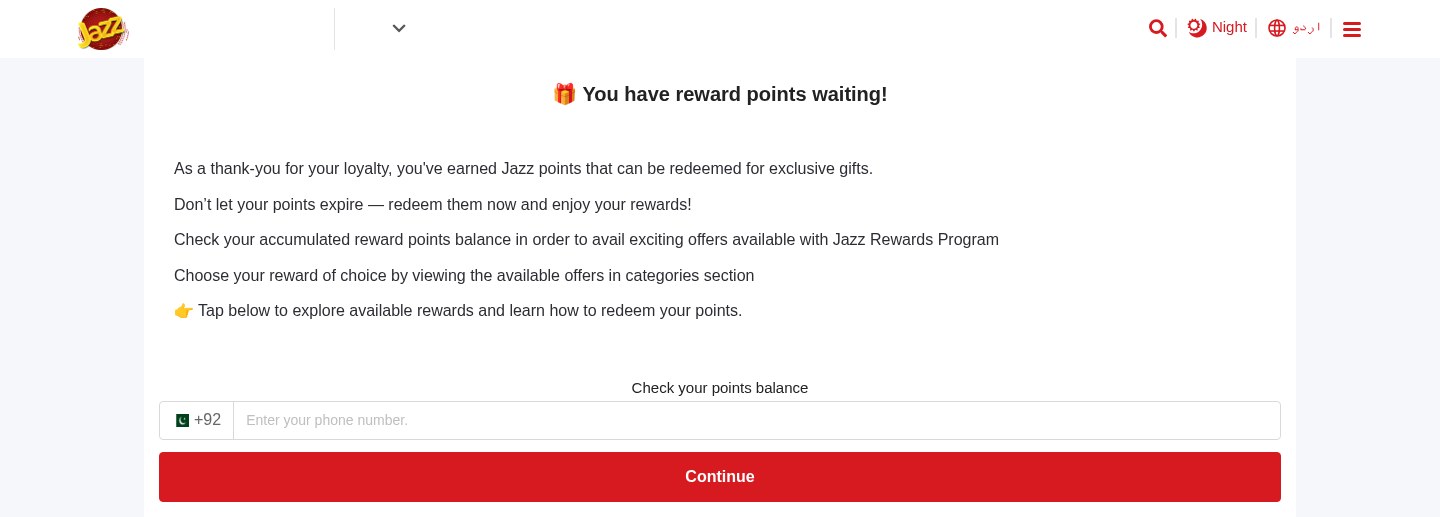 Expiring Reward Points ScamPhishing · Added 2026-10-22A web page uses the name and logo of a company you know, such as your mobile network or a fuel brand, and says you have loyalty or reward...
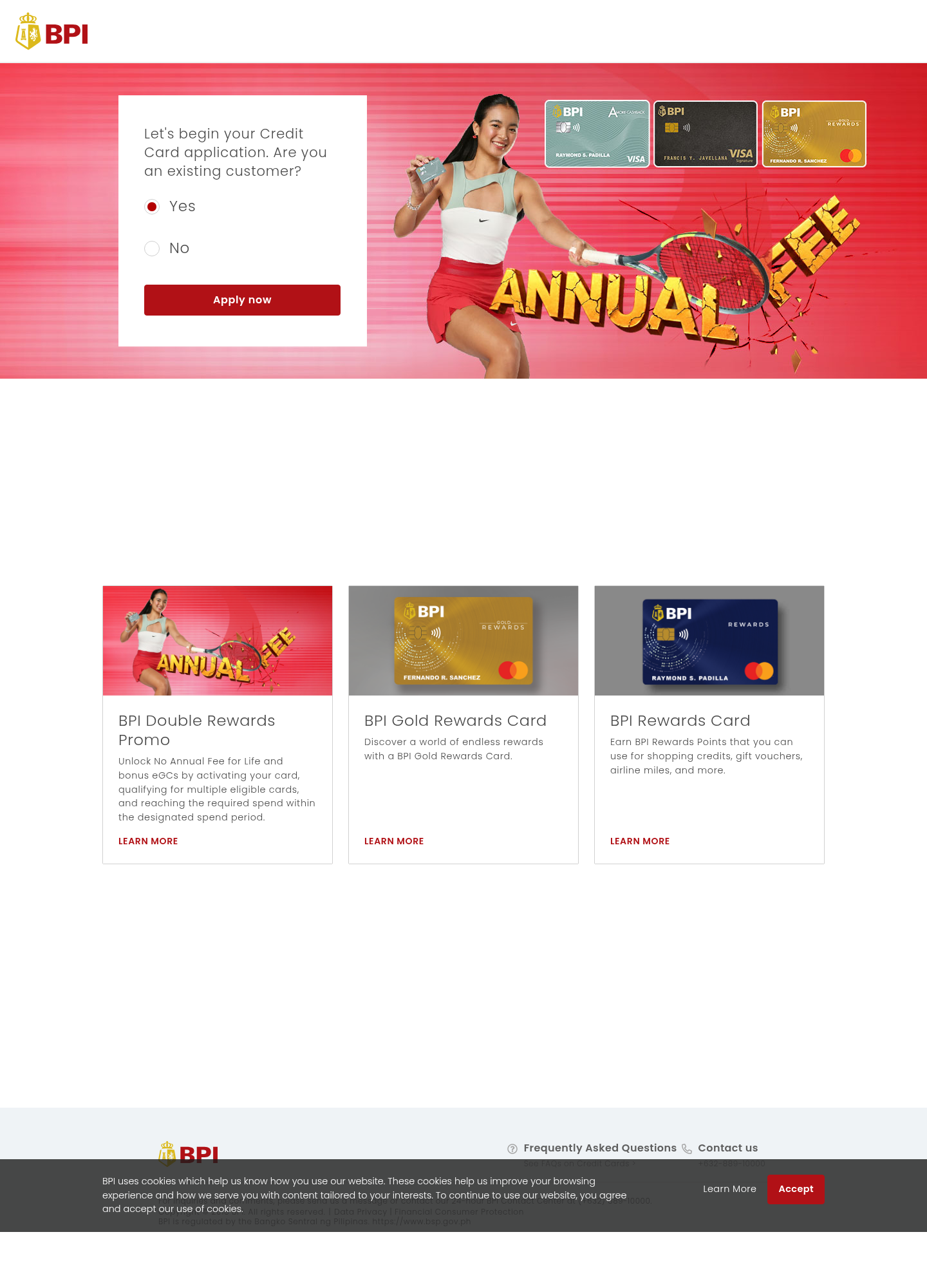 Fake Bank Credit Card Application ScamPhishing · Added 2026-10-17A page copies a bank or credit-card company's name, logo, and card pictures, and invites people to start an application. The web address...
 Cloud-Hosted Phishing Page ScamPhishing · Added 2026-09-08Scammers can use legitimate cloud-storage and file-hosting services to publish fake sign-in pages, payment forms, prize pages, delivery n...
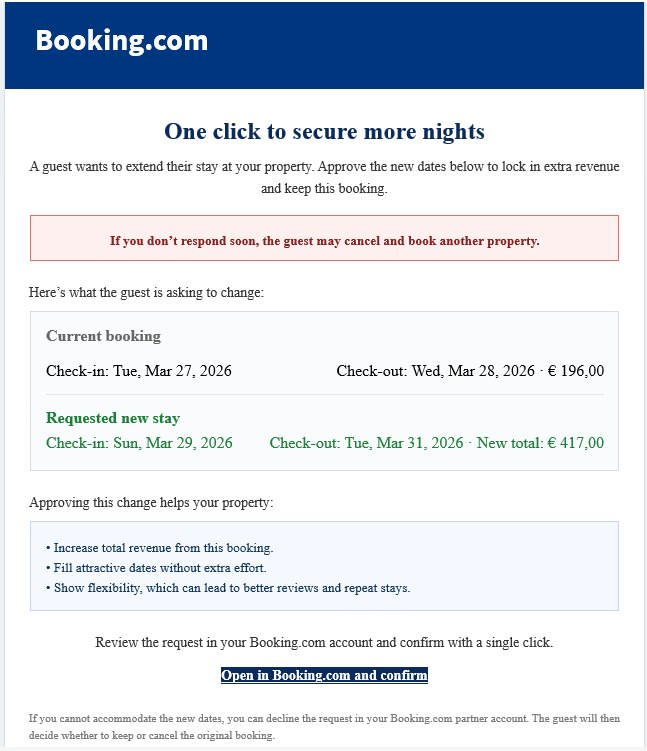 Booking.com Host Reservation Change ScamPhishing · Added 2026-04-27Scammers target property owners, hosts, and managers who list on Booking.com. The message claims a guest wants to change or extend a stay...
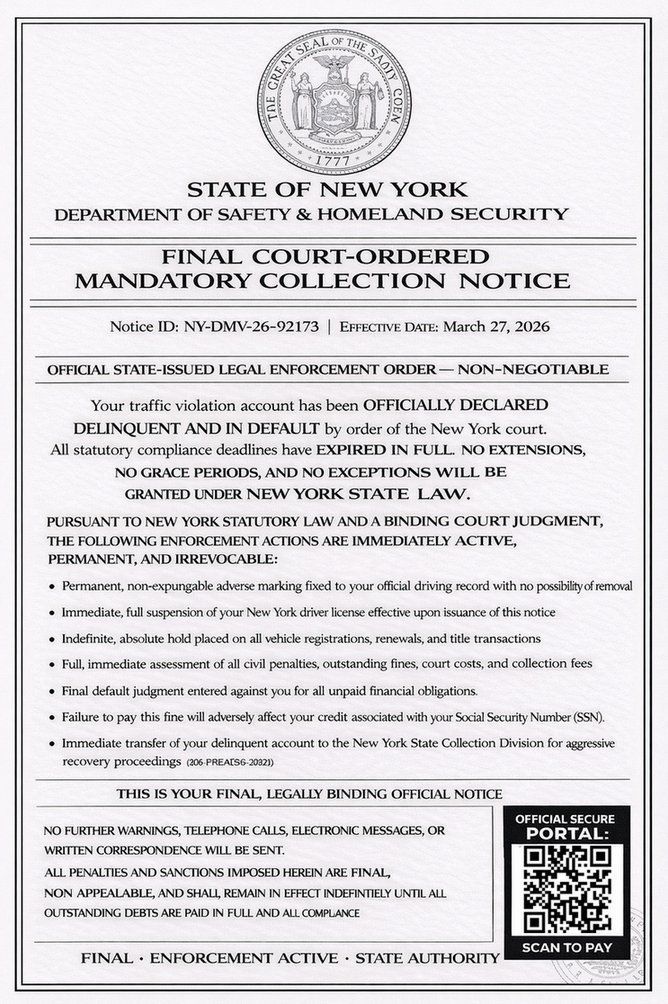 DMV Collection Order Official NoticePhishing · Added 2026-03-26Scammers send out fake legal-looking DMV notices—often by text message or email—which claim you owe unpaid fines or have outstanding traf...
How this scam works
- 1
The visitor reaches a polished careers page on a domain that is not the company’s official website. The page copies familiar logos, images, navigation, and job-related language.
- 2
The page presents a social-media login as the only way to continue an application, creating an opportunity to collect a password.
- 3
The flow may then ask for a one-time SMS code. Never enter that code into an unexpected page: it may be used during an attempted account takeover.
✓ Do this
- Open the employer’s official website yourself and find its careers page there.
- Check the address bar before entering a password or verification code.
- If you entered a reused password, change it through the real service and review recent sign-ins.
- Report suspicious recruitment pages to the impersonated company and the relevant platform.
✗ Avoid this
- Do not enter a social-media password into a job page reached through an unexpected link.
- Do not enter or share a one-time verification code with a recruiter or website.
- Do not assume a page is genuine because it uses a familiar logo, video, or professional design.
Verbatim excerpts from the scam
Exact lines from emails or messages—searchable text so you can compare wording.
- 1 Excerpt 1NEW PLANS FOR UK JOBS
- 2 Excerpt 2JOB OPENING !!!
- 3 Excerpt 3gmail address
- 4 Excerpt 4gmail password
- 5 Excerpt 5Apply now job