Documents Ready To Sign Scam
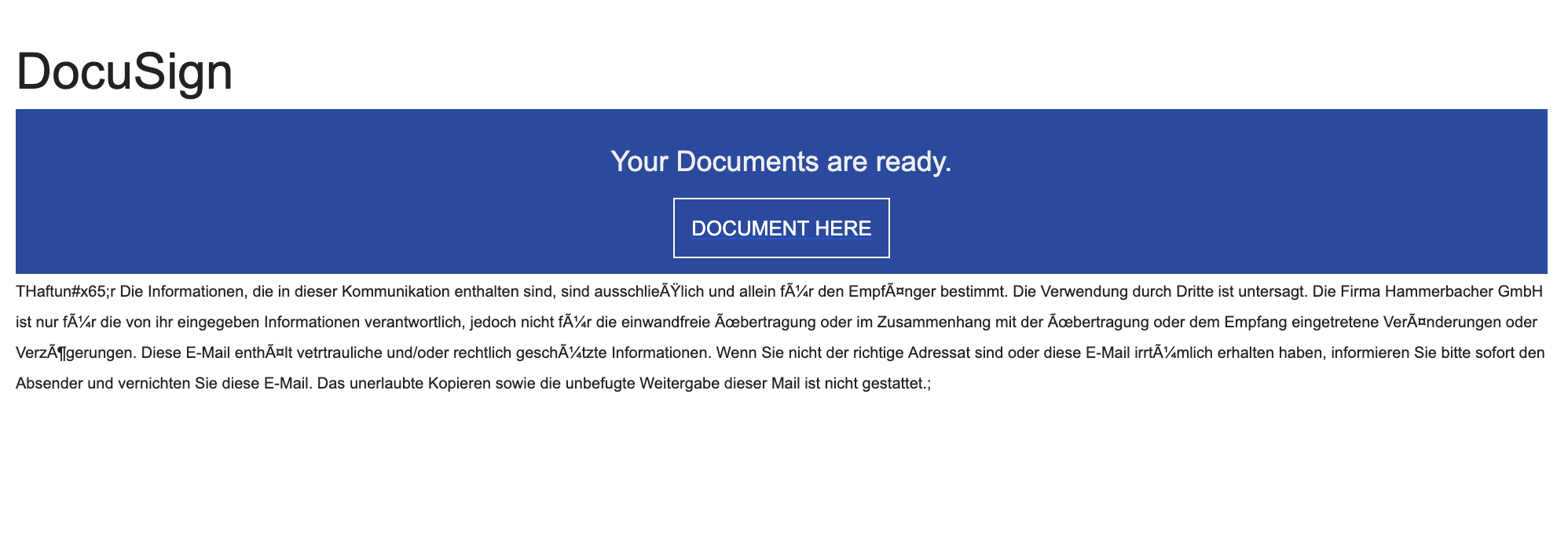
You receive an email that looks like it’s from DocuSign (or another e‑signature service) saying “Your documents are ready to sign.” The button or link takes you to a website that looks like a Microsoft, Google, or company login page. If you enter your email and password there, the scammers steal your login and can get into your email and other accounts.
How this scam works
- 1
Step 1: An email claims a contract, invoice, or certificate is waiting for your signature.
- 2
Step 2: The email includes a button like “Review Document” or “View Documents.”
- 3
Step 3: The link leads to a fake login page (often Microsoft 365/Outlook or Google) on an unrelated website.
- 4
Step 4: If you sign in, the scammers capture your password and may immediately try it on your email and other accounts.
- 5
Step 5: Once in your inbox, they can reset passwords, read messages, and send new scams to your contacts.
✓ Do this
- Open DocuSign or your e‑signature account by typing the official website address yourself (e.g., docusign.com).
- Call or text the sender using a number you already know to confirm they sent the document.
- Hover over links to check the real web address before clicking. It should match the real service (e.g., docusign.com).
- Turn on two‑factor authentication (2FA) for your email and work accounts.
- Report suspicious emails to your IT/help desk or email provider.
- If you clicked and entered a password, change it immediately and sign out all sessions.
✗ Avoid this
- Don’t open unsolicited documents or links.
- Don’t click “Review” or “Sign” on unexpected emails, especially for payments or certificates.
- Don’t enter your password on a page you reached by clicking a link in an email.
- Don’t trust senders whose email ends in the wrong company domain (for example, not @docusign.com).
- Don’t ignore small web address changes (e.g., random domains like example.live or misspellings).
Different versions of this scam
2 examples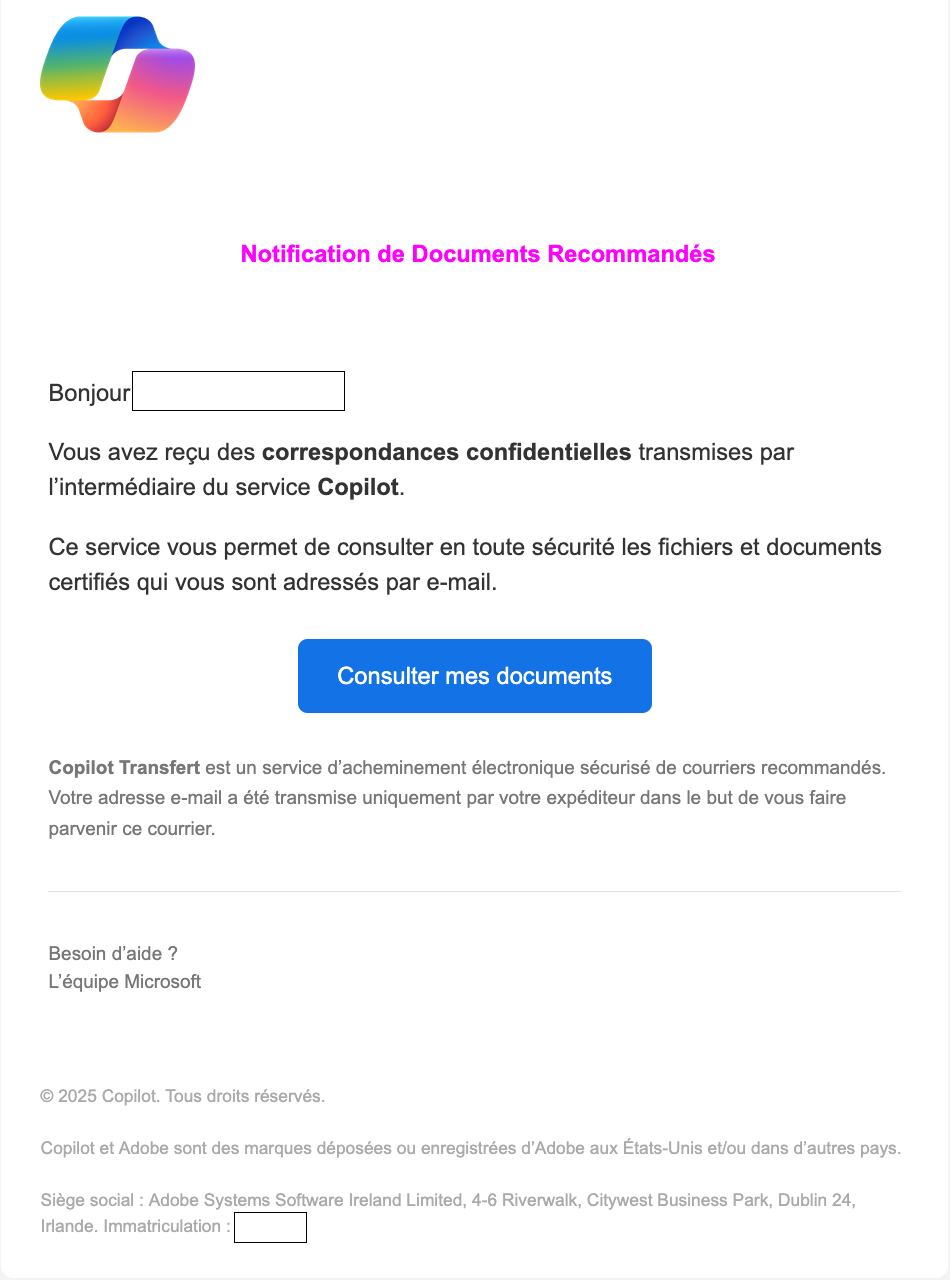
Need help with a similar message?
Do not reply, pay, or use contact details in an unexpected message. Verify through the official app or website, then report what you saw so the Archive can connect related patterns.
Quick tip: Verify independently
Don’t call numbers or click links in unexpected messages. Go directly to the company’s official site or app and contact support from there.