Credential Harvesting
Fake websites or forms designed to steal login details, MFA codes, or personal data.
Below are real, recent examples from our archive. Use the filters to narrow by channel or search within this category.
Tip: If you didn’t expect a refund, invoice, or prize — pause and verify using a trusted website or phone number, not the link you received. See common red flags.
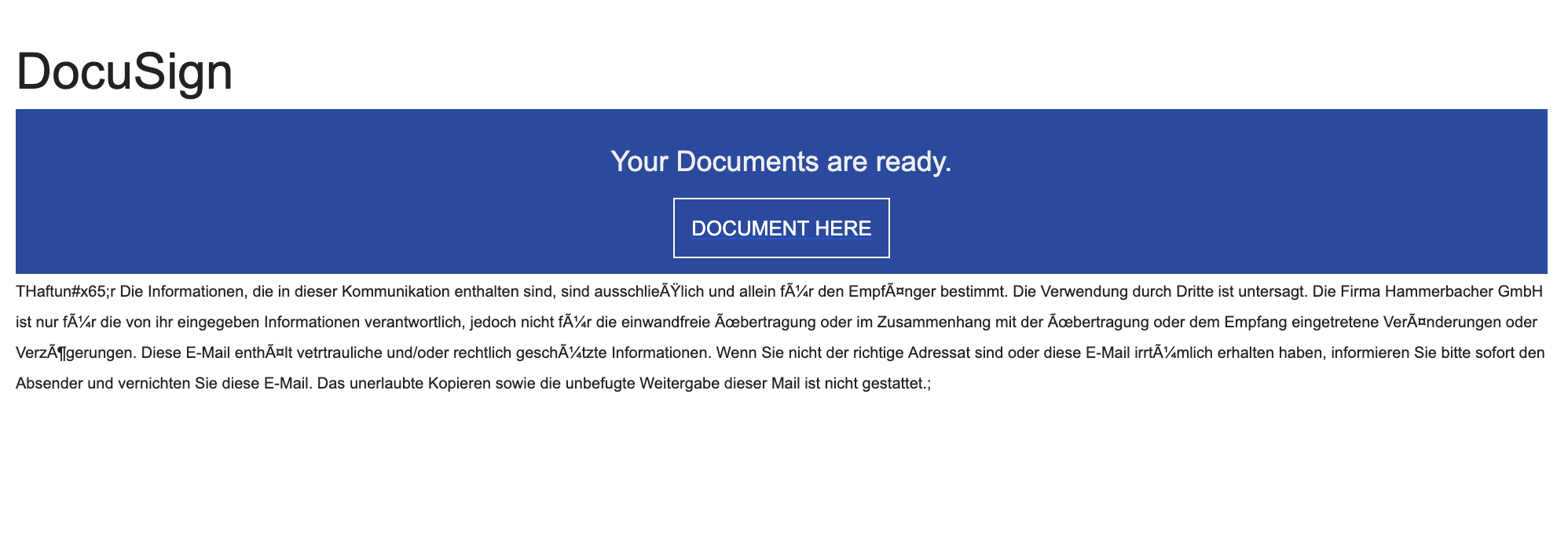
Documents Ready To Sign Scam
You receive an email that looks like it’s from DocuSign (or another e‑signature service) saying “Your documents are ready to sign.” The button or link takes you to a website that looks like a Microsoft, Google, or company login page. If you enter your email and password there, the scammers steal your login and can get into your email and other accounts.
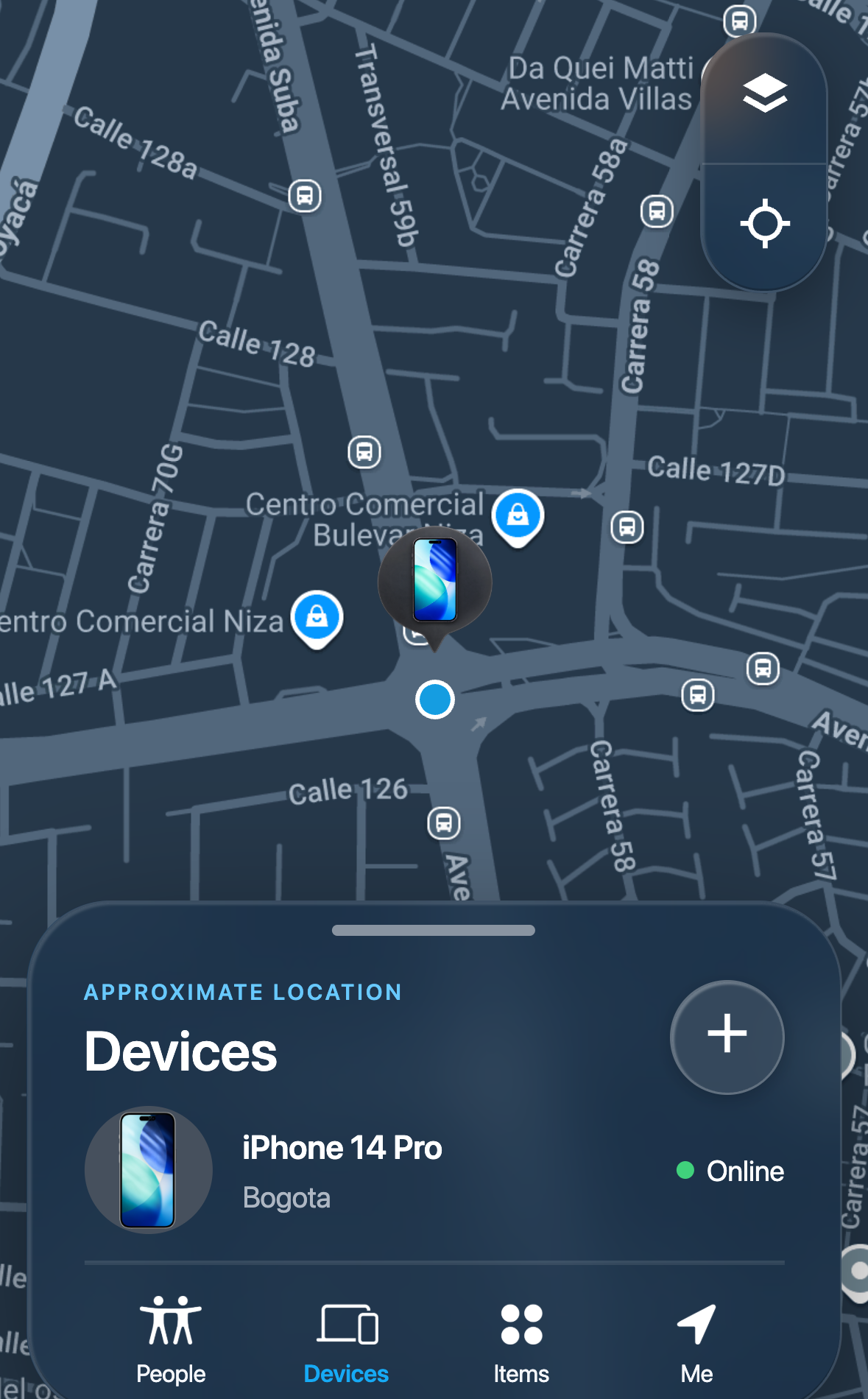
Lost Device Location Passcode Scam
A message tells someone whose phone is lost or stolen that the device has been found, and links to a page that imitates a phone-finding service. The page shows an animated map and a device marked online, then asks for the phone's own unlock passcode, described as a "security code," before it asks for anything else. Some versions then also ask for the account email address and password. The location and device shown on the page are written into the page in advance and are the same for every visitor; the page does not know where any phone is. A phone's unlock passcode can be used on the device itself to change the linked account password and switch off phone-finding features, so losing it can cost the owner both the device and the account.
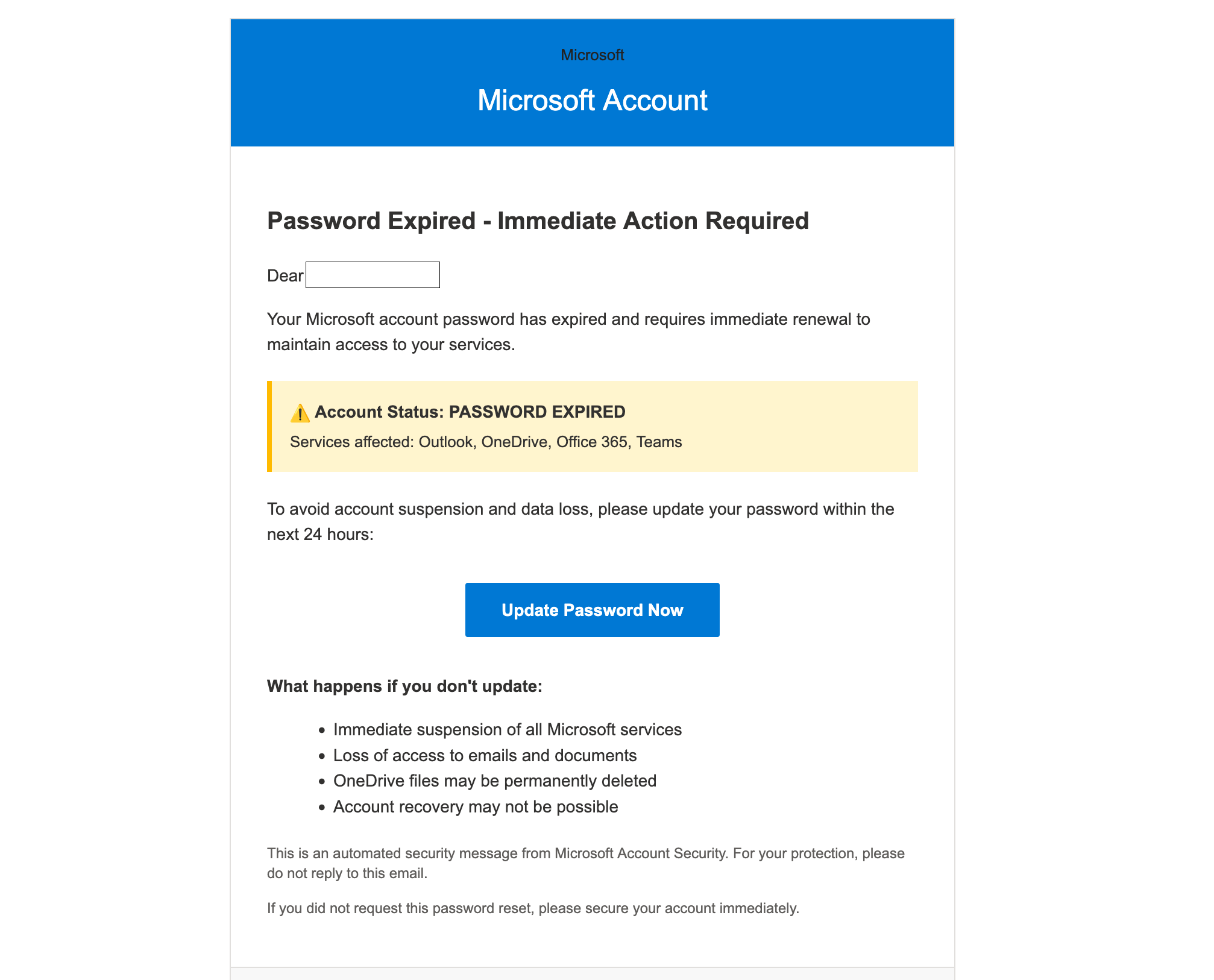
Microsoft Account Password Expired Scam
You get an email that looks like it’s from Microsoft saying your password has expired and you must “Update Password Now” within 24 hours. It warns you could lose access to Outlook, OneDrive, Office 365, or Teams. The button leads to a fake sign-in page that steals your email and password. The message uses urgent, scary language to make you act fast.

School Email Account Deactivation Scam
Scammers send emails pretending to be from a college or university IT department, warning students that their email account will be deactivated unless they “verify” or “update” their information. These messages usually include an urgent tone and a link to a fake website that looks like a real college login page. The true goal is to steal your school email login and password, which can be used to access your personal data, financial accounts, or send more scam emails to others.
Not seeing your example in Credential Harvesting? Sharing real screenshots helps others spot the red flags faster.
Report a scam