This is a version of Crypto Wallet Recovery Phrase Theft Scam in Crypto Wallet / Exchange Impersonation.
Fake Quantum Financial System site that asks you to back up your wallet recovery phrase
A site calling itself "The Official Quantum Financial System (QFS)", at qfsweb3assetbackup[.]vercel[.]app, says it will sync your crypto to a "QFS Ledger 3 system" before the "legacy" banking system collapses. Its page description reads "Backup your recovery phrase securely". On October 21, 2026 the live site showed a connection-failed screen at /link-wallet, with Recovery Phrase, Keystore JSON, and Private Key options. According to the site's code, that page shows "Connecting to" your wallet for two seconds, then always reports "Connection failed" and asks you to back up the wallet manually. The manual form takes your recovery phrase, your keystore file and password, or your private key, and the site's code sends what you type to the site's operators through an email-sending service. The site was reported three times on October 16, 2026.

What’s different in this version
These traits set this message apart from the usual pattern.
-
The hook is the Quantum Financial System story: the site says NESARA/GESARA and the Global Currency Reset are unfolding and that the "legacy" banking system will collapse.
-
The wallet connection is staged. On October 21, 2026 the live site showed a connection-failed screen at /link-wallet, with Recovery Phrase, Keystore JSON, and Private Key options. The site's code shows a "Connecting to" spinner for two seconds and then always shows "Connection failed" and "Please backup your wallet manually". No real connection is attempted.
-
The manual backup form offers three options: "Recovery Phrase", "Keystore JSON" with a password, or "Private Key". After you submit, it says "Wallet backed up successfully".
-
The site's code sends the wallet name, recovery phrase, keystore file, private key, password and your account email to the EmailJS email-sending service, which forwards them to the operators. The page does not send them to any wallet provider.
-
The wallet list includes names such as Ledger, Exodus, MyEtherWallet and Electrum, so visitors think they are linking a real wallet.
-
The home page shows "120M+ Active Wallets", a "2022 Quantum Architecture Award" and pop-ups saying named people received large sums. The names in the pop-ups are produced by the site.
-
The site is on free vercel[.]app hosting and lists a Gmail contact address, qfsweb3assetbackup[.]org@gmail[.]com.
Related scams
Other patterns in the same category, or that share a brand with this report.
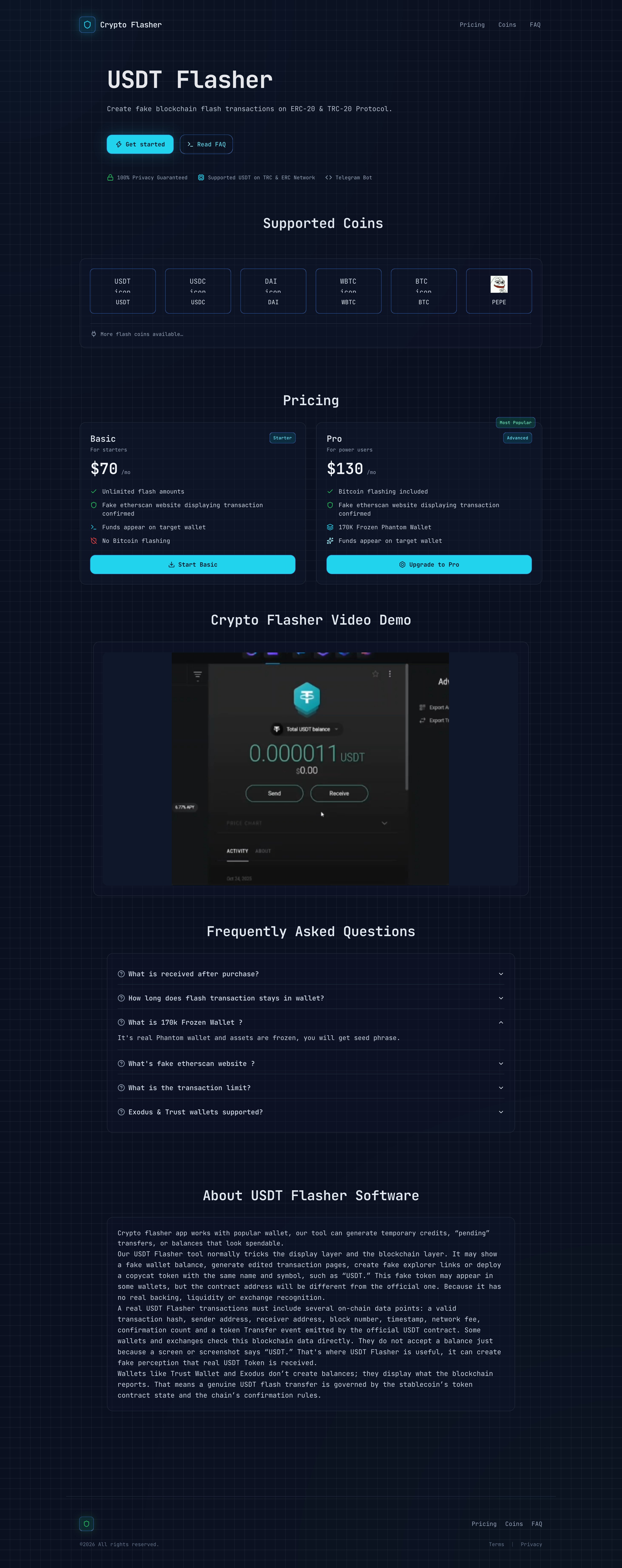 Fake Cryptocurrency Transaction Proof ScamCrypto Wallet / Exchange Impersonation · Added 2026-09-11Some websites market tools that claim to create temporary or fake cryptocurrency transfers, fake wallet balances, or counterfeit blockcha...
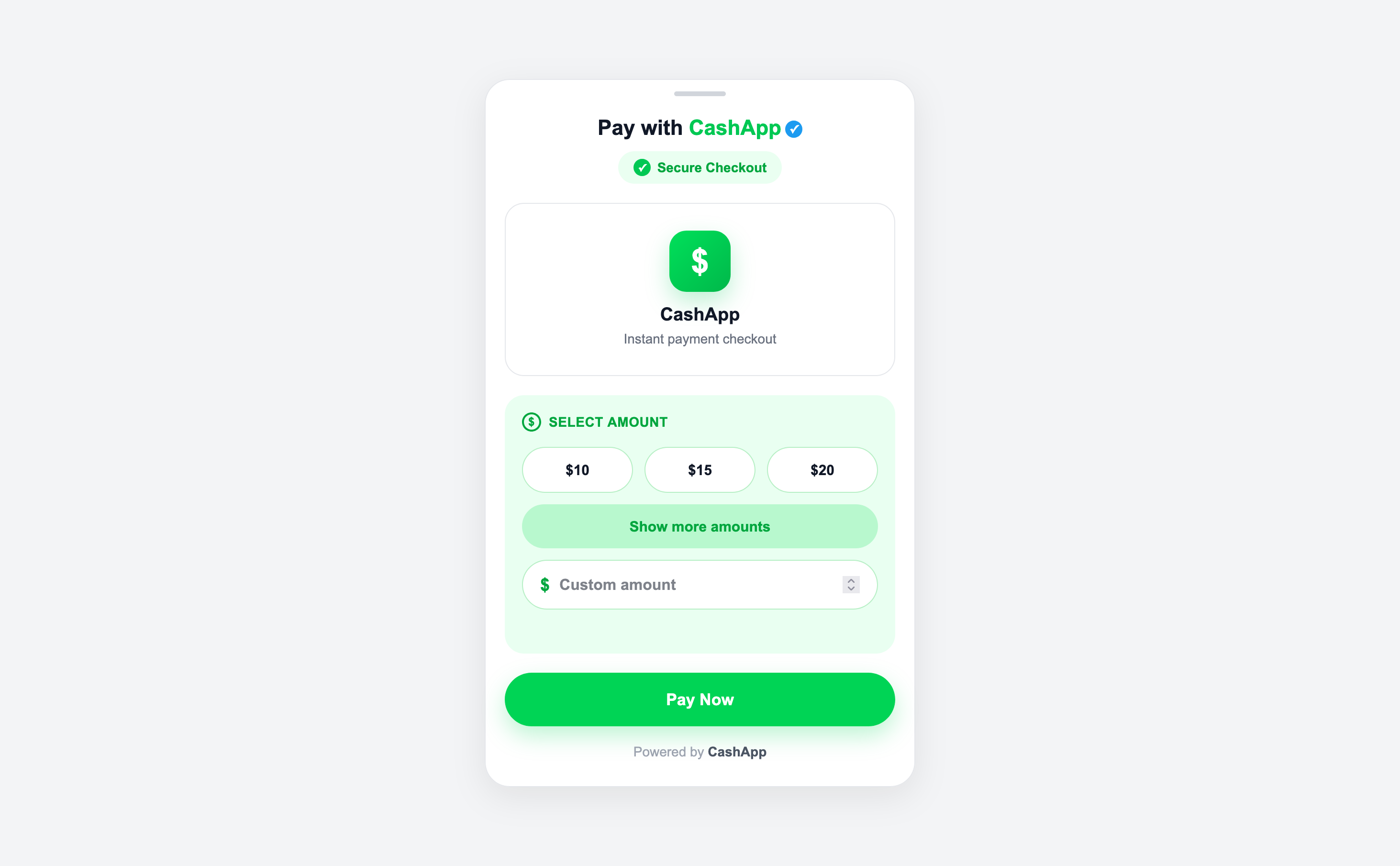 Fake Cash App Payment Page ScamCrypto Wallet / Exchange Impersonation · Added 2026-09-08A website copies Cash App branding and presents a payment checkout outside Cash App's official domain. It offers fixed or custom dollar a...
How this scam works
- 1
Step 1: You find or are sent a site that promises to keep your crypto safe, move it to a new system or fix a problem with your wallet.
- 2
Step 2: The site looks like a large finance platform, with big user numbers, award badges and pop-ups saying other people just received large payouts.
- 3
Step 3: You are asked to pick your wallet and connect it. The connection fails, and the site asks you to back up or link the wallet manually.
- 4
Step 4: The manual option asks for your recovery phrase, private key, or keystore file and password.
- 5
Step 5: What you type goes to the people running the site, not to your wallet provider, and they can use it to empty the wallet.
✓ Do this
- Keep your recovery phrase offline and only enter it in your own wallet app when you are restoring that wallet yourself.
- Get wallet apps only from the wallet maker's official website or the official app store.
- If you typed your recovery phrase or private key into a website, move any remaining funds to a new wallet with a new recovery phrase from a device you trust.
- Report the site to the hosting provider and to your national fraud reporting service.
✗ Avoid this
- Do not type your recovery phrase, private key or keystore file into any website, form or chat.
- Do not trust a site because a wallet connection failed and it now offers a manual backup.
- Do not trust a site because it shows payout pop-ups, user counts or awards.
Verbatim excerpts from the scam
Exact lines from emails or messages—searchable text so you can compare wording.
- 1 Excerpt 1Backup your recovery phrase securely and make transactions on qfsweb3assetbackup.
- 2 Excerpt 2Sync your digital assets to the secure QFS Ledger 3 system.
- 3 Excerpt 3Transition to Safety Before Legacy Financial Systems Collapse
- 4 Excerpt 4Connection failed
- 5 Excerpt 5Please backup your wallet manually
- 6 Excerpt 6Wallet backed up successfully