This is a version of Fake Job Portal Share-to-Apply Scam in Job / Work-From-Home.
Fake Dangote refinery learnership application that asks you to share on WhatsApp
A page advertises a 2026 learnership training programme at the Dangote East Africa petroleum refinery. It shows a running count of people who applied and comments from people who say they got an interview. It asks for your gender, education and why you want to work there. It then says you qualify and tells you to share the page with 5 groups or 15 friends on WhatsApp. The last step asks you to send a text, download something or install an app to verify your phone number.
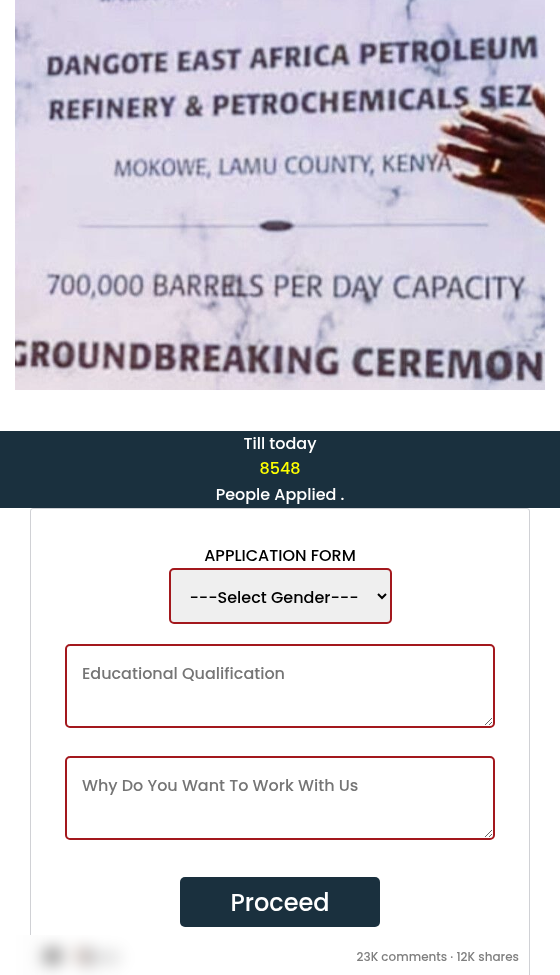
What’s different in this version
These traits set this message apart from the usual pattern.
-
The page uses the name of a private company, the Dangote East Africa petroleum refinery, instead of a government office.
-
It is called a learnership or training programme rather than a job vacancy.
-
It shows a counter of people who have applied and comments that look like social media posts.
-
After sharing, it asks you to send a text message, download something or install an app.
-
It uses the same page layout and sharing step as the government job portal versions.
Other variations of this scam
Other reported versions of this scam.
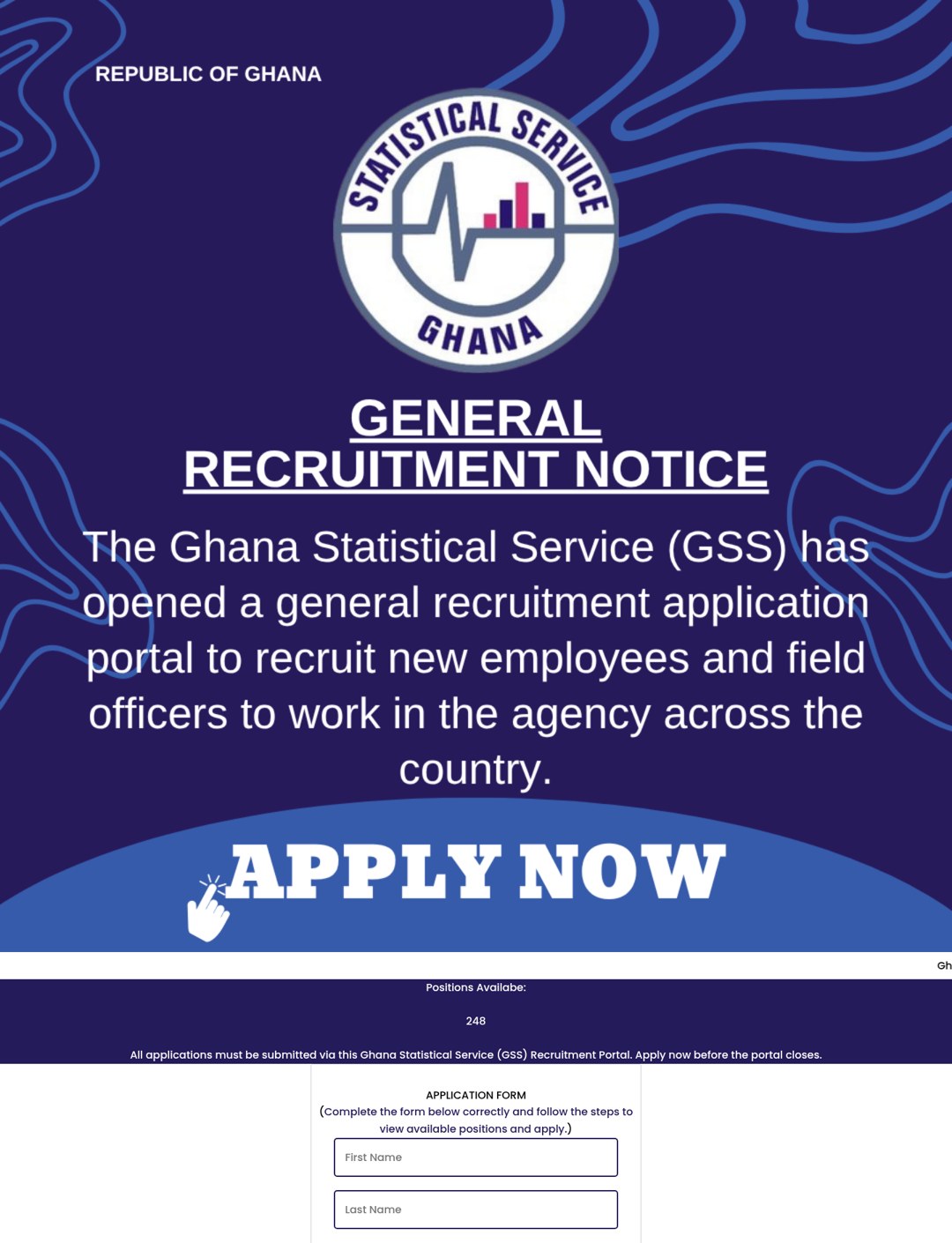 Fake Ghana government recruitment portal that asks you to share with 15 friends before applyingUnknown · 2026-10-07Pages using the names of the Ghana Statistical Service (GSS) and Ghana's Office of the Head of the Civil Service (OHCS) advertise hundred...
- Fake Angola labour ministry recruitment portal that asks you to share on WhatsAppUnknownA Portuguese-language page uses the name of Angola's Ministry of Public Administration, Labour and Social Security (MAPTSS). It advertise...
Related scams
Other patterns in the same category, or that share a brand with this report.
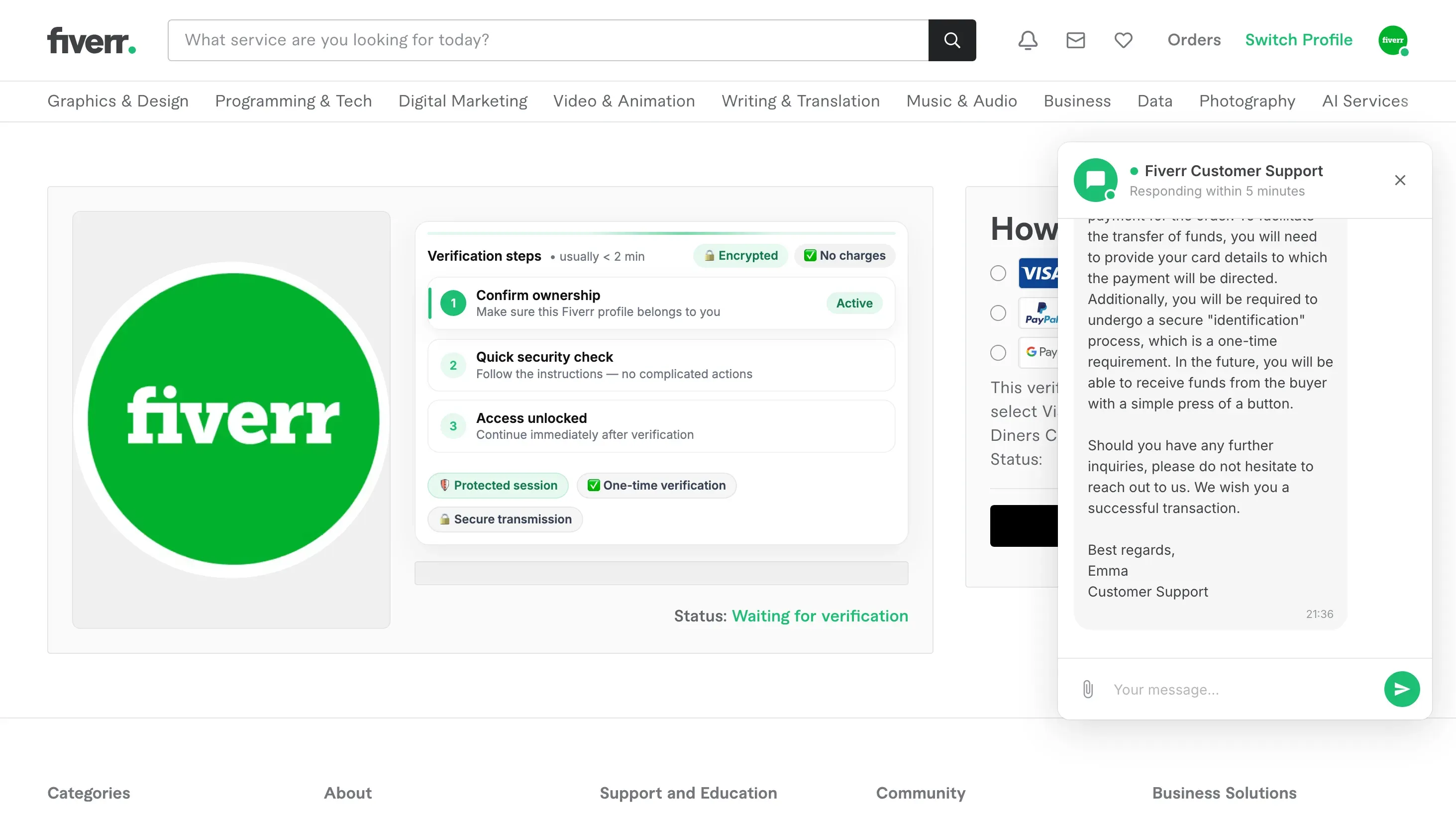 Fake Fiverr Payout Page Asking for Card DetailsJob / Work-From-Home · Added 2026-09-20A copy of the Fiverr website tells a freelancer that a buyer has already paid for an order and that the money is waiting. To release it,...
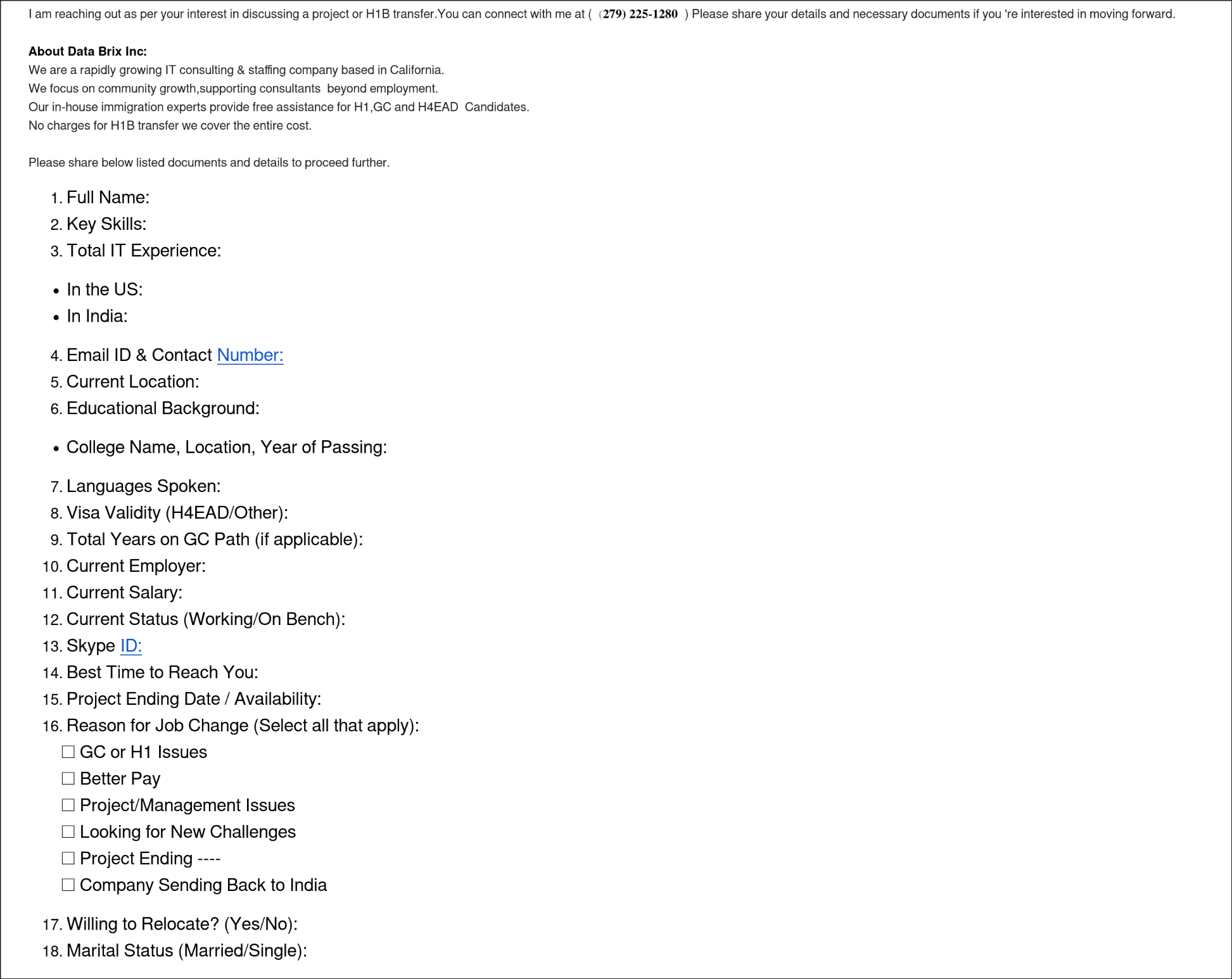 Fake Job Offer Demanding Personal DocumentsJob / Work-From-Home · Added 2025-12-02Scammers pretend to be recruiters or staffing agencies offering attractive job opportunities, work visa sponsorships, or H1B transfer hel...
 Remote Job Offer Text from Fake RecruiterJob / Work-From-Home · Added 2025-10-13Scammers send surprise texts pretending to be recruiters from well-known staffing firms or big stores. The message promises easy, part‑ti...
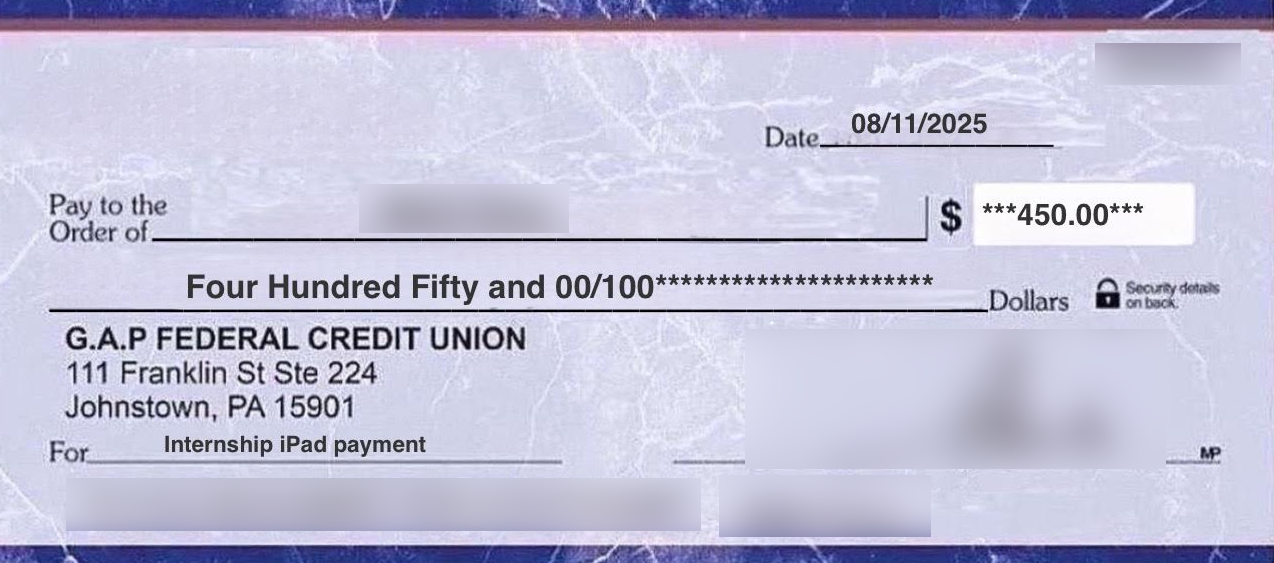 Internship Supplies Check ScamJob / Work-From-Home · Added 2025-09-20A fraudulent internship scheme where scammers impersonate legitimate organizations or students, sending altered checks and demanding mone...
How this scam works
- 1
Step 1: You see a link to a job page that uses the name and logo of a government office or a large company. It shows a large number of open positions and says to apply before the portal closes.
- 2
Step 2: The page asks for details such as your name, phone number, email, gender, birth year and where you live.
- 3
Step 3: After a short loading bar, the page says you qualify. It then tells you to share the link with 15 friends or 5 WhatsApp groups before you can submit.
- 4
Step 4: Sharing spreads the page to the people you know. The final buttons send you to other, unrelated websites. Some versions ask you to install an app, send a text message or fill in more forms.
- 5
Step 5: Some versions also change what the Back button does, so pressing Back sends you to an outside website instead of the page you came from.
✓ Do this
- Look for job openings only on the official website of the government office or company. Type the address yourself.
- If you already shared the link, send a short message to the same friends or groups to say it was not real.
- If you entered your phone number or email, watch for unexpected calls, texts or messages that mention the job.
- Report the page or message on the platform where you saw it.
✗ Avoid this
- Do not share a job link with friends or groups just to unlock an application. Real employers do not ask for this.
- Do not trust a page because it shows a government seal, a company logo or a large number of open positions.
- Do not install apps, send text messages or complete surveys that a job page says are needed to verify you.
Verbatim excerpts from the scam
Exact lines from emails or messages—searchable text so you can compare wording.
- 1 Excerpt 11. Share it with 5 groups or 15 friends on WhatsApp so that other can be aware of this Opportunity
- 2 Excerpt 2Verification methods; We may ask you to; Send SMS, Download, Enter phone number,Answer the Survey, Install the app or any other given task to Verify your phone number.